
1. Introduction
This manual provides instructions for the ZWP GY3LE TX4GY3LE Replacement Voice Remote Control. This remote is designed to replace original remote controls for Google TV Streamer 4K TV Box models C1930110, GRS6B, and W129012026. It features voice search capabilities and is constructed from durable ABS material.
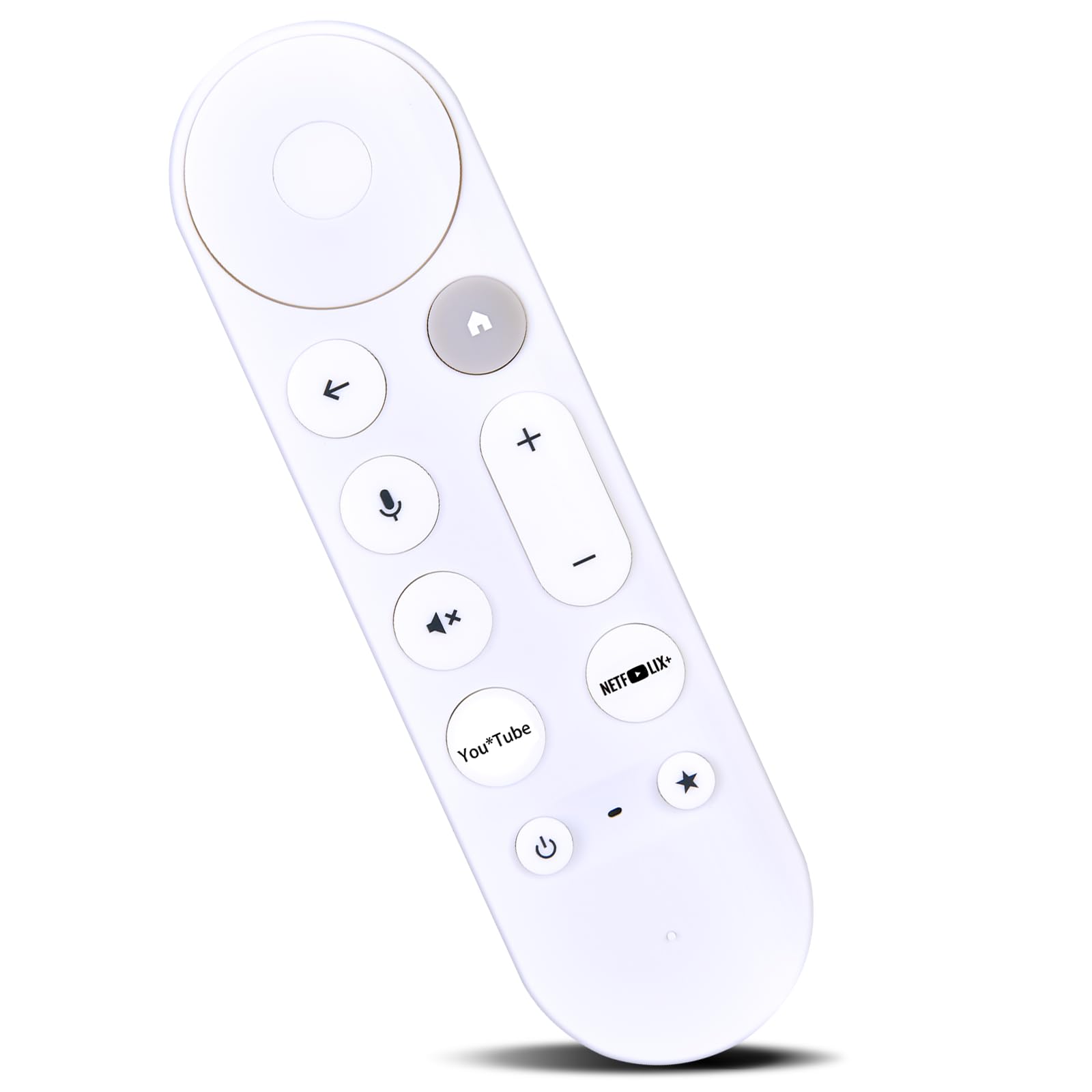
This image displays the ZWP GY3LE TX4GY3LE remote control, emphasizing its core functionalities such as stable connectivity, rapid response times, integrated smart chip technology, and efficient power consumption.
2. Setup
2.1 Battery Installation
The remote control requires two AAA batteries (not included). Follow these steps to install the batteries:
- Open the battery compartment cover on the back of the remote control.
- Insert two AAA batteries, ensuring the positive (+) and negative (-) terminals align correctly with the markings inside the compartment.
- Close the battery compartment cover securely.

This image illustrates the ZWP GY3LE TX4GY3LE remote control alongside two AAA batteries, demonstrating the correct orientation for battery insertion into the remote's compartment.
2.2 Pairing Instructions
To pair the remote control with your Google TV Streamer 4K TV Box:
- Ensure your Google TV Streamer 4K TV Box is powered on.
- Point the remote control towards your device.
- Press and hold the BACK button and the HOME button simultaneously.
- Continue holding both buttons until you observe a pulsing light on the remote.
- Release the buttons once the light begins to pulse.
- The remote control should now be paired with your device. Note that only one remote can be paired at a time.
3. Operating Instructions
The ZWP GY3LE TX4GY3LE remote control provides intuitive access to your Google TV Streamer 4K TV Box functions.
3.1 Basic Functions
- Navigation Pad: Use the circular pad to navigate menus and select items.
- Back Button: Returns to the previous screen or menu.
- Home Button: Returns to the main home screen.
- Volume Up/Down: Adjusts the audio volume.
- Mute Button: Mutes or unmutes the audio.
- YouTube Button: Direct access to the YouTube application.
- Netflix Button: Direct access to the Netflix application.
- Power Button: Turns the device on or off.
- Star/Favorite Button: Customizable button for quick access to a favorite app or function.
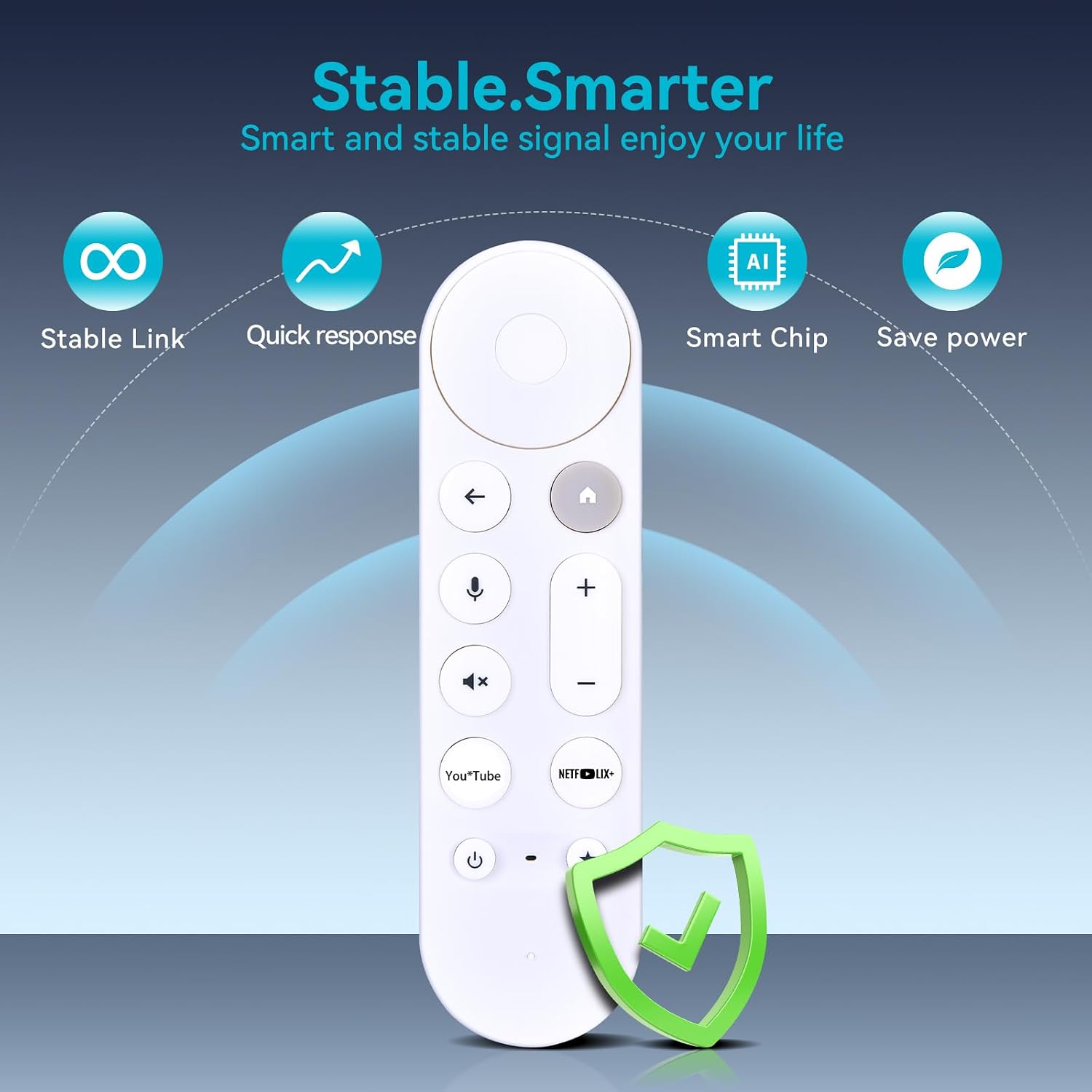
This image provides a clear front view of the ZWP GY3LE TX4GY3LE replacement voice remote control, showcasing its button layout and overall design.
3.2 Voice Control
The remote control supports voice commands for easier content search and device control.
- Press and hold the Voice Button (microphone icon).
- Speak your command clearly into the remote control.
- Release the Voice Button when you have finished speaking.
Examples of voice commands include: