
1. Introduction
Thank you for choosing the Jawploy 80GB MP3 Player with Bluetooth. This device is designed to provide a versatile and portable audio experience, featuring high-fidelity sound, extensive storage, and multiple functions including FM radio, voice recording, video playback, and e-book reading. This manual will guide you through the setup, operation, and maintenance of your new MP3 player.
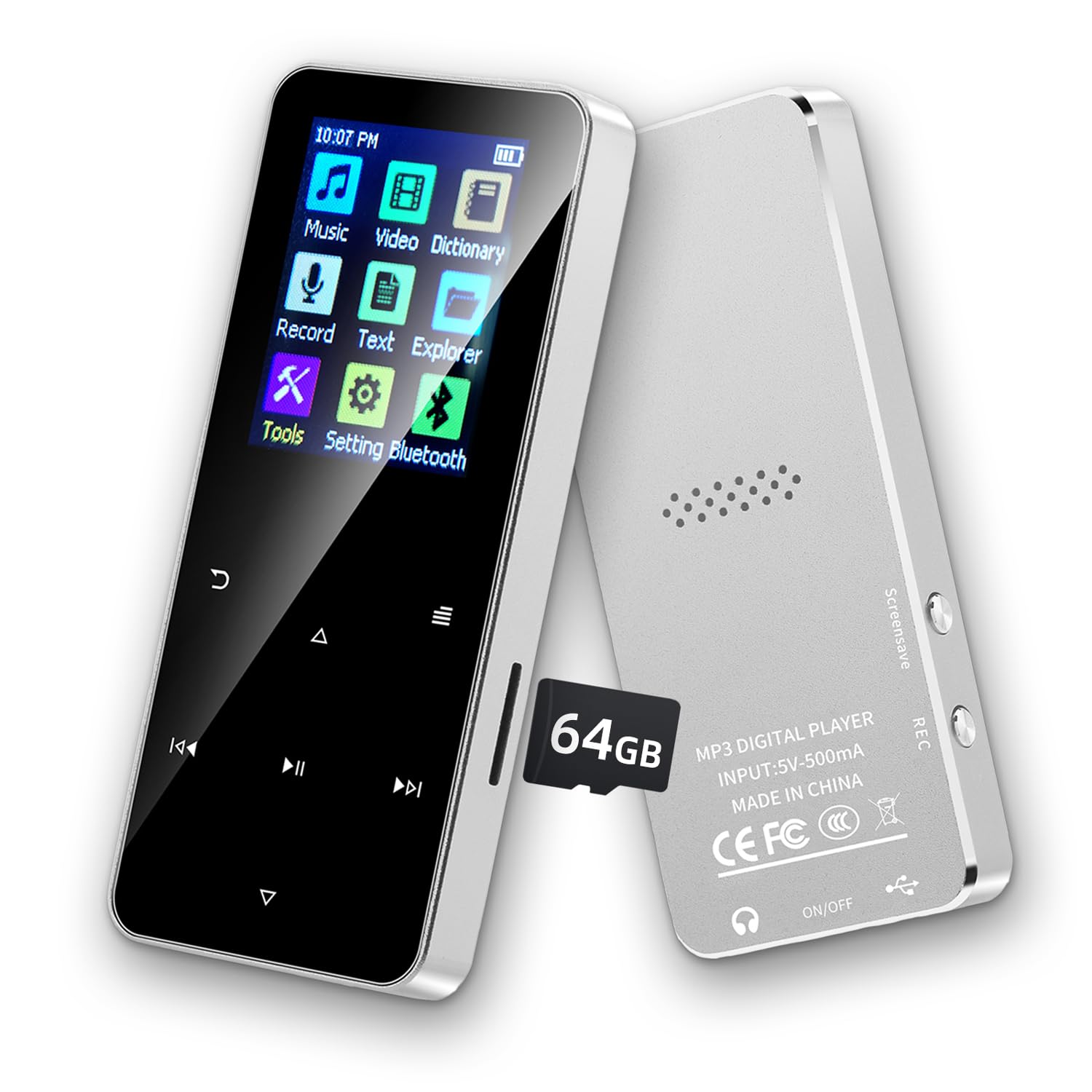
Image of the Jawploy 80GB MP3 Player with Bluetooth, showcasing its compact design and user interface.
2. What's in the Box
Please check the package contents to ensure all items are present:
- 1 x Jawploy 80GB MP3 Player (16GB built-in + 64GB card)
- 1 x USB Cable
- 1 x Earphones
- 1 x User Manual
3. Product Overview
The Jawploy MP3 Player features a durable alloy body, a 1.8-inch vibrant color display, and responsive touch buttons for easy navigation. It includes a built-in HD speaker, a 3.5mm audio jack for wired headphones, and a TF card slot for expandable storage.

Image showing the Jawploy MP3 player's sturdy alloy casing, 1.8-inch screen, touch buttons, built-in HD speaker, and 3.5mm audio jack.
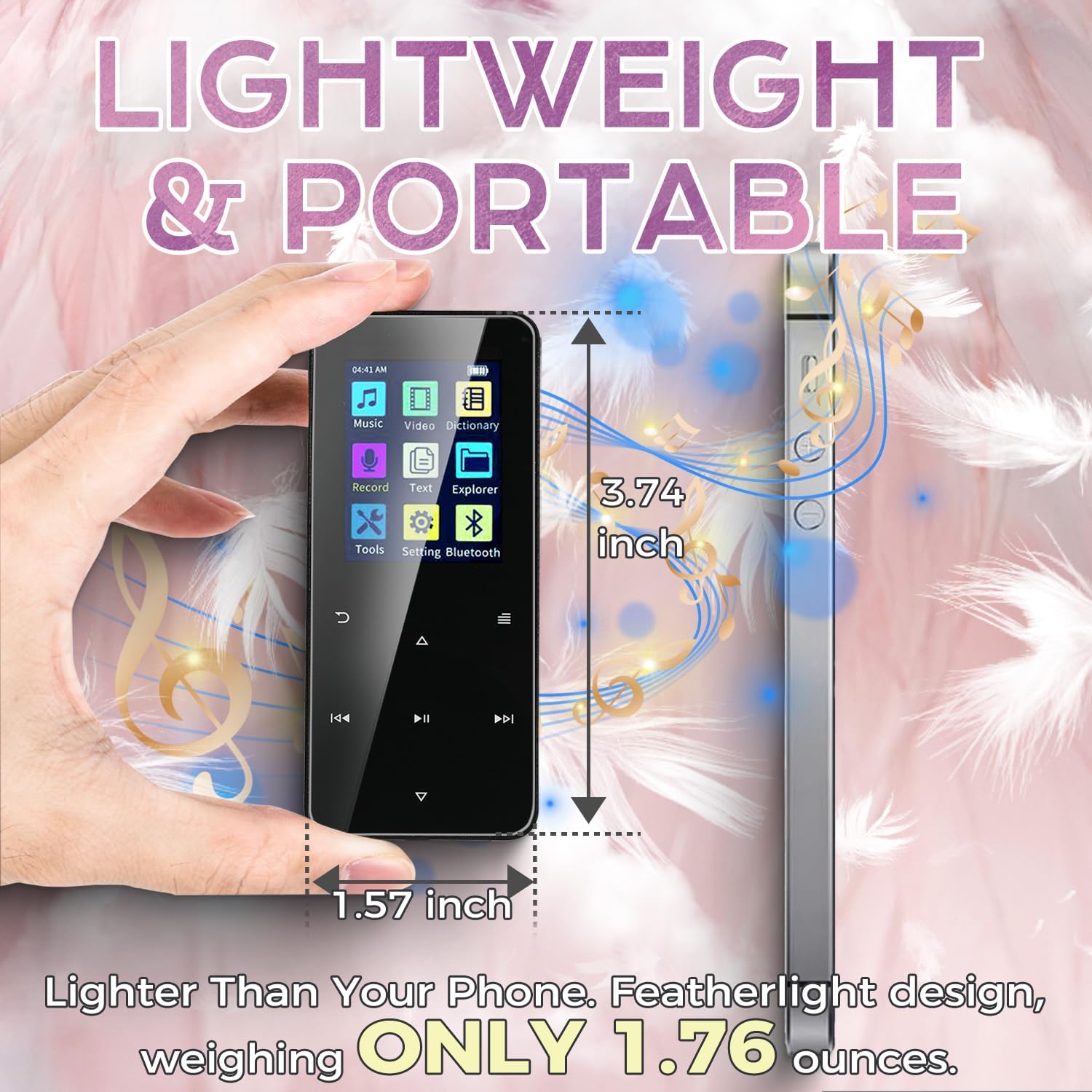
Image illustrating the compact size and lightweight design of the Jawploy MP3 player, measuring 3.74 inches by 1.57 inches and weighing 1.76 ounces.
4. Setup
4.1 Powering On/Off
To power on the device, press and hold the power button located on the side until the screen illuminates. To power off, press and hold the power button again until the device shuts down.
4.2 Charging the Device
Connect the included USB cable to the MP3 player's charging port and the other end to a USB power adapter (not included) or a computer's USB port. The battery indicator on the screen will show charging status. A full charge typically takes a few hours.
4.3 Inserting the Memory Card
The device comes with a 64GB TF card pre-installed, complementing the 16GB built-in storage. To insert or replace a TF card, locate the card slot on the side of the player. Gently push the card into the slot until it clicks into place. To remove, push the card in again until it springs out.
Official product video demonstrating the physical features, charging process, and memory card insertion for the Jawploy MP3 Player.
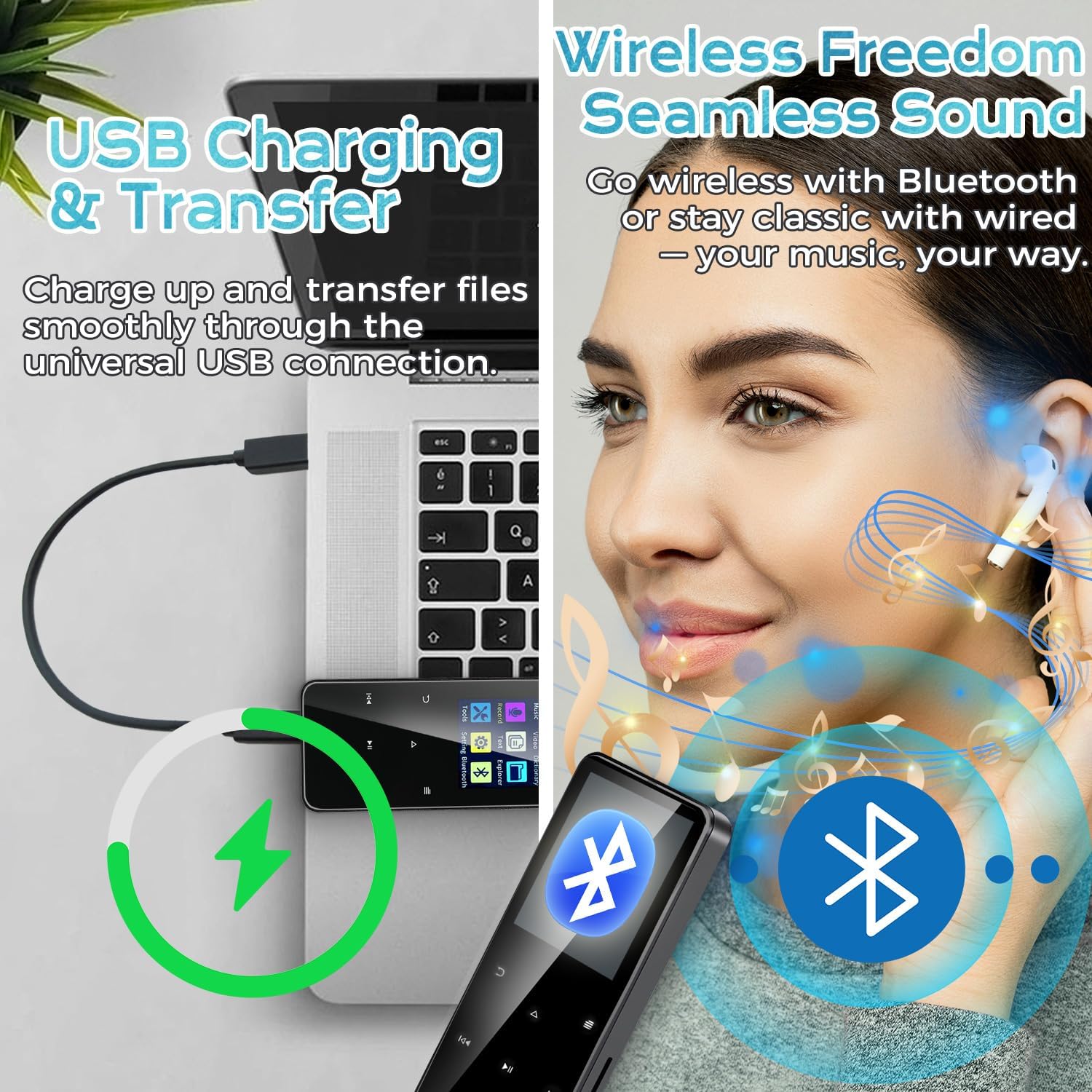
Image showing the Jawploy MP3 player connected to a laptop via USB for charging and file transfer.
5. Operating Instructions
5.1 Navigation
Use the touch buttons below the screen to navigate through menus and control playback. The central button typically acts as 'Enter' or 'Play/Pause', while the surrounding buttons are for navigation (up, down, left, right) and volume control.
5.2 Music Playback
From the main menu, select 'Music'. You can browse your music by All Songs, Artists, Albums, Genres, or Playlists. The player supports various audio formats including FLAC, MP3, WMA, WAV, AAC, and OGG for a high-quality listening experience.
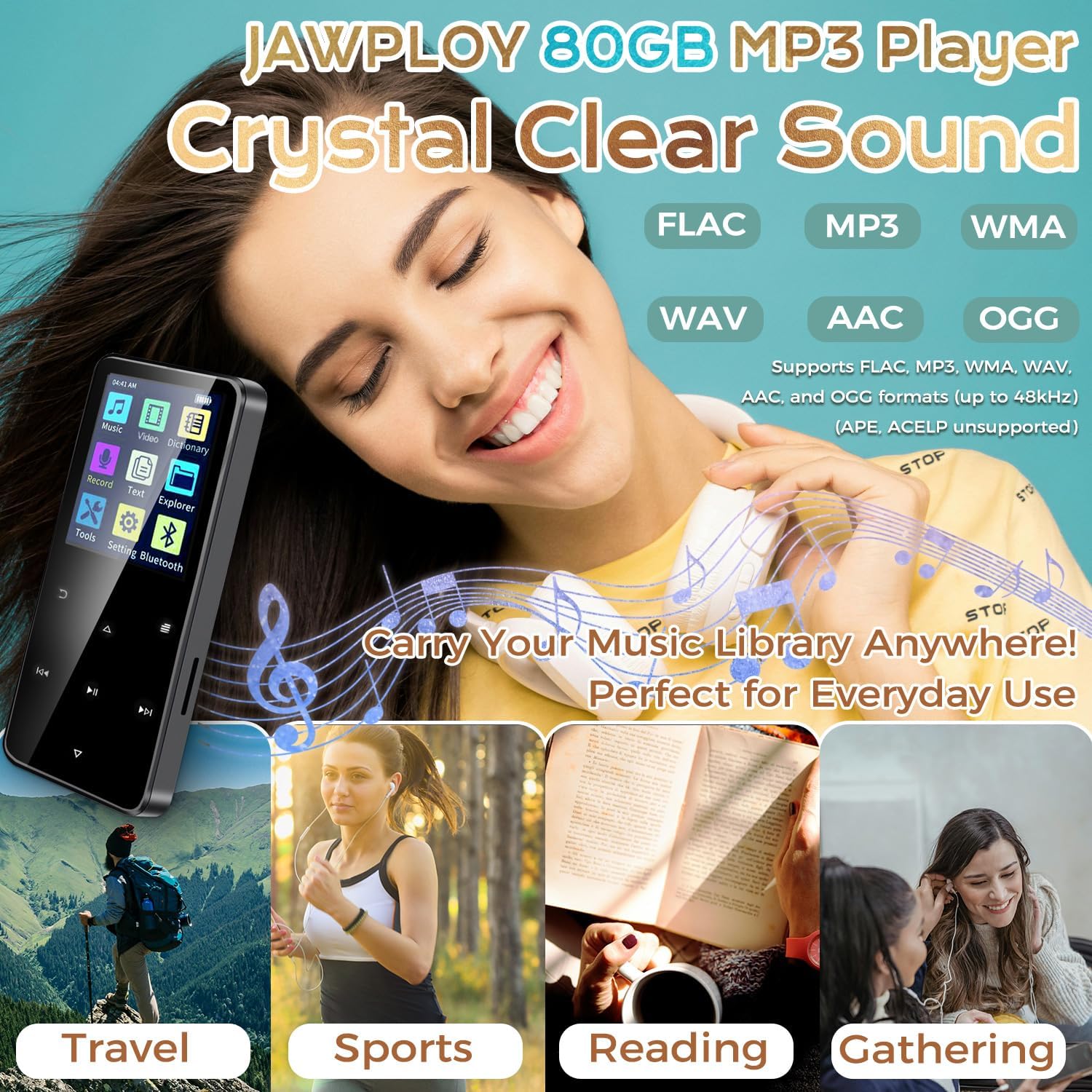
Image highlighting the Jawploy MP3 Player's support for various lossless audio formats like FLAC, MP3, WMA, WAV, AAC, and OGG, emphasizing crystal clear sound.
5.3 Bluetooth Pairing
To connect to Bluetooth headphones or speakers:
- Go to 'Settings' from the main menu.
- Select 'Bluetooth'.
- Turn Bluetooth 'On'.
- The player will search for available devices. Select your device from the list to pair.
5.4 FM Radio
To use the FM radio function, ensure wired earphones are connected as they act as the antenna. Select 'FM Radio' from the main menu. You can auto-scan for stations or manually tune.
5.5 Voice Recorder
Select 'Record' from the main menu to access the voice recorder. Press the appropriate button to start and stop recording. Recorded files are saved in the device's memory.
5.6 Video Playback
The player supports AVI and AMV video formats (128x160 resolution). Transfer compatible video files to the device and select 'Video' from the main menu to play them.
5.7 E-Book Reader
The device supports TXT format e-books. Transfer your TXT files to the player and select 'E-Book' from the main menu to read.
5.8 Other Features
The player also includes a stopwatch, alarm clock, and calendar functions, accessible through the 'Tools' or 'Settings' menu.
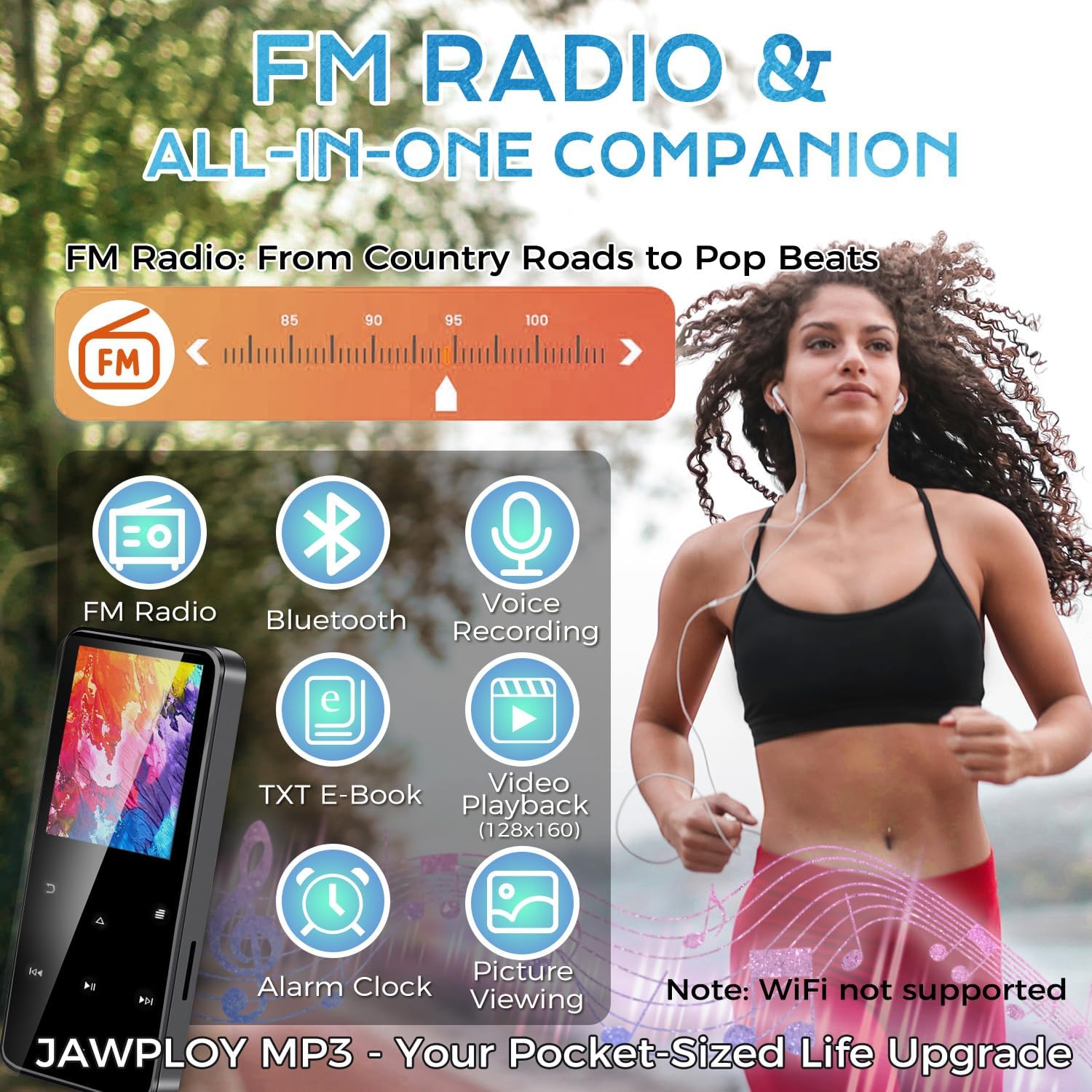
Image highlighting the multi-functional aspects of the Jawploy MP3 player, including FM radio, Bluetooth, voice recording, e-book, video playback, and alarm clock.
6. Maintenance
- Keep the device dry and away from extreme temperatures.
- Clean the screen and body with a soft, dry cloth. Avoid using harsh chemicals.
- Avoid dropping the device or subjecting it to strong impacts.
- Charge the battery regularly to maintain its lifespan, even if not in frequent use.
7. Troubleshooting
- Device not turning on: Ensure the battery is charged. Connect to a power source and try again.
- Unable to play certain files: Verify that the file format is supported by the player (e.g., FLAC, MP3, WMA, WAV, AAC, OGG for audio; AVI, AMV for video; TXT for e-books).
- Bluetooth connection issues: Ensure Bluetooth is enabled on both the player and the external device. Keep devices within close proximity during pairing.
- No sound: Check volume levels. Ensure earphones are properly connected or Bluetooth device is paired and connected.
- Device frozen: Press and hold the power button for 10-15 seconds to force a restart.
8. Specifications
| Feature | Detail |
|---|---|
| Model Name | ZY-006 |
| Memory Storage Capacity | 80 GB (16GB built-in + 64GB card) |
| Expandable Storage | Up to 144GB (with 128GB card) |
| Screen Size | 1.8 Inches |
| Connectivity Technology | Bluetooth, USB |
| Audio Formats Supported | FLAC, MP3, WMA, WAV, AAC, OGG |
| Video Formats Supported | AVI, AMV (128x160 resolution) |
| E-Book Format Supported | TXT |
| Special Features | Built-In Speaker, E-Book Reader, FM Radio, Voice Recorder, Touch Buttons |
| Item Weight | 1.76 ounces (50 grams) |
| Product Dimensions | 0.39 x 1.57 x 3.74 inches |
| Battery Life (MP3 via wired headphones) | Up to 16 hours |
9. Warranty and Support
Your Jawploy MP3 Player is covered by a standard manufacturer's warranty. For specific warranty details, returns, or technical support, please refer to the contact information provided with your purchase or visit the official Jawploy website. Please retain your proof of purchase for warranty claims.