
1. Introduction
Thank you for choosing the dbsono Bluetooth Speaker N8A. This portable speaker delivers immersive stereo sound with powerful bass, vibrant light effects, and extended playtime. Designed for durability and seamless connectivity, it is suitable for various environments, from home use to outdoor activities. Please read this manual carefully to ensure proper use and optimal performance of your speaker.

Image: The dbsono Bluetooth Speaker N8A, a compact black speaker with an orange strap, shown from an angled perspective.
2. What's in the Box
Upon opening your package, please verify that all the following items are included:
- 1 x dbsono Bluetooth Speaker
- 1 x Type-C Charging Cable
- 1 x Quick Start Guide (User Manual)

Image: A visual representation of the box contents, including the portable speaker, a Type-C charging cable, and the user manual.
3. Product Features
- Immersive Stereo Sound: Equipped with dual full-range drivers and passive radiators for clear, dynamic audio and powerful bass.
- Vibrant Lightshow: Dynamic RGB lights pulse with your music, enhancing the listening experience.
- True Wireless Stereo (TWS): Connect two speakers wirelessly for a combined 40W stereo sound output.
- Extended Playtime: Up to 30 hours of continuous music playback on a single charge.
- Durable Design: IPX5 water-resistant rating protects against splashes and rain, suitable for outdoor use.
- Advanced Bluetooth 5.4: Ensures fast, stable connections with ultra-low latency for synchronized audio.
- Compact & Portable: Lightweight design with a convenient lanyard for easy transport.

Image: An internal view diagram showing two full-range drivers and two passive radiators, illustrating the speaker's acoustic configuration for powerful stereo sound.

Image: The dbsono speaker displaying its dynamic RGB lights, which pulse and glow to the beat of music, creating a vibrant atmosphere.

Image: A group of young adults enjoying music outdoors with the dbsono speaker, highlighting its long 30-hour playtime.

Image: A woman holding the compact dbsono speaker outdoors, emphasizing its portable design and convenient lanyard.

Image: A smartphone screen showing a successful Bluetooth 5.4 connection to the dbsono speaker, highlighting its stable wireless technology.
4. Setup
4.1 Charging the Speaker
Before first use, fully charge the speaker. Connect the provided Type-C charging cable to the speaker's charging port and the other end to a USB power adapter (not included) or a computer's USB port. The charging indicator light will show the charging status.
4.2 Power On/Off
- To Power On: Press and hold the Power button (⏻) for approximately 2 seconds until you hear an audible prompt and the indicator light turns on.
- To Power Off: Press and hold the Power button (⏻) for approximately 2 seconds until you hear an audible prompt and the indicator light turns off.
4.3 Bluetooth Pairing
To connect your speaker to a Bluetooth-enabled device:
- Ensure the speaker is powered on and in pairing mode (the Bluetooth indicator light will flash).
- On your device (smartphone, tablet, etc.), enable Bluetooth and search for available devices.
- Select "dbsono N8A" from the list of devices.
- Once connected, the Bluetooth indicator light will become solid, and you will hear a confirmation tone.
If pairing fails, turn off the speaker and your device's Bluetooth, then repeat the steps. The speaker will automatically attempt to reconnect to the last paired device when powered on.
5. Operating Instructions
5.1 Button Functions
The speaker features intuitive buttons for easy control:

Image: A detailed diagram showing the layout of the control buttons on the dbsono speaker and their corresponding functions.
| Button | Action | Function |
|---|---|---|
| Power (⏻) | Long press (8s) | Reset Speaker |
| Power (⏻) | Long press (2s) | Turn on/off the speaker |
| Volume Down (-) | Short press | Volume down |
| Volume Down (-) | Long press | Previous track |
| Play/Pause (▶) | Short press | Play/pause music |
| Play/Pause (▶) | Long press | Disconnect/Reconnect Bluetooth |
| Volume Up (+) | Short press | Volume up |
| Volume Up (+) | Long press | Next track |
| LED Light (☀) | Short press | Change the light mode |
6. True Wireless Stereo (TWS) Pairing
To achieve a more immersive audio experience, you can pair two dbsono N8A speakers together:
- Ensure both speakers are powered on and not connected to any Bluetooth device.
- On one speaker (this will be the primary speaker), long press the Play/Pause button (▶) until you hear a TWS pairing prompt. The speaker will enter TWS pairing mode.
- The primary speaker will automatically search for the secondary speaker. Once connected, you will hear a confirmation tone, and the indicator lights on both speakers will synchronize.
- Now, connect your device to the primary speaker via Bluetooth as described in section 4.3. Both speakers will play audio in stereo.
To disconnect TWS, long press the Play/Pause button (▶) on either speaker until you hear a disconnection prompt.
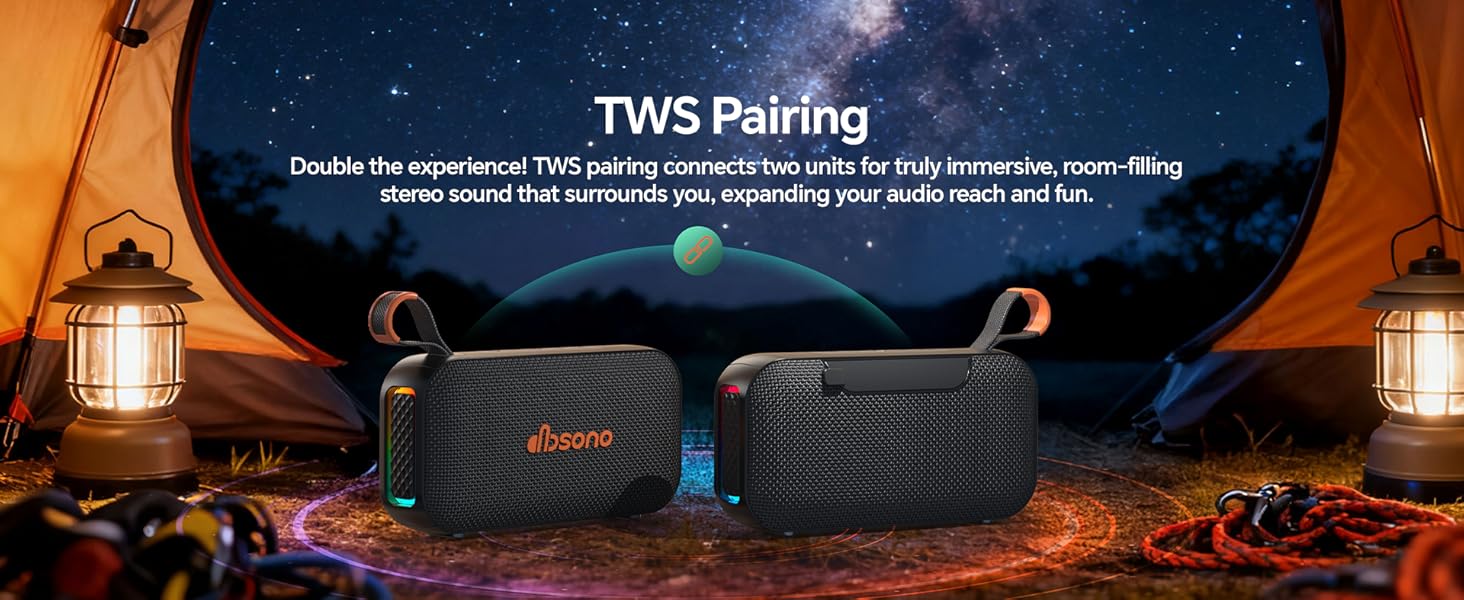
Image: Two dbsono speakers positioned to illustrate True Wireless Stereo (TWS) pairing, creating an immersive sound experience.
Video: A demonstration of the dbsono speaker's sound quality and True Wireless Stereo (TWS) functionality, showing two speakers playing in sync.
7. Maintenance
- Keep the speaker away from extreme temperatures, direct sunlight, and corrosive liquids.
- Clean the speaker with a soft, dry cloth. Do not use abrasive cleaners or solvents.
- Ensure the charging port cover is securely closed when not charging to maintain IPX5 water resistance.
- Store the speaker in a cool, dry place when not in use for extended periods.
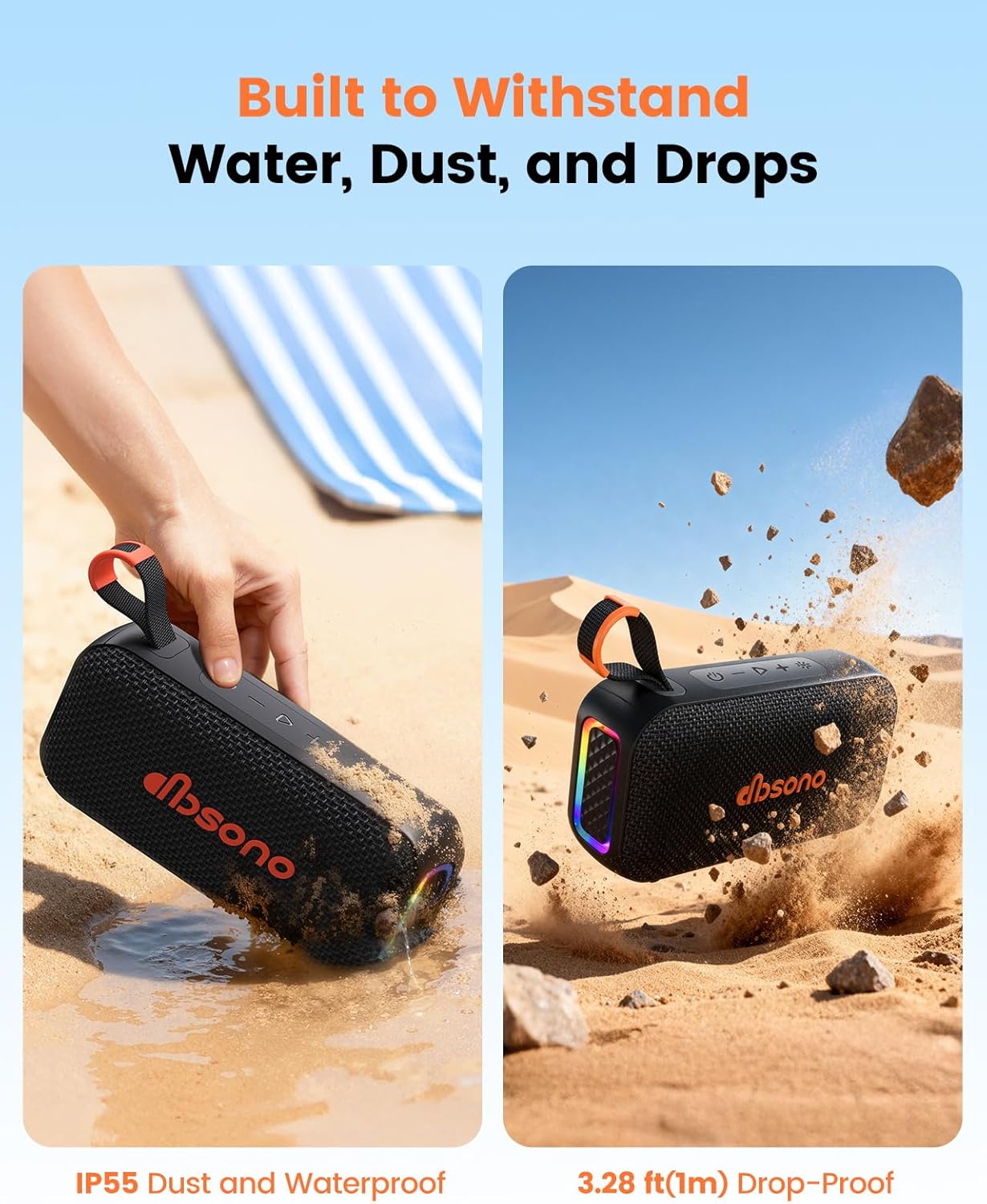
Image: The dbsono speaker being splashed with water, illustrating its IPX5 water-resistant capability, suitable for outdoor and poolside use.
8. Troubleshooting
| Problem | Possible Cause | Solution |
|---|---|---|
| Speaker does not turn on. | Low battery. | Charge the speaker fully. |
| Cannot pair with Bluetooth device. | Speaker not in pairing mode; device Bluetooth off; too far from speaker. | Ensure speaker is in pairing mode (flashing light). Turn device Bluetooth off/on. Move device closer to speaker (within 15m). |
| No sound or distorted sound. | Volume too low; speaker not connected; audio source issue. | Increase speaker and device volume. Re-pair Bluetooth. Check audio source. |
| TWS pairing fails. | Speakers already connected to other devices; too far apart. | Disconnect both speakers from any Bluetooth devices. Ensure speakers are close to each other. Repeat TWS pairing steps. |
9. Specifications
| Feature | Detail |
|---|---|
| Brand | dbsono |
| Model Number | N8A |
| Speaker Maximum Output Power | 20 watts |
| Audio Output Mode | Stereo |
| Connectivity Technology | Bluetooth 5.4, Auxiliary |
| Bluetooth Range | 15 meters |
| Battery Average Life | 30 hours |
| Water Resistance Level | IPX5 (Water Resistant) |
| Control Method | Touch buttons |
| Item Dimensions (D x W x H) | 6.85"D x 2.05"W x 3.66"H |
| Item Weight | 1.2 pounds |
| Power Source | Battery Powered (1 C battery included) |
| Enclosure Material | Plastic |
10. Warranty & Support
The dbsono Bluetooth Speaker N8A comes with a 2-Year Manufacturer Warranty. This warranty covers defects in materials and workmanship under normal use.
- Withstands continuous playback for 7 days at normal temperature with consistent sound quality and no performance degradation.
- The battery retains 95% performance after 300 cycles at max current.
- Buttons can be pressed up to 10000 times with no issues.
- Withstands drops from a height of 3.28 ft.
For technical support, warranty claims, or any questions regarding your product, please contact dbsono customer service through the retailer where you purchased the product or visit the official dbsono website for contact information.


