Introduction
The YOUMILE 18650 Lithium Battery Boost Charging Card UPS Uninterruptible Module (Model JK-YM-795) is designed to provide uninterrupted power to devices during power outages. This module seamlessly switches from external power to battery power without delay, ensuring continuous operation for critical equipment. It integrates lithium battery charging, battery protection, boost output, and UPS switching functionalities.

Figure 1: Overview of the YOUMILE 18650 Lithium Battery UPS Module. This image displays the main circuit board with its components and the integrated 18650 battery holders.
Key Features
- Uninterruptible Power Supply (UPS) Functionality: Seamlessly switches to battery power upon external power failure.
- Integrated Charging: Supports charging of 3.7V lithium batteries (4.2V fully charged).
- Battery Protection: Includes overcharge, over-discharge, over-temperature, and over-current protection for enhanced battery safety and longevity.
- Boost Output: Provides stable output voltages (5V/9V/12V) for various devices.
- Flexible Power Input: Features a Type-C charging port (max 5A) and direct DC5V input.
- LED Indicator: Green LED indicates full charge, with automatic charging stop.
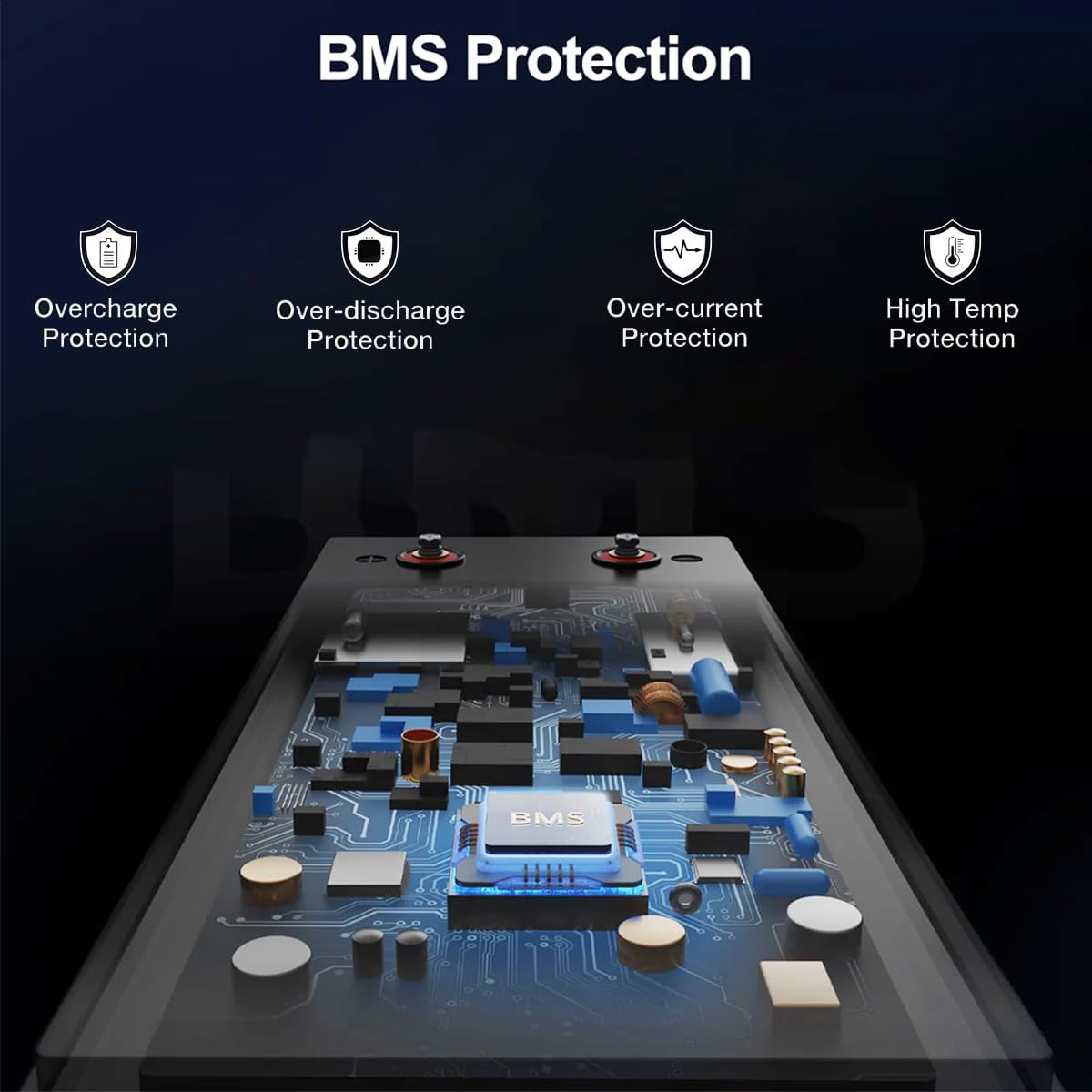
Figure 2: Illustration of the Battery Management System (BMS) protection features, including overcharge, over-discharge, over-current, and high-temperature protection.
Setup Instructions
- Install 18650 Lithium Batteries: Insert one or two 3.7V 18650 lithium batteries into the designated battery sockets on the module. Ensure correct polarity. The module supports 4.2V fully charged batteries.

Figure 3: Proper insertion of 18650 lithium batteries into the module's battery holders.
- Connect Power Supply: Connect a 5V power source to the module using either the Type-C charging port or the direct DC5V input terminals. The maximum input current for Type-C is 5A.
- Connect Load: Connect your 5V, 9V, or 12V device to the output terminals of the module. Ensure the load power does not exceed 15W. Refer to the specifications for current limits at different output voltages.

Figure 4: Diagram illustrating the connection of the Type-C power input and the 5V load (e.g., a router) to the UPS module.
Operating Instructions
- Normal Operation: When external power is connected, the module will directly power the connected load via its boost circuit and simultaneously charge the installed lithium batteries.
- UPS Function: In the event of an external power failure, the module will automatically and seamlessly switch to drawing power from the installed 18650 batteries to continue powering the load. There is no noticeable delay during this transition.
- Charging Indicator: During charging, the LED indicator will show the charging status. Once the batteries are fully charged, the green LED will illuminate constantly, and the charging process will automatically cease to prevent overcharging.
- Load Power Limit: Ensure that the total power consumption of the connected load does not exceed 15W. Exceeding this limit may cause the module to malfunction or damage.
Maintenance
- Battery Care: Use only high-quality 18650 lithium batteries. Avoid mixing old and new batteries or batteries of different capacities.
- Protection Features: The module includes built-in overcharge, over-discharge, over-temperature, and over-current protection. Do not attempt to bypass these safety features.
- Cleaning: Keep the module clean and free from dust and moisture. Use a dry, soft cloth for cleaning.
- Storage: If storing the module for an extended period, remove the batteries and store them separately in a cool, dry place.
Troubleshooting
- No Power Output:
- Check if batteries are correctly installed and charged.
- Verify the external power supply is connected and functional.
- Ensure the load power does not exceed 15W.
- Inspect all connections for proper contact.
- Batteries Not Charging:
- Confirm the external power supply (Type-C or DC5V) is providing 5V.
- Check the LED indicator for charging status. If it's constantly green, batteries might already be full.
- Ensure batteries are properly seated and not damaged.
- Module Overheating:
- Reduce the connected load. The module has over-temperature protection, but continuous high load can cause heat.
- Ensure adequate ventilation around the module.
Specifications
| Feature | Value |
|---|---|
| Item Type | Battery Boost Charging Module (UPS) |
| Model | JK-YM-795 |
| Power Supply Input | Type-C (Max 5A) or External DC5V Wiring |
| Battery Type | 3.7V Lithium Battery (18650, 4.2V fully charged) |
| Switching Power Supply Structure | BOST Boost |
| Rated Power | Up to 15W |
| Output Voltage | 5V / 9V / 12V |
| Output Current (Max) | 5V: 3A, 9V: 1.6A, 12V: 1.2A |
| Lithium Battery Protection | Overcharge, Over-discharge, Over-temperature, Over-current |
| Dimensions (Approx.) | 89mm x 42mm (3.50in x 1.65in) |
| Weight (Approx.) | 50 Grams |
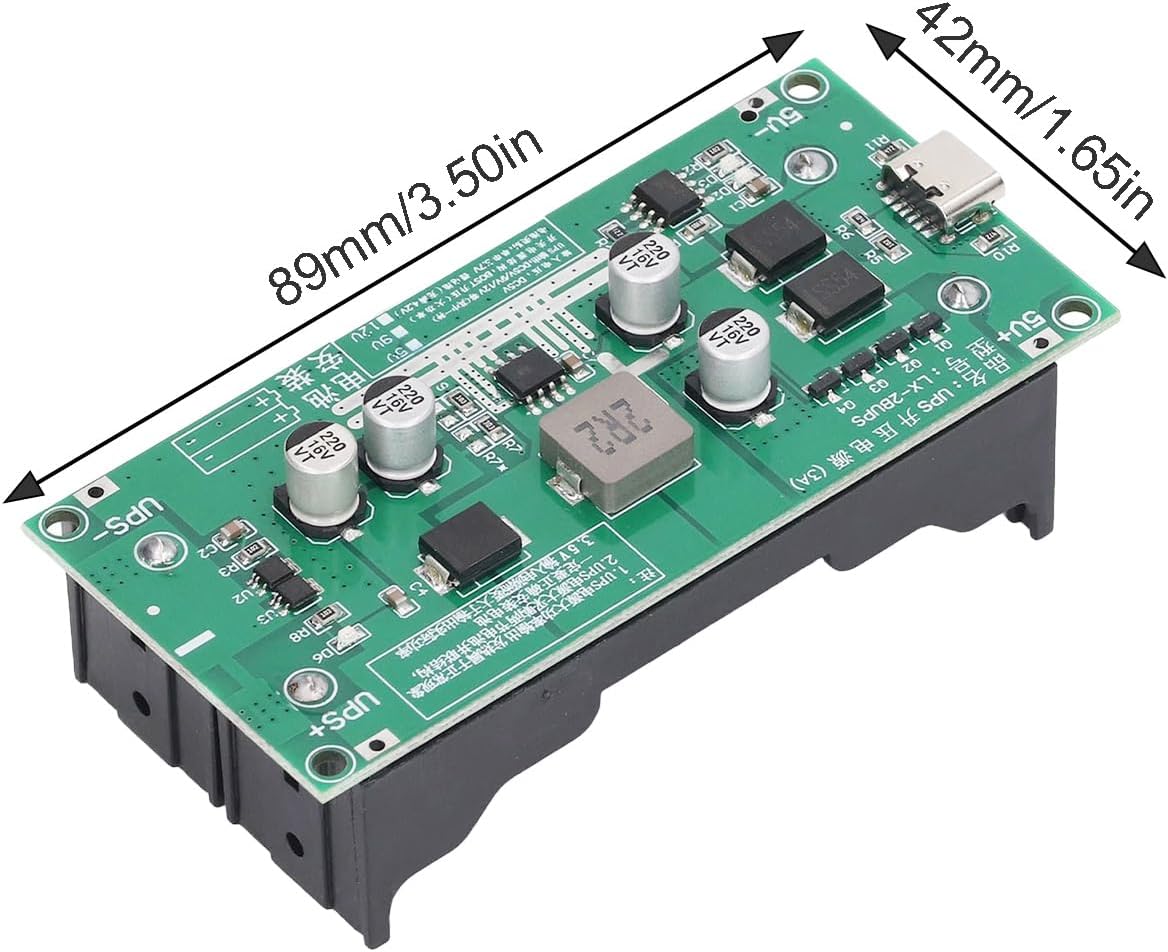
Figure 5: Physical dimensions of the YOUMILE 18650 Lithium Battery UPS Module.
Application
This UPS module is versatile and suitable for a wide range of devices that require continuous power, especially in scenarios where power interruptions are critical. Common applications include:
- Security Cameras
- Routers and Gateways
- Emergency Lighting
- Development Boards
- Other low-power electronic equipment requiring uninterrupted power.

Figure 6: Examples of devices compatible with the UPS module, such as security cameras, routers, switches, and development boards.
Safety Information
- Do not short-circuit the battery terminals or output terminals.
- Do not expose the module to water, excessive heat, or direct sunlight.
- Handle with care to avoid damage to electronic components.
- Keep out of reach of children.
- Dispose of batteries and the module according to local regulations.
Warranty and Support
Specific warranty information for this product is not provided in the available documentation. For support or warranty inquiries, please contact your retailer or the manufacturer directly.


