
Anweller DT40
Anweller 12x32 High Powered Binoculars with Camera
Model: DT40 - Instruction Manual
1. Introduction
Thank you for choosing the Anweller 12x32 High Powered Binoculars with Camera. This device combines powerful optical magnification with a high-definition digital camera, allowing you to observe distant subjects and capture stunning 48MP photos and 2.5K HD videos simultaneously. Designed for ease of use and durability, these binoculars are ideal for various outdoor activities such as bird watching, sporting events, hunting, travel, and hiking.

Image: Anweller 12x32 High Powered Binoculars with Camera, showcasing its compact design and integrated camera.
2. Safety Information
- Do not look directly at the sun through the binoculars, as this can cause permanent eye damage.
- Keep the device away from extreme temperatures and humidity.
- Avoid dropping or subjecting the binoculars to strong impacts.
- Keep out of reach of small children to prevent accidental ingestion of small parts.
- Use only the provided charging cable and adapter to prevent damage to the device.
3. Package Contents
Ensure all items are present in the package:
- 1 x Anweller Binoculars with Neck-Strap
- 1 x 32GB Memory Card
- 1 x USB-C Cable
4. Product Overview
Familiarize yourself with the various components of your Anweller binoculars:
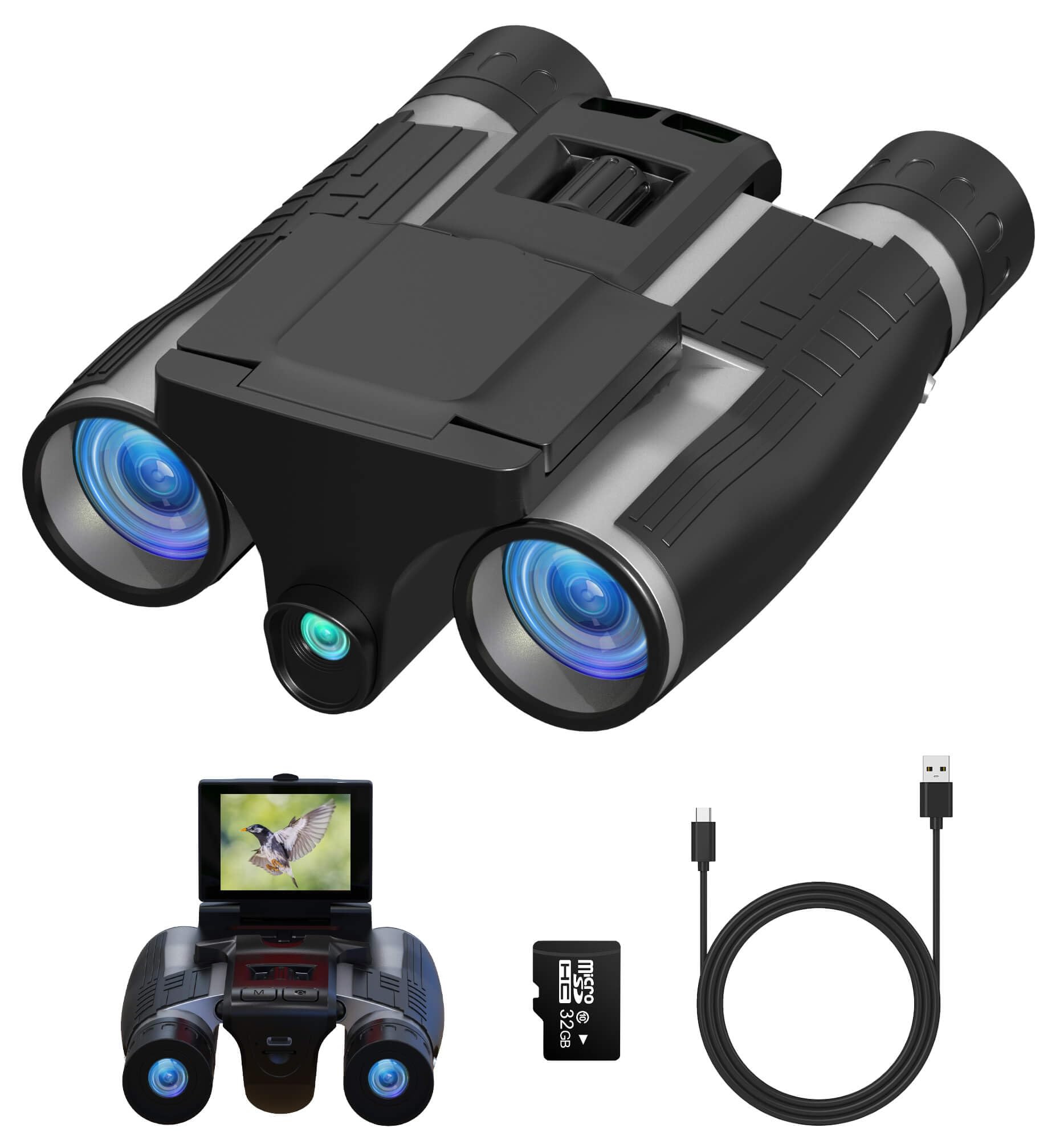
Image: Labeled diagram of the Anweller Binoculars with Camera, highlighting key components such as the IPS screen, optical lenses, focus ring, control buttons, and ports.
- IPS Screen 2.4 in: Flip-up display for viewing and menu navigation.
- Optical Lens: Main lenses for magnification.
- Focus Ring: Adjusts the focus for clear viewing.
- Mode Button: Switches between photo, video, and playback modes.
- Micro USB Port: For data transfer and charging (USB-C).
- LED Indicator: Shows device status.
- Micro SD Slot: For memory card insertion.
- Power On/Off: Button to turn the device on or off.
- Left Button: Navigation button.
- Reset: Button to reset the device.
- Right Button: Navigation button.
- Menu Button: Accesses device settings.
- Camera/OK Button: Captures photos or confirms selections.
- Diopter Ring: Adjusts focus for individual eye differences.
- Eyepiece: Where you look through the binoculars.
5. Getting Started
5.1. Battery Charging
The binoculars come with a built-in 1000mAh lithium battery. Before first use, fully charge the device using the provided USB-C cable.
- Connect the USB-C cable to the Micro USB Port on the binoculars.
- Connect the other end of the cable to a USB power adapter (not included) or a computer.
- The LED indicator will show charging status. A full charge supports up to 4 hours of continuous video recording.

Image: Illustration showing the 1000mAh rechargeable battery and USB-C fast charging capability.
5.2. SD Card Insertion
A 32GB memory card is included. Insert it into the Micro SD Slot before recording.
- Locate the Micro SD Slot on the device.
- Gently insert the memory card until it clicks into place.
- To remove, push the card in slightly until it springs out.
5.3. Power On/Off
Press and hold the Power On/Off button to turn the binoculars on or off. The IPS screen will light up.
6. Operating Instructions
6.1. Adjusting Focus
For clear viewing, adjust the focus:
- Central Focus Wheel: Use the large focus ring located between the eyepieces to adjust the focus for both eyes simultaneously.
- Diopter Ring: If one eye requires a different focus, adjust the diopter ring on the right eyepiece until the image is sharp for that eye.
6.2. Using the Display
The 2.4-inch IPS screen flips up for real-time viewing and menu navigation.

Image: The Anweller Binoculars showing the 2.4-inch LCD real-time display in use, with an 8x digital zoom feature.
6.3. Zoom Function
The binoculars feature 12x optical magnification and up to 8x digital zoom.
- Use the zoom buttons (usually labeled with '+' and '-') near the display to digitally zoom in or out.
6.4. Taking Photos (48MP)
To capture a high-resolution photo:
- Ensure the device is in photo mode (check the icon on the display).
- Frame your subject using the eyepieces or the flip-up screen.
- Press the Camera/OK button to take a picture.
6.5. Recording Videos (2.5K HD)
To record high-definition video:
- Switch to video mode using the Mode button.
- Press the Camera/OK button once to start recording.
- Press the Camera/OK button again to stop recording.
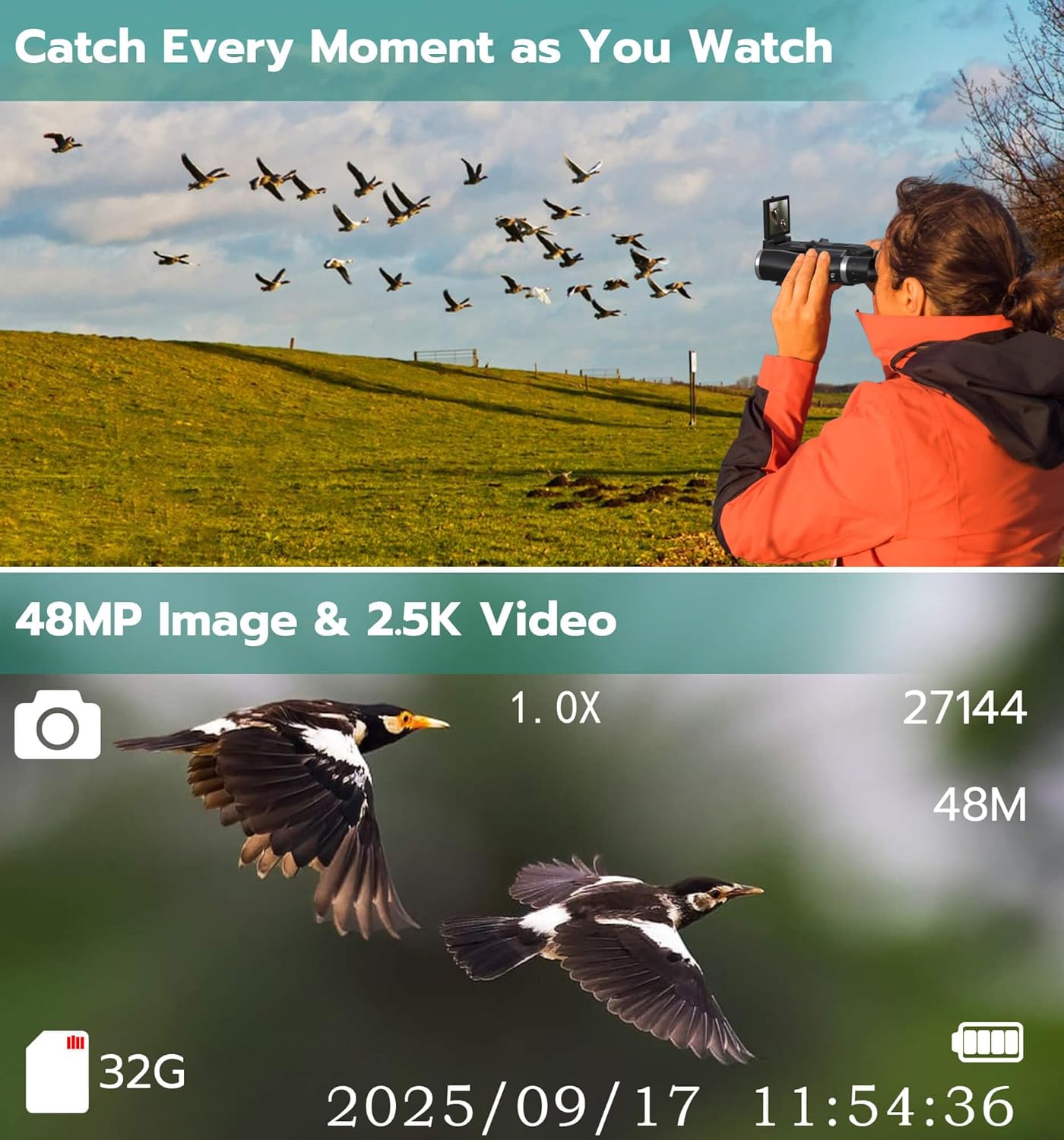
Image: A person using the binoculars to observe and capture a flock of birds, with an overlay showing 48MP image and 2.5K video capabilities.
6.6. Viewing Media
You can review your captured photos and videos directly on the device.
- Switch to playback mode using the Mode button.
- Use the navigation buttons (Left/Right) to browse through your files.
- Press the Camera/OK button to view a photo or play a video.
6.7. Transferring Media
To transfer your files to a computer:
- Connect the binoculars to your computer using the USB-C cable.
- The device should appear as a removable disk drive.
- Drag and drop files from the binoculars to your computer.

Image: A person connecting the Anweller Binoculars to a laptop via USB-C to view and transfer captured memories.
6.8. Official Product Video
Video: An official product video demonstrating the features and functionality of the Anweller Binoculars with Camera, including its design, controls, and display.
7. Maintenance
- Cleaning Lenses: Use the provided lens cleaning cloth or a soft, lint-free cloth to gently wipe the lenses. Avoid using abrasive materials or harsh chemicals.
- Cleaning Body: Wipe the body of the binoculars with a soft, damp cloth.
- Storage: Store the binoculars in a cool, dry place when not in use. Keep them in their protective case to prevent dust and scratches.
- Water Resistance: The binoculars are life waterproof, meaning they can withstand light splashes or rain. Do not submerge them in water.
8. Troubleshooting
| Problem | Possible Cause | Solution |
|---|---|---|
| Device won't turn on | Low battery; Device malfunction | Charge the battery; Press the Reset button |
| Blurry image | Improper focus; Dirty lenses | Adjust focus ring/diopter; Clean lenses |
| Cannot record/save files | No SD card; SD card full/corrupted | Insert SD card; Delete files/format card; Replace card |
| Screen is blank/frozen | Software error | Press the Reset button |
9. Specifications
| Feature | Detail |
|---|---|
| Magnification | 12x (Optical) |
| Objective Lens Diameter | 32 Millimeters |
| Eyepieces | 15mm Upgraded Wider Eyepieces |
| Digital Zoom | Up to 8x |
| Photo Resolution | 48MP |
| Video Resolution | 2.5K HD |
| Display | 2.4-inch IPS Screen |
| Battery | Built-in 1000mAh Lithium Ion (Rechargeable via USB-C) |
| Continuous Video Recording | Up to 4 hours |
| Storage | Includes 32GB Memory Card (Expandable) |
| Weight | 1.1 pounds |
| Special Features | Built-in Camera, Life Waterproof, Ergonomic Grip |
10. Warranty and Support
Anweller provides a 12-month warranty for this product, covering free replacement or refund within this period. Additionally, free lifetime technical support is available. For any queries or assistance, please contact Anweller customer support at hongjdzwj@outlook.com.
Ask a question about this manual
Ask about setup, troubleshooting, compatibility, parts, safety, or missing instructions. Manuals+ will review the question and use this page’s manual context to help answer it.