Introduction
This manual provides essential information for the safe and efficient assembly, operation, and maintenance of your GIANTEX Mobile Adjustable Height Standing Desk. Please read these instructions carefully before use and retain them for future reference.
The GIANTEX Mobile Adjustable Height Standing Desk is designed to offer a flexible workstation, allowing seamless transitions between sitting and standing positions. This ergonomic design aims to alleviate discomfort associated with prolonged sitting, such as back, neck, and shoulder pain. Equipped with lockable wheels, the desk provides convenient mobility within your workspace.
Safety Information
- Ensure all components are securely fastened before use.
- Do not exceed the maximum weight capacity of 90 kg (198 lbs).
- Keep hands and fingers clear of moving parts during height adjustment.
- Use the desk on a level surface to prevent tipping.
- Lock the wheels when the desk is in a stationary position to ensure stability.
- Avoid placing hot items directly on the tabletop without protection.
Package Contents
Please verify that all the following components are present before beginning assembly:
- 1 x Desk Tabletop
- 2 x Aluminum Support Tubes (Legs)
- 1 x H-shaped Base
- 4 x Universal Wheels (with brakes)
- 1 x Gas Spring Mechanism (pre-installed in legs)
- 2 x Height Adjustment Handles
- 1 x Hardware Pack (screws, tools)
- 1 x User Manual
Setup and Assembly
Assembly is required for this product. Follow these steps carefully:
- Attach Support Tubes to Tabletop: Place the tabletop upside down on a soft, clean surface to prevent scratches. Align the aluminum support tubes with the pre-drilled holes on the underside of the tabletop. Secure them using the provided screws from the hardware pack.
- Install H-shaped Base: Attach the H-shaped base to the bottom of the aluminum support tubes. Ensure the holes align and fasten with the appropriate screws. This base provides a strong and reliable foundation for the desk.
- Attach Wheels: Insert the four universal wheels into the designated slots on the H-shaped base. Ensure they are firmly in place. Two of the wheels have locking mechanisms.
- Install Adjustment Handles: Attach the left and right height adjustment handles to the gas spring mechanism located on the support tubes. These handles will be used to control the desk's height.
- Final Check: Once assembled, gently turn the desk upright. Ensure all screws are tightened and the desk is stable before placing any items on it.
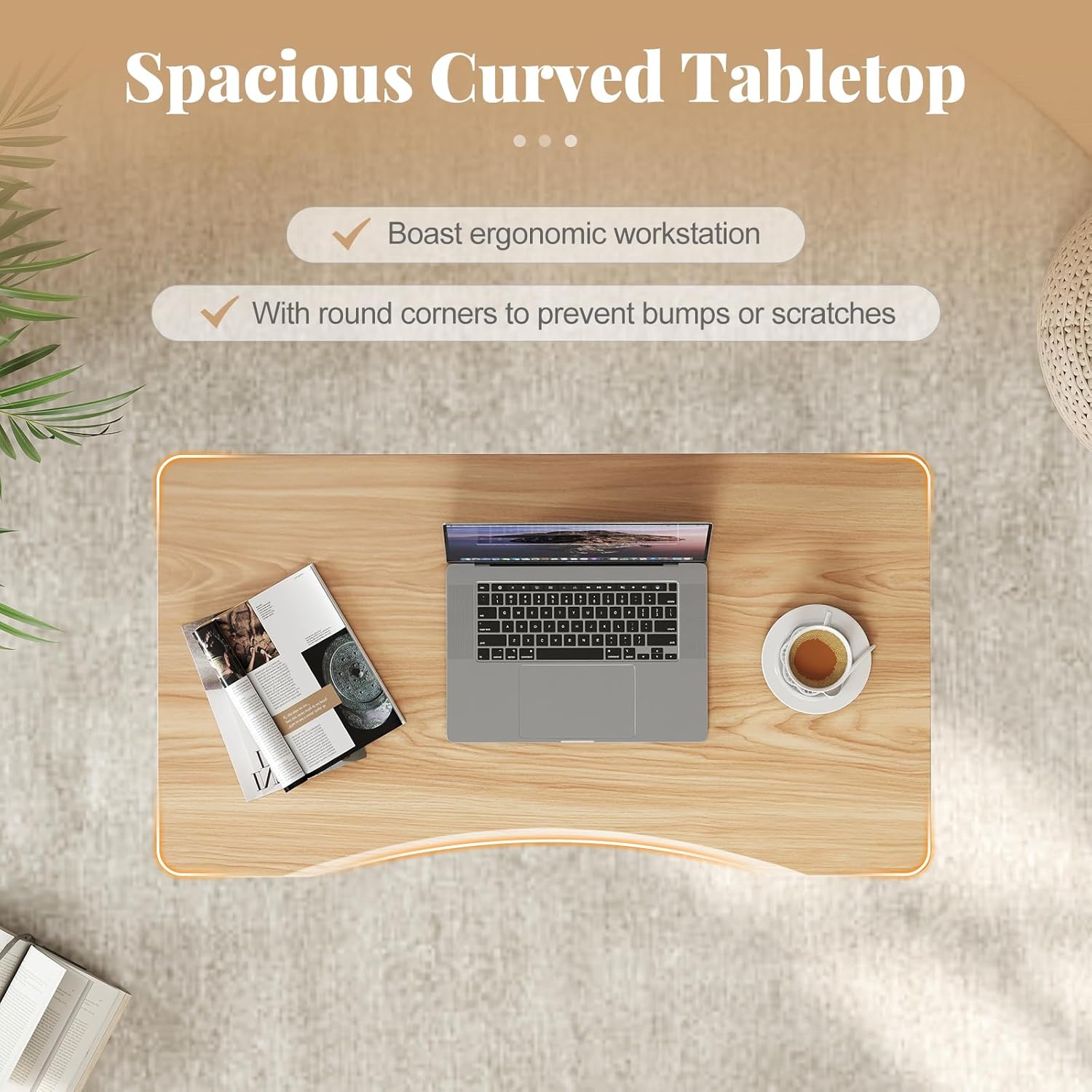
Image: Desk Dimensions. This diagram illustrates the overall dimensions of the desk, including the tabletop length (95cm), width (52cm), and adjustable height range (70-106cm).

Image: Built to Last Components. This image highlights key structural features: the easy-to-clean tabletop surface, the heavy-duty aluminum tubes providing strength, and the stable H-shaped base for reliable support.
Operating Instructions
Height Adjustment
The desk features a powerful gas spring mechanism for smooth and effortless height adjustment. To adjust the desk height:
- Unlock: Simultaneously press and hold both the left and right adjustment handles located under the tabletop.
- Adjust: Gently raise or lower the tabletop to your desired height. The desk can be adjusted smoothly between 70 cm (27.5 inches) and 106 cm (41.7 inches).
- Lock: Release both handles to lock the desk securely in place at the chosen height.

Image: Flexible Height Adjustment. This visual demonstrates the desk's ability to adjust height from 70cm to 106cm, controlled by the left and right handles, ensuring smooth lifting.
Mobility and Stability
The desk is equipped with four universal wheels, allowing for easy movement. Each wheel includes a brake for stability.
- Moving the Desk: To move the desk, ensure all wheel brakes are disengaged. The 360-degree swivel wheels allow for easy maneuverability.
- Securing the Desk: Once the desk is in the desired position, press down on the locking mechanism on each wheel to engage the brakes. This will prevent the desk from moving unintentionally.

Image: 4 Universal Wheels with Brakes. This image illustrates the desk's four universal wheels, emphasizing their easy movement, lockable design for stability, and quiet operation.
Sit-Stand Alternation
Regularly alternating between sitting and standing positions can help reduce physical strain and improve comfort during long work sessions. The desk's design facilitates this transition, promoting a more active work style.

Image: Sit-Stand Alternation Benefits. This infographic demonstrates how alternating between sitting and standing can alleviate common issues like backache, neck/shoulder pain, and fatigue, encouraging a more active work approach.
Maintenance
- Cleaning: The tabletop surface is designed to be easy to clean. Use a soft, damp cloth with mild soap to wipe down the surface. Avoid abrasive cleaners or harsh chemicals that could damage the finish.
- Inspection: Periodically check all screws and connections to ensure they remain tight. Retighten if necessary.
- Gas Spring: The gas spring mechanism is maintenance-free. If you experience issues with height adjustment, refer to the troubleshooting section.
Troubleshooting
- Desk not adjusting height: Ensure both adjustment handles are fully pressed. Check for any obstructions under the tabletop or around the support tubes.
- Desk feels wobbly: Verify that all assembly screws are securely tightened. Ensure the desk is on a level surface and the wheel brakes are engaged when stationary.
- Wheels not rolling smoothly: Check for debris caught in the wheels. Ensure wheel brakes are fully disengaged.
Specifications
| Brand | GIANTEX |
| Model Number | FE43123IT |
| Color | Naturel |
| Material | MDF, Aluminum, Metal |
| Overall Dimensions (L x W x H) | 95 cm x 52 cm x 70-106 cm (37.4 in x 20.5 in x 27.5-41.7 in) |
| Minimum Height | 70 cm (27.5 in) |
| Maximum Height | 106 cm (41.7 in) |
| Item Weight | 13 kg (28.7 lbs) |
| Maximum Weight Capacity | 90 kg (198 lbs) |
| Assembly Required | Yes |
Warranty and Support
This product comes with a user manual. For specific warranty details or if you encounter any issues not covered in this manual, please contact GIANTEX customer support through your retailer or the official GIANTEX website. Please have your model number (FE43123IT) and purchase information ready when contacting support.


