Introduction
Thank you for choosing the RadioShack Wireless Gaming Earbuds, Model 3304452. These earbuds are designed to provide a high-quality audio experience for gaming and everyday use, featuring Bluetooth 5.3 connectivity, low-latency gaming mode, and environmental noise-cancelling microphones. Please read this manual carefully to ensure proper use and maintenance of your device.

Image: The RadioShack Wireless Gaming Earbuds in their open charging case, showcasing the sleek black design and LED light strip on the case.
What's in the Box
Carefully unpack your new RadioShack Wireless Gaming Earbuds. Ensure all items listed below are present and in good condition.
- 1x Wireless Gaming Earbuds
- 1x Type-C Charging Cable
- 1x User Manual

Image: A graphic listing the contents of the product box: Wireless gaming earbuds, Type-C cable, and user manual, each with a checkmark.
Product Overview
Familiarize yourself with the key features and components of your earbuds.
Key Features:
- Bluetooth 5.3: Provides stable and efficient wireless connection.
- Low-Latency Gaming Mode: Minimizes audio delay for synchronized gaming.
- Environmental Noise-Cancelling (ENC) Microphones: Enhances voice clarity during calls.
- Long Battery Life: Up to 22.5 hours of use with the charging case.
- Type-C Fast Charging: Fully charges in approximately 1.5 hours.
- LED Charging Case: Compact case with LED accents for visual feedback.

Image: A graphic highlighting key features: Up to 22 hours play time, 32 ft wireless range, Built-in LED light, Compatible with Bluetooth 5.3, and 1.5 hours charging time.
Microphone System:
The earbuds feature dual environmental noise-cancelling microphones to ensure clear voice pickup, reducing background noise during calls and in-game communication.

Image: A close-up diagram of an earbud indicating the location of noise-canceling microphones and clear voice pickup points.
Setup
1. Charging the Earbuds and Case:
- Place the earbuds into the charging case.
- Connect the Type-C charging cable to the charging port on the case and plug the other end into a USB power source (e.g., wall adapter, computer USB port).
- The LED indicators on the case will illuminate to show charging status. A full charge takes approximately 1.5 hours.
- Once fully charged, disconnect the charging cable.
2. Pairing with a Device:
- Ensure the earbuds are charged.
- Open the charging case. The earbuds will automatically enter pairing mode, indicated by flashing LED lights on the earbuds.
- On your device (smartphone, tablet, computer, gaming console), go to the Bluetooth settings.
- Search for available devices and select "RadioShack 3304452" (or similar name) from the list.
- Once connected, the earbud LEDs will stop flashing. You are now ready to use your earbuds.
- If pairing fails, close the case, wait a few seconds, and repeat the steps.
Operating Instructions
Power On/Off:
- Power On: Open the charging case, or press and hold the touch control area on both earbuds for 3 seconds.
- Power Off: Place the earbuds back into the charging case and close the lid, or press and hold the touch control area on both earbuds for 5 seconds.
Music Playback:
- Play/Pause: Tap the touch control area on either earbud once.
- Next Track: Double-tap the right earbud.
- Previous Track: Double-tap the left earbud.
- Volume Up: Triple-tap the right earbud.
- Volume Down: Triple-tap the left earbud.
Call Management:
- Answer/End Call: Tap the touch control area on either earbud once.
- Reject Call: Press and hold the touch control area on either earbud for 2 seconds.
Gaming Mode:
Activate low-latency gaming mode for improved audio synchronization during gameplay.
- Activate Gaming Mode: Press and hold the touch control area on the right earbud for 2 seconds. You will hear an audio prompt.
- Deactivate Gaming Mode: Press and hold the touch control area on the right earbud for 2 seconds again. You will hear an audio prompt confirming deactivation.
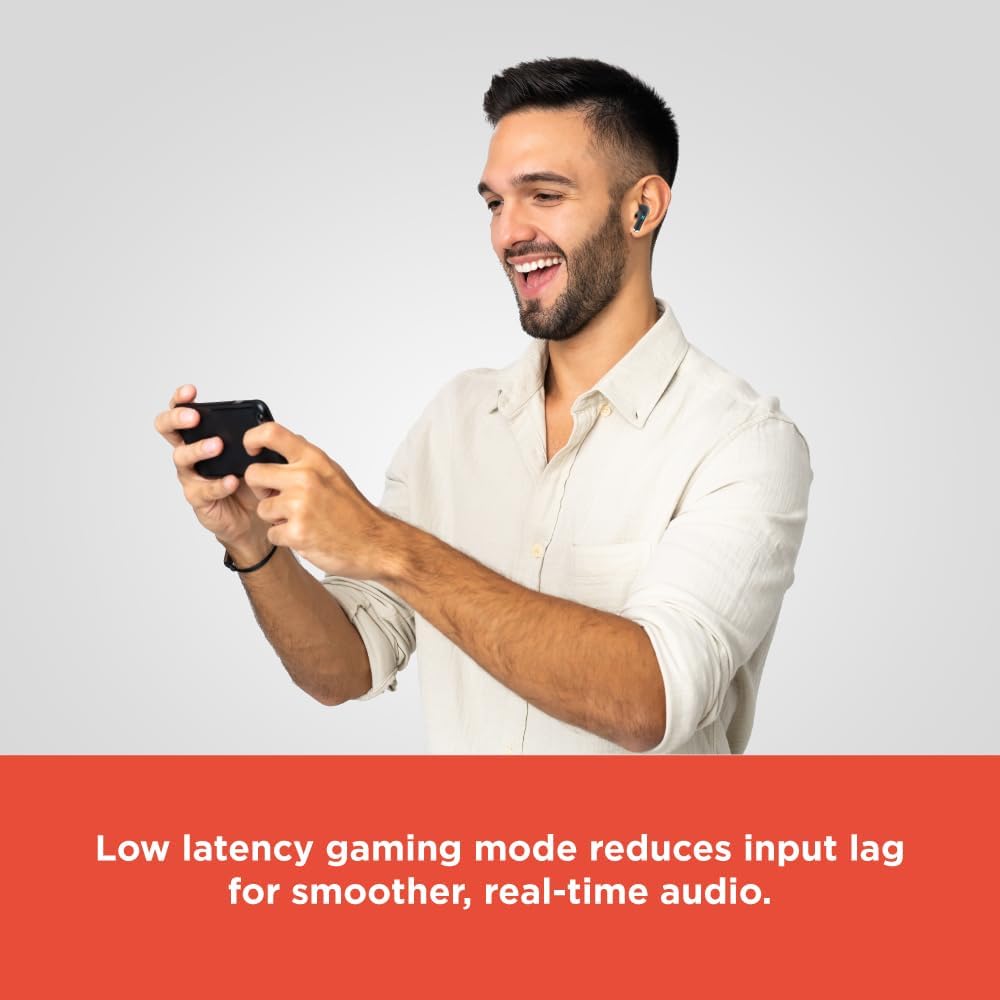
Image: A person smiling while playing a mobile game on a smartphone, wearing the RadioShack Wireless Gaming Earbuds. Text overlay states: "Low latency gaming mode reduces input lag for smoother, real-time audio."
Maintenance
To ensure the longevity and optimal performance of your earbuds, follow these maintenance guidelines:
- Cleaning: Use a soft, dry, lint-free cloth to clean the earbuds and charging case. Do not use harsh chemicals or abrasive materials.
- Storage: When not in use, store the earbuds in their charging case to protect them from dust and damage.
- Avoid Water: The earbuds are not waterproof. Avoid exposure to water, moisture, or excessive humidity.
- Temperature: Do not expose the earbuds to extreme temperatures (hot or cold).
- Charging: Only use the provided Type-C cable or a certified equivalent for charging.
Troubleshooting
If you encounter issues with your earbuds, refer to the following common solutions:
| Problem | Solution |
|---|---|
| Earbuds not powering on | Ensure earbuds and charging case are fully charged. |
| Cannot pair with device | Make sure Bluetooth is enabled on your device. Place earbuds in case, close, then reopen to re-enter pairing mode. Forget previous pairing on your device and try again. |
| No sound from earbuds | Check device volume. Ensure earbuds are properly paired and connected. Try restarting your device. |
| One earbud has no sound | Place both earbuds back into the charging case, close the lid, then reopen. This often re-syncs them. |
| Poor call quality | Ensure microphones are not obstructed. Move to an area with less background noise. |
Specifications
Detailed technical specifications for the RadioShack Wireless Gaming Earbuds Model 3304452.
- Model Name: Gaming Earbuds
- Model Number: 3304452
- Connectivity Technology: Bluetooth 5.3
- Wireless Range: Up to 10 meters (32 feet)
- Battery Life: Up to 22.5 hours (with charging case)
- Charging Time: Approximately 1.5 hours (for full charge)
- Noise Control: Environmental Noise Cancellation (for microphones)
- Earpiece Shape: In-ear
- Compatible Devices: Gaming Consoles, Mobile Devices, Computers
- Included Components: Wireless Gaming Earbuds, Type-C Cable
- Item Weight: 3.84 ounces (0.24 pounds)
- Package Dimensions: 5.31 x 3.62 x 1.42 inches

Image: A diagram showing the dimensions of the earbud charging case: Height 2.35 inches, width 1.79 inches, length 1.07 inches.
Warranty and Support
RadioShack products are designed for reliability and performance. For warranty information or technical support, please refer to the warranty card included with your purchase or visit the official RadioShack website. Keep your proof of purchase for any warranty claims.
For further assistance, you may contact RadioShack customer service through their official channels.