
Introduction
This manual provides essential information for the safe and effective use of your DeskCycle 2 Adjustable Height Under Desk Pedal Exerciser. Please read these instructions thoroughly before assembly and operation. Retain this manual for future reference.

The DeskCycle 2 Adjustable Height Under Desk Pedal Exerciser, shown in black, ready for use.
Safety Information
- Ensure all components are securely fastened before each use.
- Place the exerciser on a stable, flat surface.
- Maintain adequate clearance around the exerciser during use.
- Consult a physician before starting any new exercise program.
- Stop exercising immediately if you feel faint, dizzy, or experience pain.
- Keep children and pets away from the exerciser during operation.
Setup and Assembly
The DeskCycle 2 is designed for straightforward assembly. A tool is supplied for convenience.
- Unpack all components and verify against the packing list.
- Attach the front and rear stabilizers to the main unit. Ensure they are firmly secured.
- Attach the pedals to the crank arms. Note that the left pedal (marked 'L') threads counter-clockwise, and the right pedal (marked 'R') threads clockwise. Tighten securely to prevent stripping.
- Connect the LCD display cable to the main unit.

The DeskCycle 2 features adjustable height, 8 resistance levels, and silent magnetic resistance.
Operating Instructions
Adjusting Resistance
The DeskCycle 2 offers 8 levels of magnetic resistance. To adjust the resistance, turn the tension control knob located at the front of the unit. Turn clockwise for higher resistance (more challenging workout) and counter-clockwise for lower resistance (easier workout).
The tension control knob allows selection from 8 resistance levels, from low to high.
Using the LCD Display
The detachable LCD display tracks your workout progress. It records:
- Rotations Per Minute (RPM)
- Distance Traveled
- Calories Burned
- Time Elapsed
Press the button on the display to cycle through the different metrics. The display can be placed on your desk for easy viewing.

The removable LCD display provides real-time tracking of your workout data.
Adjusting Height
The DeskCycle 2 features an adjustable height mechanism, allowing it to be used with desks as low as 27 inches. The pedal height can be adjusted from 9 to 10 inches. Refer to the product diagram for specific adjustment points.
Pedaling
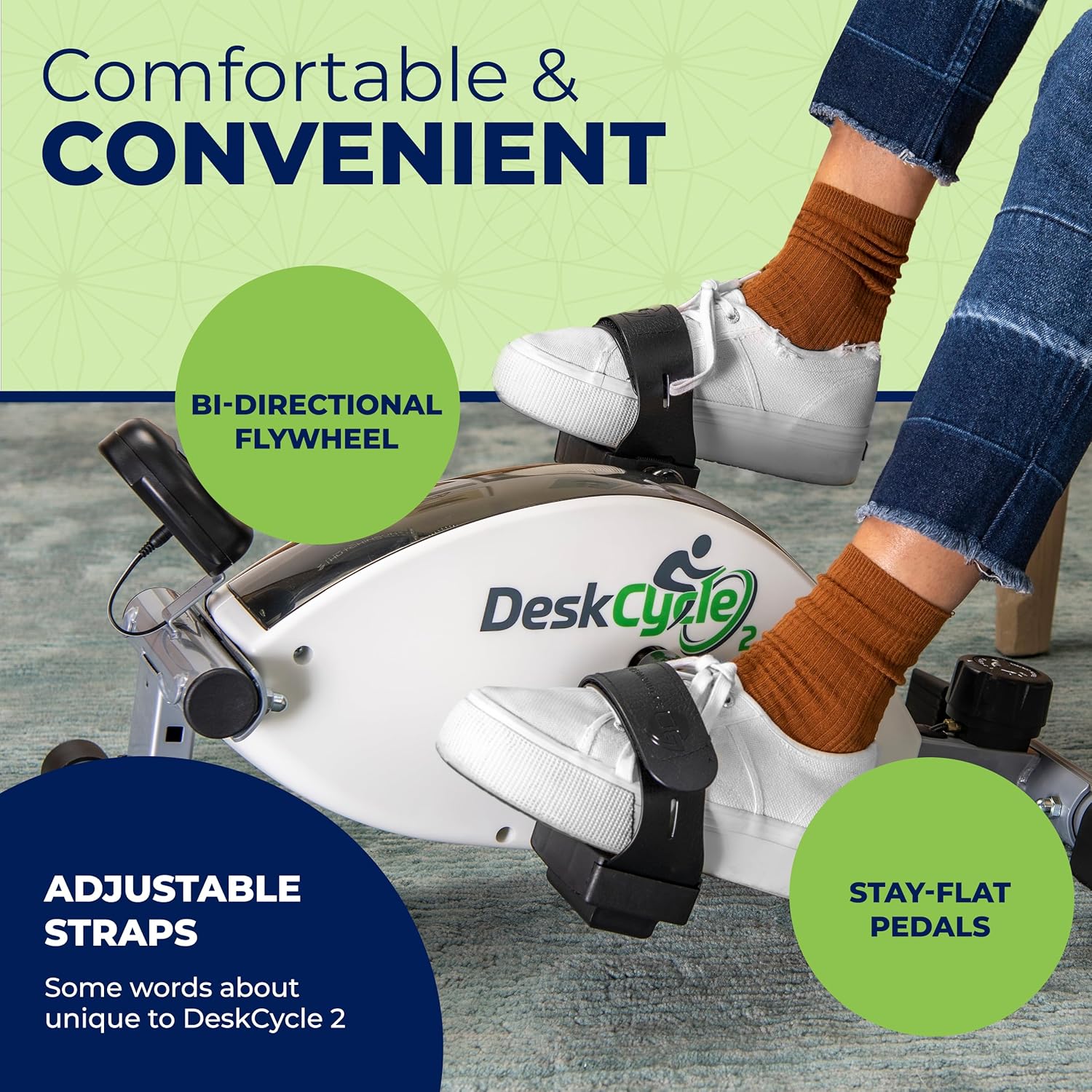
The pedals include adjustable straps to secure your feet. The bi-directional flywheel allows for pedaling in both forward and reverse directions, engaging different muscle groups. The stay-flat pedals ensure comfort during use.
The DeskCycle 2 features comfortable, stay-flat pedals with adjustable straps and a bi-directional flywheel.
Key Features
- Adjustable Resistance: 8 resistance settings provide up to 39 lbs of resistance for varied workout intensity.
- High-Inertia Flywheel: Spins 14 times per pedal stroke, simulating a smooth and challenging cycling experience.
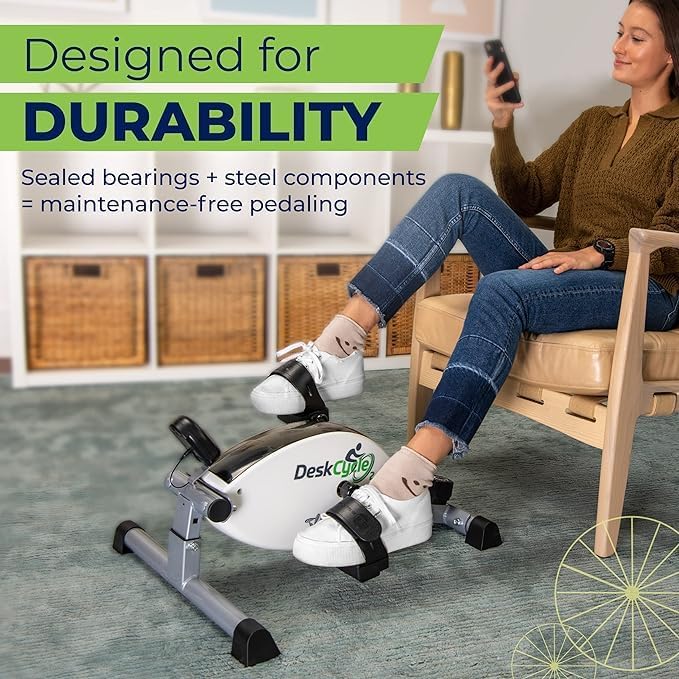
- Silent Magnetic Resistance: Sealed bearings and steel components ensure quiet operation, ideal for office or home use without disturbance.
- Adjustable Height: Pedal height adjusts from 9 to 10 inches, accommodating desks as low as 27 inches.
- Real-time Tracking: Detachable LCD display monitors RPM, distance, calories, and time.
- Durable Construction: Designed with sealed bearings and steel components for maintenance-free pedaling.

The high-inertia flywheel provides a smooth and challenging workout with up to 39 lbs of resistance.

Engineered for silent exercise, the DeskCycle 2 allows discreet use in various environments.
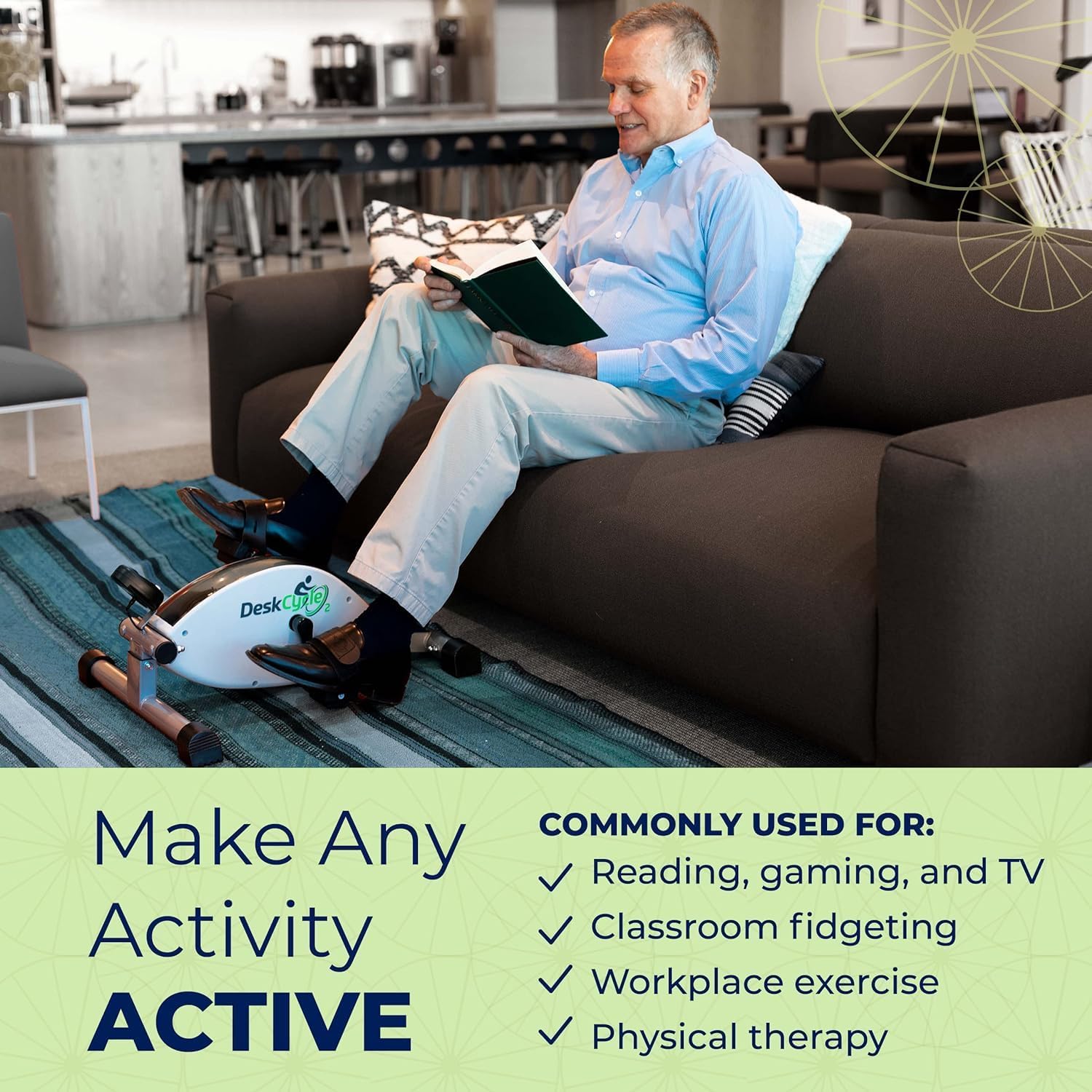
The DeskCycle 2 can be used to make various activities active, including reading, gaming, and watching TV.
Maintenance
- Regularly check all bolts and screws to ensure they are tight.
- Wipe down the unit with a damp cloth after each use to remove dust and sweat.
- Avoid using abrasive cleaners or solvents.
- Store the exerciser in a cool, dry place when not in use.
Troubleshooting
Pedals feel loose or wobbly:
Ensure the pedals are threaded correctly and tightened securely. Left pedal is reverse-threaded.
Unit makes noise during operation:
Verify all assembly bolts are tight. If noise persists, contact customer support.
LCD display not working:
Check the cable connection to the main unit. Ensure batteries (if applicable) are correctly installed and have sufficient charge.
Specifications
| Brand | DeskCycle |
| Model Name | DeskCycle 2 |
| Model Number | DSK-SPO-DESKCYCLE-2BLK |
| UPC | 856879005444 |
| Display Type | LCD |
| Resistance Levels | 8 |
| Maximum Stride Length | 10 Inches |
| Operation Mode | Manual |
| Power Source | Battery Powered (for LCD) |
| Material | Alloy Steel |
| Maximum Weight Recommendation | 350 Pounds |
| Item Package Dimensions (L x W x H) | 22.3 x 11.5 x 11.3 inches |
| Package Weight | 11.05 Kilograms |
Warranty and Support
The DeskCycle 2 comes with a standard one-year warranty against manufacturing defects. For warranty claims or technical assistance, please contact DeskCycle customer support. Our U.S.-based support team is available to provide assistance.
For further information or to register your product, please visit the official DeskCycle website.


