
1. Introduction
This manual provides essential information for the safe and efficient installation, operation, and maintenance of your Garvee 24-inch Wall Mounted Shutter Exhaust Fan. Please read these instructions thoroughly before installation and use, and retain them for future reference.
2. Safety Information
- Always disconnect power to the fan before performing any installation, maintenance, or cleaning procedures.
- Ensure the fan is securely mounted to a stable and structurally sound surface to prevent vibration or detachment.
- All electrical wiring must be performed by a qualified electrician and comply with local electrical codes and regulations.
- Ensure proper grounding of the electrical connection to prevent electric shock.
- Do not operate the fan with damaged wiring or if any components are visibly broken.
- Keep hands, clothing, and other objects away from moving parts during operation.
- This fan is designed for outdoor usage in environments such as garages, attics, workshops, barns, and greenhouses.
3. Product Features
- High Airflow: Delivers 3500 CFM (Cubic Feet Per Minute) for effective ventilation.
- Automatic Shutter: Features a self-closing protection design that opens and closes automatically with fan operation, helping to extend motor lifespan and provide insulation when not in use.
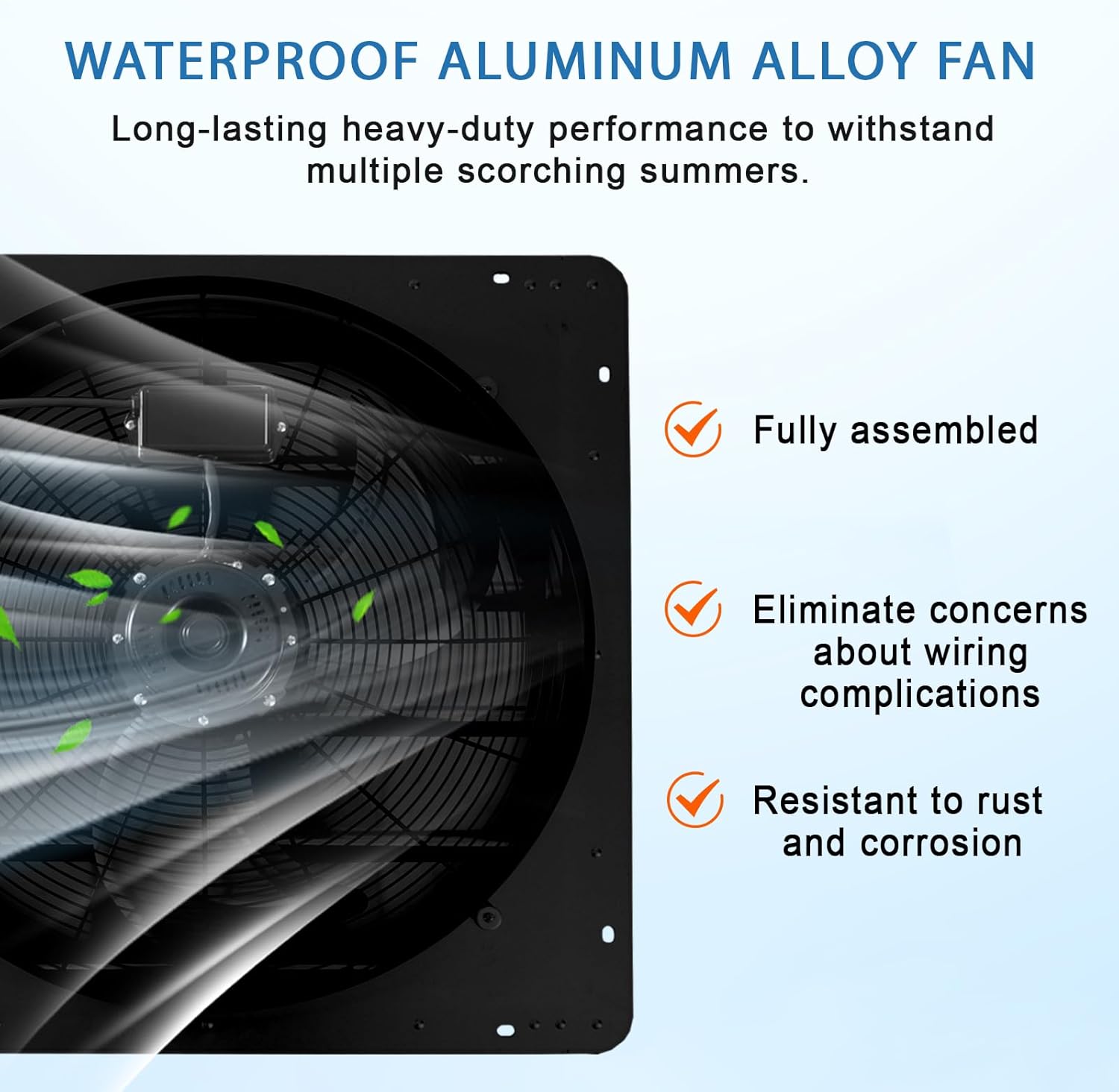
- Durable Construction: Equipped with high-grade aluminum blades and a galvanized sheet frame, designed to resist humidity, high temperatures, rust, and corrosion.
- Fully Assembled: The unit comes fully assembled for straightforward wall mounting.
- Quiet Operation: Operates at a noise level of ≤60dB, minimizing disturbance.
- Weatherproof Design: Constructed to be non-deformed, weatherproof, rain-proof, and offers mosquito prevention.
- Safety Grille: Includes a safety coated steel wire grille for protection.
4. Package Contents
- Garvee 24-inch Wall Mounted Shutter Exhaust Fan Unit
- Light Kit (if applicable, check packaging)
5. Setup and Installation
The Garvee 24-inch Shutter Exhaust Fan is designed for easy wall mounting. Follow these steps for proper installation:
- Choose Location: Select a suitable wall location in your garage, attic, workshop, barn, or greenhouse that allows for optimal airflow and is structurally capable of supporting the fan's weight (approximately 21.2 lbs).
- Prepare Opening: Create an opening in the wall that accommodates the fan's dimensions (approximately 28.5 inches x 28.5 inches). Ensure the opening is sealed properly around the fan after installation.
- Mount Fan: Position the fan unit in the prepared opening. Securely fasten the fan's frame to the wall using appropriate hardware (not included) suitable for your wall material. Ensure the fan is level and stable.
- Electrical Connection: Connect the fan to a dedicated AC 120V/60Hz power source. Ensure all wiring is done according to local electrical codes and the fan is properly grounded. The fan operates via a push-button control method.
- Test Operation: Once installed and wired, restore power and test the fan. Observe the automatic shutters opening when the fan is on and closing when it is off.


6. Operating Instructions
The Garvee 24-inch Shutter Exhaust Fan is designed for simple operation:
- Power On: Ensure the fan is properly installed and connected to a 120V/60Hz power supply. Activate the fan using its push-button control or the connected power switch.
- Automatic Shutter: Upon activation, the fan's automatic gravity aluminum shutters will open to allow airflow.
- Ventilation: The fan will begin to circulate air, exhausting indoor air to reduce temperatures, remove odors, moisture, and dust.
- Power Off: Deactivate the fan using its push-button control or the connected power switch. The automatic shutters will close, providing protection and insulation.

7. Maintenance
Regular maintenance ensures optimal performance and extends the lifespan of your exhaust fan.
- Disconnect Power: Always turn off and disconnect power to the fan before any maintenance.
- Clean Blades: Periodically inspect the aluminum blades for dust, debris, or buildup. Clean them gently with a soft cloth to maintain airflow efficiency.
- Clean Shutters: Ensure the automatic shutters are free from obstructions and can open and close smoothly. Clean any dirt or debris from the shutter mechanism.
- Inspect Wiring: Annually check electrical connections and wiring for any signs of wear, fraying, or damage. Address any issues immediately.
- Housing Cleaning: Wipe down the exterior housing of the fan with a damp cloth as needed. Do not use harsh chemicals or abrasive cleaners.


8. Troubleshooting
If you encounter issues with your Garvee exhaust fan, refer to the following troubleshooting guide:
- Fan Not Turning On:
- Check if the power cord is securely plugged into a working outlet.
- Verify that the circuit breaker or fuse for the fan's circuit has not tripped.
- Ensure the push-button control or wall switch is in the 'ON' position.
- Reduced Airflow:
- Inspect fan blades and shutters for any accumulation of dust or debris that might be obstructing airflow. Clean as necessary.
- Ensure the area around the fan's intake and exhaust is clear of obstructions.
- Unusual Noise or Vibration:
- Turn off the fan and check for any loose screws or components. Tighten them if found.
- Inspect blades for any damage or imbalance.
- Ensure no foreign objects are caught within the fan housing or blades.
- Verify the fan is securely mounted to the wall.
- Shutters Not Opening/Closing Properly:
- Check for any physical obstructions preventing the shutters from moving freely.
- Clean any dirt or grime from the shutter hinges and mechanism.
If these steps do not resolve the issue, please contact Garvee customer support for further assistance.
9. Specifications
| Feature | Specification |
|---|---|
| Model Number | UcUc1qhe5DBdWPeVkkjRdQWhax |
| Size | 24 Inches (72.5cm D x 72.5cm W x 23cm H / 28.5"D x 28.5"W x 9.4"H) |
| Air Flow Capacity | 3500 CFM |
| Power | 150W |
| Speed | 1500 RPM |
| Rated Voltage | AC 120V/60Hz |
| Weight | 9.6 kg / 21.2 lbs |
| Material | Aluminum Alloy, Galvanized Sheet |
| Mounting Type | Wall Mount |
| Control Method | Push Button |
| Indoor/Outdoor Usage | Outdoor |
| Noise Level | ≤60dB |
| Color | Black |
10. Warranty and Support
For warranty information, technical support, or replacement parts, please refer to your purchase documentation or contact Garvee customer service. You can also visit the official Garvee store for more information: Garvee Store.