1. Introduction
This manual provides detailed instructions for the installation, operation, and maintenance of your new phone case and tempered glass screen protector. Designed for the FOXXD Foxx Miro S67 5G, C67, and A67 models, this product offers robust protection and enhanced functionality for your device.
2. Package Contents
- 1 x Phone Case
- 1 x Tempered Glass Screen Protector
3. Setup and Installation
Follow these steps to properly install your screen protector and phone case.
3.1. Tempered Glass Screen Protector Installation
- Clean your phone screen thoroughly with the provided cleaning wipes (if included) to remove dust, smudges, and fingerprints. Ensure the screen is completely dry.
- Carefully peel off the protective film from the adhesive side of the tempered glass screen protector. Avoid touching the adhesive surface.
- Align the screen protector with your phone's screen, ensuring that all cutouts (for camera, speaker, etc.) match perfectly.
- Gently lower the screen protector onto the screen. It will adhere automatically.
- If any air bubbles appear, gently push them towards the edges of the screen using a soft cloth or squeegee.
3.2. Phone Case Installation
- Ensure your phone screen has the tempered glass protector installed (if desired).
- Carefully insert your phone into the case, starting with one side and gently pressing the other side into place.
- Verify that all edges of the phone are securely seated within the case and that all ports and buttons are accessible and functional.
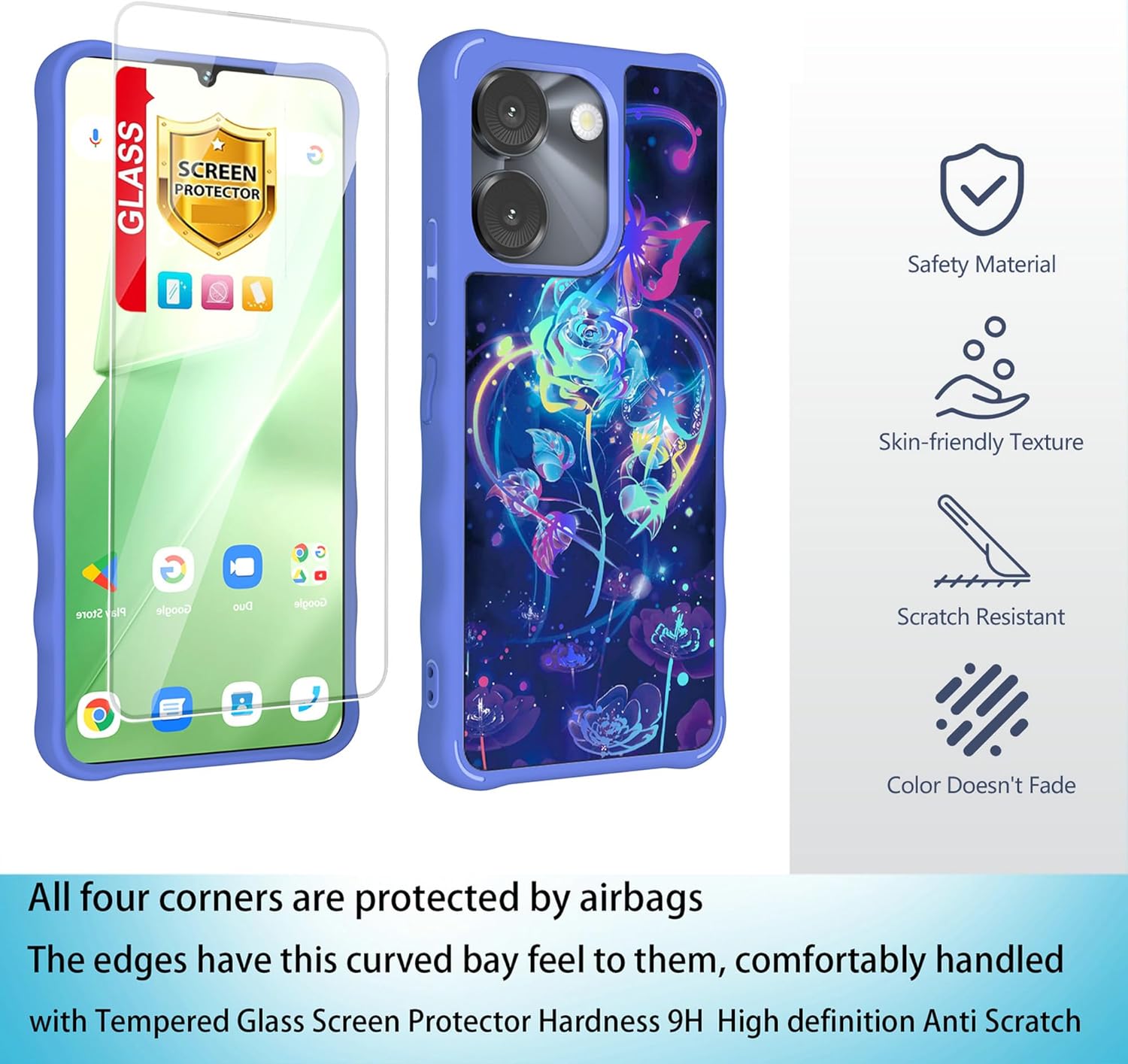
Image: Components of the phone case and tempered glass screen protector. The case features reinforced corners for drop protection and a comfortable grip. The screen protector offers 9H hardness and high-definition clarity.
4. Operating the Case Features
Your phone case is designed with several features to enhance usability and protection.
4.1. Frosted Grip and Anti-Fingerprint Surface
The case features a delicate frosted process on its surface, providing a smooth, skin-like feel and a secure grip. This design minimizes fingerprints and smudges, keeping your case looking clean even after extended use.
4.2. Four-Corner Anti-Drop Airbag Protection
Invisible airbags are integrated into all four corners of the case. These airbags are designed to cushion impact and absorb shock if your phone is accidentally dropped, significantly reducing the risk of damage to the device and screen.
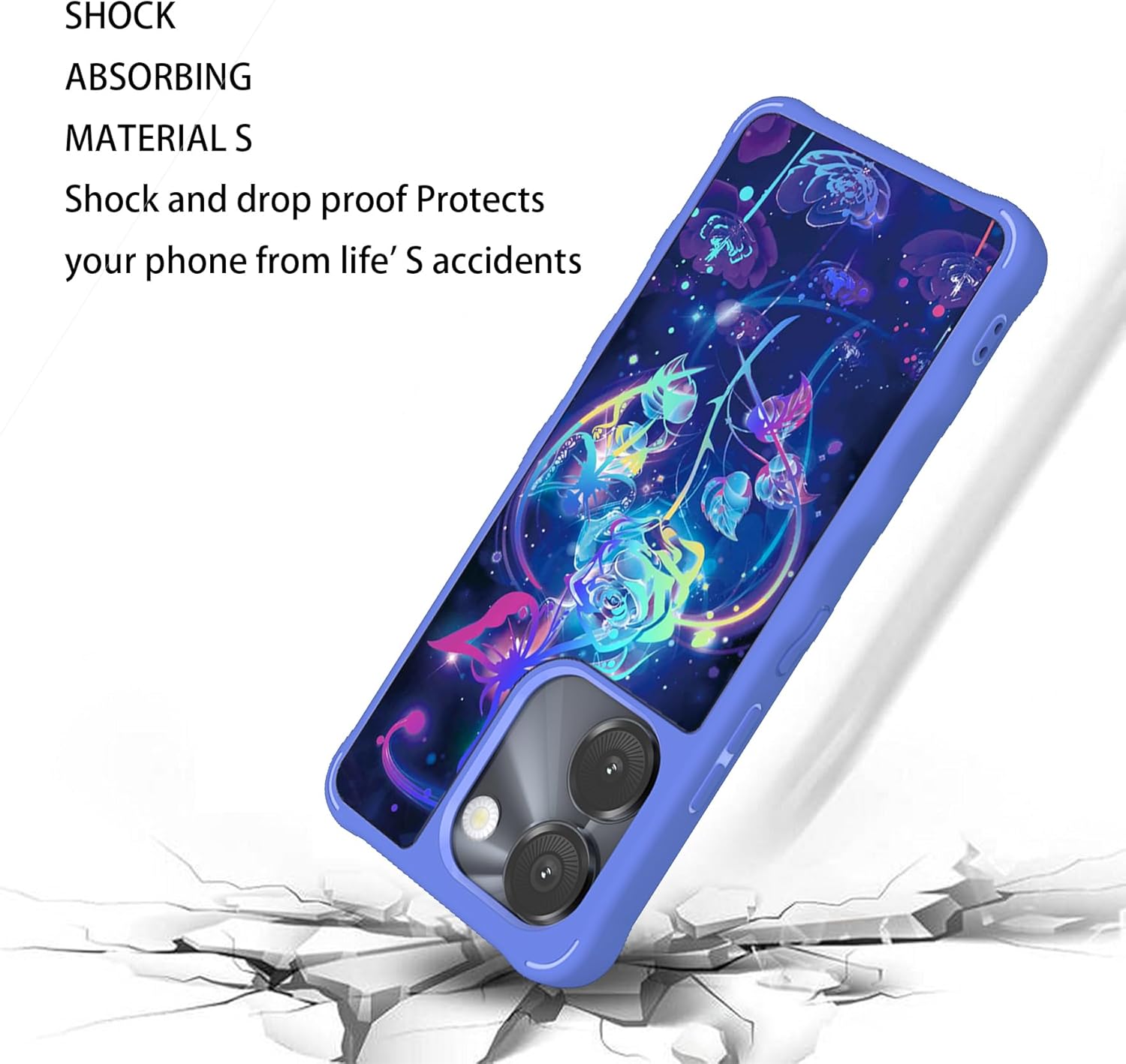
Image: The phone case is constructed with shock-absorbing materials to protect your device from impacts and drops.
4.3. Rotatable Phone Holder/Kickstand
The case includes a built-in rotatable phone holder on the back. This feature allows you to prop up your phone at various angles for hands-free viewing in both portrait and landscape orientations. Simply pull out the ring and rotate it to your desired position.

Image: The phone case features a 360-degree rotatable stand for versatile viewing angles and dual-layer protection.
4.4. Precise Cutouts
The case is designed with accurate cutouts for all ports, buttons, and camera lenses, ensuring full functionality and sensitive feedback when pressing buttons. Charging and connecting cables can be done without removing the case.
5. Maintenance
To keep your phone case and screen protector in optimal condition:
- Cleaning the Case: Wipe the case regularly with a soft, damp cloth to remove dust and dirt. For tougher stains, a mild soap solution can be used, followed by wiping with a clean, dry cloth. Avoid harsh chemicals or abrasive materials.
- Cleaning the Screen Protector: Use a microfiber cloth to gently wipe the screen protector. For smudges, a screen cleaner spray designed for electronics can be applied to the cloth (not directly to the screen) and then wiped.
- Avoid Extreme Conditions: Do not expose the case or screen protector to extreme temperatures or direct sunlight for prolonged periods, as this may affect material integrity and color.
6. Troubleshooting
If you encounter any issues with your product, consider the following:
- Case Fit: Ensure the case is compatible with your specific phone model (FOXXD Foxx Miro S67 5G, C67, or A67). If the fit is loose, re-check the model compatibility.
- Screen Protector Bubbles: Small bubbles can sometimes be pushed out to the edges using a soft card or cloth. If large bubbles persist, it may indicate dust trapped underneath; re-installation after thorough cleaning might be necessary.
- Button Responsiveness: If buttons feel unresponsive, ensure the phone is correctly seated in the case and that the case's button covers are aligned with the phone's buttons.
7. Specifications
| Feature | Detail |
|---|---|
| Compatible Phone Models | FOXXD Foxx Miro S67 5G / C67 /A67 |
| Material | Polyurethane |
| Special Features | Frosted finish, Four-corner anti-drop airbag, Slim Fit, Rotatable Phone Holder |
| Product Dimensions | 0.39 x 0.39 x 0.39 inches |
| Item Weight | 2.46 ounces |
8. Warranty and Support
This product is covered by the standard return policy of the retailer. For specific warranty details or technical support, please refer to the product listing on the platform where it was purchased or contact the seller directly. Keep your purchase receipt for any warranty claims.


