
hellibito B0FJRHC8MQ
hellibito Smart Watch User Manual - Model B0FJRHC8MQ
Your comprehensive guide to setup, operation, and maintenance.
1. Introduction
This manual provides detailed instructions for the hellibito Smart Watch, Model B0FJRHC8MQ. This device is designed to assist with daily activity tracking, health monitoring, and communication features. It features a 1.96-inch HD display, Bluetooth calling capabilities, and comprehensive health tracking functions.

2. What's in the Box
Upon opening your hellibito Smart Watch package, you should find the following items:
- Smart Watch
- Watch Band
- Charging Cable
- User Manual

3. Initial Setup
3.1 Charging the Device
Before first use, fully charge your hellibito Smart Watch. Connect the magnetic charging cable to the charging contacts on the back of the watch and plug the USB end into a power adapter (not included) or a computer USB port. A full charge typically takes 2-3 hours. The watch has a 340mAh battery, providing 5-8 days of typical use or over 20 days of standby time.

3.2 App Installation
To unlock the full functionality of your smart watch, download the companion application on your smartphone. The watch is compatible with Android 4.4 and above, and iOS 8.2 and above. Search for the recommended app (e.g., 'HBand' or 'hellibito Fit') in your device's app store.
3.3 Device Pairing
- Ensure Bluetooth is enabled on your smartphone.
- Open the installed companion app.
- Follow the in-app instructions to search for and connect to your hellibito Smart Watch. The watch's name should appear in the list of available devices.
- Confirm the pairing request on both your phone and the watch if prompted.

4. Operating Instructions
4.1 Basic Navigation
The hellibito Smart Watch features a responsive 1.96-inch HD touchscreen. Swipe left, right, up, or down to navigate through menus and functions. Press the side button to return to the home screen or access the app list.

4.2 Bluetooth Calls and Smart Reminders
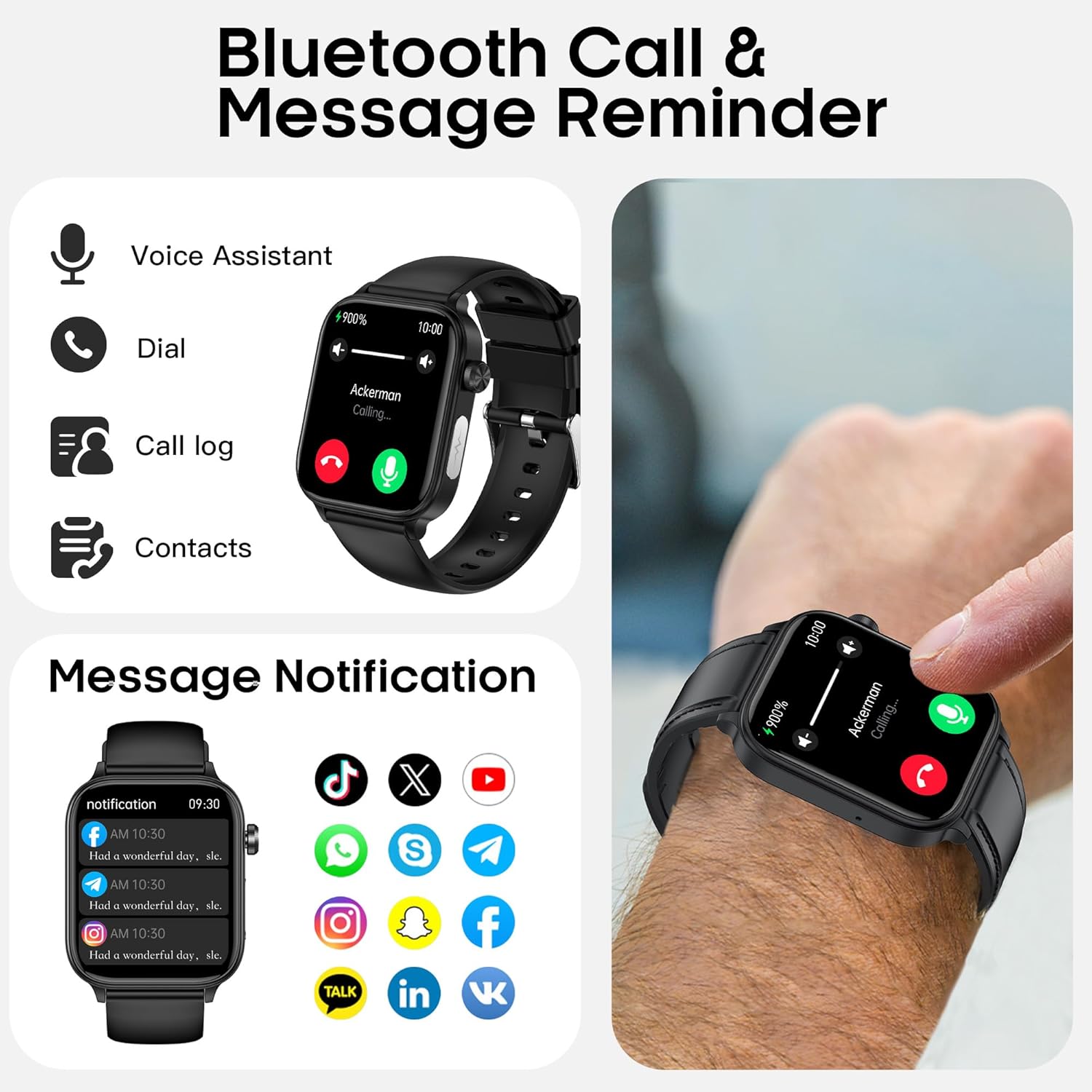
Once paired, the watch allows you to make and answer calls directly from your wrist using its built-in microphone and speaker. You can also receive real-time notifications from social media apps and messages.
- Making Calls: Access the dialer or contacts list on the watch.
- Answering Calls: Tap the green icon on the watch screen when an incoming call is displayed.
- Notifications: Ensure app notifications are enabled in your phone's settings and the companion app.


4.3 24/7 Health Tracking
The watch is equipped with advanced sensors for continuous health monitoring:
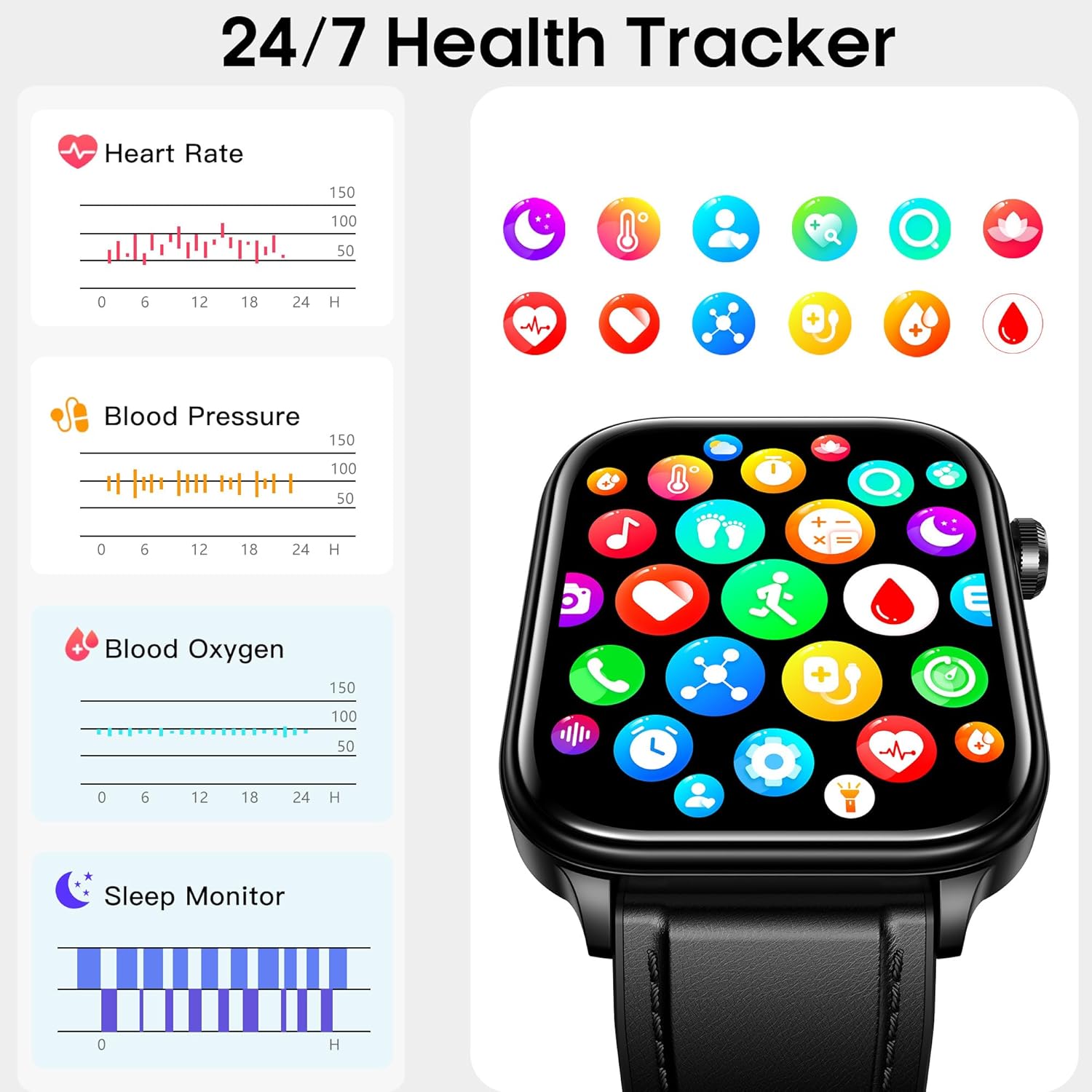
- Heart Rate: Monitors heart rate fluctuations throughout the day.
- Blood Pressure: Tracks blood pressure changes in real-time.
- Blood Oxygen (SpO2): Provides real-time blood oxygen saturation tracking.
- Sleep Monitor: Analyzes sleep patterns, including light, deep, and REM sleep.
- Body Temperature: Detects skin temperature and estimates changes.
- Stress Monitor: Assesses the body's response to stress.
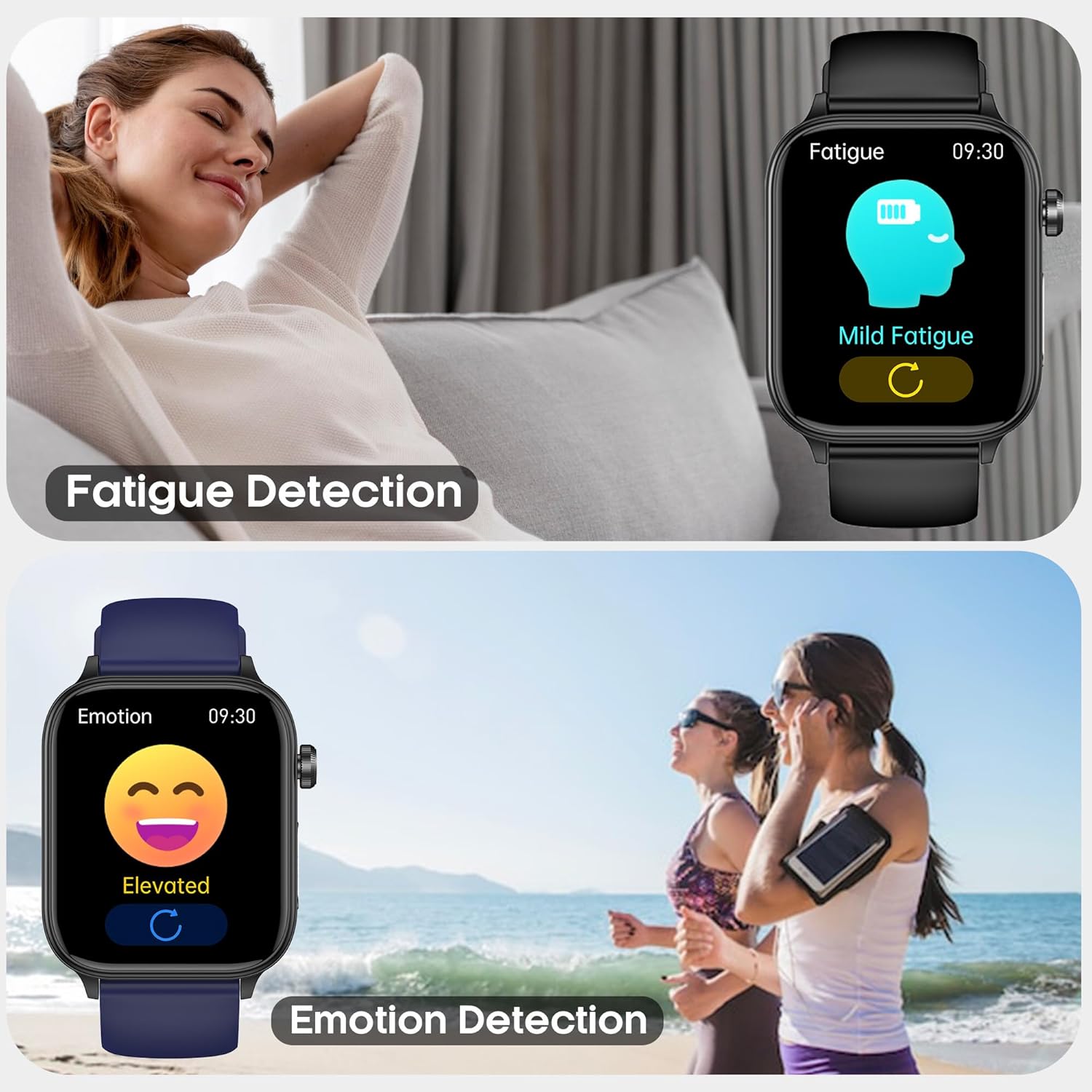
- Mood and Fatigue: Measures mood and fatigue levels.
- Female Cycle Tracking: Provides personalized health reminders for women.
- HRV Monitoring: Tracks heart rate variability to analyze heart health status.




4.4 Activity Tracking and Sports Modes
The watch supports over 20 indoor and outdoor workout modes. It accurately tracks steps, distance, and calories burned in real-time.
- Select your desired sport mode from the watch's menu before starting an activity.
- Review your exercise performance data in the companion app after your workout.


4.5 Smart Life Assistant Features
The hellibito Smart Watch includes several practical functions to enhance daily convenience:
- Alarm Clock: Set alarms directly from the watch or app.
- Flashlight: Activate the screen as a flashlight.
- Sedentary Reminder: Receive alerts to move after periods of inactivity.
- Music Player Control: Control music playback on your paired smartphone.
- AI Voice Assistant: Use voice commands for various tasks.
- Camera Control: Remotely trigger your phone's camera shutter.
- Weather Forecast: View current weather conditions and forecasts.
- Games: Access simple games on the watch.


4.6 SOS Emergency Call Function
In an emergency, the watch features an SOS button. When activated, it can notify pre-set family contacts via the companion app and send out a distress signal.
- Configure emergency contacts within the companion app.
- Press and hold the designated SOS button on the watch (refer to the app for specific button assignment) to activate the function.

5. Maintenance
5.1 Water Resistance
The hellibito Smart Watch has an IP68 waterproof rating, meaning it is resistant to dust and can withstand immersion in water up to 1.5 meters for 30 minutes. It is suitable for daily use such as hand washing, face cleansing, and sweating during exercise. However, it is not recommended for hot showers, saunas, or diving.

5.2 Cleaning
To maintain the watch's appearance and functionality, regularly clean the watch body and strap with a soft, dry cloth. If necessary, a slightly damp cloth can be used, followed by immediate drying. Avoid using harsh chemicals or abrasive materials.
6. Troubleshooting
If you encounter issues with your hellibito Smart Watch, refer to the following common solutions:
| Problem | Possible Solution |
|---|---|
| Watch does not turn on | Ensure the watch is fully charged. Connect it to the charging cable for at least 30 minutes. |
| Cannot pair with smartphone | Ensure Bluetooth is enabled on your phone. Restart both the watch and your phone. Make sure the watch is within Bluetooth range. Check the companion app for pairing instructions. |
| Inaccurate health readings | Ensure the watch is worn snugly on your wrist, not too tight or too loose. Avoid excessive movement during measurements. Note that smartwatches are not medical devices and readings are for reference only. |
| Notifications not received | Verify that notifications are enabled in both your phone's system settings and the companion app. Ensure the watch is connected via Bluetooth. |
| Weather forecast not updating | Ensure the watch is connected to your phone and the companion app has location permissions enabled. Check if the app is running in the background. |
| Short battery life | Reduce screen brightness, disable continuous heart rate monitoring if not needed, and limit frequent use of power-intensive features like calls. |
7. Specifications
- Brand:
- hellibito
- Model Number:
- B0FJRHC8MQ
- Screen Size:
- 1.96 Inches
- Display Type:
- IPS (implied from A+ content)
- Operating System:
- Android & iOS compatible (Android 4.4+, iOS 8.2+)
- Connectivity Technology:
- Bluetooth
- Battery Capacity:
- 340 Milliamp Hours
- Water Resistance Rating:
- IP68
- Special Features:
- Activity Tracker, Heart Rate Monitor, Blood Pressure Monitor, Blood Oxygen Monitor, Sleep Monitor, Body Temperature Monitor, Stress Monitor, SOS Button, Bluetooth Calling, AI Voice Assistant
- Item Weight:
- 6.4 ounces
- Package Dimensions:
- 6.73 x 3.78 x 1.29 inches

8. Warranty and Support
8.1 Warranty Information
Warranty details for your hellibito Smart Watch are typically provided with the product packaging or can be found on the official hellibito website. Please retain your proof of purchase for warranty claims.
8.2 Customer Support
For further assistance, technical support, or inquiries regarding your hellibito Smart Watch, please refer to the contact information provided in your product documentation or visit the hellibito official support channels.
Ask a question about this manual
Ask about setup, troubleshooting, compatibility, parts, safety, or missing instructions. Manuals+ will review the question and use this page’s manual context to help answer it.