
1. Introduction
This manual provides essential information for the setup, operation, and maintenance of your LG 43-inch UHD AI UA75 Smart TV. Please read this manual thoroughly before using your television to ensure proper and safe operation. Keep this manual for future reference.

Image: The LG 43-inch UHD AI UA75 Smart TV displayed with its included wall mount bracket.
2. Safety Information
Always follow basic safety precautions when using this product to reduce the risk of fire, electric shock, or injury.
- Do not expose the TV to rain or moisture.
- Do not block ventilation openings.
- Ensure the power cord is not pinched or walked on.
- Unplug the TV during lightning storms or when unused for long periods.
- Refer all servicing to qualified service personnel.
3. What's in the Box
Verify that all components are present before proceeding with installation:
- LG 43-inch UHD AI UA75 Smart TV
- Remote Control
- Quick Start Guide
- Power Cable
- Wall Mount Bracket
- TV Stand (2 pieces)
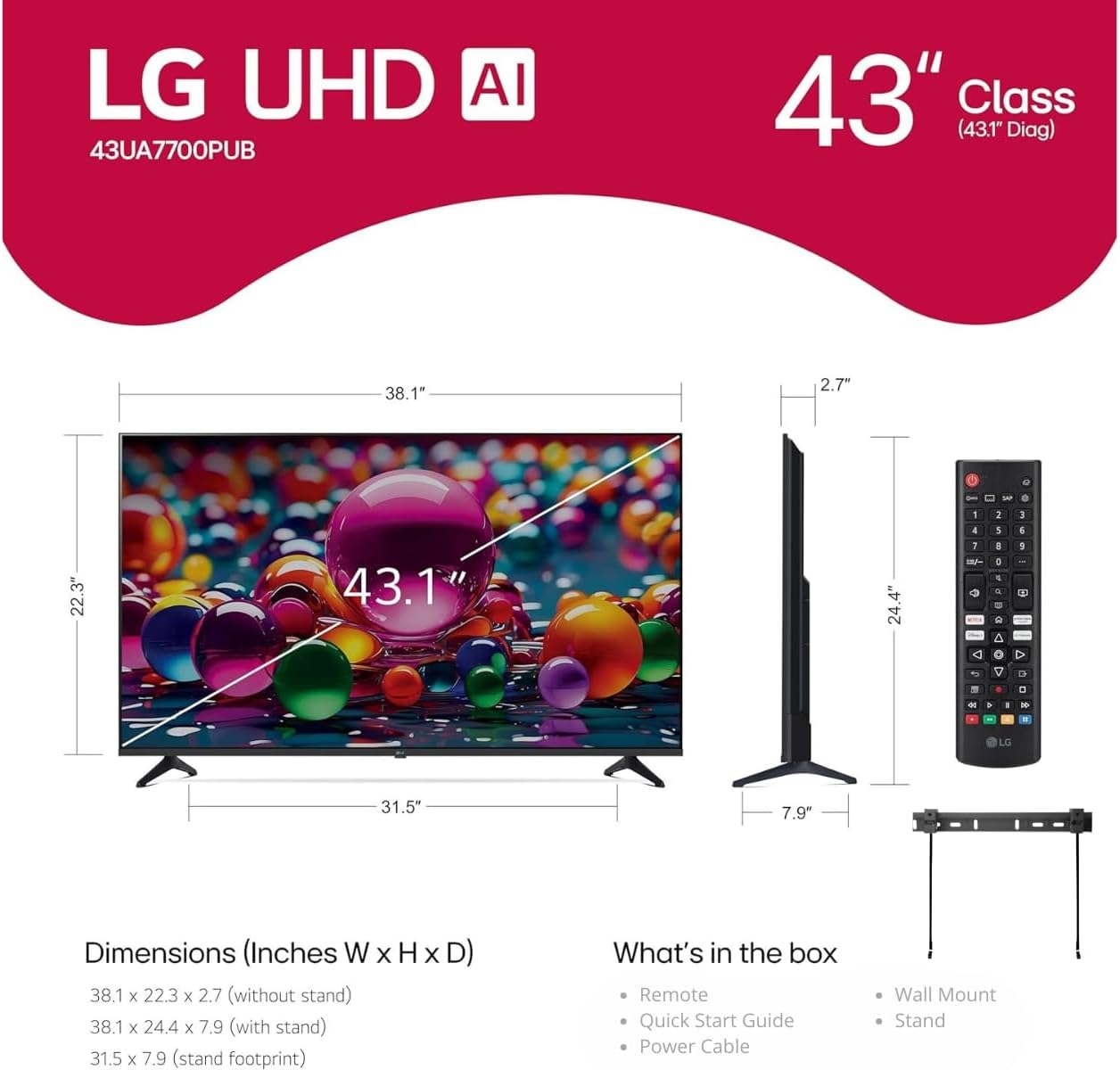
Image: A diagram illustrating the dimensions of the 43-inch LG TV and a list of items typically found in the product box, including the remote, quick start guide, power cable, wall mount, and stand.
4. Setup
4.1 Unpacking and Placement
Carefully remove the TV from its packaging. Place the TV on a stable, level surface or prepare for wall mounting. Ensure adequate ventilation around the TV.
4.2 Stand Installation or Wall Mounting
Option A: Stand Installation
- Place the TV face down on a soft cloth or cushion to protect the screen.
- Align the TV stand pieces with the corresponding slots on the bottom of the TV.
- Secure the stands using the provided screws.
Option B: Wall Mounting
The LG UA75 TV is compatible with a wall mount, which is included. Follow the instructions provided with the wall mount for secure installation. Ensure the wall can support the weight of the TV.
4.3 Connecting Peripherals
Connect your external devices (e.g., cable box, Blu-ray player, gaming console) to the HDMI ports on the back of the TV. The TV includes HDMI 2.1 ports with eARC support.
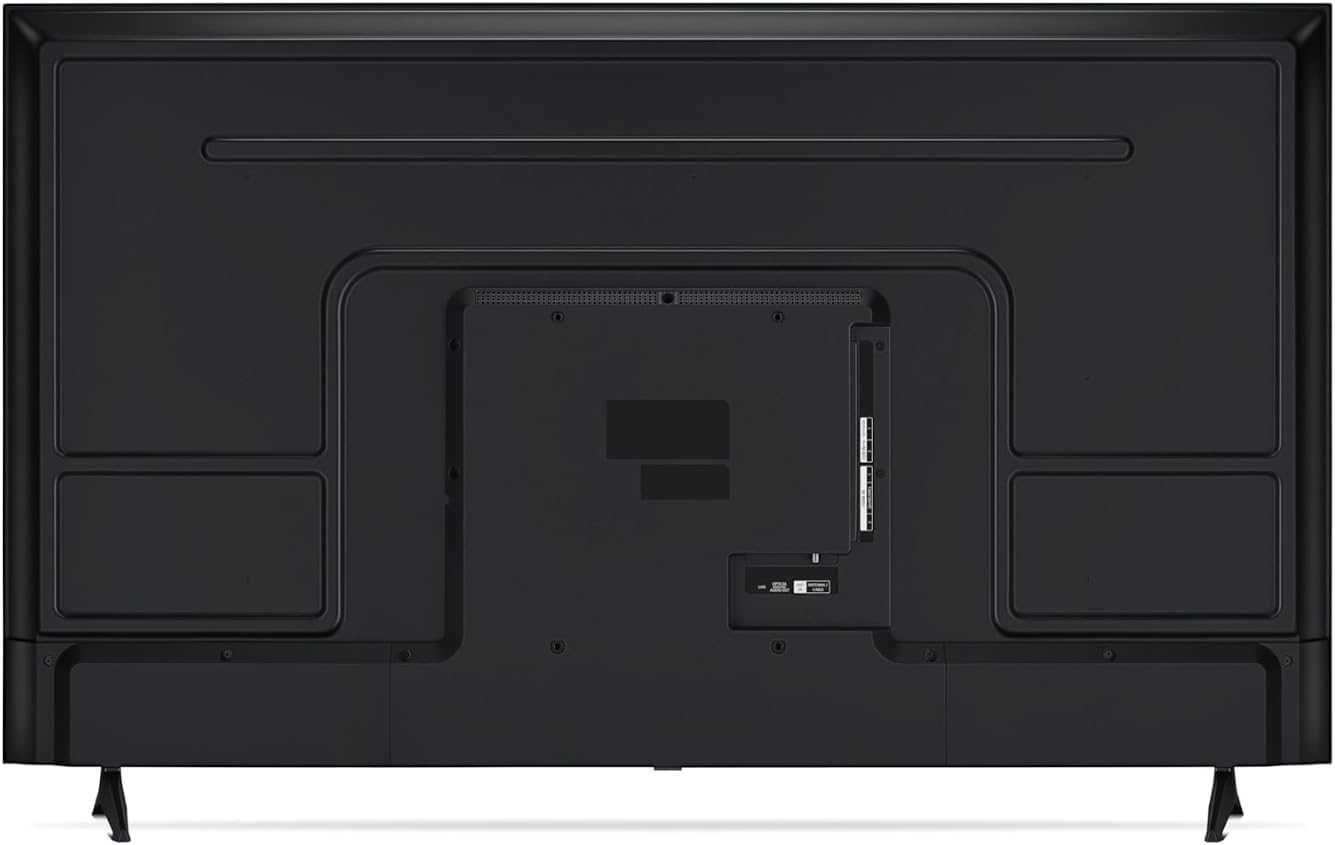
Image: The back panel of the LG 43-inch TV, highlighting the various input and output ports for connecting external devices.
For internet access, connect an Ethernet cable to the LAN port or use the built-in Wi-Fi connectivity.
4.4 Initial Power On and Setup
- Connect the power cable to the TV and then to a power outlet.
- Press the power button on the remote control or on the TV.
- Follow the on-screen instructions to complete the initial setup, including language selection, network connection, and channel scanning.
5. Operating the TV
5.1 Remote Control Functions
Use the provided remote control to navigate the TV's interface. Common buttons include power, volume, channel, input selection, and smart home button for webOS.
5.2 webOS 25 Smart Platform
Your LG TV features webOS 25, an intuitive smart TV platform. Access streaming apps like Netflix, Disney+, and Apple TV+, along with over 350 free LG Channels. The AI-customizable interface allows for personalized navigation.

Image: A visual representation of the LG webOS Smart TV platform, showcasing various streaming services and features.
The webOS Re:New Program ensures you receive software updates and feature refreshes for 5 years.
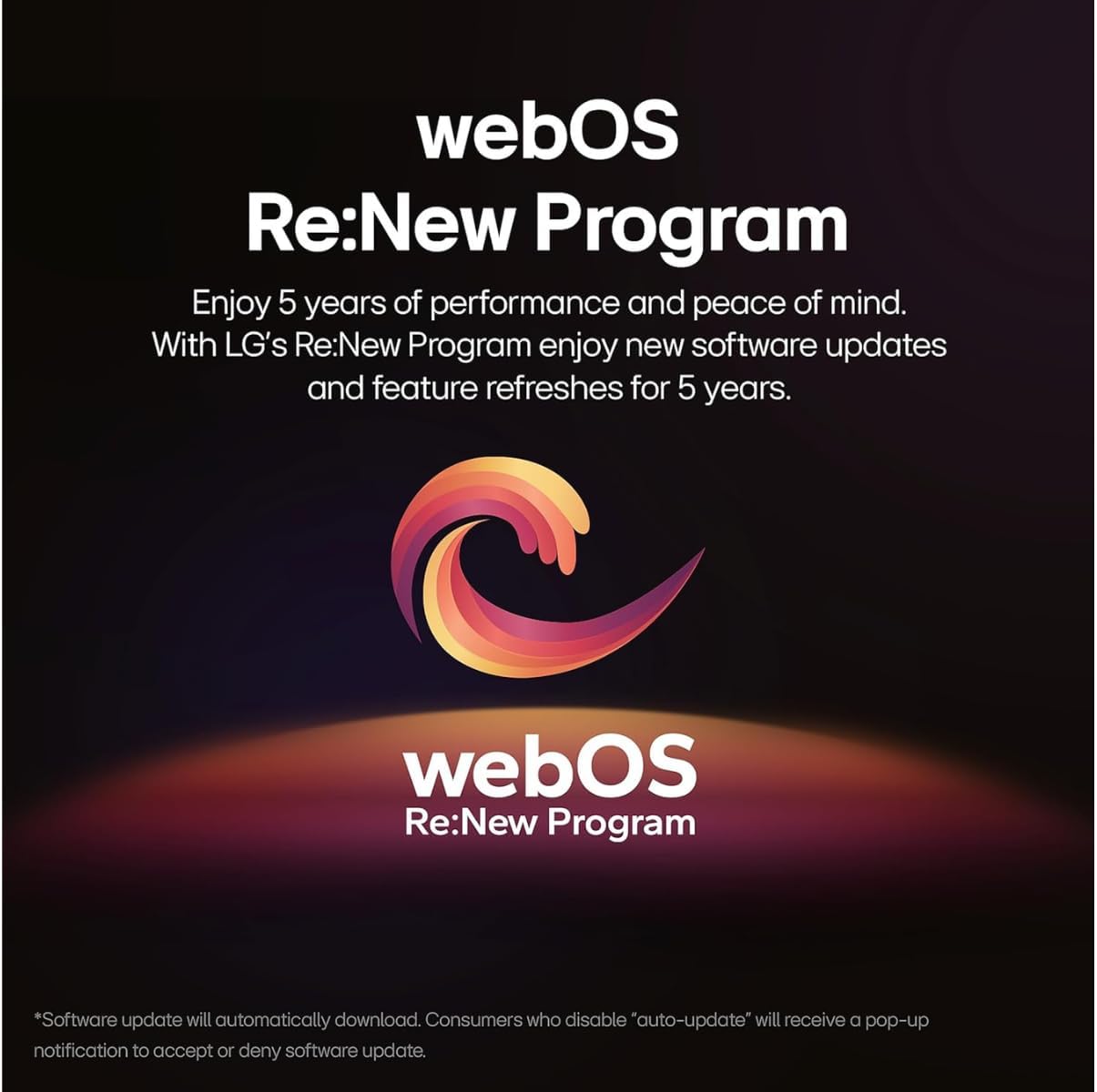
Image: The logo for the LG webOS Re:New Program, indicating ongoing software support and updates.
5.3 Picture and Sound Optimization
The TV is equipped with the α7 AI Gen8 Processor, which enhances clarity, brightness, and detail through 4K upscaling. It also optimizes picture and sound in real-time using AI.
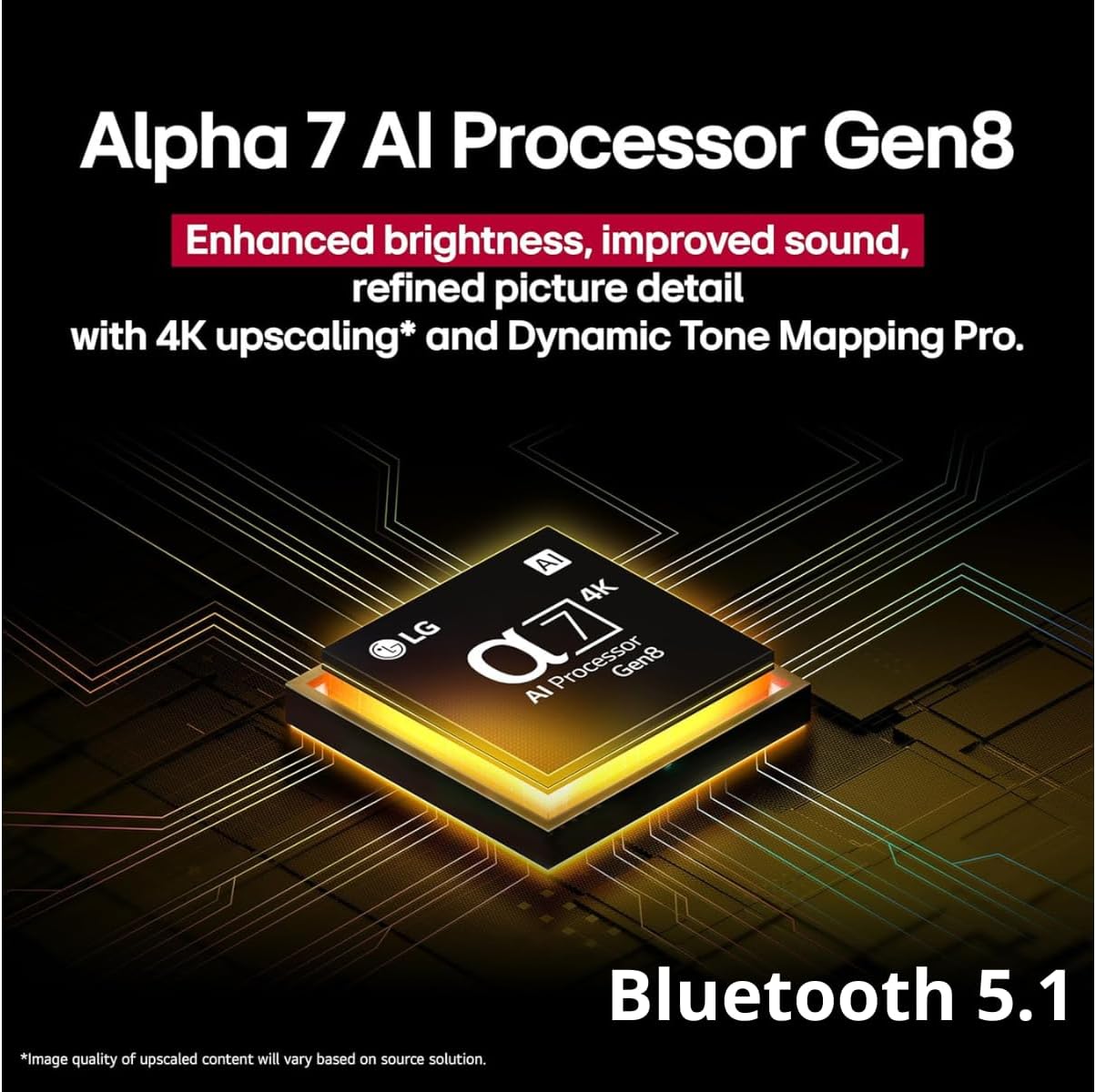
Image: A graphic illustrating the LG Alpha 7 AI Processor Gen8, highlighting its capabilities for enhanced brightness, improved sound, and refined picture detail with 4K upscaling and Dynamic Tone Mapping Pro, alongside Bluetooth 5.1 connectivity.
Experience cinematic content with FILMMAKER MODE, which preserves the director's original intent by maintaining colors, frame rates, and image settings.
HDR10 Pro delivers an enhanced visual experience by optimizing color and contrast.
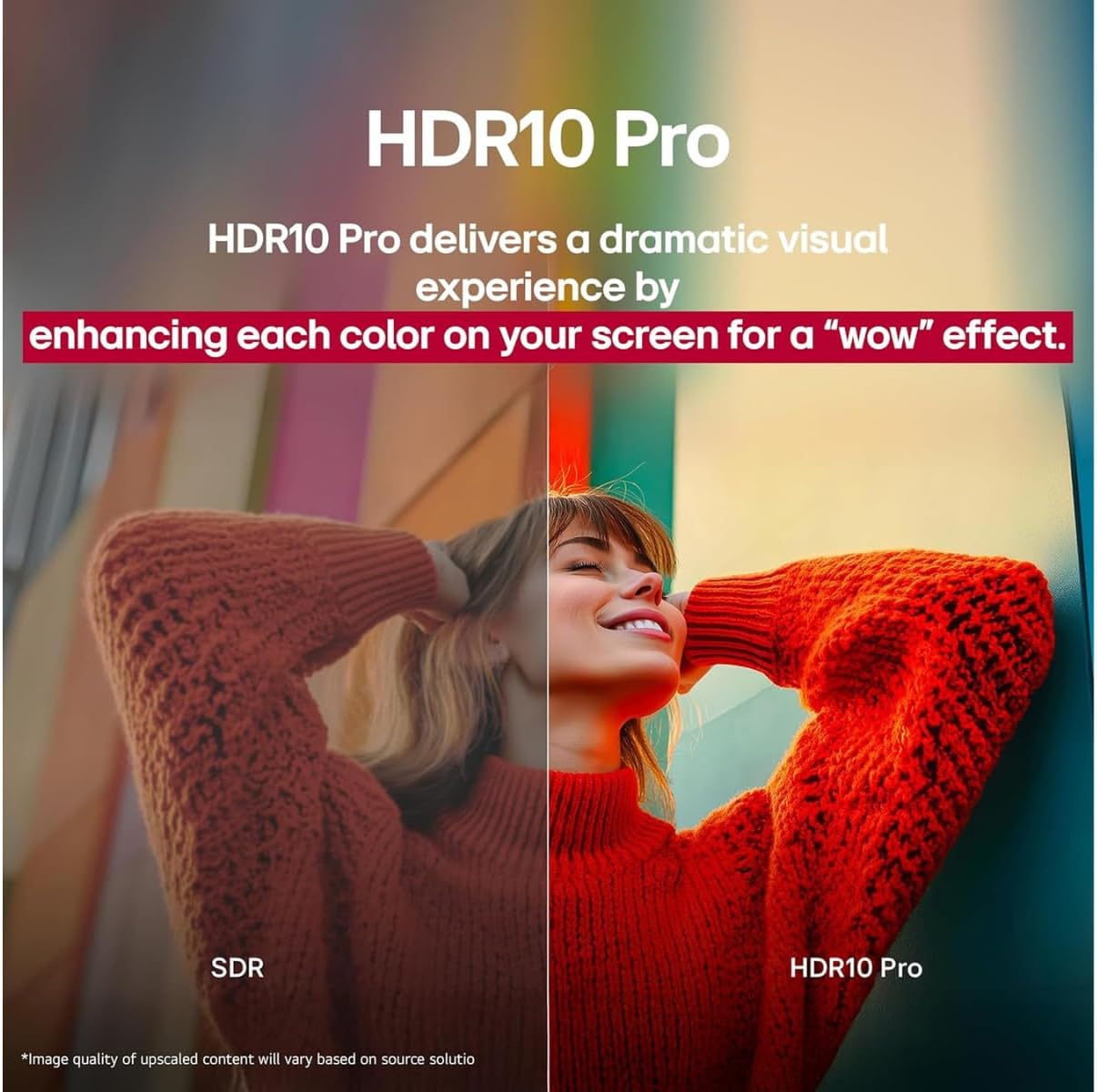
Image: A side-by-side comparison demonstrating the visual difference between Standard Dynamic Range (SDR) and HDR10 Pro, showing enhanced color and contrast in the HDR10 Pro image.
4K Super Upscaling transforms lower-resolution content into near-4K quality, enhancing detail and sharpness.
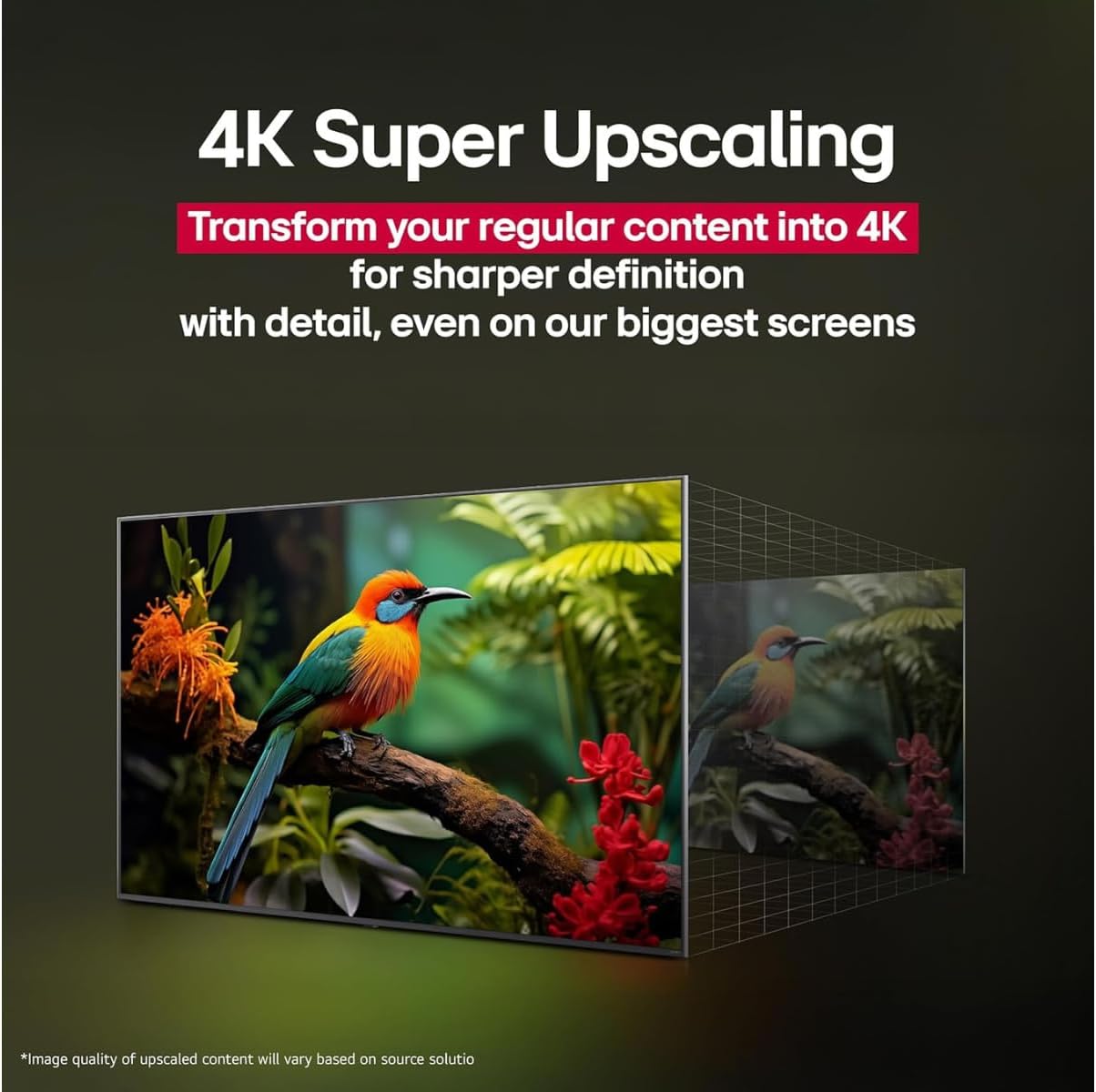
Image: A visual representation of 4K Super Upscaling, showing how standard content is processed and enhanced to a higher resolution for improved clarity on a 4K screen.
5.4 Smart Connectivity and AI Features
The TV supports Bluetooth 5.0 for wireless audio devices. Apple AirPlay 2 and Google Cast allow for seamless mirroring of content from your smartphone, tablet, or computer to the TV screen.
Utilize AI Search for personalized recommendations and additional solutions, including integration with Microsoft Copilot.
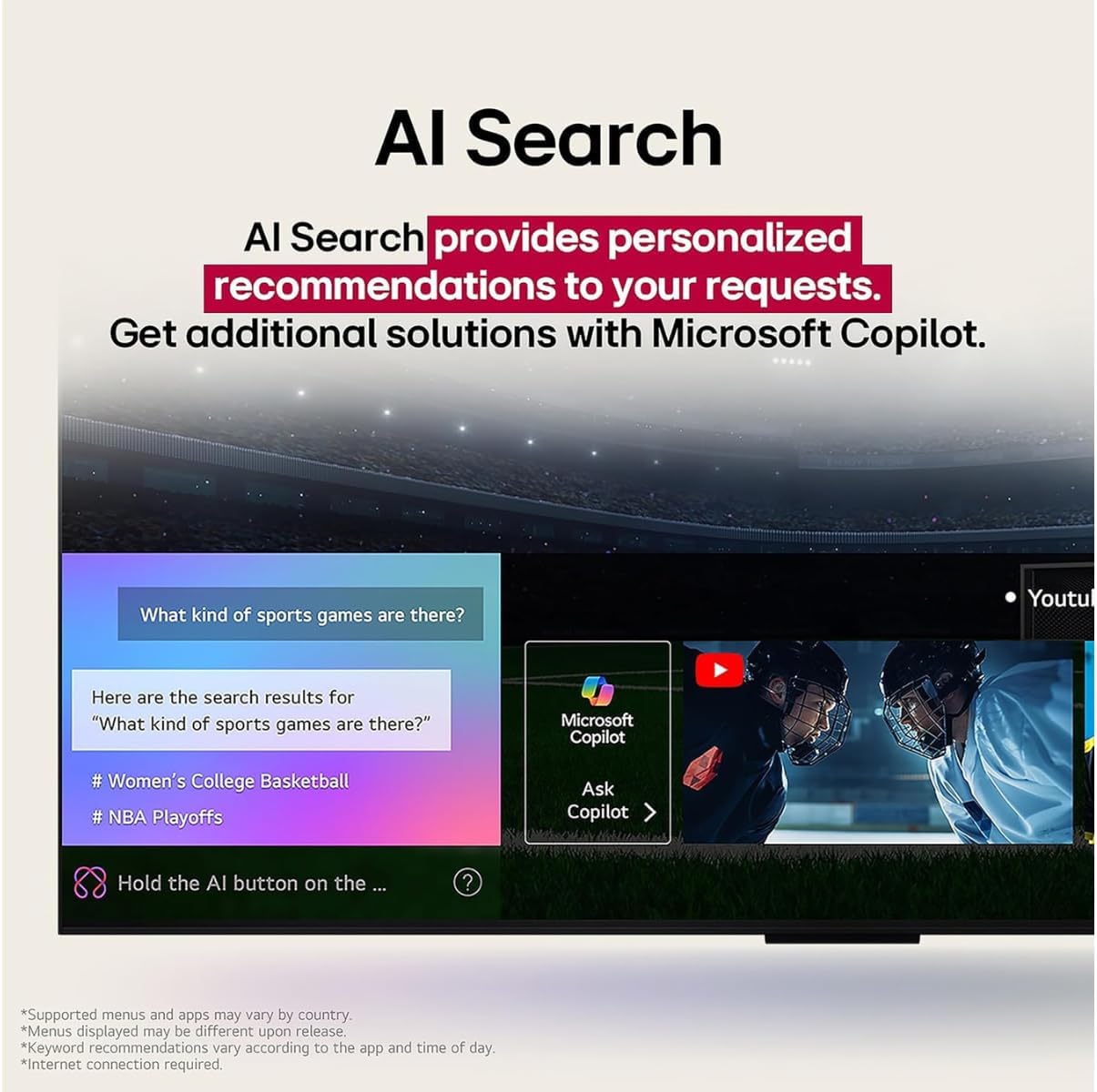
Image: A screenshot of the LG AI Search interface on the TV, demonstrating search results and the option to use Microsoft Copilot for further assistance.
Voice assistants like Google Assistant and Alexa are supported for convenient control.
5.5 Gaming Optimization
The Game Optimizer features Game Mode, VRR (up to 60Hz), and ALLM to reduce input lag and screen tearing, providing a smoother gaming experience. The TV is compatible with Xbox Game Pass Ultimate and cloud gaming services like GeForce NOW.
6. Maintenance
To maintain your TV's performance and appearance:
- Cleaning the Screen: Gently wipe the screen with a soft, dry, lint-free cloth. For stubborn marks, use a screen cleaner specifically designed for TVs, applied to the cloth, not directly to the screen.
- Cleaning the Cabinet: Use a soft, dry cloth to wipe the TV cabinet.
- Software Updates: Ensure your TV is connected to the internet to receive automatic software updates, which improve performance and add new features.
7. Troubleshooting
If you encounter issues with your TV, refer to the following common problems and solutions:
| Problem | Possible Cause / Solution |
|---|---|
| No Power | Check if the power cord is securely plugged into the TV and the wall outlet. Test the outlet with another device. |
| No Picture / Distorted Picture | Ensure the correct input source is selected. Check all cable connections (HDMI, antenna). Try restarting the TV. |
| No Sound | Check volume levels and mute settings. Verify audio cable connections. If using external speakers, check their power and connections. |
| Remote Control Not Working | Replace the batteries. Ensure there are no obstructions between the remote and the TV's IR sensor. |
| Cannot Connect to Wi-Fi | Check your router and modem. Restart them if necessary. Ensure the Wi-Fi password is entered correctly. Move the TV closer to the router or use an Ethernet cable. |
8. Specifications
| Feature | Detail |
|---|---|
| Brand | LG |
| Model | UA75 |
| Screen Size | 43 Inches (110 cm diagonal) |
| Display Technology | LED |
| Resolution | 4K UHD |
| Refresh Rate | 60 Hz |
| Processor | α7 AI Processor 4K Gen8 |
| Operating System | webOS 25 |
| Connectivity | Bluetooth 5.0, Ethernet, HDMI 2.1 (with eARC), Wi-Fi |
| Special Features | Smartphone Remote App, Filmmaker Mode, HDR10 Pro, AI Search, Game Optimizer, AirPlay 2, Google Cast, Alexa compatibility |
| Product Dimensions (without stand) | 41.5"D x 25.2"W x 5.6"H (approx.) |
| Item Weight | 22 Pounds (approx.) |
9. Warranty and Support
For warranty information and customer support, please refer to the warranty card included with your product or visit the official LG website. You may also contact LG customer service for assistance with product registration, technical support, or service requests.
Online resources often include FAQs, troubleshooting guides, and software downloads.


