
Introduction
Thank you for purchasing the Hisense 43A69Q 4K UHD Smart VIDAA TV. This manual provides essential information for setting up, operating, and maintaining your television. Please read it thoroughly before using the product to ensure safe and correct operation. Keep this manual for future reference.
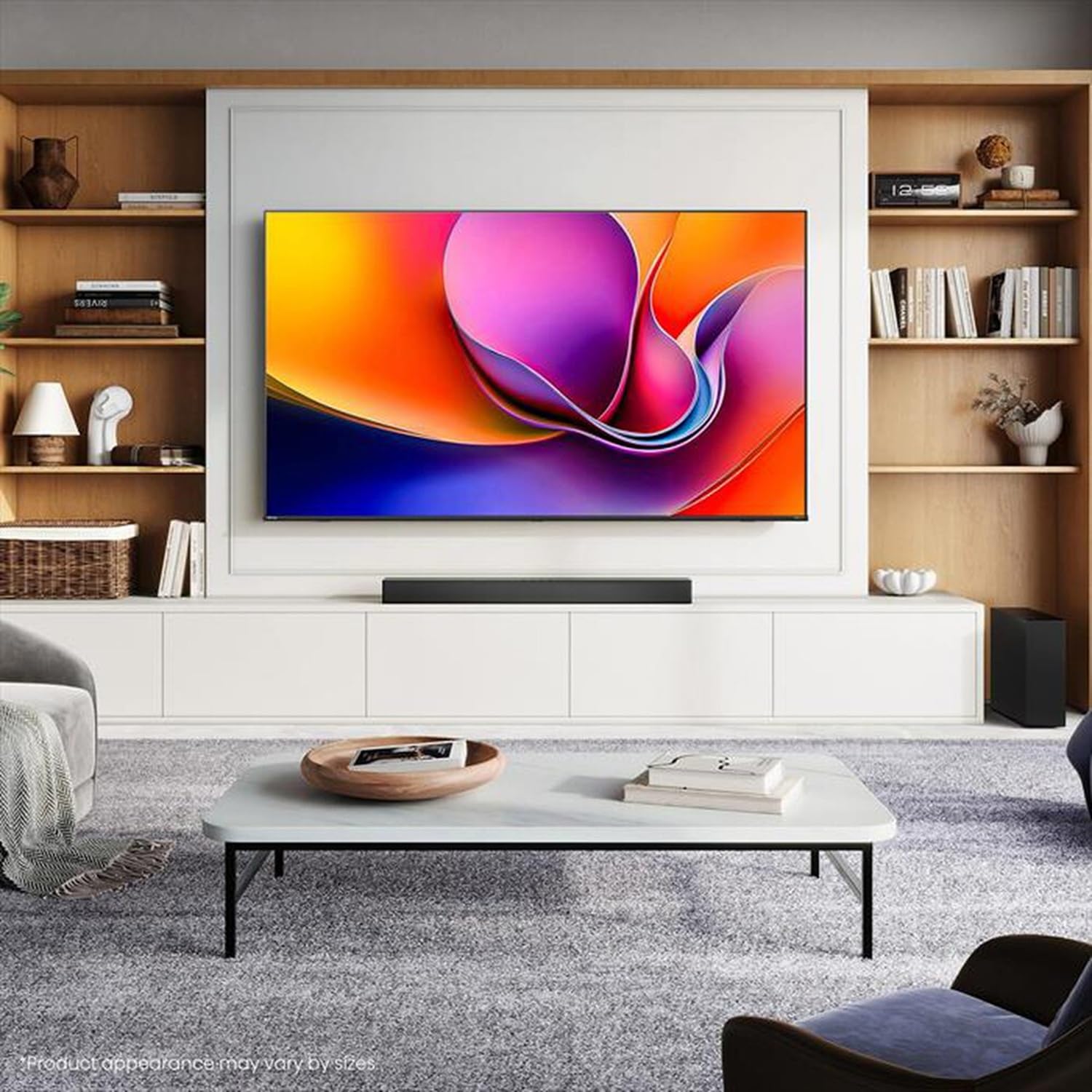
Image: Hisense 43A69Q 4K UHD Smart VIDAA TV. This image shows the television from the front, highlighting its slim bezel design and display.
Safety Information
Always follow these basic safety precautions when using your television:
- Do not expose the TV to rain or moisture.
- Do not open the TV cabinet. Refer all servicing to qualified personnel.
- Ensure proper ventilation around the TV. Do not block ventilation openings.
- Protect the power cord from being walked on or pinched.
- Unplug the TV during lightning storms or when unused for long periods.
- Keep the TV away from heat sources like radiators, heat registers, stoves, or other heat-producing appliances.
What's in the Box
Verify that all components are present:
- Hisense 43A69Q 4K UHD Smart VIDAA TV
- Remote Control with Batteries
- Power Cord
- TV Stand Components (2 legs)
- Screws for Stand Installation
- Quick Setup Guide
- User Manual (this document)
Setup
1. Unpacking
Carefully remove the TV from its packaging. It is recommended that two people handle the TV to prevent damage or injury. Retain the packaging materials for future transport or servicing.
2. Stand Installation
If you are not wall-mounting the TV, attach the stand:
- Place the TV face-down on a soft, clean surface to prevent screen damage.
- Align each stand leg with the corresponding slots on the bottom of the TV.
- Secure each leg with the provided screws. Ensure they are tightened firmly.
- Carefully lift the TV to an upright position on a stable, level surface.
3. Wall Mounting (Optional)
The Hisense 43A69Q is compatible with VESA standard wall mounts (200x300 mm). Wall mount kits are sold separately. Follow the instructions provided with your wall mount kit and ensure professional installation if you are unsure.
4. Connecting External Devices
Connect your devices to the TV's ports:
- HDMI: Connect Blu-ray players, game consoles, or set-top boxes to the HDMI ports (HDMI1, HDMI2, HDMI3). This model features HDMI 2.1 with ALLM and VRR (60Hz) support on all ports, and eARC on HDMI3.
- USB: Plug in USB drives for media playback (2 USB 2.0 ports).
- Antenna/Cable: Connect your antenna or cable TV signal to the RF tuner input.
- Ethernet: For a stable wired internet connection, connect an Ethernet cable to the RJ45 port.
- Audio Out: Use the S/PDIF optical output for digital audio to a soundbar or receiver, or the headphone jack for private listening.
5. Power On & First-Time Setup
After connecting all devices:
- Plug the power cord into the TV and then into a wall outlet.
- Press the Power button on the remote control or on the TV itself.
- Follow the on-screen instructions for initial setup, including language selection, network connection (Wi-Fi or Ethernet), and channel scanning.
- Log in to your VIDAA account or create a new one to access smart features.
Operating the TV
1. Remote Control Overview
Familiarize yourself with the remote control buttons for basic functions like power, volume, channel, input selection, and smart app shortcuts.
2. Navigating VIDAA Smart OS
The VIDAA Smart OS provides a user-friendly interface. Use the directional buttons and OK button on your remote to navigate menus, launch applications, and adjust settings.
3. Using Smart Features
Access pre-installed applications like Netflix, YouTube, and Amazon Prime Video directly from the home screen. Additional apps can be downloaded from the VIDAA App Store.
4. Picture & Sound Settings
Adjust picture modes (Standard, Dynamic, Cinema, Game) and sound modes (Standard, Music, Speech) to optimize your viewing experience. Advanced settings allow fine-tuning of brightness, contrast, color, and audio equalizer.
This TV supports Dolby Vision and HDR10 for enhanced picture quality, and DTS Virtual X for immersive audio.
5. Connectivity Features
- Wi-Fi & Bluetooth: Connect wirelessly to your home network and Bluetooth devices like headphones or speakers.
- Screen Sharing: Use built-in screen sharing features (e.g., AirPlay 2 support) to mirror content from compatible mobile devices.
- Game Mode PLUS: For gaming, enable Game Mode PLUS to reduce input lag (≤ 20 ms) and utilize VRR (Variable Refresh Rate) for smoother gameplay.
Maintenance
1. Cleaning the TV
To clean the screen, gently wipe it with a soft, lint-free cloth. For stubborn marks, slightly dampen the cloth with water or a specialized screen cleaner. Never spray cleaner directly onto the screen. Clean the TV cabinet with a soft, dry cloth.
2. Software Updates
Your TV may receive software updates to improve performance and add new features. Ensure your TV is connected to the internet. You can usually check for updates in the TV's settings menu under 'System' or 'About TV'.
Troubleshooting
If you encounter issues, try these common solutions:
- No Power: Check if the power cord is securely plugged into both the TV and the wall outlet. Try a different outlet.
- No Picture/Sound: Ensure the correct input source is selected. Check all cable connections. Restart connected devices.
- Remote Control Not Working: Replace batteries. Ensure there are no obstructions between the remote and the TV's IR sensor.
- Network Connection Issues: Restart your router and modem. Reconnect the TV to your Wi-Fi network or check the Ethernet cable.
- Poor Picture Quality: Check antenna/cable connections. Adjust picture settings. Ensure the source content is high quality.
For persistent problems, consult the Hisense support website or contact customer service.
Specifications
| Feature | Specification |
|---|---|
| Brand | Hisense |
| Model Name | 43A69Q |
| Screen Size | 43 inches (108 cm) |
| Resolution | 4K Ultra HD 3840x2160 |
| Refresh Rate | 60 Hz |
| Operating System | VIDAA Smart OS |
| HDR Technology | HDR, HDR10, HDR10+ decoding, Dolby Vision, HLG |
| Audio Technology | DTS Virtual X (2x7W speakers) |
| HDMI Ports | 3 (HDMI 2.1 with ALLM, VRR (60Hz); HDMI3 also with eARC) |
| USB Ports | 2 (USB 2.0) |
| Connectivity | Wi-Fi (IEEE 802.11 a/b/g/n/ac-2.4G,5G), Bluetooth, Ethernet |
| VESA Compatibility | 200x300 mm |
| Energy Efficiency Class (SDR/HDR) | E / G |
| Dimensions (with stand) | 963 mm (W) x 608 mm (H) x 222 mm (D) |
| Net Weight (with stand) | 6.9 kg |
Warranty and Support
Hisense products are covered by a manufacturer's warranty. Please refer to the warranty card included with your product or visit the official Hisense website for detailed warranty terms and conditions specific to your region.
For technical support, troubleshooting assistance, or service requests, please contact Hisense customer support through their official website or the contact information provided in your product documentation.