
1. Introduction
This manual provides detailed instructions for the installation, operation, and maintenance of your Honeywell Home X8S Smart Wi-Fi Thermostat. Please read this manual thoroughly before installation and use to ensure proper function and safety. The X8S thermostat is designed to offer advanced climate control, indoor air quality monitoring, and smart home integration for enhanced comfort and energy efficiency.
2. Setup and Installation
Proper installation is crucial for the optimal performance of your X8S Smart Thermostat. It is recommended that installation be performed by a qualified HVAC professional.
2.1 System Compatibility
- Works with up to 3 heat/2 cool heat pump systems with electric backup.
- Compatible with 2 heat/2 cool conventional systems.
- Supports hot water heat and forced air systems (gas, oil, or electric).
- Note: Does not work with electric baseboard heat (120-240V).
2.2 Connectivity Requirements
- Requires a 2.4 or 5.0 GHz Wi-Fi network.
- Compatible with 802.11ax/ac/a/b/g/n wireless routers.
- A C-wire is required for power. If your system lacks a C-wire, a voucher for a Honeywell Home C-Wire Adapter is included in the package.
2.3 Physical Installation
The thermostat comes with a UWP Mounting Plate, screws, and anchors for secure wall mounting. Refer to the Quick Start Guide included in your package for detailed wiring diagrams and step-by-step instructions.

Image: A person installing the Honeywell Home X8S Smart Thermostat onto a wall plate, demonstrating the ease of attachment.
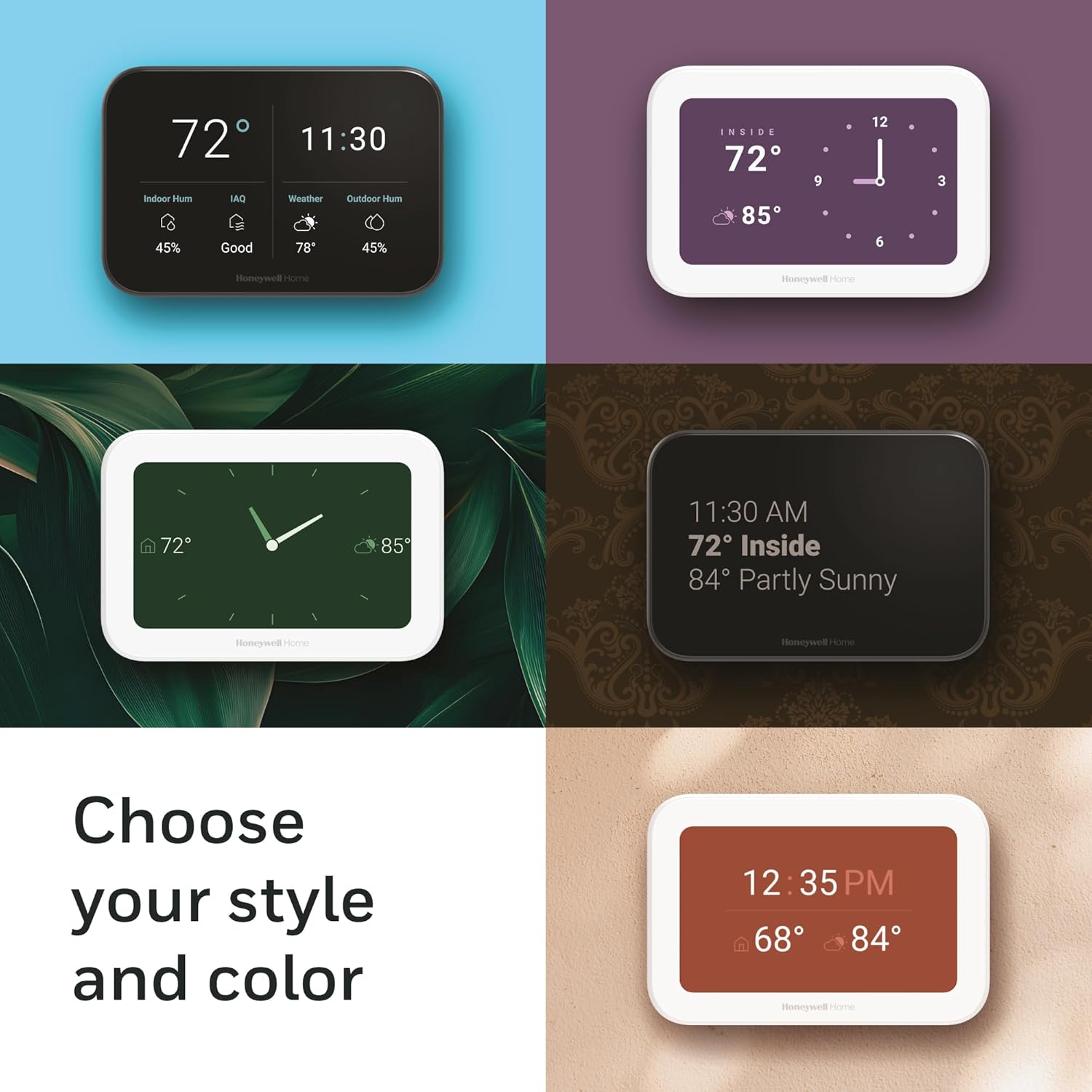
Image: The UWP mounting plate for the Honeywell Home X8S Smart Thermostat, securely attached to a wall with wiring connections visible, ready for the thermostat to be snapped into place.
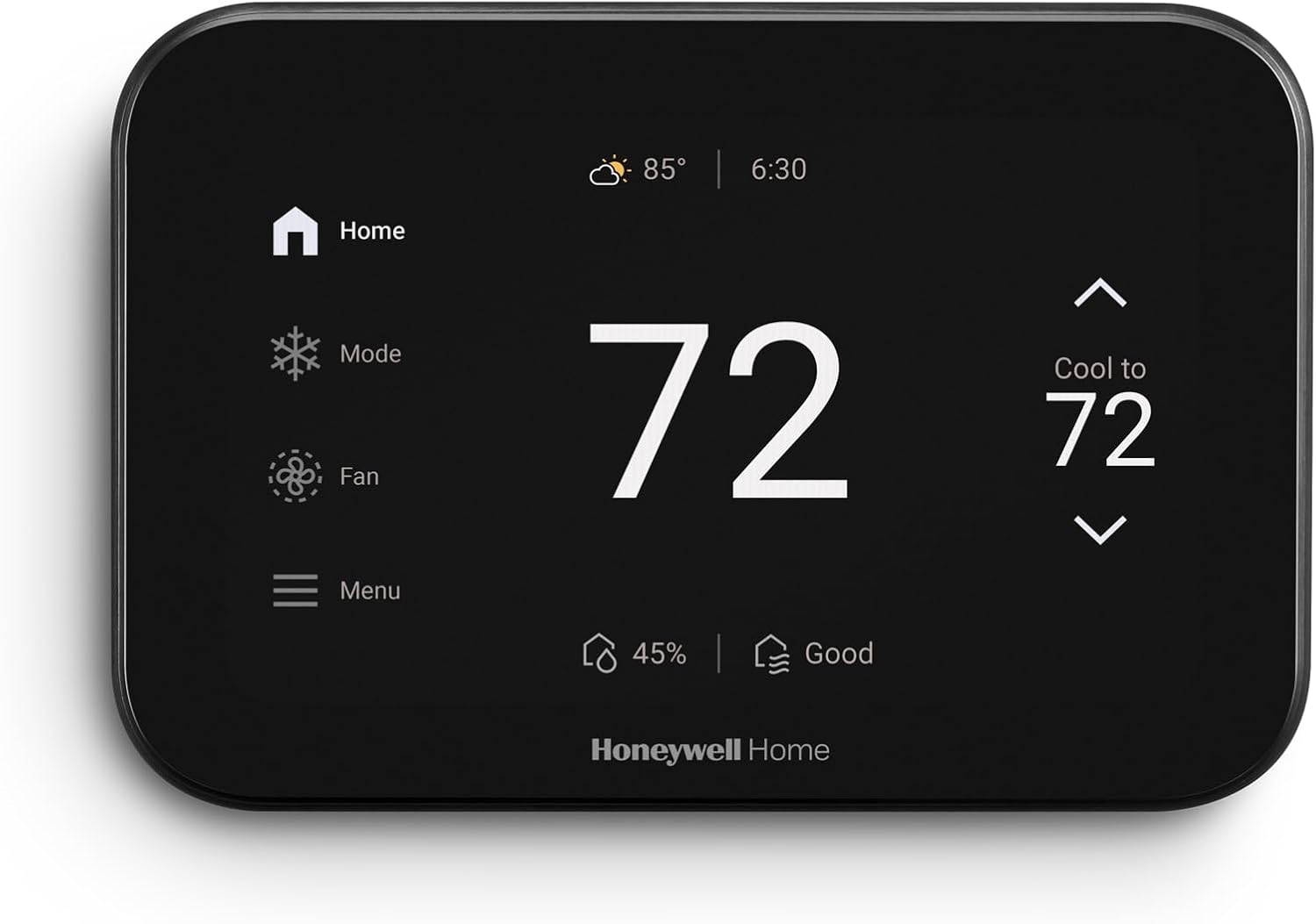
Image: The back of the Honeywell Home X8S Smart Thermostat, displaying the wiring terminals and model information for installation reference.
3. Operation
The Honeywell Home X8S features a 5-inch customizable touchscreen for intuitive control and monitoring of your home's climate.
3.1 Touchscreen Interface
Navigate through settings and information using the responsive touchscreen. The display can be customized with various colors and styles to match your home's aesthetic. Key functions include:
- Home Screen: Displays current temperature, time, indoor humidity, outdoor weather, and air quality.
- Mode Selection: Switch between Heat, Cool, Auto, and Off modes.
- Fan Control: Set fan to Auto, On (continuous), or Circulate (runs at intervals).
- Menu: Access advanced settings, schedules, air quality details, device management, Wi-Fi settings, and preferences.
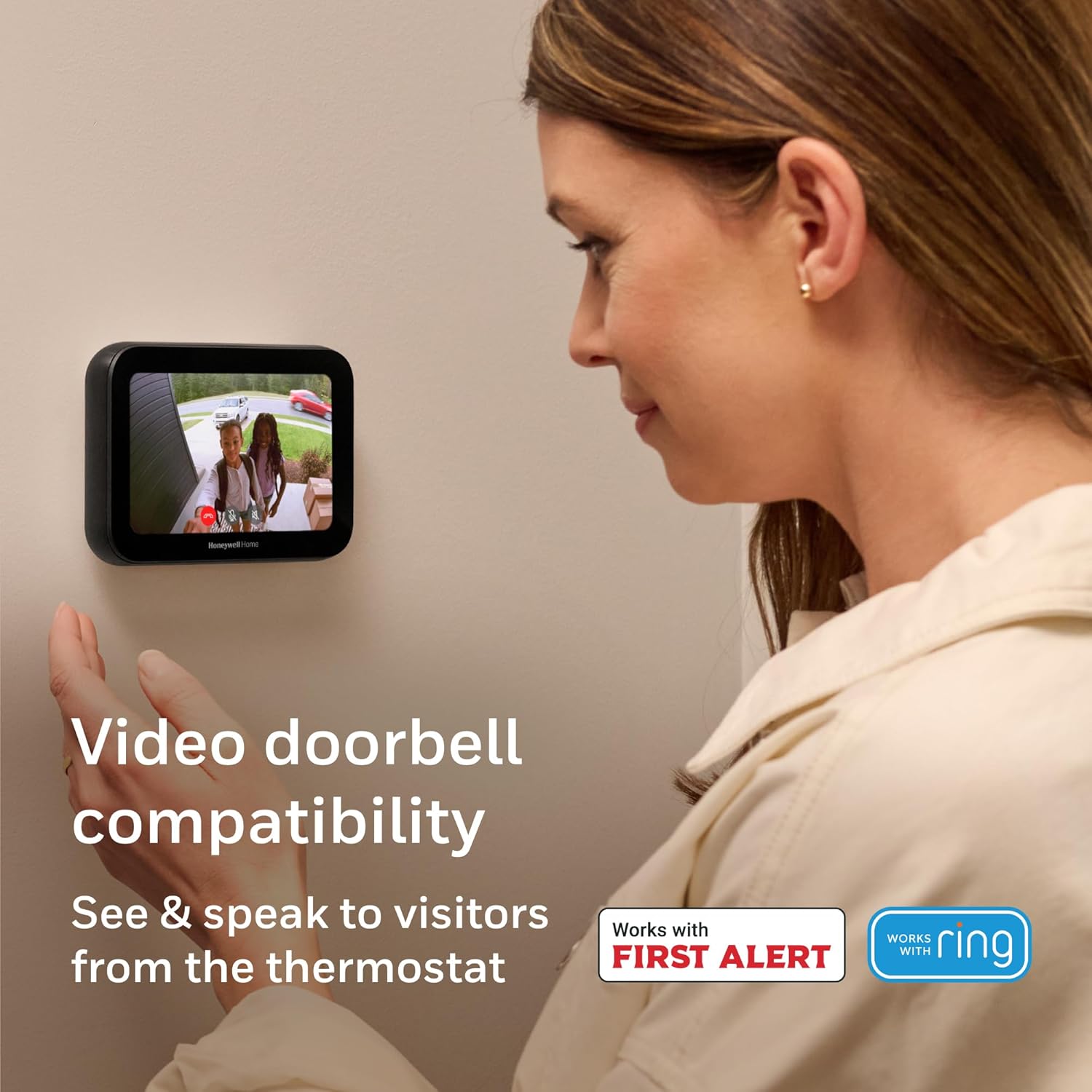
Image: The Honeywell Home X8S Smart Thermostat's main screen showing a temperature of 72 degrees, along with icons for home, mode, fan, and menu, indicating active climate control.
Video: A demonstration of the Honeywell Home X8S Smart Thermostat's touchscreen interface, showing navigation through various settings like mode, fan, and menu options. This video highlights the user-friendly design and responsiveness of the display.
3.2 Remote Control via First Alert App
Control your thermostat from anywhere using the First Alert app. This allows you to adjust settings, monitor indoor conditions, and manage other compatible smart home devices remotely.

Image: A person interacting with the First Alert app on a smartphone, demonstrating remote control capabilities for the Honeywell Home X8S Smart Thermostat and other smart home devices.
4. Key Features
4.1 Video Doorbell Access
The X8S thermostat integrates with First Alert VX1 and Ring streaming doorbells (sold separately), allowing you to see and speak to visitors directly from the thermostat's display.
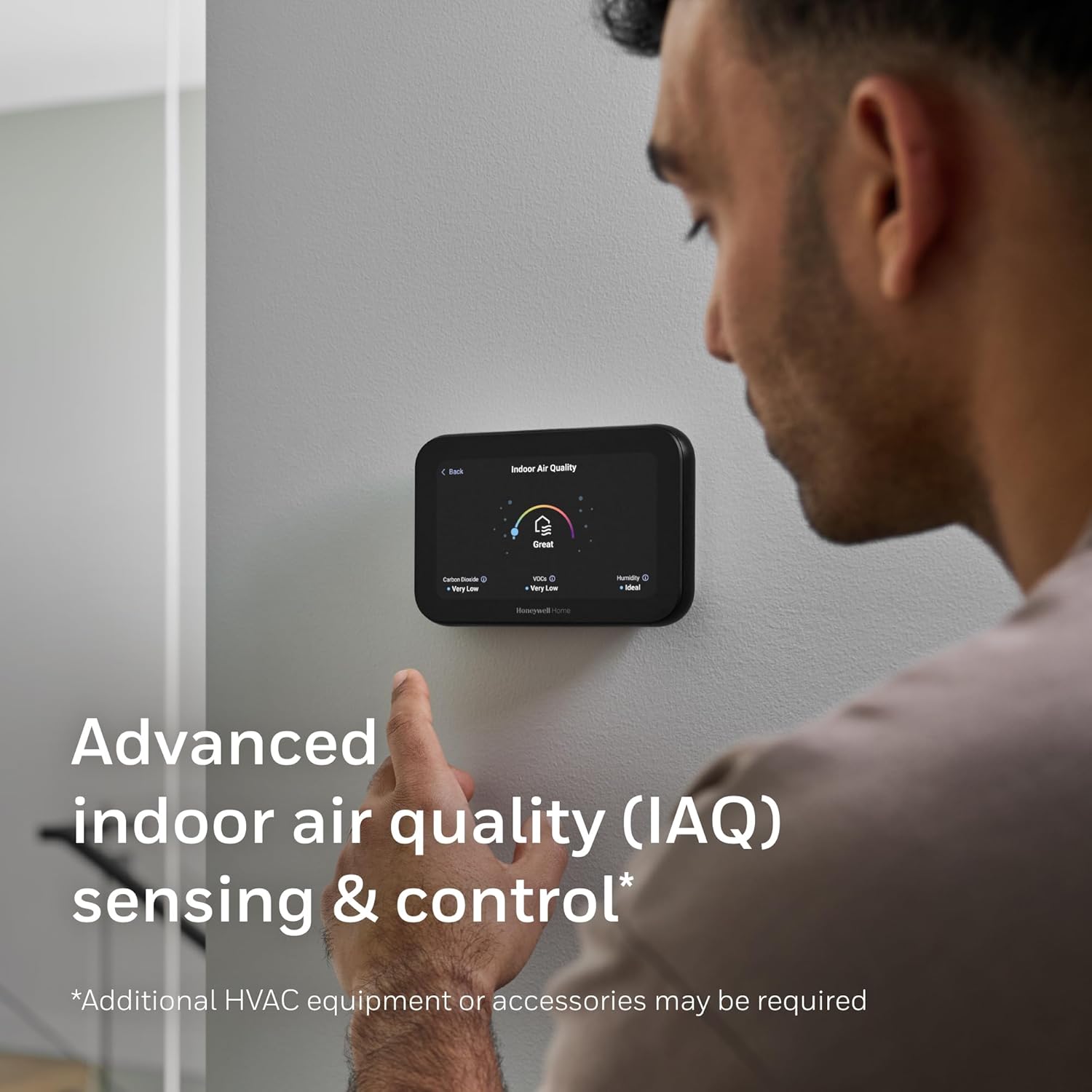
Image: The Honeywell Home X8S Smart Thermostat screen showing a live video feed from a compatible doorbell camera, illustrating its video doorbell access feature.
Video: A demonstration of the Honeywell Home X8S Smart Thermostat's video doorbell integration, showing how a user can view and interact with a visitor at the door directly from the thermostat's screen.
4.2 Precision Comfort & Indoor Air Quality (IAQ)
The X8S monitors and controls indoor air quality, including humidity and ventilation, to maintain a fresh and comfortable environment. Additional HVAC equipment or accessories may be required for full IAQ control.

Image: The Honeywell Home X8S Smart Thermostat screen showing detailed indoor air quality (IAQ) metrics, including carbon dioxide, VOCs, and humidity levels, with a "Great" overall rating.
4.3 Advanced Occupancy & Presence Detection
The thermostat intelligently senses occupancy to adjust settings, maximizing comfort when you are home and saving energy when you are away.
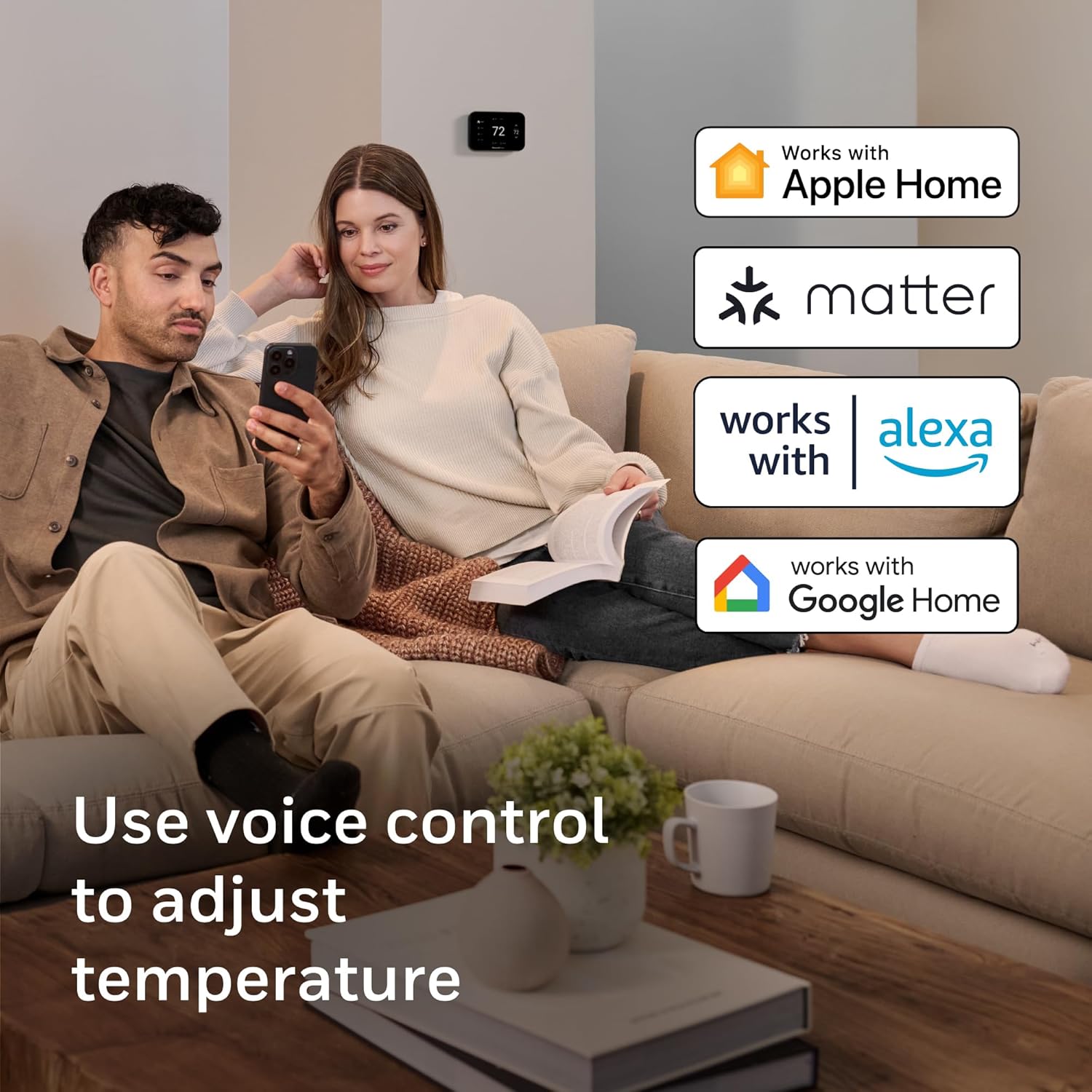
Image: A Honeywell Home X8S Smart Thermostat mounted in a modern home setting, illustrating its advanced occupancy and presence detection capabilities for optimized comfort and energy savings.
4.4 Smart Home Compatibility
The X8S is Matter certified and compatible with Amazon Alexa, Google Assistant, and Apple Home, allowing for seamless integration into your existing smart home ecosystem and voice control.

Image: A couple relaxing on a couch, demonstrating the use of voice control with the Honeywell Home X8S Smart Thermostat, with logos indicating compatibility with Apple Home, Matter, Alexa, and Google Home.
4.5 Energy Star Certified
The X8S is ENERGY STAR certified, designed to help reduce energy consumption and potentially qualify for energy program participation and rebate opportunities.

Image: The Honeywell Home X8S Smart Thermostat displayed next to the ENERGY STAR logo, highlighting its energy efficiency and potential for reducing utility costs.
5. Maintenance
The Honeywell Home X8S Smart Thermostat requires minimal maintenance to ensure continued optimal performance.
- Cleaning: Gently wipe the touchscreen and exterior with a soft, damp cloth. Avoid abrasive cleaners or solvents.
- Software Updates: Ensure your thermostat's software is up-to-date through the First Alert app to access the latest features and improvements.
- Air Filter Replacement: Regularly check and replace your HVAC system's air filter as recommended by your HVAC manufacturer to maintain good air quality and system efficiency.
6. Troubleshooting
If you encounter issues with your Honeywell Home X8S Smart Thermostat, refer to the following common solutions:
| Problem | Possible Cause | Solution |
|---|---|---|
| Thermostat not powering on. | No power from HVAC system; C-wire issue. | Check circuit breaker. Ensure C-wire is properly connected. If no C-wire, install the included C-Wire Adapter. |
| Cannot connect to Wi-Fi. | Incorrect Wi-Fi password; out of range; router issues. | Verify Wi-Fi password. Ensure thermostat is within router range. Restart your Wi-Fi router. |
| Temperature inaccurate. | Thermostat exposed to direct sunlight or drafts. | Relocate thermostat if possible. Ensure no heat sources or drafts are directly affecting it. Calibrate temperature in settings if available. |
| Video doorbell feed not appearing. | Doorbell not connected or compatible; network issue. | Ensure your doorbell is a compatible First Alert VX1 or Ring streaming doorbell. Check doorbell's network connection. |
For further assistance, please contact Honeywell Home customer support.
7. Specifications
| Feature | Detail |
|---|---|
| Brand | Honeywell Home |
| Model Name | X8S |
| Model Number | X8VMC8B/W |
| Product Dimensions | 0.96"D x 5.24"W x 3.54"H |
| Color | Black |
| Specific Uses | Air Conditioner, Furnace, Heat Pump |
| Temperature Control Type | Cooling |
| Connectivity Technology | Wi-Fi |
| Voltage | 27 Volts |
| Display Type | LED (5" Customizable Touchscreen) |
| Control Type | App Control, Touchscreen, Voice Control |
| Connectivity Protocol | Wi-Fi, Matter |
| Smart Home Compatibility | Amazon Alexa, Google Assistant, Apple Home |
| Included Components | Thermostat, UWP Mounting Plate, Wire Labels, Screws, Anchors, Quick Start Guide, User Guide, Thermostat ID Card |
| UPC | 194159018402 |
8. Warranty and Support
For warranty information and customer support, please refer to the documentation included with your product or visit the official Honeywell Home website. You may also find additional support resources and FAQs on the Resideo support page, as Resideo Technologies, Inc. is the manufacturer.
Contact Information:
- Phone: 1-800-633-3991 (as per product label)
- Website: Honeywell Home Official Website


