
1. Introduction
This manual provides essential information for the safe and efficient use of your DOOGEE Fire 7 5G Rugged Smartphone. Please read it carefully before operating your device to ensure optimal performance and longevity. The DOOGEE Fire 7 is designed for durability and high performance, featuring a robust build, powerful battery, and advanced camera system.
2. Device Overview
Familiarize yourself with the physical components of your DOOGEE Fire 7 smartphone.

Image 2.1: The DOOGEE Fire 7 5G Rugged Smartphone, showcasing its robust design and camera module on the rear, and the display on the front.
2.1 Key Features
- Rugged Design: IP68/IP69K and MIL-STD-810H certified for water, dust, and shock resistance.
- Long-lasting Battery: 13000mAh capacity with 18W fast charging and 5W OTG reverse charging.
- Powerful Performance: Dimensity 6300 5G chipset, 16GB RAM (4GB basic + 12GB virtual), 256GB ROM (expandable up to 2TB).
- Advanced Camera System: 64MP AI Main Camera, 2MP Macro Camera, and 16MP Front Camera.
- Vibrant Display: 6.6-inch HD+ 90Hz IPS Display.
- Latest OS: Android 15 with enhanced privacy and customization.
3. Setup
3.1 SIM Card and TF Card Installation
- Locate the SIM card tray on the side of the device.
- Use the provided SIM ejector tool to open the tray.
- Carefully place your 5G Nano-SIM cards and/or TF (microSD) card into the designated slots. The device supports dual SIM and one TF card simultaneously.
- Gently push the tray back into the device until it is flush.
3.2 Initial Power On and Basic Setup
- Press and hold the Power button until the DOOGEE logo appears.
- Follow the on-screen prompts to select your language, connect to a Wi-Fi network, and set up your Google account.
- Configure security settings, including fingerprint and face unlock, for convenient access.
4. Operating Instructions
4.1 Navigation and User Interface
The DOOGEE Fire 7 runs on Android 15, offering an intuitive and customizable user experience. Navigate using gestures or traditional on-screen buttons, as configured during setup.

Image 4.1: The DOOGEE Fire 7 5G Rugged Smartphone displaying the Android 15 operating system interface with various applications.
4.2 Biometric Security
- Fingerprint Unlock: Register your fingerprints in the Security settings for quick and secure access. The fingerprint sensor is typically located on the side power button.
- Face Unlock: Set up face recognition for an alternative hands-free unlocking method.
4.3 NFC for Contactless Payments
The device supports NFC (Near Field Communication) for convenient contactless payments via Google Pay. Ensure NFC is enabled in settings and your payment cards are configured in Google Pay.
4.4 Navigation System
Utilize the integrated quad-satellite navigation system (GPS, BeiDou, GLONASS, Galileo) for precise location tracking and navigation, ideal for outdoor activities.
5. Camera Features
The DOOGEE Fire 7 is equipped with a versatile camera system to capture your moments.
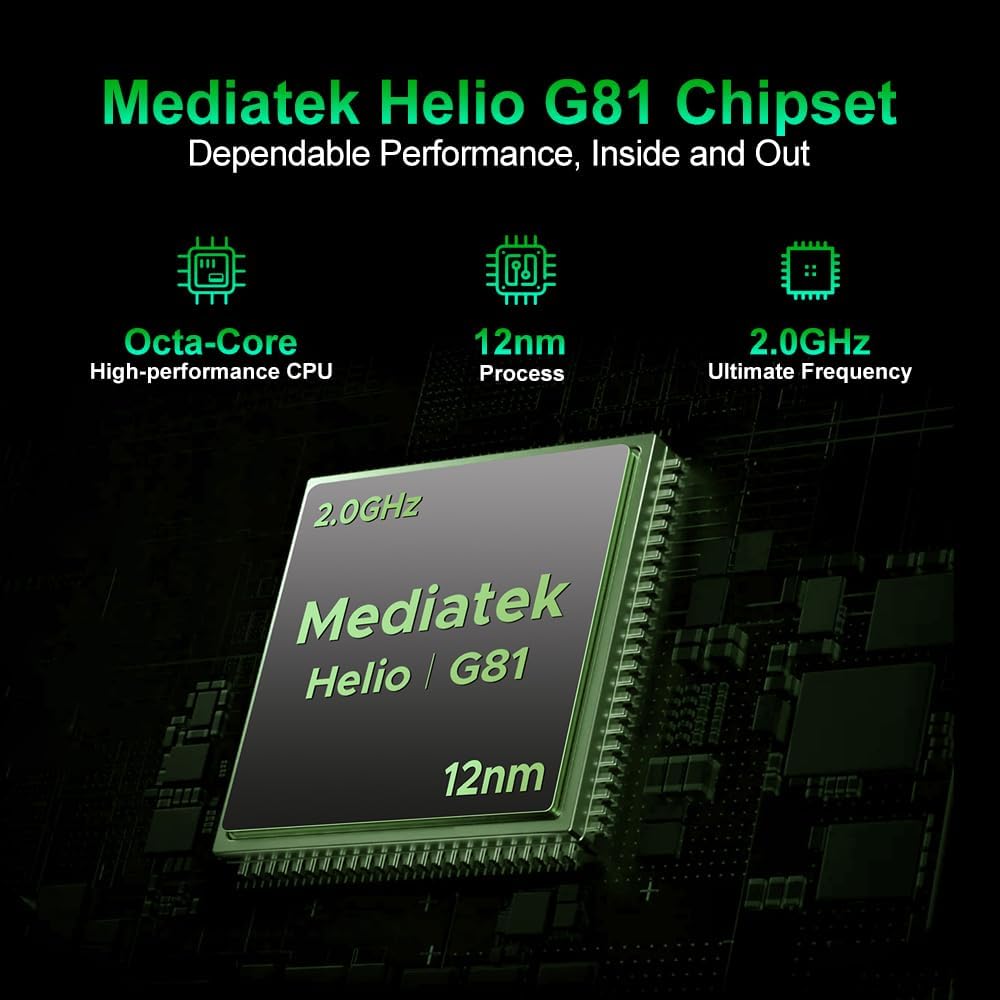
Image 5.1: A close-up of the rear camera module, featuring the 64MP AI main camera and the 2MP macro camera, designed for detailed photography.
- 64MP AI Main Camera: Captures clear and stable photos with AI optimization for color and clarity.
- 2MP Macro Camera: Dedicated for intricate close-up details.
- 16MP Front Camera: Automatically optimizes selfies for high-quality self-portraits.

Image 5.2: An image displaying various camera modes available on the DOOGEE Fire 7, including Night Mode, Portrait Mode, Pro Mode, Time-lapse, Beauty Mode, and Panoramic Mode.
6. Display Features
The device features a high-quality display for an optimal viewing experience.

Image 6.1: The smartphone's 6.6-inch HD+ IPS display in action, showcasing its 90Hz refresh rate and vibrant color reproduction for an immersive visual experience.
- Size: 6.6-inch HD+ Fullview IPS Display.
- Refresh Rate: 90Hz for smooth visuals.
- Resolution: 720x1612 pixels.
- Brightness: 400 nits with eye protection technology.
- Color: 16.7 million colors with 1500:1 contrast ratio.
7. Performance and Storage
The DOOGEE Fire 7 is engineered for robust performance and ample storage.

Image 7.1: An illustration highlighting the MediaTek Dimensity 6300 5G processor, emphasizing its octa-core architecture and 6nm process for efficient performance.
- Processor: Dimensity 6300 5G chipset (octa-core, up to 2.4GHz, 6nm architecture).
- RAM: 16GB (4GB physical + 12GB virtual) for seamless multitasking.
- Internal Storage: 256GB ROM.
- Expandable Storage: Supports up to 2TB via TF card.

Image 7.2: Visual representation of the smartphone's 16GB RAM (4GB basic + 12GB virtual) and 256GB ROM, expandable up to 2TB, indicating ample storage and smooth multitasking.
8. Battery Management
The DOOGEE Fire 7 is equipped with a large capacity battery for extended use.
- Battery Capacity: 13000mAh.
- Charging: Supports 18W fast charging.
- Reverse Charging: 5W OTG reverse charging allows the phone to act as a power bank for other devices.

Image 8.1: An infographic detailing the extended battery life provided by the 13000mAh battery, including hours for music playback (188.5 hrs), video watching (40.9 hrs), calling (33 hrs), web browsing (21 hrs), and continuous video recording (11.2 hrs).
9. Durability and Protection
The DOOGEE Fire 7 is built to withstand challenging environments.

Image 9.1: Images illustrating the smartphone's rugged capabilities, showing it submerged in water and covered in dirt, emphasizing its waterproof, dustproof, and shock-resistant design.
- IP68/IP69K Rating: Certified for water and dust resistance, allowing submersion and protection against high-pressure water jets.
- MIL-STD-810H Military Standard: Meets military-grade standards for durability against drops, shocks, and extreme temperatures.
- Drop Tested: Designed to withstand multi-angle drops.
10. Specifications
Detailed technical specifications for the DOOGEE Fire 7 5G Rugged Smartphone.
| Feature | Specification |
|---|---|
| Product Dimensions | 6.95 x 3.25 x 0.74 inches |
| Item Weight | 13.7 ounces (389 Grams) |
| Item Model Number | DOOGEE Fire 7 |
| Operating System | Android 15 |
| Connectivity Technologies | Bluetooth, NFC, USB, Wi-Fi |
| Special Features | Dual SIM |
| Human Interface Input | Touchscreen |
| Form Factor | Bar |
| Color | Black |
| Battery Power Rating | 13000mAh (10300 Amp Hours listed in specs, but 13000mAh in feature bullets, using feature bullet value for consistency with product description) |
| Phone Talk Time | 48.7 Hours |
| What's in the Box | USB Cable |
| Memory Storage Capacity | 256 GB |
| Standing Screen Display Size | 6.6 Inches |
| RAM Memory Installed Size | 16 GB |
| Cellular Technology | 5G |
11. Maintenance
To ensure the longevity and optimal performance of your DOOGEE Fire 7, follow these maintenance guidelines:
- Cleaning: Wipe the device with a soft, damp cloth. Avoid harsh chemicals or abrasive materials.
- Charging: Use only the provided USB cable and a compatible 18W charger. Avoid overcharging.
- Software Updates: Regularly check for and install system updates to ensure your device has the latest security patches and features.
- Storage Management: Periodically clear unnecessary files and apps to maintain optimal performance.
12. Troubleshooting
If you encounter issues with your DOOGEE Fire 7, try the following solutions:
- Device Unresponsive: Press and hold the Power button for about 10-15 seconds to force a restart.
- Battery Draining Quickly: Check background app usage, reduce screen brightness, and disable unnecessary features like GPS or Wi-Fi when not in use.
- Network Connectivity Issues: Ensure your SIM card is properly inserted. Try toggling Airplane Mode on and off. If issues persist, contact your carrier.
- App Crashing: Clear the app's cache and data in Settings > Apps. If the problem continues, uninstall and reinstall the app.
- Software Glitches: Perform a factory reset (Settings > System > Reset options > Erase all data) as a last resort. Note: This will erase all data on your phone, so back up important information first.
13. Official Product Video
Watch the official product video for a visual demonstration of the DOOGEE Fire 7 5G Rugged Smartphone's features.
Video 13.1: This video provides a visual overview of the DOOGEE Fire 7 5G Rugged Smartphone, highlighting its key design elements, camera system, and robust build quality.
14. Warranty and Support
Your DOOGEE Fire 7 5G Rugged Smartphone comes with a 24-month comprehensive warranty from the date of purchase. This warranty covers manufacturing defects and hardware issues under normal use.
For technical inquiries, warranty claims, or hardware issues, please contact our dedicated support team. You can find more information and support resources on the official DOOGEE store page: DOOGEE Official Store.


