
AIPER Seagull SE
Contents
AIPER Cordless Robotic Pool Cleaner Seagull SE User Manual
Model: Seagull SE
1. Introduction
Thank you for choosing the AIPER Cordless Robotic Pool Cleaner Seagull SE. This manual provides essential information for the safe and efficient operation, maintenance, and troubleshooting of your new pool cleaner. Please read this manual thoroughly before first use and retain it for future reference.
2. Important Safety Information
To reduce the risk of injury or damage, observe the following safety precautions:
- Read all instructions carefully before operating the appliance.
- Do not operate the cleaner when people are in the pool.
- Keep the cleaner out of reach of children.
- Use only the original power adapter supplied by the manufacturer for charging.
- Ensure the charging port is dry before connecting the charger.
- Do not use the cleaner if the power cord or plug is damaged.
- Avoid operating the cleaner in extreme temperatures.
- Always turn off the cleaner and disconnect it from the power source before performing any maintenance or cleaning.
3. Package Contents
Verify that all items are present in your package:
- AIPER Seagull SE Robotic Pool Cleaner (1 unit)
- Power Adapter (1 unit)
- Retrieval Hook (1 unit)
- User Manual (1 unit)
- Brushes (2 units)
- Spare Wheels (2 units)

Image: Contents of the AIPER Seagull SE package, showing the robotic cleaner, power adapter, retrieval hook, user manual, brushes, and spare wheels.
4. Product Overview
The AIPER Seagull SE is a cordless robotic pool cleaner designed for efficient cleaning of above-ground flat pools. Its compact design and intelligent features ensure a hassle-free cleaning experience.

Image: A top-down view of the AIPER Seagull SE robotic pool cleaner, highlighting its sleek design and control button.
5. Setup
5.1 Charging the Cleaner
Before initial use, fully charge the pool cleaner. The charging process takes approximately 2.5 hours.
- Ensure the cleaner is dry before charging.
- Connect the power adapter to the charging port on the cleaner.
- Plug the adapter into a power outlet. The LED indicator will show charging status.
- Once fully charged, disconnect the adapter.
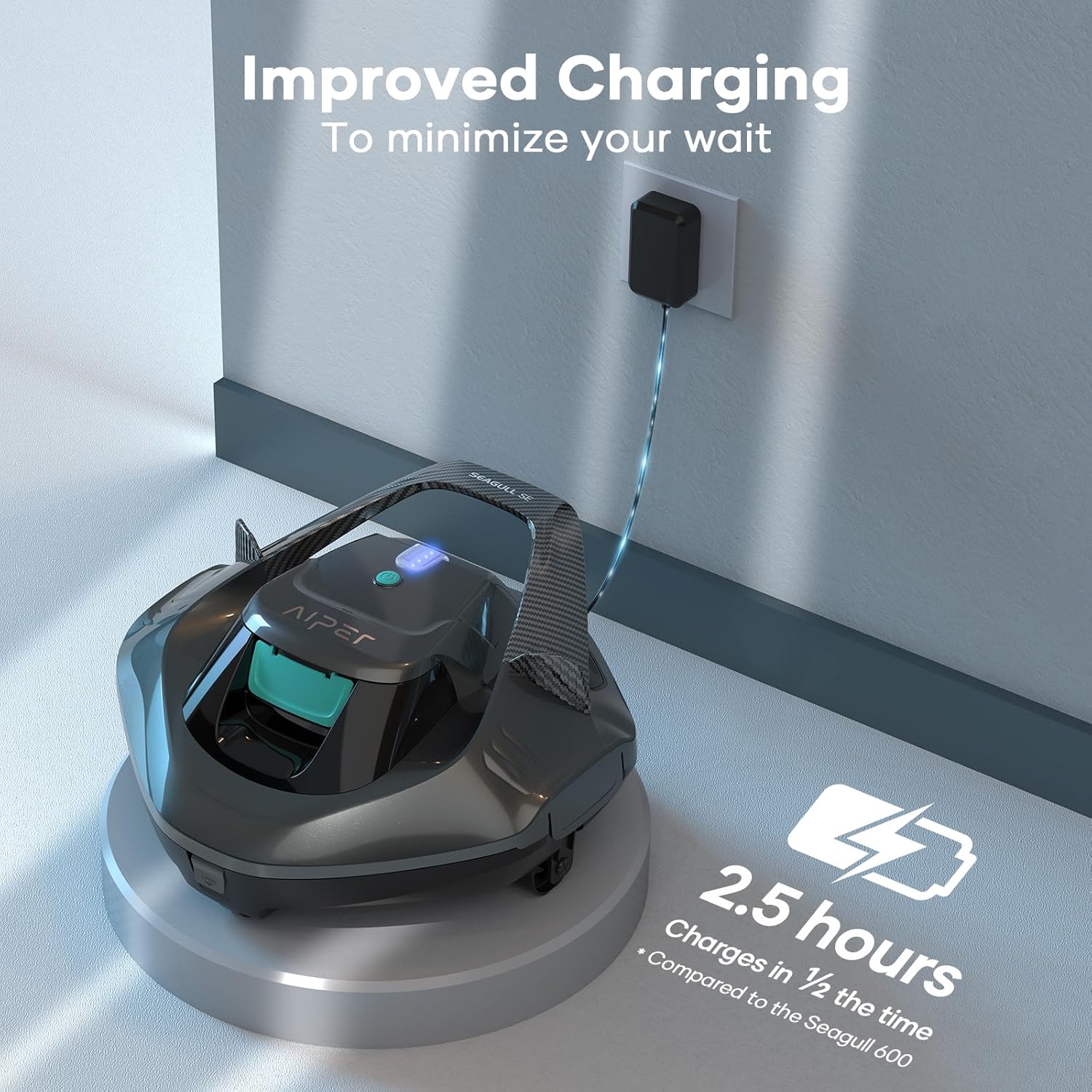
Image: The AIPER Seagull SE robotic pool cleaner connected to its power adapter for charging, indicating a 2.5-hour charging time.
5.2 Preparing for Operation
Ensure your pool is suitable for the Seagull SE. This cleaner is designed for above-ground flat pools up to 860 sq. ft.

Image: A visual guide illustrating suitable pool types for the Aiper Seagull SE, emphasizing its compatibility with above-ground pools and limitations for larger or sloped inground pools.
6. Operating Instructions
6.1 Starting the Cleaner
- Once fully charged, press the power button on the top of the cleaner to activate it.
- Gently place the cleaner into the pool. It will begin its cleaning cycle automatically.

Image: A close-up of a hand initiating the one-click activation of the AIPER Seagull SE robotic pool cleaner.
6.2 Cleaning Cycle and Runtime
The Seagull SE provides up to 90 minutes of cleaning time per charge, ensuring thorough coverage for pools up to 860 sq. ft.
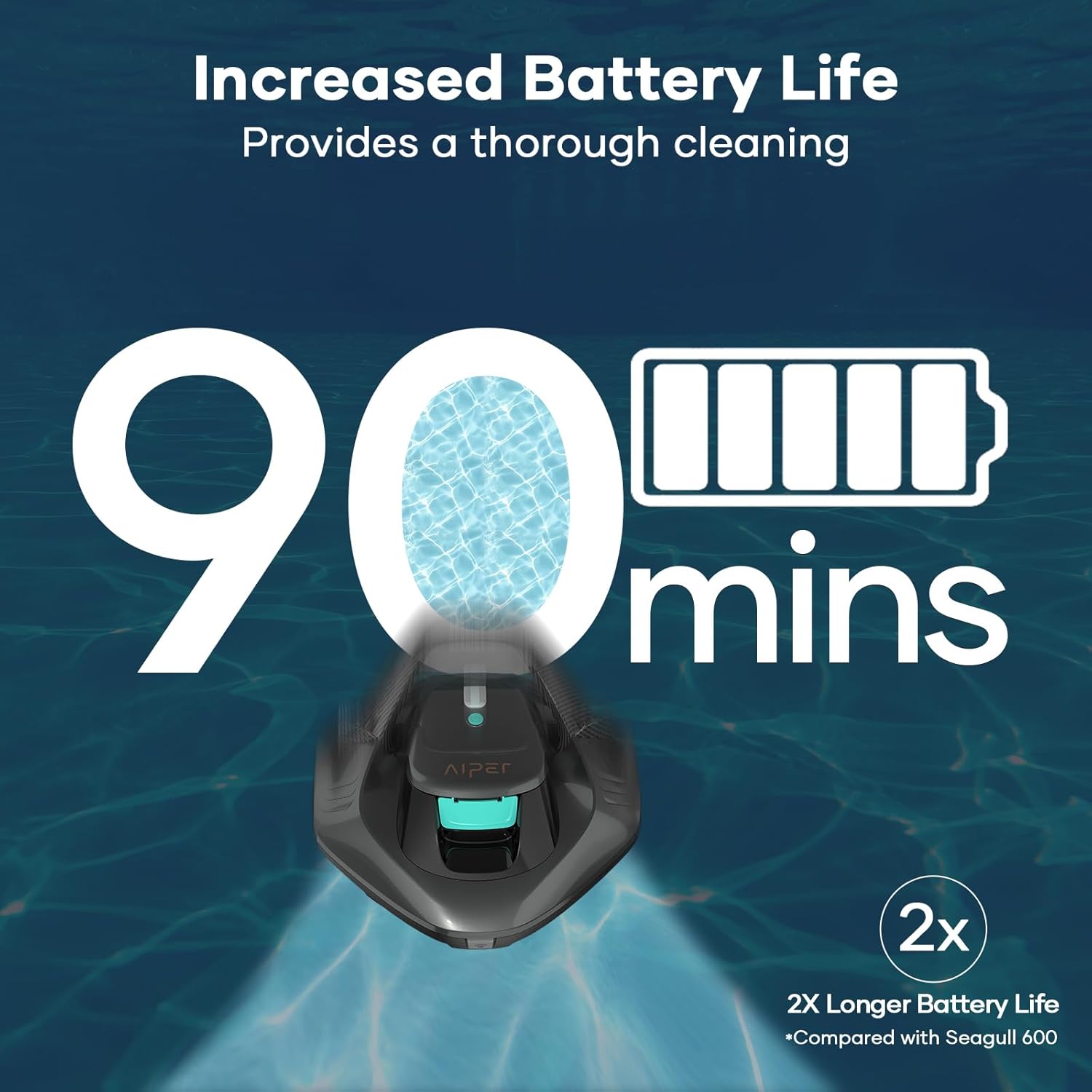
Image: A visual representation of the AIPER Seagull SE's extended battery life, offering 90 minutes of cleaning time.
6.3 Self-Parking Feature
When the battery is low or the cleaning cycle is complete, the cleaner will automatically move to the edge of the pool for easy retrieval.
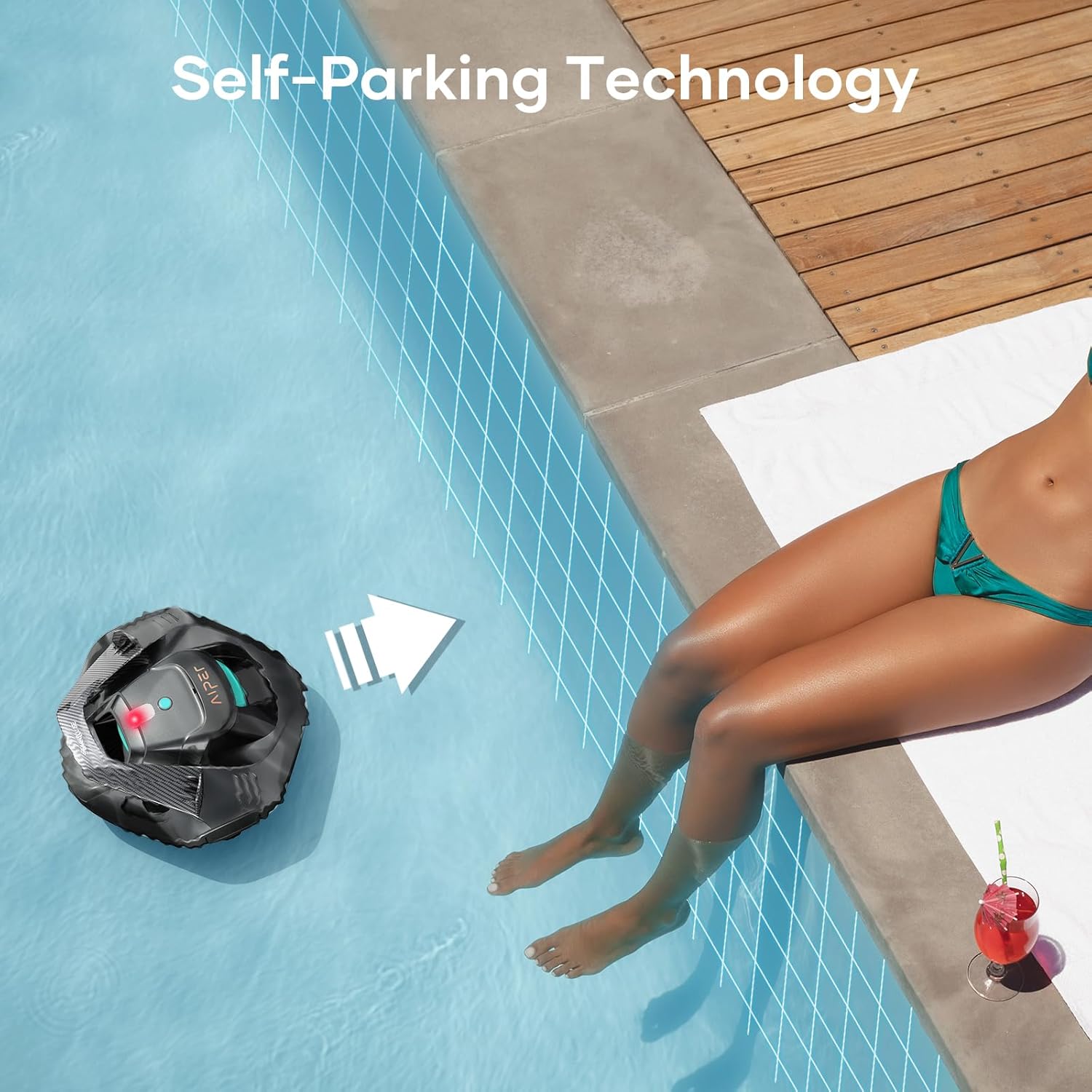
Image: The AIPER Seagull SE utilizing its self-parking technology, navigating towards the side of the pool for convenient retrieval.
7. Maintenance
7.1 Retrieving the Cleaner
Use the provided retrieval hook to safely lift the cleaner from the pool. Ensure the cleaner is turned off before removal.

Image: A person using the retrieval hook to carefully lift the AIPER Seagull SE robotic pool cleaner out of the water.
7.2 Cleaning the Filter Basket
Regularly clean the filter basket to maintain optimal cleaning performance.
- Open the cleaner's cover to access the filter basket.
- Remove the filter basket.
- Rinse the filter basket thoroughly with a hose to remove debris.
- Reinsert the clean filter basket and close the cover securely.

Image: A person cleaning the filter basket of the AIPER Seagull SE robotic pool cleaner with a garden hose to remove collected debris.
8. Troubleshooting
If you encounter issues with your AIPER Seagull SE, refer to the following common problems and solutions:
| Problem | Possible Cause | Solution |
|---|---|---|
| Cleaner does not turn on. | Low battery; Power button not pressed correctly. | Charge the cleaner fully; Ensure a firm press on the power button. |
| Poor cleaning performance. | Clogged filter basket; Low battery. | Clean the filter basket; Charge the cleaner fully. |
| Cleaner gets stuck or moves slowly. | Obstruction; Debris in wheels/brushes. | Remove any obstructions; Clean wheels and brushes. |
| Debris falls out upon retrieval. | Cleaner lifted too quickly; Filter basket overfilled. | Lift the cleaner slowly and steadily; Clean filter basket more frequently. |
9. Specifications
| Feature | Detail |
|---|---|
| Model Name | Seagull SE |
| Product Dimensions | 13.4"L x 13.2"W x 6.8"H |
| Item Weight | 10.6 pounds |
| Power Source | Battery Powered |
| Battery Type | Lithium-Ion |
| Number of Batteries | 1 (included) |
| Battery Energy Content | 44.4 Watt Hours |
| Charging Time | 2.5 Hours |
| Runtime | Up to 90 Minutes |
| Max Pool Area | 860 sq. ft. (flat above-ground pools) |
| Assembly Required | No |
10. Warranty and Support
AIPER offers comprehensive support for its products. Your AIPER Seagull SE comes with:
- Extended One-Year Warranty: Covers manufacturing defects and ensures product reliability.
- Complimentary Consumable Replacements: For eligible wear-and-tear parts.
For technical assistance, warranty claims, or to inquire about replacement parts, please visit the official AIPER website or contact customer support.

Image: Details of the AIPER Care program, highlighting the extended one-year warranty and complimentary consumable replacements for peace of mind.
Ask a question about this manual
Ask about setup, troubleshooting, compatibility, parts, safety, or missing instructions. Manuals+ will review the question and use this page’s manual context to help answer it.