
LIFX LFXEA19800RGBCW/2
Contents
LIFX Smart Light Bulbs A19 User Manual
Brand: LIFX | Model: LFXEA19800RGBCW/2
Introduction
Welcome to the user manual for your LIFX Smart Light Bulbs A19. These bulbs offer full RGBW color, tunable white light from 2700K to 6500K, and 800 lumens of brightness. Designed for everyday use, they integrate seamlessly with various smart home ecosystems without requiring a separate hub. This manual will guide you through the setup, operation, maintenance, and troubleshooting of your new smart bulbs.

Image: LIFX A19 Smart Light Bulb showcasing its key features.
Setup Instructions
Setting up your LIFX Smart Light Bulbs is a straightforward process. Follow these steps to get started:
- Unpack: Carefully remove the LIFX Smart Light Bulbs from their packaging.
- Install: Screw the bulb into any standard E26 light fixture. Ensure the fixture is powered off before installation.
- Power On: Turn on the wall switch for the light fixture. The bulb should illuminate.
- Download App: Download the LIFX app from your device's app store.
- Pairing:
- For Apple HomeKit: Scan the QR code located on the bulb or its packaging using the Apple Home app for instant pairing.
- For LIFX App: Open the LIFX app. It will use Bluetooth auto-detection to find your bulb immediately. Follow the in-app instructions to connect the bulb to your 2.4GHz Wi-Fi network.
- Control: Once paired, you can control your bulb via the LIFX app or your preferred smart home assistant (Alexa, Google Home, SmartThings). For optimal performance, leave the wall switch on and control the bulb digitally.
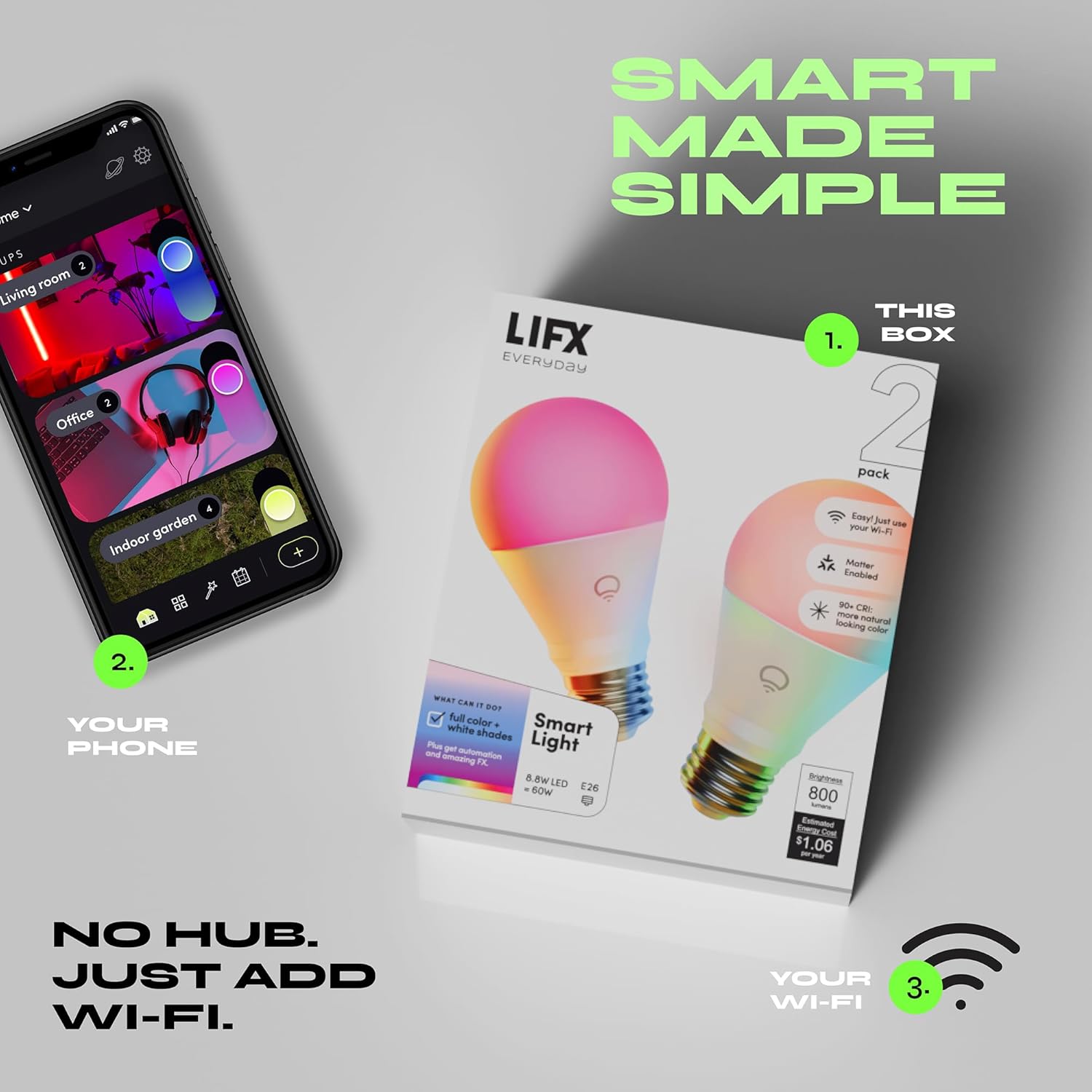
Image: Installing the LIFX Smart Light Bulb into a lamp.
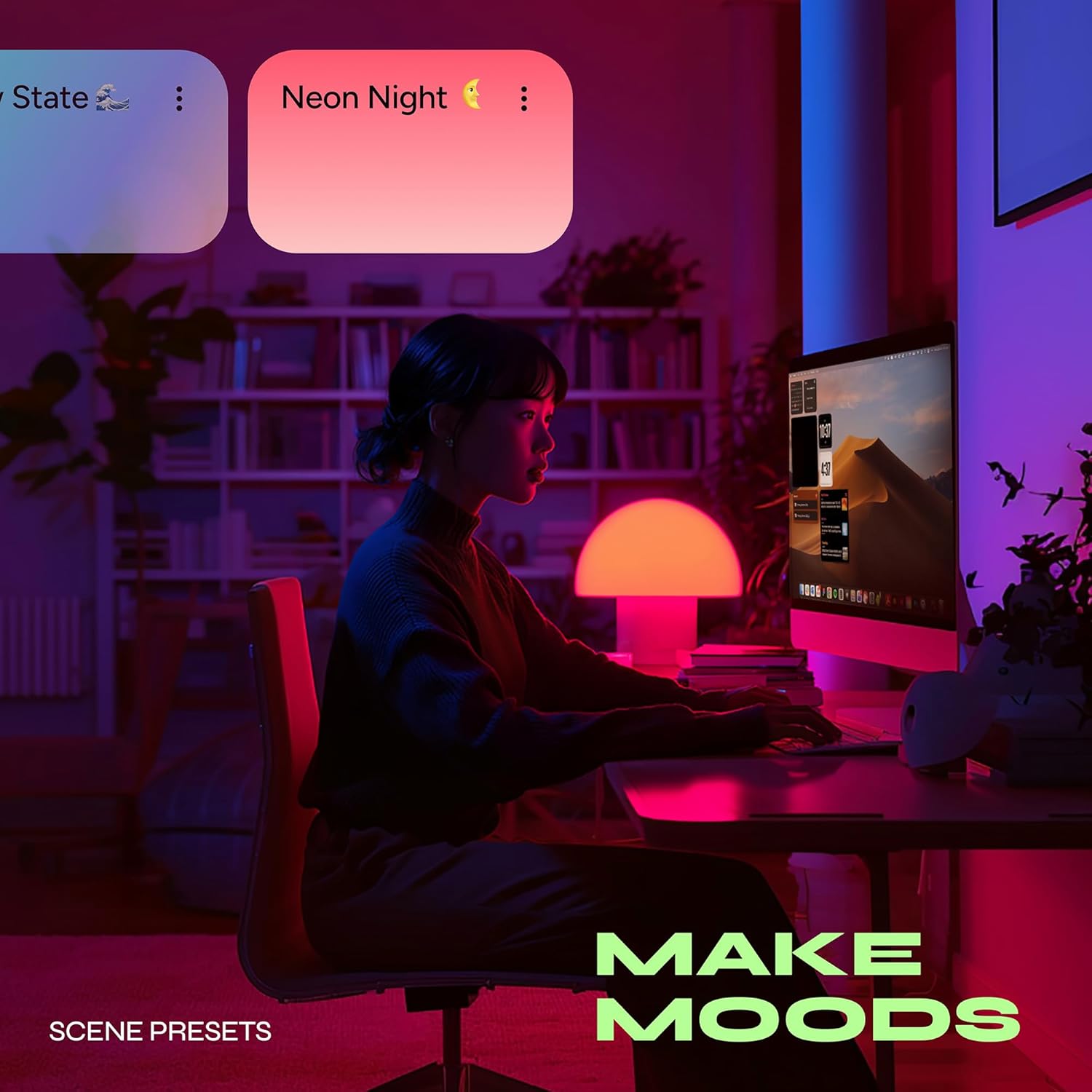
Image: The LIFX app interface for device setup.
Operating Your LIFX Smart Bulbs
Your LIFX Smart Light Bulbs offer a wide range of functionalities to enhance your living space. All controls are managed through the LIFX app or compatible smart home platforms.
Color and White Light Control
- Full RGBW Color: Access a vast spectrum of colors to match any mood or occasion.
- Tunable White: Adjust the white light from a warm 2700K to a crisp daylight 6500K.
- CRI 90: Experience natural and accurate color rendering for all shades.

Image: Customizing light color using the LIFX app.
Scenes, Schedules, and Routines
- Scenes: Create and save custom lighting configurations for specific activities or moods. The LIFX app offers over 200 curated themes.
- Schedules: Program your lights to turn on/off or change settings at specific times.
- Routines: Utilize built-in routines like Work Day Focus, Evening Relaxation, Circadian Rhythm, and Ok to Wake to automate your lighting throughout the day.
- Music Sync: Synchronize your lights with music playing in your environment.
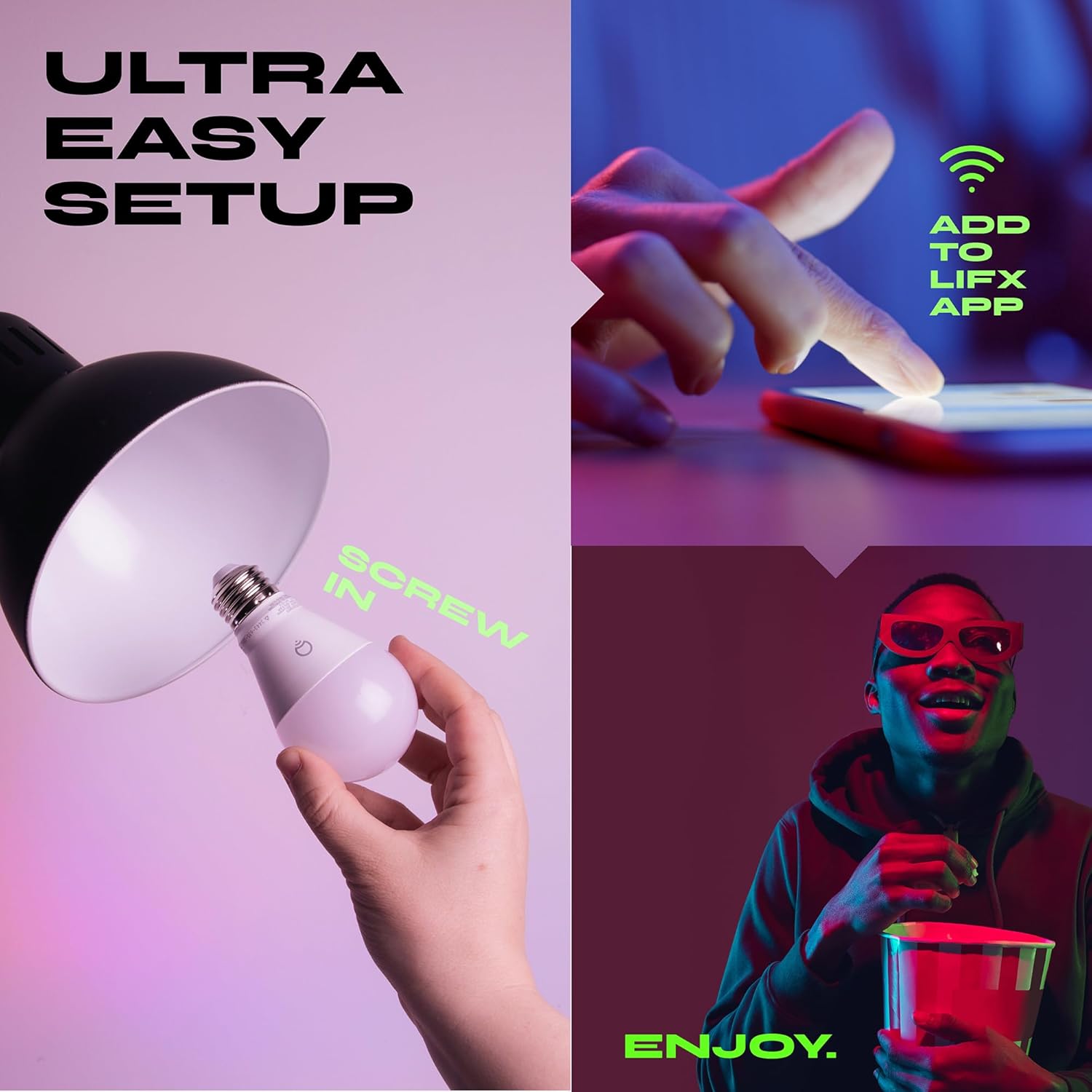
Image: Demonstrating scheduled lighting for a relaxed evening.
Dimming and Voice Control
- Dimmable: Adjust brightness from 1% to 100% directly through the app or voice commands, eliminating the need for a physical dimmer switch.
- Voice Control: Integrate with Apple HomeKit, Amazon Alexa, and Google Home to control your lights using voice commands. Group multiple bulbs for simultaneous control.

Image: Fine-tuning room lighting with dimming control.
Matter Compatibility
Your LIFX Smart Light Bulbs are Matter-compatible, allowing for seamless integration with a wide range of smart home platforms including Apple Home, Alexa, Google Home, and SmartThings, without the need for a dedicated hub or bridge.

Image: The LIFX app showing control over multiple smart lights in different rooms.
Official Product Videos
Video: Learn how to create personalized scenes within the LIFX app to customize your lighting experience.
Video: A general overview of the LIFX Everyday smart bulbs, highlighting their color capabilities and versatility.
Video: A quick demonstration on how to customize colors using the LIFX app's color control interface.
Maintenance
LIFX Smart Light Bulbs are designed for long-lasting performance with minimal maintenance. To ensure optimal operation and longevity:
- Cleaning: Ensure the bulb is cool and the power is off before cleaning. Gently wipe the bulb with a soft, dry cloth. Avoid using liquid cleaners or abrasive materials.
- Environment: Use the bulbs in dry, indoor environments within their specified operating temperature range. Avoid exposure to excessive moisture or extreme temperatures.
- Firmware Updates: Regularly check the LIFX app for available firmware updates to ensure your bulbs have the latest features and security enhancements.
Troubleshooting
If you encounter issues with your LIFX Smart Light Bulbs, try the following troubleshooting steps:
- Bulb Not Responding:
- Ensure the wall switch connected to the bulb is in the 'ON' position.
- Check your Wi-Fi connection. The bulb requires a stable 2.4GHz Wi-Fi network.
- Try turning the bulb off and on at the wall switch to perform a soft reset.
- Difficulty Pairing:
- Confirm your device is connected to a 2.4GHz Wi-Fi network during setup.
- Ensure Bluetooth is enabled on your smartphone for initial detection.
- Move closer to your Wi-Fi router during the pairing process.
- If using Apple HomeKit, ensure you are scanning the correct QR code.
- Inconsistent Performance:
- Check for Wi-Fi interference from other devices.
- Ensure your LIFX app and bulb firmware are up to date.
- Avoid placing bulbs in enclosed fixtures that may overheat them.
- Factory Reset: If issues persist, you may need to perform a factory reset. Consult the LIFX support website for specific instructions on how to factory reset your A19 bulbs, as the process can vary.
Specifications
| Feature | Detail |
|---|---|
| Brand | LIFX |
| Model Name | Everyday Smart Light 800lm |
| Model Number | LFXEA19800RGBCW/2 |
| Bulb Shape Size | A19 |
| Bulb Base | E26 Standard Edison Screw |
| Light Type | LED |
| Wattage | 8.8 watts (60W equivalent) |
| Light Output Maximum | 800 lumens |
| Color Temperature | 2700K – 6500K (Tunable White) |
| Light Color | Multicolor (RGBW) |
| Color Rendering Index (CRI) | 90 |
| Beam Angle | 220 degrees |
| Dimming | Software 1–100% |
| Connectivity | Wi-Fi 2.4GHz + Bluetooth |
| Smart Home Compatibility | Matter enabled, Apple HomeKit, Alexa, Google Home, SmartThings |
| Voltage | 120V AC (100 to 120 Volts and 60 Hertz) |
| Standby Power | 0.2W |
| Light Source Operating Life | 25,000 hours |
| Material Type | Aluminum, Plastic |
| Item Dimensions (W x H) | 2.3"W x 4.3"H |
Warranty and Support
For detailed warranty information, please refer to the documentation included with your product or visit the official LIFX website. If you require technical assistance or have questions not covered in this manual, please contact LIFX customer support through their official channels.
Online Resources: For additional support, FAQs, and the latest product information, visit the LIFX Store on Amazon or the official LIFX website.
Ask a question about this manual
Ask about setup, troubleshooting, compatibility, parts, safety, or missing instructions. Manuals+ will review the question and use this page’s manual context to help answer it.