
1. Introduction
Thank you for choosing the MARSTEK CT002 Smart Meter. This device is designed to provide accurate and real-time monitoring of electricity consumption and generation in both single-phase and three-phase electrical systems. With Wi-Fi and Bluetooth connectivity, it integrates seamlessly with smart applications for convenient data access and energy management, making it an ideal solution for photovoltaic installations.
This manual provides essential information for the safe and efficient installation, operation, and maintenance of your CT002 Smart Meter. Please read it thoroughly before use and keep it for future reference.
2. Safety Information
WARNING: Electrical shock hazard. Installation and maintenance should only be performed by qualified personnel.
- Always disconnect power before installing or servicing the device.
- Ensure all wiring connections comply with local and national electrical codes.
- Do not operate the device if it appears damaged.
- Keep the device away from water and excessive moisture.
- The device is designed for indoor use in a dry environment.
3. Product Overview
The MARSTEK CT002 Smart Meter offers advanced energy monitoring capabilities. Key features include:
- Real-time energy monitoring to prevent waste.
- Three-phase power sampling, also compatible with single-phase systems.
- Integrated Wi-Fi and Bluetooth connectivity for smart app control.
- Easy installation in standard distribution boxes.
- Enhanced compatibility with other MARSTEK products.

Figure 3.1: MARSTEK CT002 Smart Meter. This image shows the compact design of the smart meter with its antenna and connection terminals.
4. Setup and Installation
The MARSTEK CT002 is designed for straightforward installation. However, due to the electrical nature of the device, professional installation is recommended.
4.1 What's in the Box
- 1 x MARSTEK CT002 Smart Meter
4.2 Installation Steps
- Power Disconnection: Before starting any installation, ensure the main power supply to the distribution box is completely disconnected. Verify with a voltage tester.
- Mounting: The CT002 is designed to fit into most standard household distribution boxes. Mount the device securely on a DIN rail.
- Wiring:
- Connect the current transformers (CTs) to the respective phases (L1, L2, L3 for three-phase, or L1 for single-phase) of your electrical system. Ensure the CTs are oriented correctly according to the arrows on their bodies, pointing towards the load.
- Connect the voltage measurement wires to the corresponding phase terminals (L1, L2, L3) and the neutral (N) terminal on the CT002.
- Refer to the wiring diagram provided with the product for specific connection details.
- Antenna Connection: Attach the Wi-Fi/Bluetooth antenna to the designated port on the device.
- Power Restoration: Once all connections are secure and verified, restore power to the distribution box.

Figure 4.1: CT002 Installation. This image illustrates the MARSTEK CT002 Smart Meter connected to circuit breakers within a typical electrical distribution box, showing the wiring for current and voltage measurement.
5. Operating Instructions
5.1 Initial Power-Up and Indicator Lights
Upon successful installation and power restoration, the device will power on. Observe the indicator lights for status:
- Power LED: Solid green indicates the device is powered on.
- Wi-Fi LED: Blinking indicates pairing mode or connection attempt. Solid indicates a successful Wi-Fi connection.
5.2 Smart App Connection
To utilize the full features of the CT002, download the MARSTEK Smart App from your device's app store.
- Download App: Search for "MARSTEK Smart" in the App Store or Google Play Store.
- Account Creation: Register for a new account or log in if you already have one.
- Add Device: Follow the in-app instructions to add your CT002. This typically involves selecting "Add Device," choosing the CT002 from the list, and following the Wi-Fi pairing steps (e.g., pressing a button on the device to enter pairing mode).
- Network Configuration: Connect the CT002 to your home Wi-Fi network via the app.
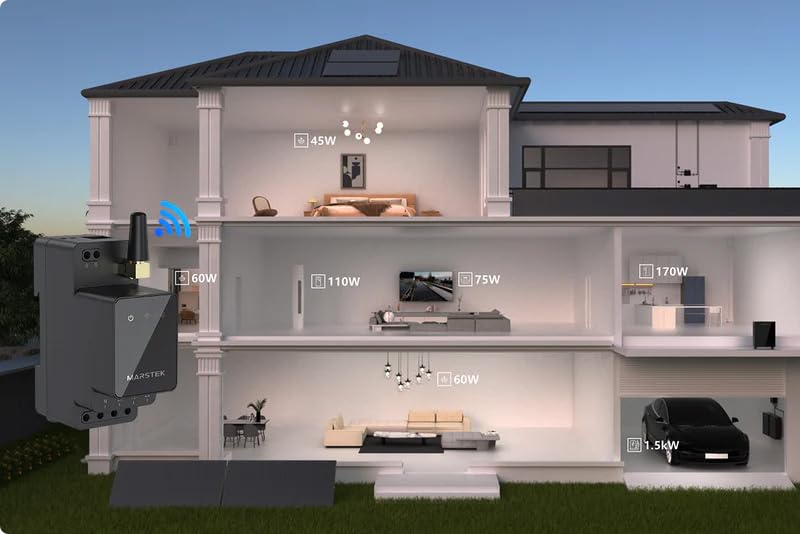
Figure 5.1: Smart App Interface. This image displays the MARSTEK Smart App on a smartphone, showing real-time energy consumption and generation data, including total power and individual phase readings.

Figure 5.2: Wireless Connectivity. This image shows the MARSTEK CT002 Smart Meter alongside Wi-Fi and Bluetooth symbols, illustrating its wireless communication capabilities for seamless integration with the smart app.
5.3 Monitoring and Data Access
Once connected to the app, you can:
- View real-time power consumption and generation for each phase and total.
- Access historical data and trends.
- Set up alerts and notifications for unusual energy patterns.
- Monitor the performance of your photovoltaic system.

Figure 5.3: Real-time Monitoring. This image shows a user interacting with the MARSTEK Smart App on their phone, demonstrating how the app provides immediate insights into household energy usage, helping to prevent waste.
6. Maintenance
The MARSTEK CT002 Smart Meter is designed for minimal maintenance. Follow these guidelines to ensure optimal performance:
- Cleaning: Gently wipe the device with a dry, soft cloth. Do not use liquid cleaners or solvents.
- Firmware Updates: Periodically check the MARSTEK Smart App for available firmware updates. Keeping the device's firmware up-to-date ensures access to the latest features and security enhancements.
- Connection Check: Occasionally verify that the Wi-Fi and Bluetooth connections are stable. If connectivity issues arise, refer to the troubleshooting section.
- Physical Inspection: Annually, or if you suspect an issue, have a qualified electrician inspect the wiring and physical condition of the device within the distribution box.
7. Troubleshooting
| Problem | Possible Cause | Solution |
|---|---|---|
| Device not powering on. | No power supply; incorrect wiring. | Check main power supply. Verify wiring connections with a qualified electrician. |
| Cannot connect to Wi-Fi. | Incorrect Wi-Fi password; device too far from router; router issues. | Ensure correct Wi-Fi password. Move device closer to router or use a Wi-Fi extender. Restart router. Ensure 2.4GHz Wi-Fi is used. |
| Inaccurate readings. | Incorrect CT orientation; wiring errors; device malfunction. | Verify CT orientation (arrows pointing towards load). Recheck all wiring. If issues persist, contact support. |
| App not displaying data. | No internet connection on phone; app glitch; device not sending data. | Check phone's internet connection. Restart the app. Verify device's Wi-Fi connection. |
8. Specifications
| Feature | Detail |
|---|---|
| Manufacturer | MARSTEK |
| Model Number | MST-CT002-New |
| Item Weight | 200 g |
| Product Dimensions | 6.5 x 2.6 x 8 cm |
| Included Components | CT002 Smart Meter |
| Batteries Required | No |
| Connectivity | Wi-Fi, Bluetooth |
| System Compatibility | Single-phase, Three-phase |
9. Warranty
The MARSTEK CT002 Smart Meter comes with a 10-year manufacturer's warranty from the date of purchase. This warranty covers defects in materials and workmanship under normal use. It does not cover damage caused by improper installation, misuse, accidents, unauthorized repairs, or acts of nature.
Please retain your proof of purchase for warranty claims.
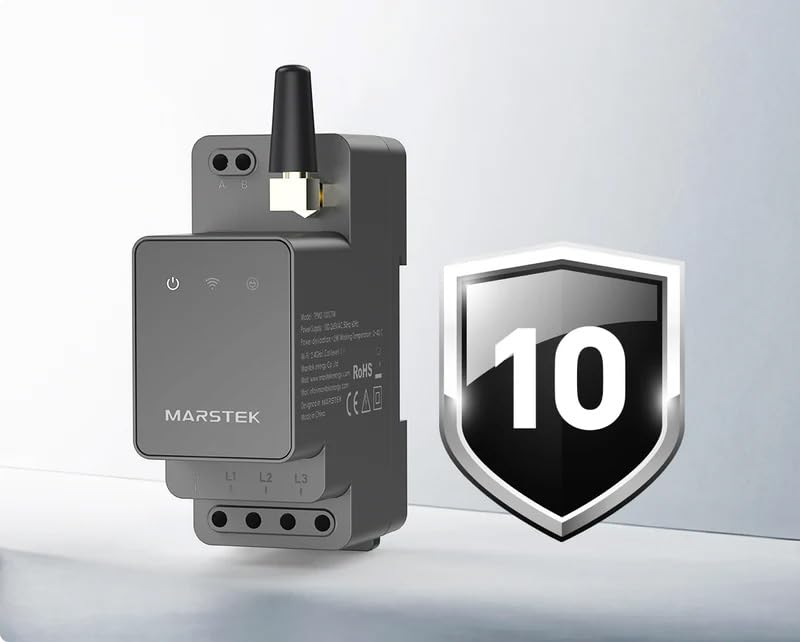
Figure 9.1: 10-Year Warranty. This image highlights the MARSTEK CT002 Smart Meter alongside a shield icon indicating a 10-year manufacturer's warranty, assuring product quality and reliability.
10. Support
For technical assistance, warranty claims, or further inquiries, please contact MARSTEK customer support through the following channels:
- Website: Visit the official MARSTEK website for FAQs and support resources.
- Email: Refer to your product packaging or the MARSTEK website for customer service email addresses.
- Smart App: The MARSTEK Smart App may include a direct support contact feature.
When contacting support, please have your product model (CT002) and proof of purchase ready.