
Introduction
Thank you for choosing the Amico 72-inch Ceiling Fan with Lights. This manual provides essential information for the safe installation, operation, and maintenance of your new ceiling fan. Please read all instructions carefully before beginning installation and retain this manual for future reference.
This ceiling fan features a powerful yet quiet reversible DC motor, integrated dimmable LED lighting, and convenient remote control operation. It is designed for large rooms, providing optimal airflow and illumination.
Safety Information
- Always disconnect power at the circuit breaker before installation or servicing.
- Ensure all electrical connections comply with local codes and ordinances.
- Consult a qualified electrician if you are unsure about wiring or installation.
- Mount the fan to a ceiling joist or a securely supported outlet box capable of supporting the fan's weight (approximately 14.13 kg / 31.15 lbs).
- Keep hands, clothing, and other objects clear of the fan blades when the fan is operating.
- Do not attempt to repair or modify the fan yourself. Contact customer support for assistance.
Package Contents
Verify that all components are present and undamaged before proceeding with installation. If any parts are missing or damaged, do not attempt to install the fan. Contact Amico customer support for replacement parts.
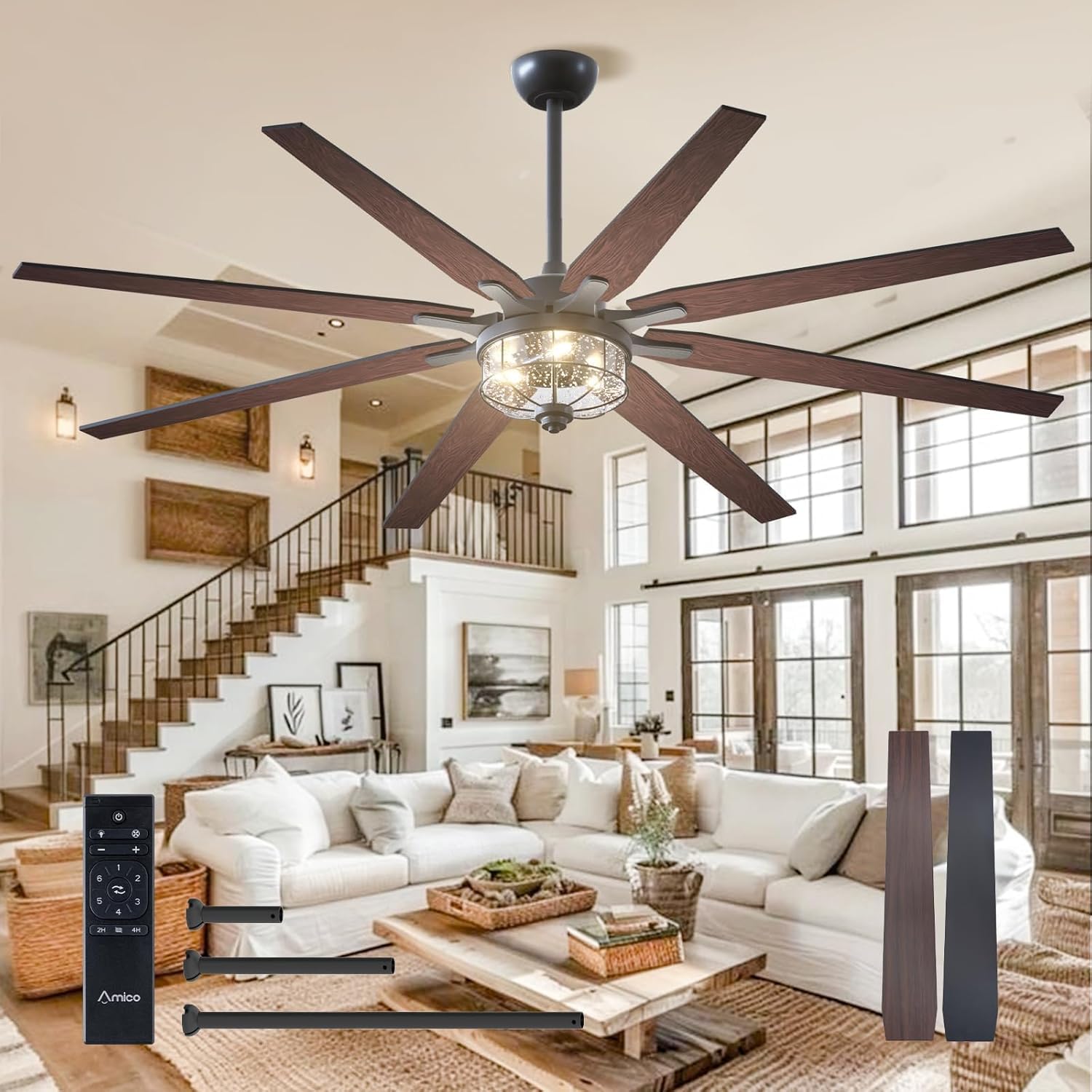
Image: Overview of the Amico 72-inch ceiling fan, illustrating its dimensions (17.2 in, 22.2 in, 36.2 in heights with different downrods; 72 in width) and included components such as 5-inch, 10-inch, and 24-inch downrods, and reversible fan blades.
Included Components:
- Fan Motor Housing
- Fan Blades (reversible, black/wood finish)
- Light Kit with Glass Shade
- Remote Control and Receiver
- Downrods (5-inch, 10-inch, 24-inch options)
- Mounting Bracket and Hardware
- Instruction Manual
Setup and Installation
Installation of the Amico 72-inch Ceiling Fan requires basic electrical knowledge and adherence to safety guidelines. It is recommended to have two people for installation due to the fan's size and weight.
Mounting Options:
- Ceiling Downrod Mount: Standard installation for flat ceilings.
- Sloped Ceiling Mount: Suitable for ceilings with a slope of less than 15 degrees.
Installation Steps:
- Prepare for Installation: Turn off power at the circuit breaker. Secure the mounting bracket to the ceiling outlet box or support structure.
- Assemble Downrod: Select the appropriate downrod (5-inch, 10-inch, or 24-inch) and attach it to the fan motor housing.
- Wire Connections: Connect the fan's electrical wires to the household wiring according to the provided wiring diagram in the separate installation manual. Ensure all connections are secure.
- Mount Fan: Carefully lift the fan assembly and hang it from the mounting bracket.
- Attach Blades: Securely attach the fan blades to the motor housing. Ensure all screws are tightened.
- Install Light Kit: Connect the light kit wiring and attach the light kit to the fan housing. Install the glass shade.
- Final Checks: Ensure all connections are secure and no wires are pinched. Restore power at the circuit breaker.

Image: A couple assembling a ceiling fan, illustrating the installation process and suggesting that it can be a DIY project, potentially saving electrician fees.
For detailed visual guidance, refer to the dedicated installation manual included in your package. An installation video may also be available online via the manufacturer's website.
Operating Instructions
Your Amico ceiling fan is operated using the included remote control. Ensure the remote has fresh batteries installed.
Remote Control Functions:

Image: A visual representation of the remote control and its key features, including super quiet operation, customizable light, 6 adjustable speeds, reversible DC motor function, and timer settings.
- Power On/Off: Press the power button to turn the fan and light on or off.
- Fan Speed Control: Adjust the fan speed through 6 levels. Levels 1-2 provide a low, comfortable breeze; Levels 3-4 offer a medium, natural wind; and Levels 5-6 deliver a high, cooling airflow.
- Light Control: Turn the light on/off and adjust brightness. The light is dimmable from 10% to 100% (200LM to 2000LM).
- Reversible DC Motor: Use the remote to switch the fan's direction. In summer, the fan rotates counter-clockwise for downward airflow, creating a cooling effect. In winter, it rotates clockwise for upward airflow, circulating warm air.
- Timer Setting: Set a timer for the fan to automatically turn off after a specified duration.
Fan Speed Settings:
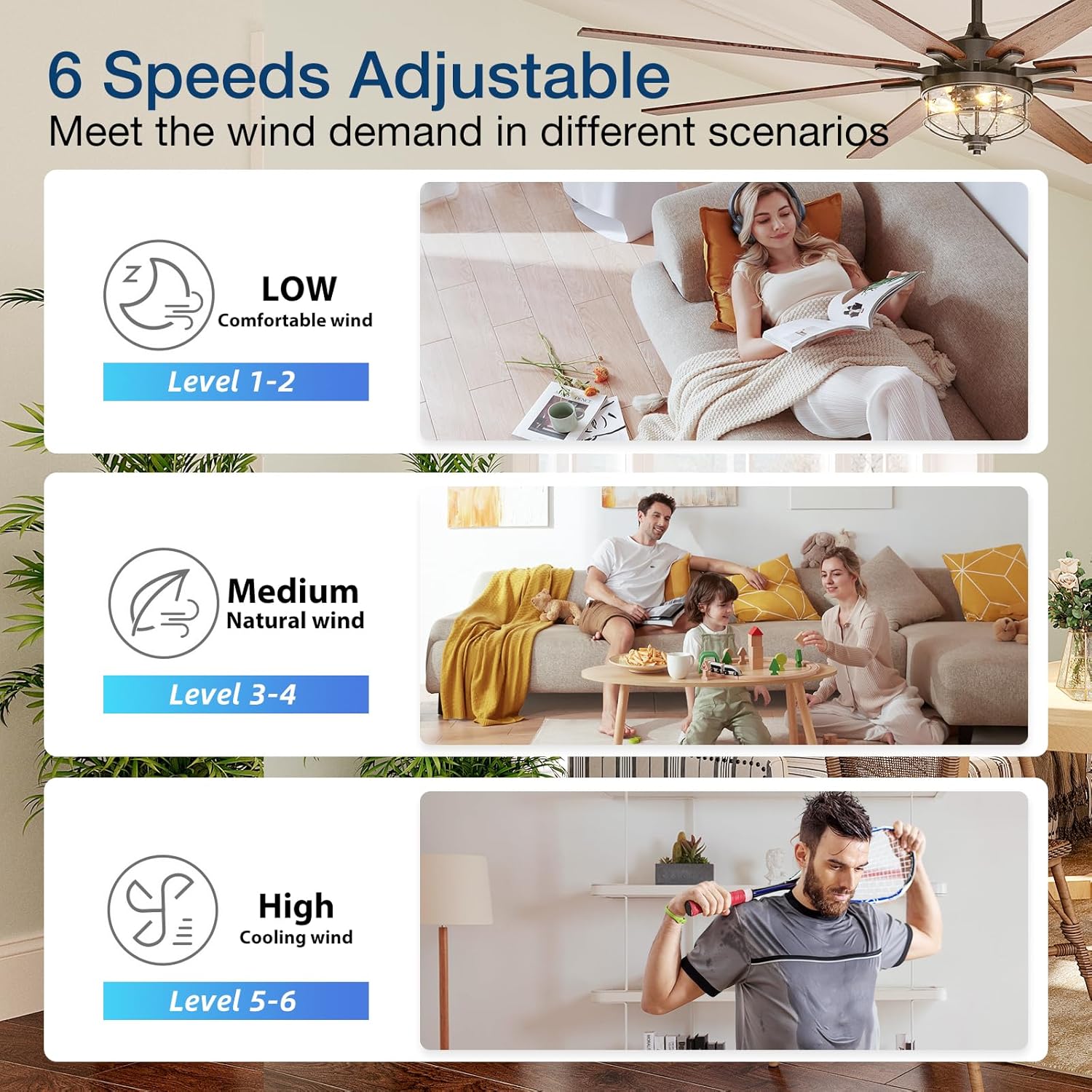
Image: Diagram showing the 6 adjustable fan speeds: Low (Levels 1-2) for comfortable wind, Medium (Levels 3-4) for natural wind, and High (Levels 5-6) for cooling wind, with corresponding lifestyle images.
Dimmable Light Function:
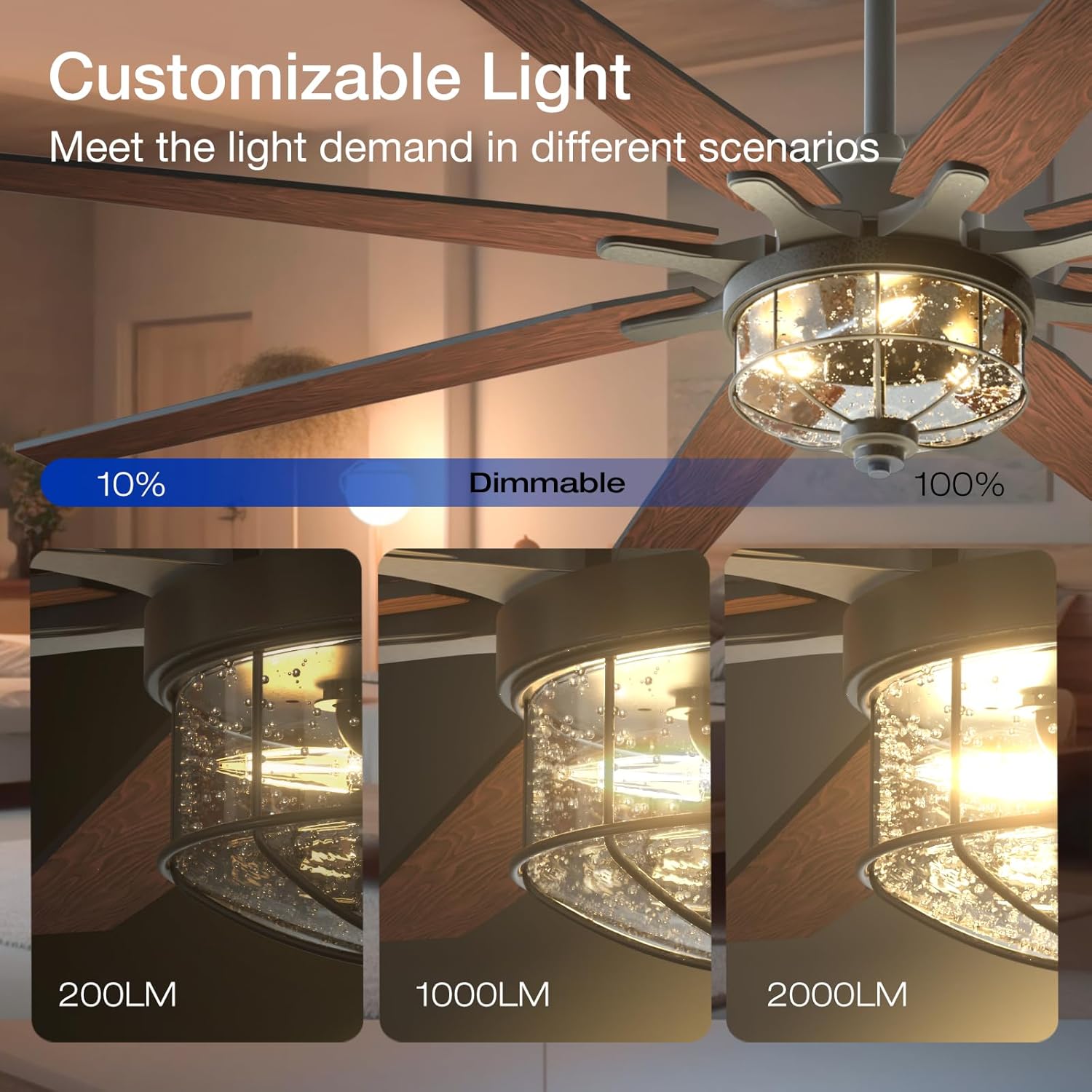
Image: Illustration of the customizable light feature, showing dimming from 10% (200LM) to 100% (2000LM) to meet different lighting demands.
Reversible DC Motor:
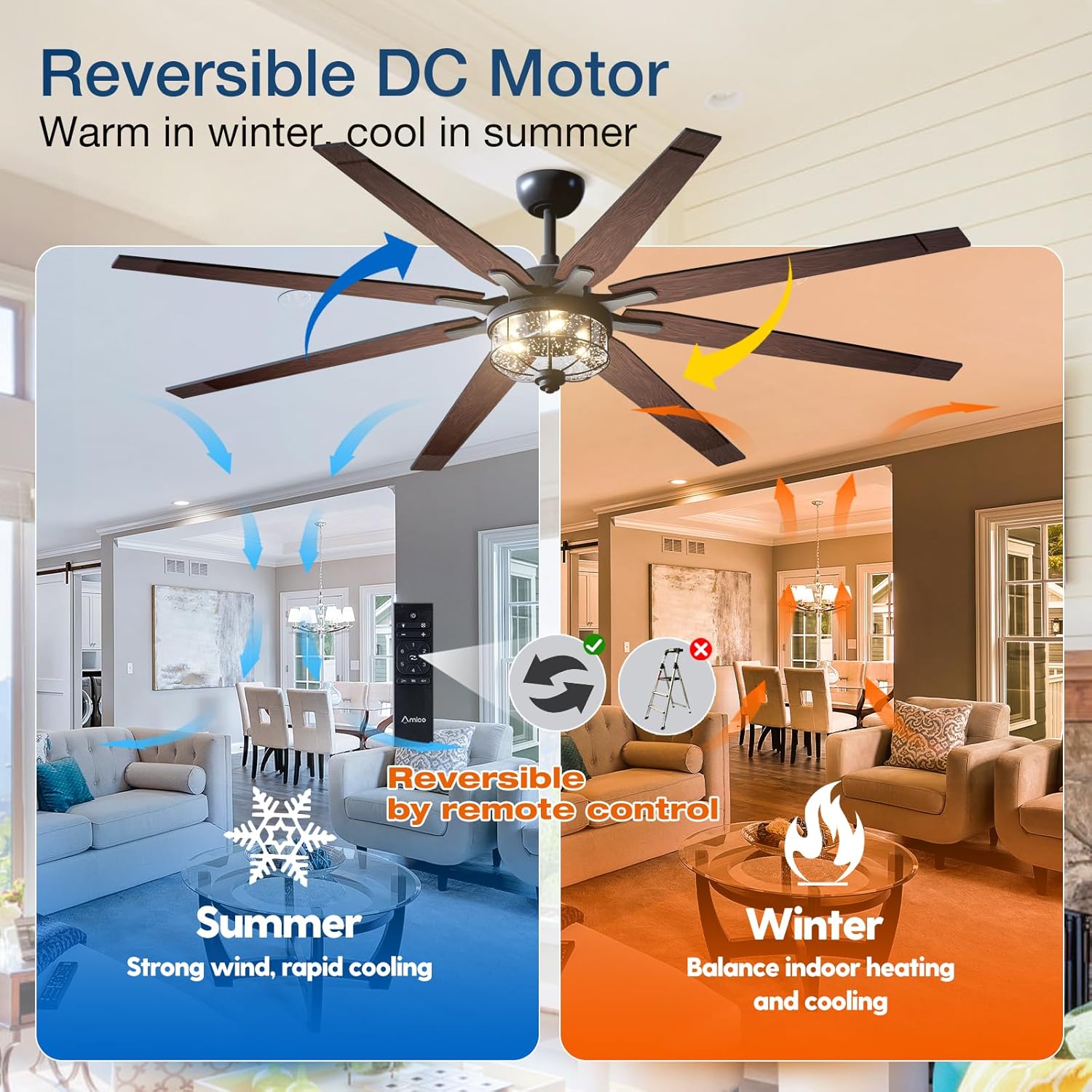
Image: Depiction of the reversible DC motor function, showing airflow direction for summer (strong wind, rapid cooling) and winter (balancing indoor heating and cooling).
Maintenance
Regular maintenance ensures the longevity and optimal performance of your Amico ceiling fan.
- Cleaning: Periodically clean the fan blades and motor housing with a soft, damp cloth. Do not use abrasive cleaners or solvents. Ensure power is off before cleaning.
- Blade Balance: If the fan wobbles, check that all blade screws are tight and that the blades are properly balanced. A balancing kit (not included) can be used if necessary.
- Light Fixture: Clean the glass shade gently with a mild glass cleaner. Ensure the light is off and cool before cleaning.
- Motor: The DC motor is designed for long-lasting, quiet operation and typically requires no lubrication.
Troubleshooting
Before contacting customer support, review the following common issues and solutions:
| Problem | Possible Cause | Solution |
|---|---|---|
| Fan does not start | No power to the fan; Loose wire connections; Remote control battery low or not paired. | Check circuit breaker; Ensure all wires are securely connected; Replace remote battery or re-pair remote. |
| Light does not work | Loose wire connection in light kit; LED module failure. | Check light kit wiring; Contact customer support for LED module replacement if necessary. |
| Fan wobbles | Loose blade screws; Unbalanced blades; Loose mounting bracket. | Tighten all blade screws; Use a blade balancing kit; Ensure mounting bracket is securely fastened. |
| Excessive noise | Loose screws; Motor housing rubbing; Incorrect installation. | Check and tighten all screws; Ensure no parts are rubbing; Re-check installation steps. |

Image: A graphic illustrating the quiet operation of the Amico fan, comparing its noise level to common sounds like a shed (10db), library (30db), whisper (50db), and normal chat (70db), highlighting its 'super quiet' performance.
Specifications
| Feature | Detail |
|---|---|
| Brand | Amico |
| Model | 72-inch Ceiling Fan with Lights |
| Color | Black (with reversible blades) |
| Dimensions (L x W x H) | 106.68 x 106.68 x 25.4 cm (42 x 42 x 10 inches) - minimum height with shortest downrod |
| Weight | 14.13 kg (31.15 lbs) |
| Voltage | 120 Volts |
| Material | Glass (light fixture), Metal, Wood (blades) |
| Motor Type | Reversible DC Motor |
| Light Source | Integrated Dimmable LED (E26 socket type) |
| Control Method | Remote Control |
| Room Type | Living Room (suitable for large rooms >20x20ft) |
| Power Source | AC |
Warranty and Support
Amico provides professional after-sales support for its products. Your Amico 72-inch Ceiling Fan comes with a 2-year warranty.
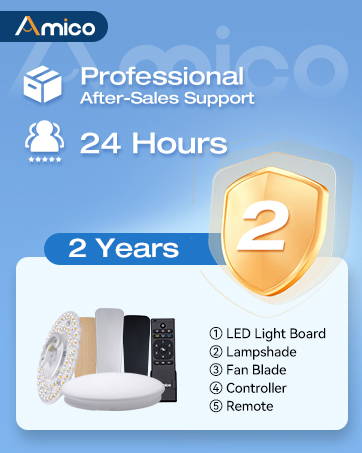
Image: A graphic detailing Amico's professional after-sales support, available 24 hours, and a 2-year warranty for the product.
For warranty claims, technical assistance, or any questions regarding your product, please contact Amico customer support. Have your product model and purchase date ready when contacting support.
Contact Information: Please refer to the contact details provided in your product packaging or on the official Amico website.


