Introduction
This manual provides comprehensive instructions for the assembly, operation, maintenance, and troubleshooting of your BestGlory Model 289 Ergonomic Executive Office Chair. Please read this manual thoroughly before use to ensure proper function and longevity of your chair.
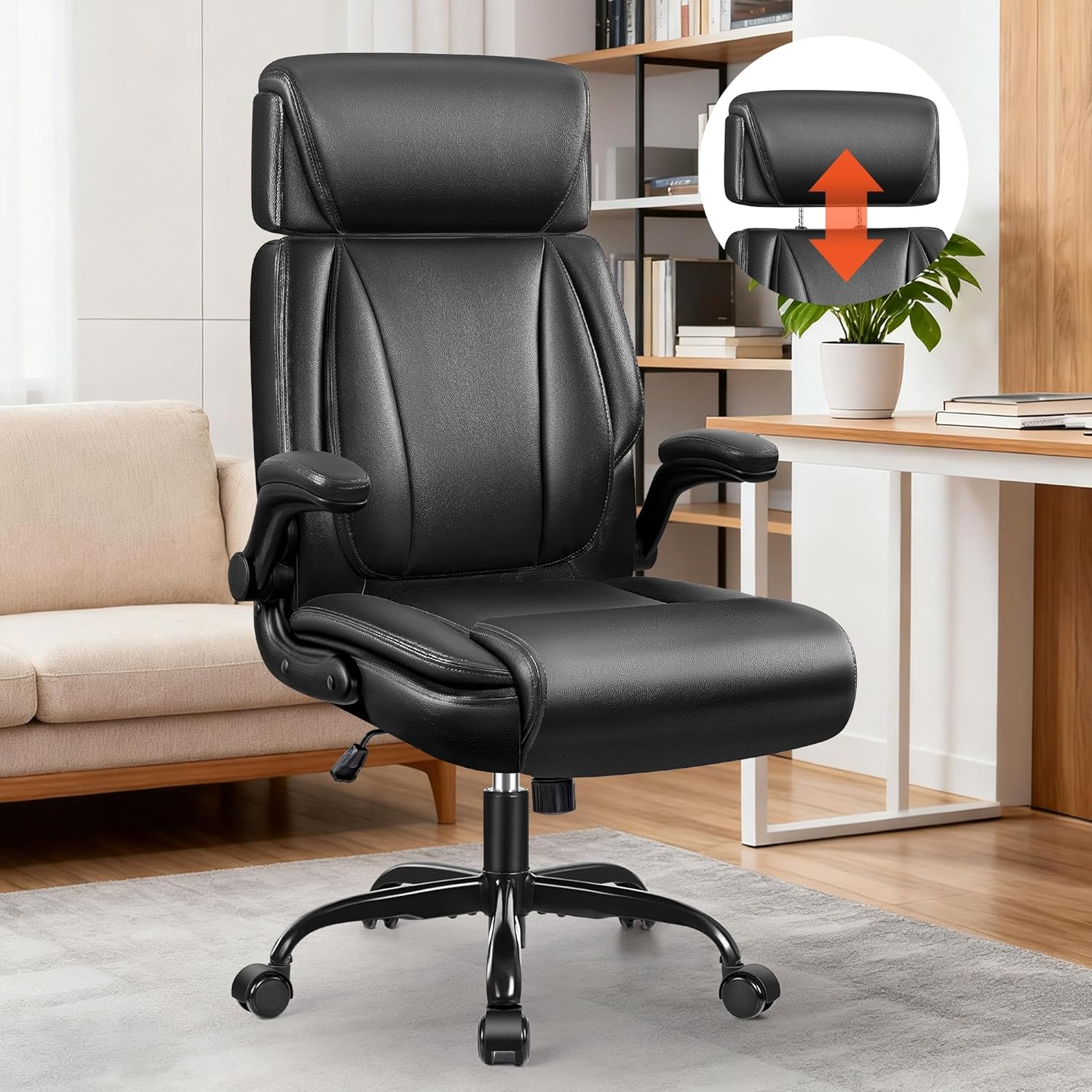
Image: The BestGlory Model 289 Ergonomic Executive Office Chair, black, positioned in a modern office environment. The chair features a high back, adjustable headrest, and padded armrests, designed for comfort and support.
Important Safety Information
- Always ensure the chair is fully assembled before use.
- Do not exceed the maximum weight capacity of 350 lbs (158 kg).
- Be cautious when adjusting the headrest and armrests to avoid injury.
- Keep the chair away from heat sources to prevent damage to the faux leather material.
- Do not stand on the chair.
- Use only on level surfaces.
Package Contents
Before beginning assembly, please verify that all components are present and undamaged. Refer to the diagram below for identification.
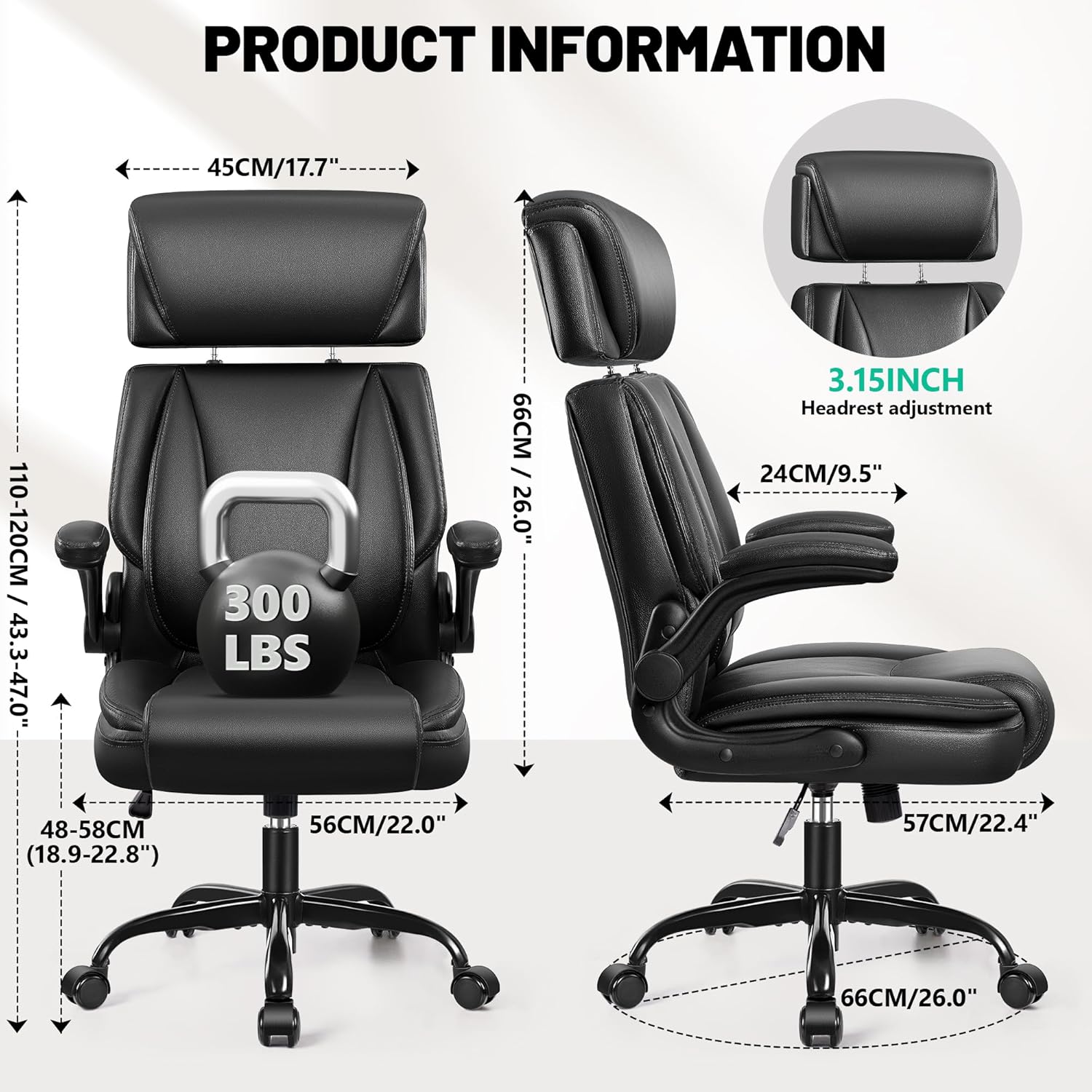
Image: A detailed diagram of the BestGlory Model 289 office chair, illustrating its key dimensions and individual components such as the seat, backrest, armrests, gas lift, base, and casters.
- Seat Cushion
- Backrest
- Armrests (2)
- Base Plate
- Gas Lift
- Chair Base
- Casters (5)
- Headrest
- Assembly Screws and Wrench
Setup and Assembly
Assembly is straightforward and typically takes about 15 minutes. Follow these steps carefully:
Video: This video demonstrates the step-by-step installation process for the BestGlory Model 289 office chair, covering base assembly, caster insertion, and attaching the seat and backrest.
- Assemble the Chair Base:
Attach the five split base tubes to the central base tube using the provided M6x25mm screws and wrench. Ensure all screws are tightened securely.
- Install Casters and Gas Lift:
Firmly push each of the five casters into the holes at the end of the assembled base tubes. Then, turn the base over and insert the air rod (gas lift) into the central hole of the base.
- Attach Base Plate to Seat Cushion:
Locate the "FRONT" label on the underside of the seat cushion. Align the base plate with the screw holes on the underside of the seat cushion, ensuring the lever is positioned correctly. Secure the base plate using the M6x20mm screws. Align all four screws with the screw holes before fully tightening them.
- Connect Seat to Base:
Carefully align the hole in the center of the base plate (attached to the seat cushion) with the top of the gas lift. Press the seat down firmly onto the gas lift to secure it to the base.
- Install Armrests:
Attach the armrests to the sides of the seat cushion using the M6x25mm screws. Ensure they are firmly attached. Cover the screw holes with the provided decoration caps for a finished look.
- Install Backrest:
Align the backrest with the armrests and secure it using the remaining screws. Ensure all connections are tight and stable.
Operating Instructions
Adjusting Seat Height
To adjust the seat height, pull the lever located under the right side of the seat upwards. While holding the lever, either stand up to raise the seat or remain seated to lower it. Release the lever at your desired height.

Image: A person seated in the BestGlory Model 289 office chair, demonstrating the adjustment of the seat height using the lever located beneath the seat. The image highlights the chair's height adjustment range.
Adjusting Headrest
The headrest can be adjusted vertically by 3.7 inches. Gently pull the headrest upwards or push it downwards to achieve your preferred height for neck and head support.
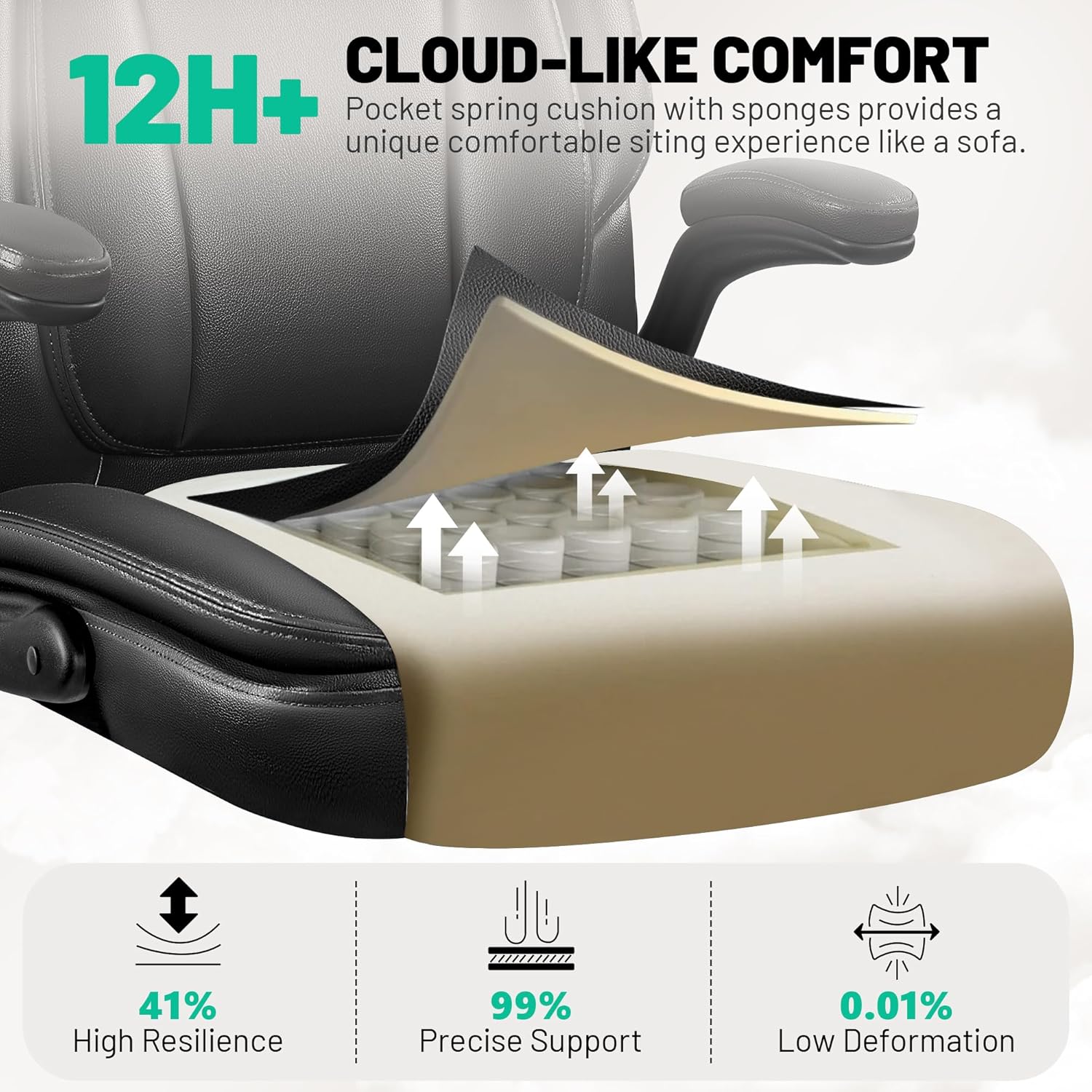
Image: A detailed view of the BestGlory Model 289 office chair's adjustable headrest, showing its vertical adjustment capability. This feature allows users to customize neck and head support for optimal comfort.
Rocking Function and Tilt Tension
To activate the rocking function, pull the same lever used for height adjustment outwards. Push it inwards to lock the chair in an upright position. The tilt tension can be adjusted by rotating the round knob located under the center of the seat. Turn clockwise to increase tension (making it harder to rock) or counter-clockwise to decrease tension (making it easier to rock).

Image: A person seated in the BestGlory Model 289 office chair, demonstrating the 90-120 degree tilt rocking function. Insets show the tilt tension knob and the lever for locking/unlocking the rocking motion.
Flip-Up Armrests
The armrests can be flipped up by 90 degrees. This allows the chair to be slid further under a desk, saving space. To flip them up, simply lift them from the front until they lock into the upright position. To lower, pull them slightly outwards and push down.
Maintenance
- Cleaning: Wipe clean with a damp cloth. For spot cleaning, use a mild soap solution and a soft cloth. Avoid harsh chemicals or abrasive cleaners.
- Inspection: Periodically check all screws and bolts to ensure they are tight. Re-tighten if necessary.
- Casters: Keep casters free of debris (hair, dust, etc.) to ensure smooth rolling.
- Leather Care: The PU leather material is durable. Avoid prolonged exposure to direct sunlight or extreme temperatures to prevent cracking or fading.
Troubleshooting
| Problem | Possible Cause | Solution |
|---|---|---|
| Chair does not adjust height. | Gas lift is faulty or lever is not engaged. | Ensure the lever is fully pulled. If the issue persists, the gas lift may need replacement. Contact support. |
| Chair wobbles or feels unstable. | Loose screws or uneven assembly. | Check and tighten all assembly screws, especially those connecting the base and armrests. Ensure the chair is on a flat surface. |
| Casters do not roll smoothly. | Debris caught in casters. | Turn the chair over and remove any hair, dust, or other debris from the caster wheels. |
| Rocking function is too stiff or too loose. | Tilt tension is incorrectly adjusted. | Rotate the tilt tension knob under the seat to adjust to your preference. Clockwise for stiffer, counter-clockwise for looser. |
Specifications
| Brand: | BestGlory |
| Model: | 289 |
| Color: | Black |
| Product Dimensions: | 23"D x 22"W x 47"H (58.4cm D x 55.9cm W x 119.4cm H) |
| Item Weight: | 38.5 pounds (17.46 kg) |
| Material: | PU Leather, Foam, Metal Base |
| Special Features: | Adjustable Headrest, Adjustable Height, Flip-Up Armrests, Lumbar Support, Rocking Function |
| Max Weight Capacity: | 350 lbs (158 kg) |
Image: A graphic displaying the key dimensions of the BestGlory Model 289 office chair, including height, width, and depth, along with its maximum weight capacity.
Warranty and Support
For warranty information, product support, or to purchase replacement parts, please contact BestGlory customer service.
- Contact: Refer to your purchase documentation or the BestGlory official website for the most current contact information.
- Online Resources: Visit the BestGlory store on Amazon for additional product information and FAQs. BestGlory Store


