
Introduction
The Skullcandy Hesh 540 ANC headphones are designed to provide an immersive audio experience with Active Noise Cancelling and THX Spatial Audio. This manual provides instructions for setup, operation, maintenance, and troubleshooting to ensure optimal use of your headphones.
What's in the Box
- Hesh® 540 ANC Wireless Headphones
- Removable AUX Cable
- USB-C Charging Cable
- User Manual

The package contains the Hesh 540 ANC Wireless Headphones, a removable AUX cable for wired listening, a USB-C charging cable, and this user manual.
Setup
Power On/Off
- To Power On: Press and hold the power button (located on the right earcup) for 1 second. You will hear a voice prompt say "Power On, Ready to Pair."
- To Power Off: Press and hold the power button for 3 seconds. You will hear a voice prompt say "Power Off."
Bluetooth Pairing
- Initial Pairing (Headphones Off): With the headphones off, press and hold the joystick center (located on the right earcup) for 3 seconds. The headphones will enter pairing mode.
- Re-pairing (Headphones On): With the headphones on, press and hold the joystick center for 4 seconds. The headphones will enter pairing mode.
Once in pairing mode, open the Bluetooth settings on your device (phone, tablet, computer) and locate "Hesh 540 ANC" in the list of available devices. Select it and confirm pairing if prompted. A voice prompt will confirm "Connected" upon successful pairing.
Charging
To charge your headphones, connect the included USB-C charging cable to the USB-C port on the headphones and to a compatible USB power source. The LED indicator will show charging status.

Video 1: Official user guide demonstrating power, pairing, charging, and basic controls for Hesh 540 ANC headphones.
Operating Instructions
Basic Controls
The Hesh 540 ANC headphones feature intuitive controls primarily located on the right earcup:
- Volume Up: Press up on the joystick.
- Volume Down: Press down on the joystick.
- Answer Call: Press the joystick center once.
- Reject/End Call: Hold the joystick center for 1 second.
- Track Forward: Press the joystick towards the right.
- Track Backward: Press the joystick towards the left.
Active Noise Cancelling (ANC) & Stay-Aware
The Hesh 540 ANC headphones are equipped with Active Noise Cancelling (ANC) and Stay-Aware modes. By default, ANC is active when the headphones are powered on.
- Toggle ANC/Stay-Aware: Press the power button two times to cycle through ANC on, Stay-Aware mode, and ANC off.

Video 2: Demonstrates the Active Noise Cancelling feature of the Skullcandy Hesh 540 ANC headphones.
THX Spatial Audio
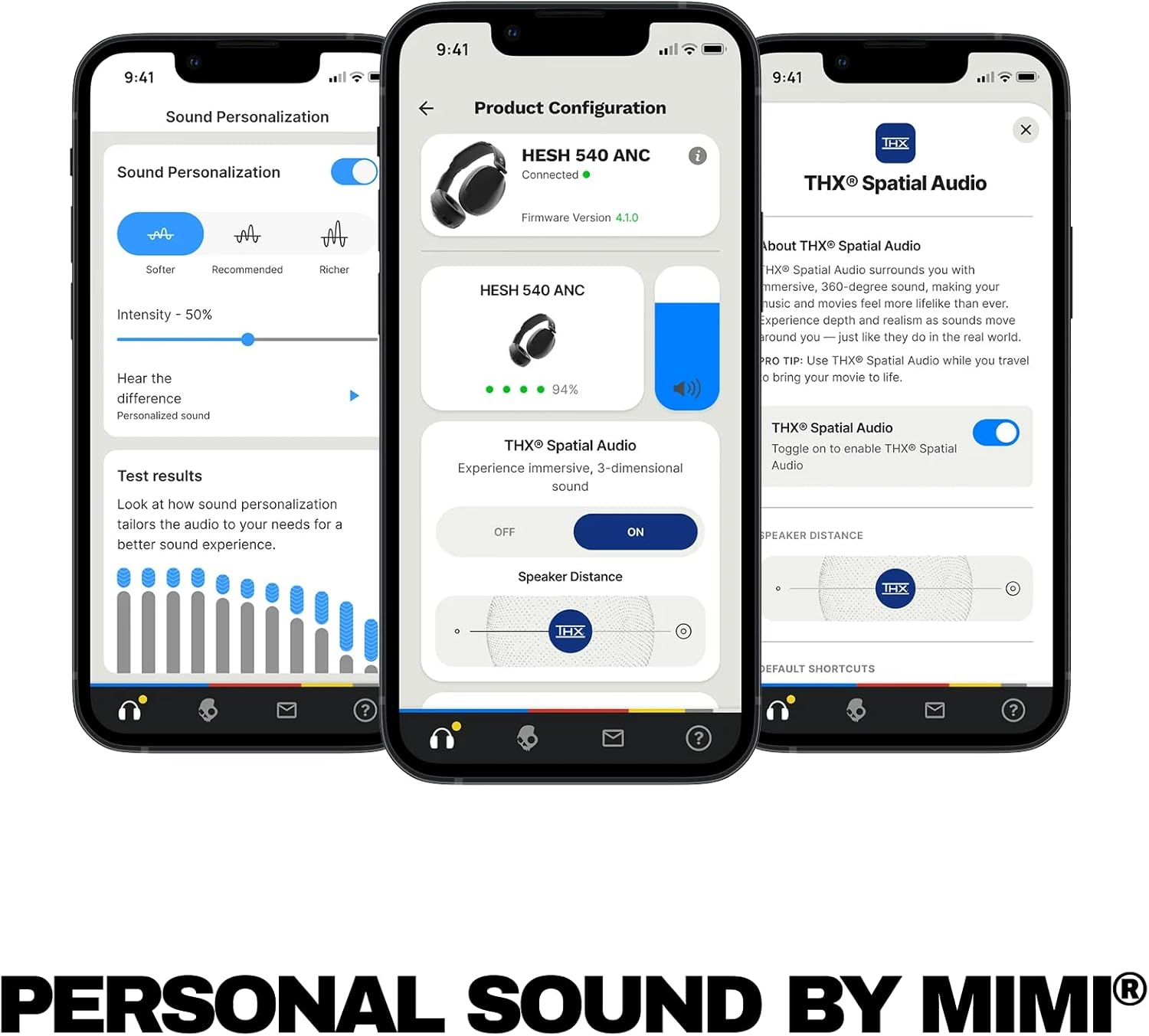
The Hesh 540 ANC headphones feature THX Spatial Audio for an enhanced, three-dimensional sound experience.
- Toggle THX Spatial Audio: Press the joystick center once to turn THX Spatial Audio on or off.
Wear Detect
Wear Detect automatically pauses your media when you remove the headphones and resumes playback when you put them back on. This feature also conserves battery by entering sleep mode after 3 minutes of non-use when removed.
- Enable/Disable Wear Detect: This feature is enabled by default. It can only be toggled on or off via the Skullcandy mobile app.

EQ Presets
The Skullcandy app allows you to cycle through various Equalizer (EQ) presets to customize your audio experience. Available modes include:
- Music Mode
- Podcast Mode
- Bass Boost Mode
- Custom Mode (user-defined settings)

Spotify Tap
Quickly access your Spotify app directly from your headphones:
- Activate Spotify: Press the joystick center three times.
Maintenance
To ensure the longevity and optimal performance of your Skullcandy Hesh 540 ANC headphones, follow these maintenance guidelines:
- Cleaning: Use a soft, dry cloth to clean the earcups and headband. Avoid using harsh chemicals or abrasive materials.
- Storage: When not in use, store the headphones in a cool, dry place, away from direct sunlight and extreme temperatures.
- Cable Care: Handle the USB-C charging cable and AUX cable gently to prevent damage.
- Water Resistance: These headphones are not water-resistant. Avoid exposure to moisture.
Troubleshooting
Resetting Headphones
If you experience persistent issues, you may need to reset your headphones to their original factory settings:
- Factory Reset: With the headphones on, press and hold the joystick center for 6 seconds. This will clear all paired devices and reset settings.
Common Issues
- No Power: Ensure the headphones are charged. Connect the USB-C cable and allow sufficient charging time.
- Pairing Issues: Make sure Bluetooth is enabled on your device and the headphones are in pairing mode. Try forgetting the device on your phone and re-pairing.
- No Audio: Check volume levels on both the headphones and your connected device. Ensure the correct audio output is selected on your device.
- Intermittent Connection: Ensure your device is within the Bluetooth range (typically 10 meters/33 feet) and there are no significant obstructions.
Specifications
| Feature | Detail |
|---|---|
| Model Name | Hesh 540 ANC |
| Item Model Number | S6HAW-T740 |
| Connectivity Technology | Wireless (Bluetooth 5.3) |
| Noise Control | Active Noise Cancellation |
| Audio Driver Type | Dynamic Driver |
| Frequency Response | 20 KHz |
| Sensitivity | 119.4 dB |
| Impedance | 36 Ohm |
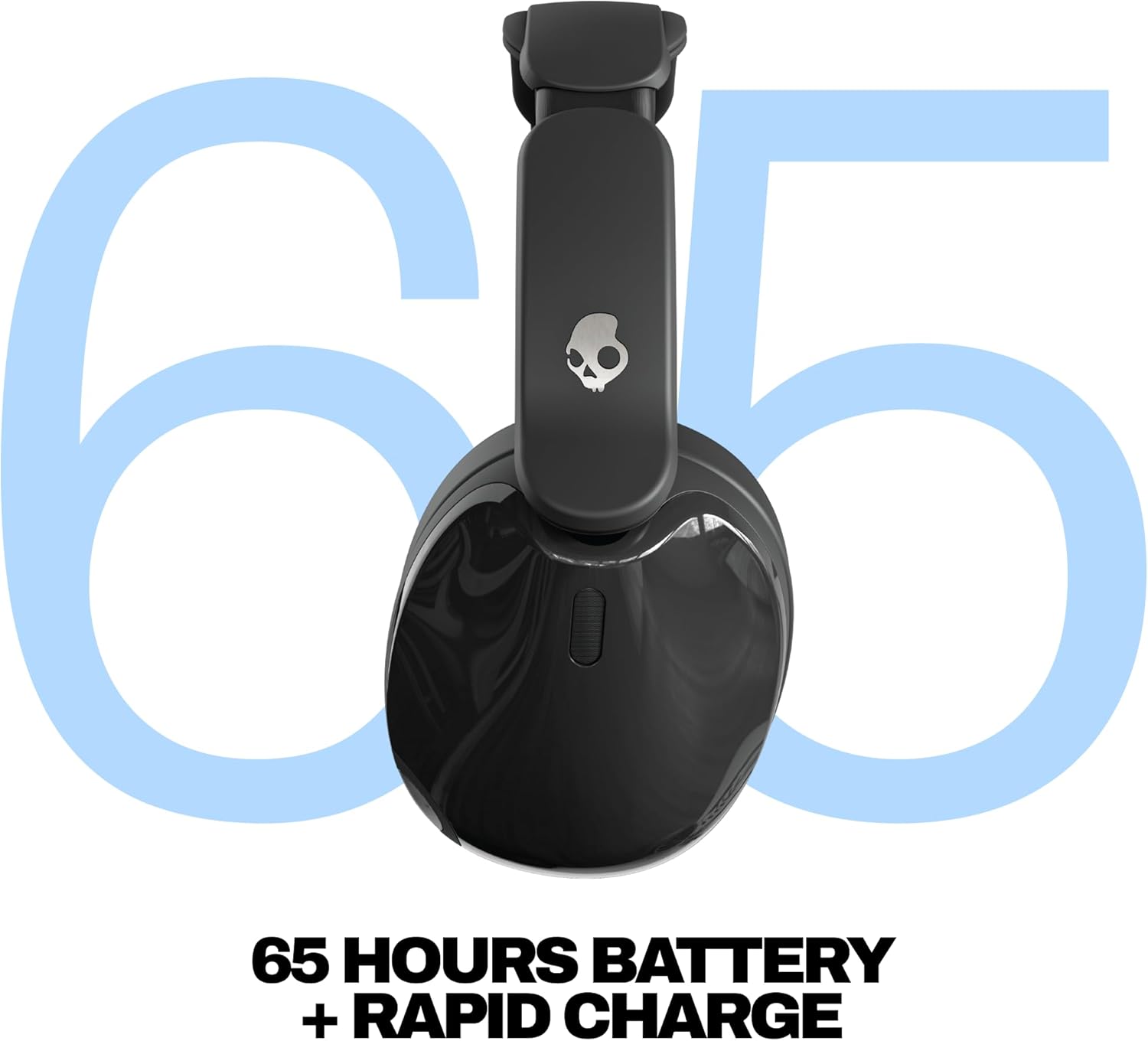
| Battery Life | Up to 65 Hours (ANC off) |
| Rapid Charge | 10 minutes charge for 4 hours listening |
| Headphones Jack | 3.5 mm Jack |
| Control Type | Button Control (Joystick, Push Button, Touch) |
| Ear Placement | Over Ear |
| Material | Faux Leather, Metal, Plastic, Silicone |
| Item Weight | 8.6 ounces (0.24 Kilograms) |
| Water Resistance Level | Not Water Resistant |
Warranty and Support
Skullcandy products are backed by a limited warranty. For detailed warranty information, product registration, and customer support, please visit the official Skullcandy website or refer to the warranty card included with your purchase. You can also find additional support and FAQs through the Skullcandy mobile app.


