
1. Introduction
Thank you for choosing the HTC N15 Wireless Clip-On Earbuds. These open-ear earphones are designed to provide audio while allowing you to remain aware of your surroundings. This manual provides detailed instructions for setup, operation, and maintenance to ensure optimal performance and longevity of your device.

Image 1.1: HTC N15 Wireless Clip-On Earbuds and Charging Case.
2. Package Contents
Please check the package contents upon unboxing. If any items are missing or damaged, contact customer support.
- 1 Pair HTC N15 Clip-On Earbuds
- 1 Charging Case
- 1 USB-C Charging Cable
- 1 User Manual (this document)
Video 2.1: Unboxing the HTC N15 Wireless Clip-On Earbuds, showing the earbuds, charging case, and USB-C cable.
3. Product Overview
3.1 Earbud Features
- Open-Ear Design: Allows awareness of surroundings.
- Clip-On Fit: Secure and comfortable for various activities.
- Touch Control: Intuitive control for audio and calls.
- Built-in Microphone: For clear communication.
- Lightweight: Each earbud weighs approximately 4.7g.
- 13mm Driver: For enhanced sound quality.
3.2 Charging Case Features
- USB-C Charging Port: For convenient charging.
- Battery Indicator: LEDs show charging status and battery level.

Image 3.1: Overview of HTC N15 earbuds and charging case, highlighting battery life and Type-C charging port.
4. Setup
4.1 Charging the Earbuds and Case
Before first use, fully charge the earbuds and the charging case.
- Place the earbuds into the charging case.
- Connect the USB-C charging cable to the charging port on the case and to a power source.
- The LED indicators on the case will illuminate to show charging status. A full charge for the case takes approximately 1.5 hours.
- The earbuds provide up to 8 hours of playback on a single charge, and the charging case extends total playtime to 22 hours.

Image 4.1: Visual representation of charging times and battery life for the HTC N15 earbuds and case.
4.2 Pairing with a Device
The HTC N15 earbuds use Bluetooth 6.0 for fast and stable connections.
- Ensure the earbuds are charged and inside the charging case.
- Open the charging case. The earbuds will automatically enter pairing mode, indicated by flashing LED lights.
- On your device (smartphone, tablet, laptop), go to Bluetooth settings and turn Bluetooth on.
- Search for available devices and select "HTC NE15" from the list.
- Once connected, the earbud LEDs will stop flashing, and you will hear a confirmation tone.
The earbuds will automatically reconnect to the last paired device when removed from the case, if Bluetooth is enabled on the device.

Image 4.2: The HTC N15 earbuds offer flexible connectivity with various devices including notebooks, TVs, desktops, watches, phones, and iPads.
5. Wearing Instructions
For optimal sound and comfort, ensure the earbuds are worn correctly.
- Identify the Left (L) and Right (R) earbuds.
- Confirm the direction of the earbud, ensuring the clip is oriented to hook over the top of your ear.
- Gently clip the earbud onto the thinnest part of your ear, sliding it down until it feels secure.
- Adjust the earbud tip to align with your ear canal for the best sound experience and comfort.

Image 5.1: Step-by-step guide on how to properly wear the HTC N15 Clip-On Earbuds for a secure and comfortable fit.

Image 5.2: Illustration of the ergonomic open-ear clip design and wearing tips for optimal sound alignment.
6. Operating Instructions
The HTC N15 earbuds feature smart touch controls for easy management of audio and calls.

Image 6.1: Diagram illustrating the touch control functions for the HTC N15 earbuds.
6.1 Music Control
- Play/Pause: Double-click either earbud.
- Next Song: Triple-click the Right (R) earbud.
- Previous Song: Triple-click the Left (L) earbud.
- Volume Up: Click the Right (R) earbud.
- Volume Down: Click the Left (L) earbud.
6.2 Call Control
- Answer/End Call: Click either earbud.
- Reject Call: Press and hold either earbud for 2 seconds.
6.3 Voice Assistant & Game Mode
- Activate Voice Assistant: Hold the Left (L) earbud for 2 seconds.
- Game Mode: Hold the Right (R) earbud for 2 seconds to activate low-latency mode.

Image 6.2: The HTC N15 earbuds feature a low-latency Game Mode, reducing audio delay to 40ms for an improved gaming experience.
7. Maintenance
7.1 Cleaning
- Regularly clean the earbuds and charging case with a soft, dry, lint-free cloth.
- Do not use abrasive cleaners, alcohol, or chemical solvents.
- Ensure charging contacts on both earbuds and case are clean and dry.
7.2 Storage
- Store the earbuds in their charging case when not in use to protect them and keep them charged.
- Avoid storing in extreme temperatures or high humidity.
7.3 Water and Dust Resistance
The HTC N15 earbuds are rated IP45 for water and dust resistance. This means they are protected against dust ingress and low-pressure water jets from any direction. They are suitable for workouts and light rain but should not be submerged in water.
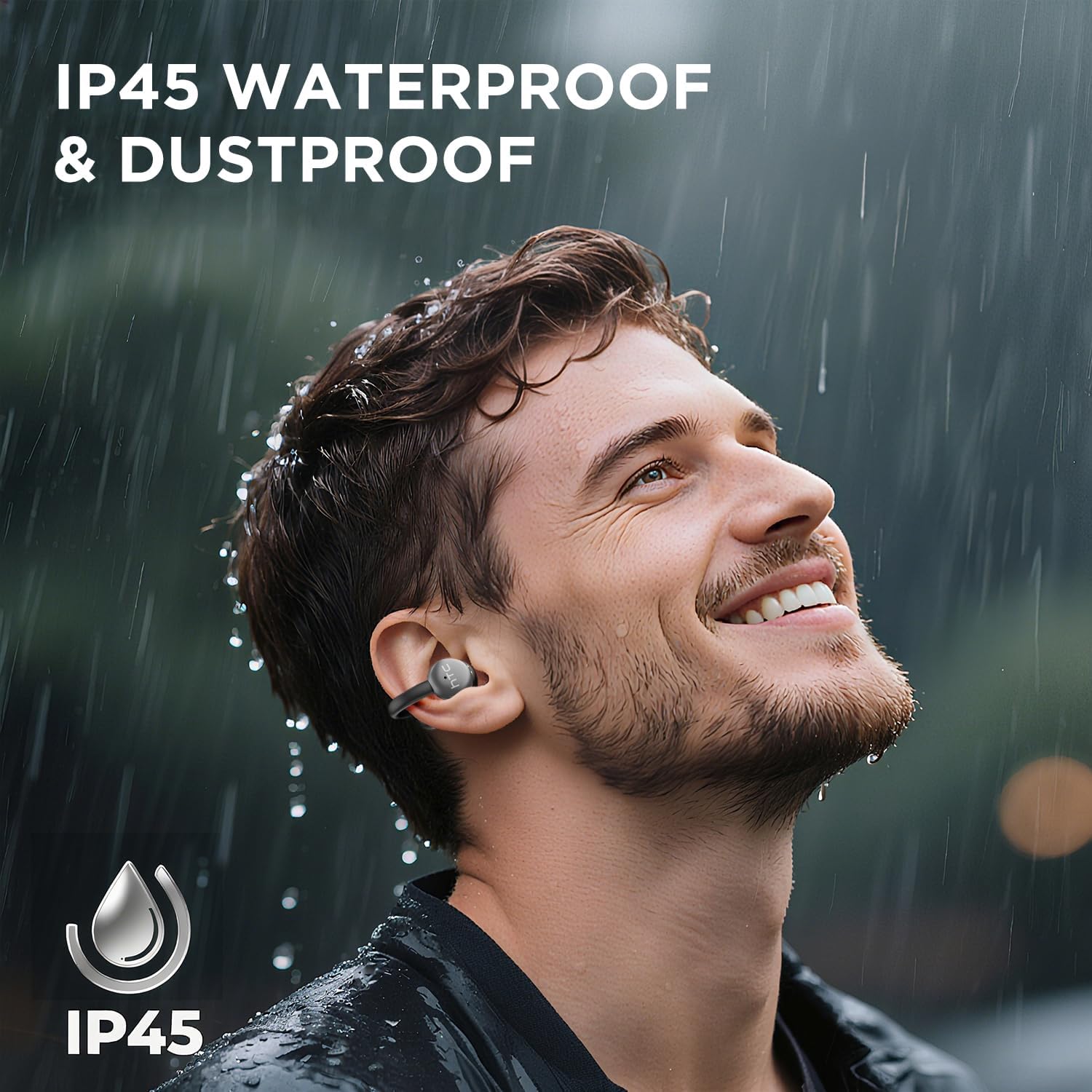
Image 7.1: The HTC N15 earbuds are IP45 rated, offering protection against dust and water splashes, making them suitable for outdoor activities.
8. Troubleshooting
| Problem | Possible Cause | Solution |
|---|---|---|
| Earbuds not pairing | Low battery; Bluetooth off on device; Earbuds not in pairing mode; Interference. | Charge earbuds and case. Ensure Bluetooth is enabled on your device. Place earbuds in case, close, then open to re-enter pairing mode. Move closer to your device. |
| No sound or poor sound quality | Volume too low; Earbuds not properly seated; Device not connected; Dirty earbuds. | Increase device volume. Adjust earbuds for a proper fit. Reconnect earbuds to your device. Clean earbuds as per maintenance section. |
| Earbuds not charging | Charging cable not connected properly; Dirty charging contacts; Faulty cable/adapter. | Ensure USB-C cable is securely connected. Clean charging contacts. Try a different USB-C cable or power adapter. |
| Touch controls unresponsive | Earbuds not active; Moisture on touch surface; Software glitch. | Ensure earbuds are active and connected. Wipe touch surface dry. Place earbuds back in case, close, then reopen to reset. |
9. Specifications
| Feature | Specification |
|---|---|
| Model Name | HTC NE15 |
| Bluetooth Version | 6.0 |
| Connectivity Technology | Wireless (Bluetooth) |
| Earbud Type | Clip-On, Open-Ear |
| Driver Size | 13mm |
| Control Method | Touch |
| Microphone | Built-in |
| Single Charge Playtime | Up to 8 hours |
| Total Playtime (with case) | Up to 22 hours |
| Case Fast Charging | Approx. 1.5 hours |
| Charging Port | USB-C |
| Water Resistance | IP45 (Water and Dust Resistant) |
| Earbud Weight | Approx. 4.7g (each) |
| Compatible Devices | Smartphones, Tablets, Bluetooth-enabled Devices (iOS, Android) |
| UPC | 768649989642 |
10. Warranty and Support
HTC provides customer support for its products. If you encounter any issues or have questions not covered in this manual, please contact our support team.
- Customer Support: 7*24 Live Chat Support is available. Refer to the product packaging or official HTC website for contact details.
- Warranty Information: Please retain your proof of purchase for warranty claims. Specific warranty terms and conditions may vary by region. Refer to the warranty card included in your package or the official HTC website for detailed information.