
1. Introduction
The MISDUOCOCO Smart WiFi High Water Level Alarm (WLA-Z7PRO) is designed to provide reliable water level monitoring and alert notifications for various applications such as sump pits, basements, septic tanks, and water tanks. This device features a built-in backup battery, IP65 waterproof rating, a 90dB siren, LED flashing alerts, and free app notifications to ensure you are informed of potential water level issues.
Package Contents
- Smart WiFi High Water Level Alarm Unit (WLA-Z7PRO)
- Float Switch with Cable
- Power Adapter
- USB Cable
- Mounting Hardware (Screws and Wall Anchors)
- Counterweight for Float Switch
- User Manual
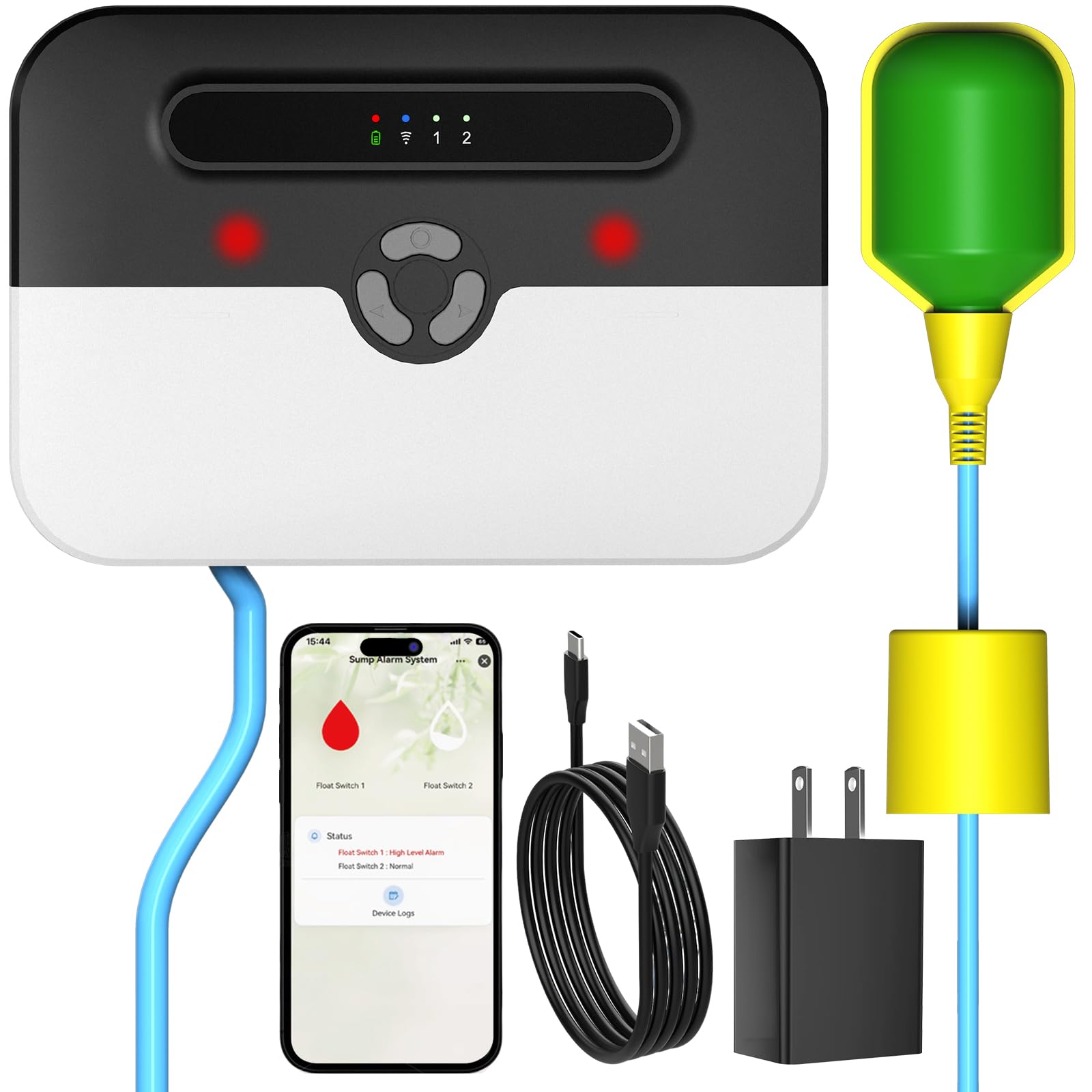
Image: The MISDUOCOCO Smart WiFi High Water Level Alarm unit, highlighting its built-in backup battery and IP65 water and dust resistance, shown installed on an exterior wall.

Image: Visual representation of the Smart WiFi High Water Level Alarm being used in diverse environments such as basements, lift stations, rainwater harvesting systems, sewage pits, sump pumps, and water tanks.
2. Safety Information
Please read this manual thoroughly before operating the device to ensure proper use and to prevent damage or injury. Keep this manual for future reference.
- Do not attempt to disassemble or modify the device. Unauthorized modifications may void the warranty and pose safety risks.
- Ensure the power adapter and cables are free from damage. Use only the provided power adapter.
- Install the device in a location where it is protected from direct exposure to extreme weather conditions, unless specifically designed for outdoor use (IP65 rated for this model).
- Keep the device and its components out of reach of children.
- Ensure all electrical connections are secure and comply with local electrical codes.
3. Setup and Installation
3.1 App Download and Account Creation
- Open your device's app store (Apple App Store or Google Play).
- Search for "Smart Life".
- Download and install the "SmartLife - Smart Living" app.
- Open the app and follow the on-screen instructions to create an account or log in.
3.2 Device Pairing with the App
Follow these steps to connect your water level alarm to the Smart Life app:
- Push downward on the front cover to remove it, then toggle the power switch to the ON position.
- Press and hold the Wi-Fi Pairing Button on the device until you hear a beep. The Wi-Fi indicator light will flash green slowly, indicating that the device is in pairing mode.
- Open the "Smart Life" app on your smartphone and tap the "+" icon in the top right corner of the home screen.
- Tap "Add Device". The app will search for nearby devices.
- Select the "Sump Alarm System" that appears in the search results.
- Select your 2.4GHz Wi-Fi network and enter the password. (Note: The device only supports 2.4GHz Wi-Fi networks).
- Please wait a moment while the device pairs. Once "Added Successfully" appears, the device is connected to the app.
Video: A step-by-step guide demonstrating how to download the Smart Life app, power on the WLA-Z7PRO alarm, initiate Wi-Fi pairing, and connect the device to the app for initial setup and optional device sharing.
3.3 Float Switch Installation
The float switch is crucial for detecting water levels. Ensure it is installed correctly.
- Wiring: Locate the wiring ports on the alarm unit (GND, L1, L2). Press and hold the orange button while inserting the float line wires into the GND and either L1 or L2 ports. The black wire should be connected to GND, and the brown wire to L1 or L2. Release the button to lock the wires. Gently pull the wires to ensure they are securely connected.
- Mounting (with a pipe): If there is a pipe in your sump pit or tank, secure the float switch to the pipe using zip ties at your desired alarm water level. Ensure the float can move freely.
- Mounting (without a pipe): If there is no pipe, attach the provided counterweight to the float line at the appropriate height to ensure it floats and triggers at the desired water level.
- Ensure there is at least 10cm (approximately 4 inches) of rising space above the float for proper operation.

Image: A detailed view of the alarm unit's internal wiring ports (GND, L1, L2) and the power toggle switch, essential for connecting the float switch and powering the device.

Image: Illustrations demonstrating two quick and easy installation methods for the float switch: securing it to a pipe with zip ties or attaching a counterweight for freestanding placement, suitable for various scenarios.
4. Operation
4.1 Triple Alert System
The WLA-Z7PRO employs a triple alert system to ensure you are promptly notified of high water levels:
- 90dB Siren: A loud audible alarm will sound from the device.
- LED Flashing: Visual LED indicators on the device will flash.
- App Notifications: Instant push notifications will be sent to your smartphone via the Smart Life app.
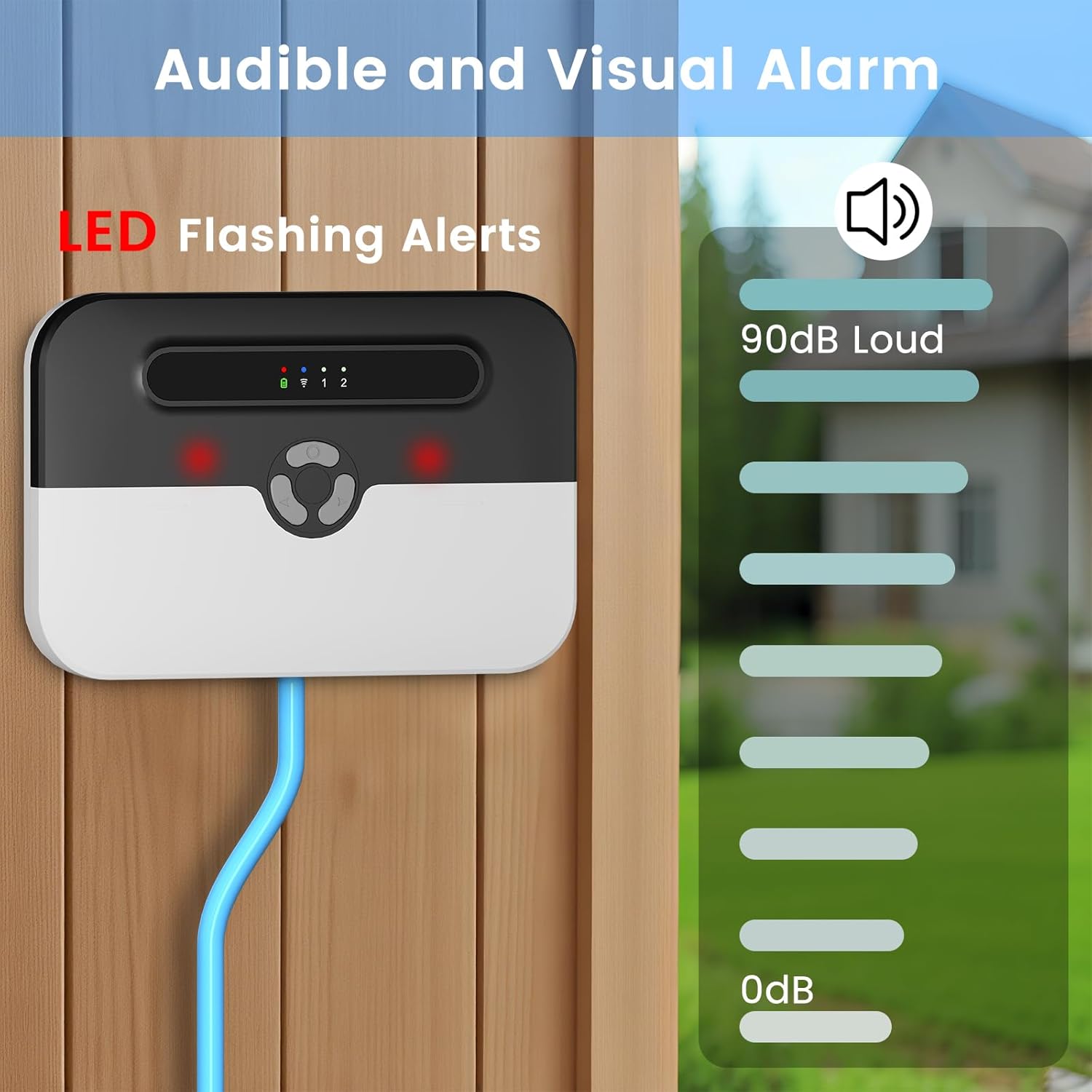
Image: The alarm unit displaying its LED flashing alerts and a visual representation of its 90dB siren, indicating both audible and visual warning capabilities.
4.2 App Notifications
The Smart Life app provides real-time status updates and alerts. Free push notifications are included. Optional SMS or phone call alerts may be available with a paid subscription service, if offered by the app provider.
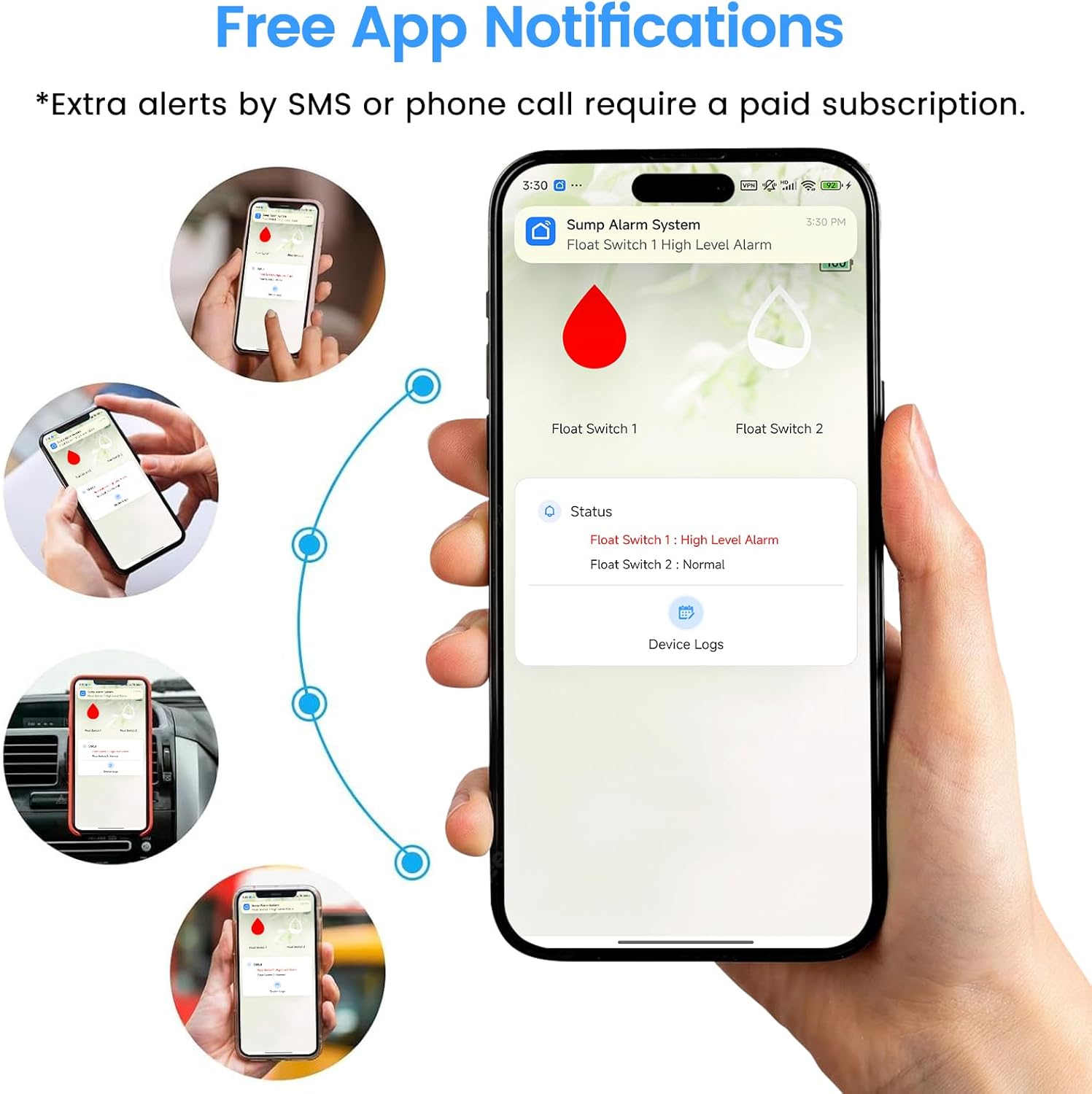
Image: Multiple smartphone screens illustrating the free app notifications feature, showing how users receive instant alerts for high water levels from the Sump Alarm System.
4.3 Backup Battery Functionality
The WLA-Z7PRO includes a built-in backup battery. This feature ensures the alarm continues to function and send notifications during power outages, providing continuous protection even when the main power supply is interrupted. The device can be installed in locations without direct power outlets, provided there is Wi-Fi coverage.

Image: The alarm unit highlighting its built-in backup battery, which allows installation without a nearby power outlet, and its IP65 rating for water and dust resistance.
5. Maintenance
Regular maintenance helps ensure the longevity and reliable operation of your water level alarm.
- Clean the Float Switch: Periodically inspect the float switch for any debris, grime, or obstructions that might prevent its free movement. Clean with a damp cloth if necessary.
- Check Connections: Ensure all wiring connections to the alarm unit are secure.
- Test Functionality: It is recommended to periodically test the alarm by manually raising the float switch to trigger an alert. This confirms the siren, LED, and app notifications are working correctly.
- Monitor Battery Status: Check the battery status through the Smart Life app to ensure the backup battery is charged and ready for use during power outages.
6. Troubleshooting
If you encounter issues with your WLA-Z7PRO, refer to the following table for common problems and solutions.
| Problem | Possible Cause | Solution |
|---|---|---|
| Device does not connect to Wi-Fi. | Incorrect Wi-Fi password; Device too far from router; Router is 5GHz only; Incorrect pairing mode. | Ensure correct 2.4GHz Wi-Fi network and password. Move device closer to router. Re-enter pairing mode and try again. |
| No alerts received on phone. | App notifications disabled; Device not connected to Wi-Fi; Float switch not triggering. | Check app notification settings on your phone. Verify device Wi-Fi connection. Manually test float switch to confirm it triggers the alarm. |
| Siren not sounding or LED not flashing. | Device not powered; Internal fault. | Check power connection and ensure the power switch is ON. If the issue persists, contact customer support. |
| False alarms. | Float switch obstructed or unstable. | Inspect float switch for any physical obstructions. Ensure it is securely mounted and can move freely without interference. |
7. Specifications
- Model Number: WLA-Z7PRO
- Dimensions: 3.9 x 7.2 x 7.2 inches
- Weight: 2.2 pounds
- Waterproof Rating: IP65
- Siren Volume: 90dB
- Connectivity: 2.4GHz Wi-Fi (IEEE 802.11b/g/n)
- Power Source: AC Power Adapter with Built-in Backup Battery
- Alerts: App Notifications, Audible Siren, LED Flashing

Image: A diagram illustrating the precise dimensions of the WLA-Z7PRO alarm unit, float switch, and power adapter, providing measurements in both inches and centimeters.
8. Warranty and Support
The MISDUOCOCO Smart WiFi High Water Level Alarm (WLA-Z7PRO) comes with a standard manufacturer's warranty. For specific warranty details, including coverage period and terms, please refer to the product packaging or contact your retailer.
If you require technical assistance, have questions about installation, or need to report a defect, please contact MISDUOCOCO customer support through the contact information provided on the product packaging or the official MISDUOCOCO website. Please have your model number (WLA-Z7PRO) and purchase date ready when contacting support.


