
Important Safety Instructions
Please read and understand all safety instructions before using this humidifier. Failure to follow these instructions may result in electric shock, fire, or serious injury.
- Always place the humidifier on a firm, flat, and level surface at least 12 inches (30 cm) away from walls and heat sources.
- Do not place the humidifier directly on carpet, towels, or other absorbent surfaces.
- Unplug the humidifier from the power outlet before filling, cleaning, or moving it.
- Do not operate the humidifier with wet hands.
- Use only clean, cool tap water. Distilled or demineralized water is recommended to minimize mineral buildup.
- Keep the humidifier out of reach of children and pets. The unit produces warm mist and contains hot water.
- Do not add essential oils or other additives directly into the water tank, as this may damage the unit or void the warranty.
- Ensure the power cord is not damaged, pinched, or placed under heavy objects. The unit features a 2-meter power cord for flexible placement.
- The humidifier is equipped with an auto shut-off function when water runs low, and tip-over protection that automatically shuts off the unit if tilted over 45 degrees.
- Activate the child lock feature to prevent accidental changes to settings.
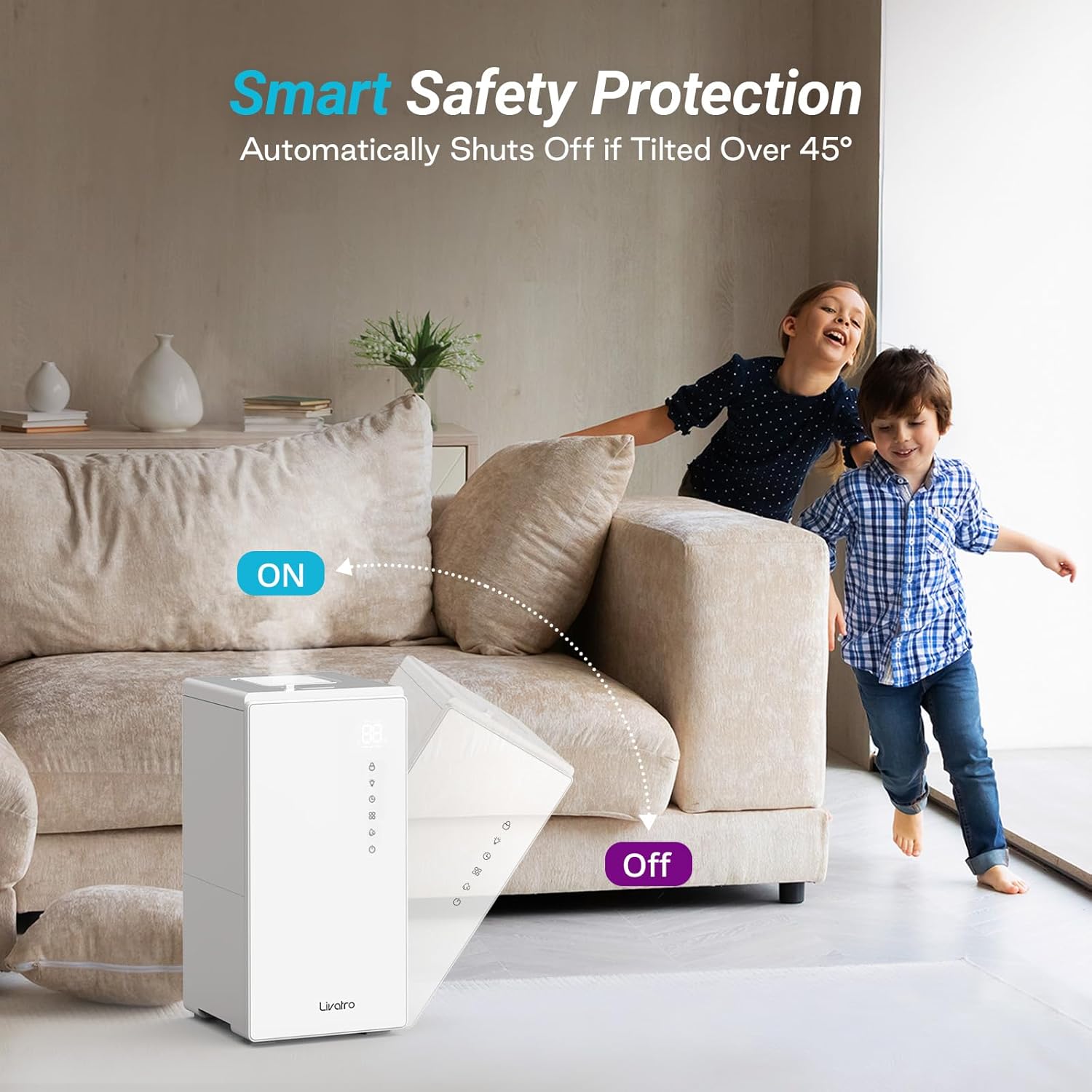
Image: Smart Safety Protection. The humidifier automatically shuts off if tilted over 45 degrees, enhancing safety in homes with children or pets.
Product Overview
Package Contents
- Livatro LVHD6002 Humidifier Unit
- Stainless Steel Water Tank
- User Manual
Components
Familiarize yourself with the main parts of your humidifier:
- Main Unit: Houses the heating element and control panel.
- Stainless Steel Water Tank: Removable, 6L capacity, designed for easy cleaning and durability.
- Lid: Covers the water tank opening.
- Mist Outlet: Where the warm mist is released.
- Control Panel: Touch-sensitive interface for operating the humidifier.
- Power Cord: Connects the unit to an electrical outlet.
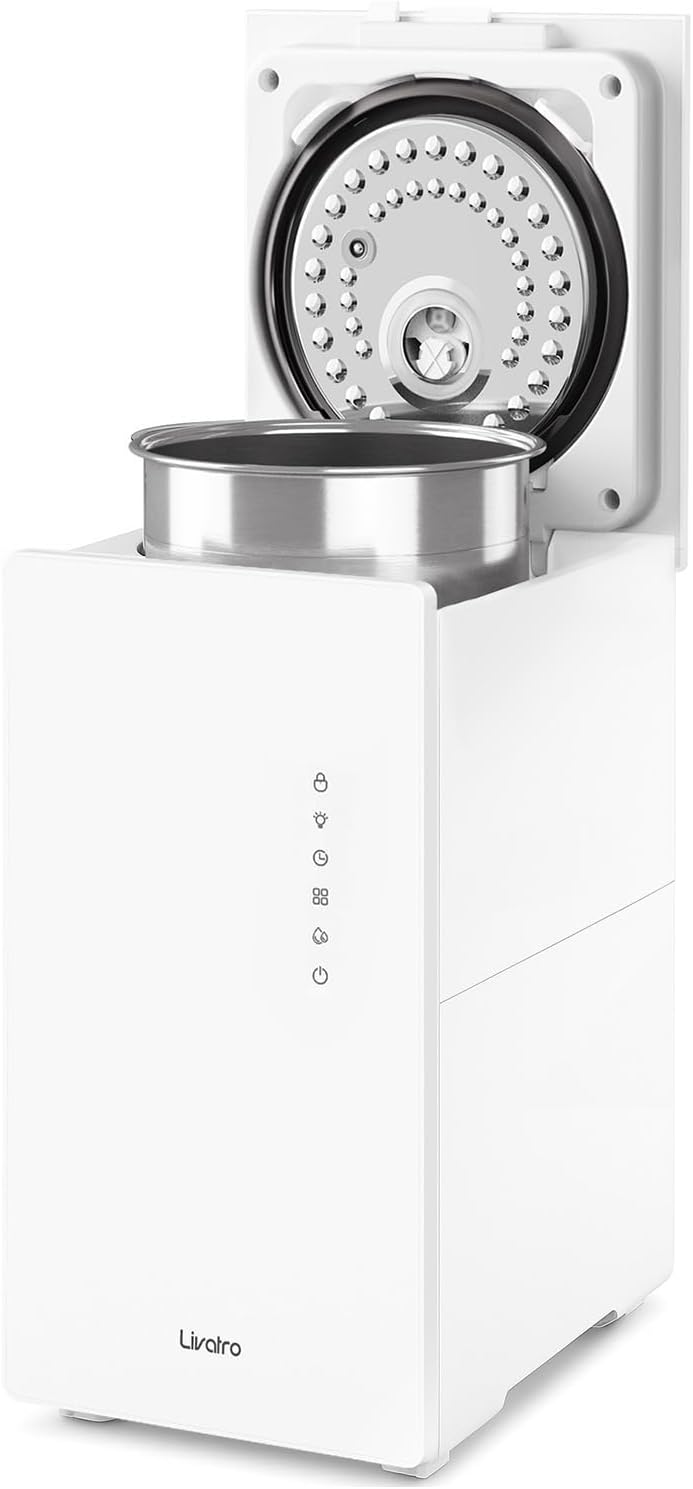
Image: Humidifier with the lid open, showing the removable stainless steel water tank.
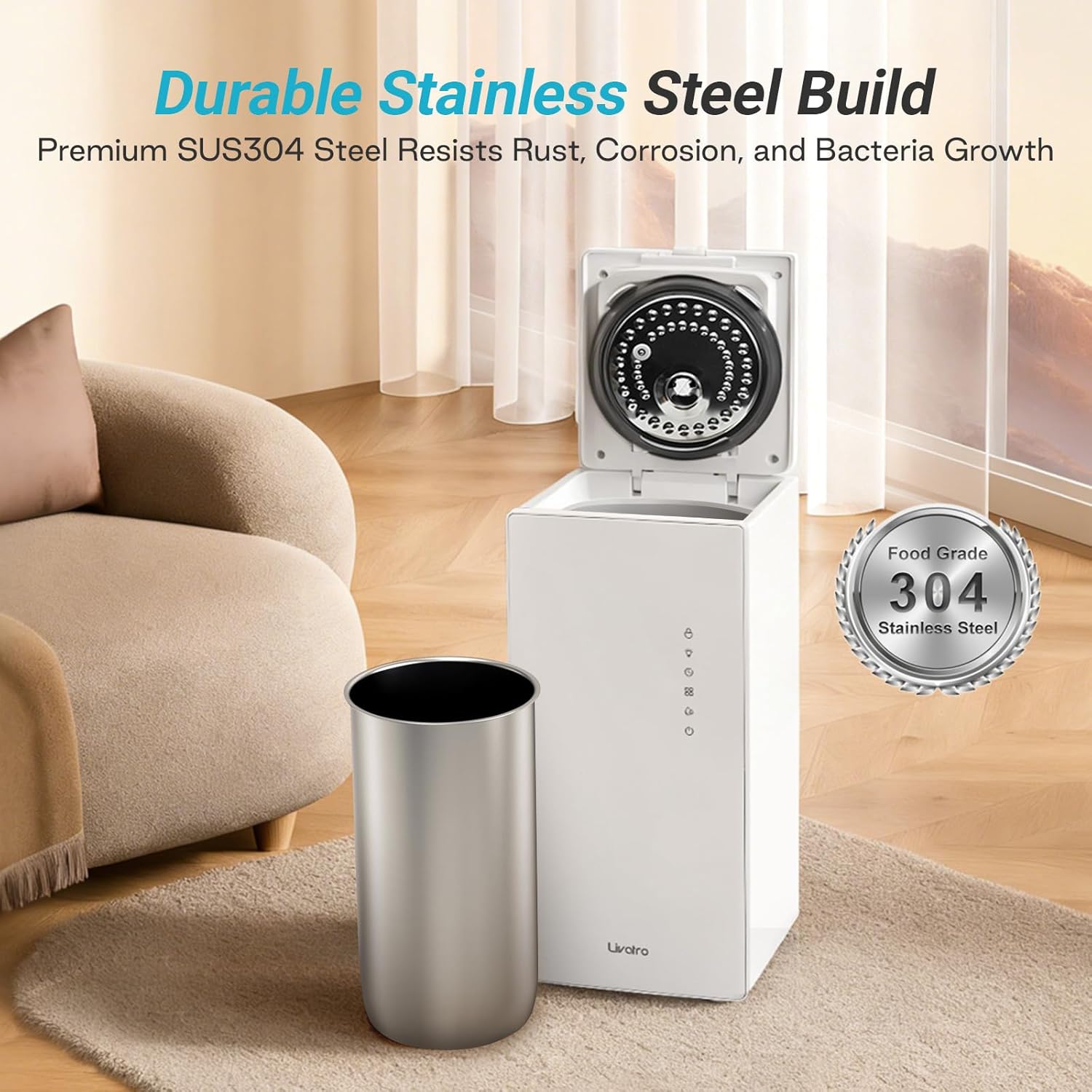
Image: The durable 304 stainless steel water tank, shown removed from the main unit.
Setup
1. Placement
- Choose a stable, flat, and waterproof surface for the humidifier.
- Ensure there is at least 12 inches (30 cm) of space around the unit for proper mist dispersion.
- Avoid placing the humidifier near heat sources, direct sunlight, or sensitive electronics.
2. Filling the Water Tank
- Open the top lid of the humidifier.
- Carefully pour clean, cool tap water directly into the stainless steel water tank. Do not exceed the maximum fill line.
- Alternatively, the stainless steel tank can be removed for filling at a sink.
- Close the top lid securely after filling.
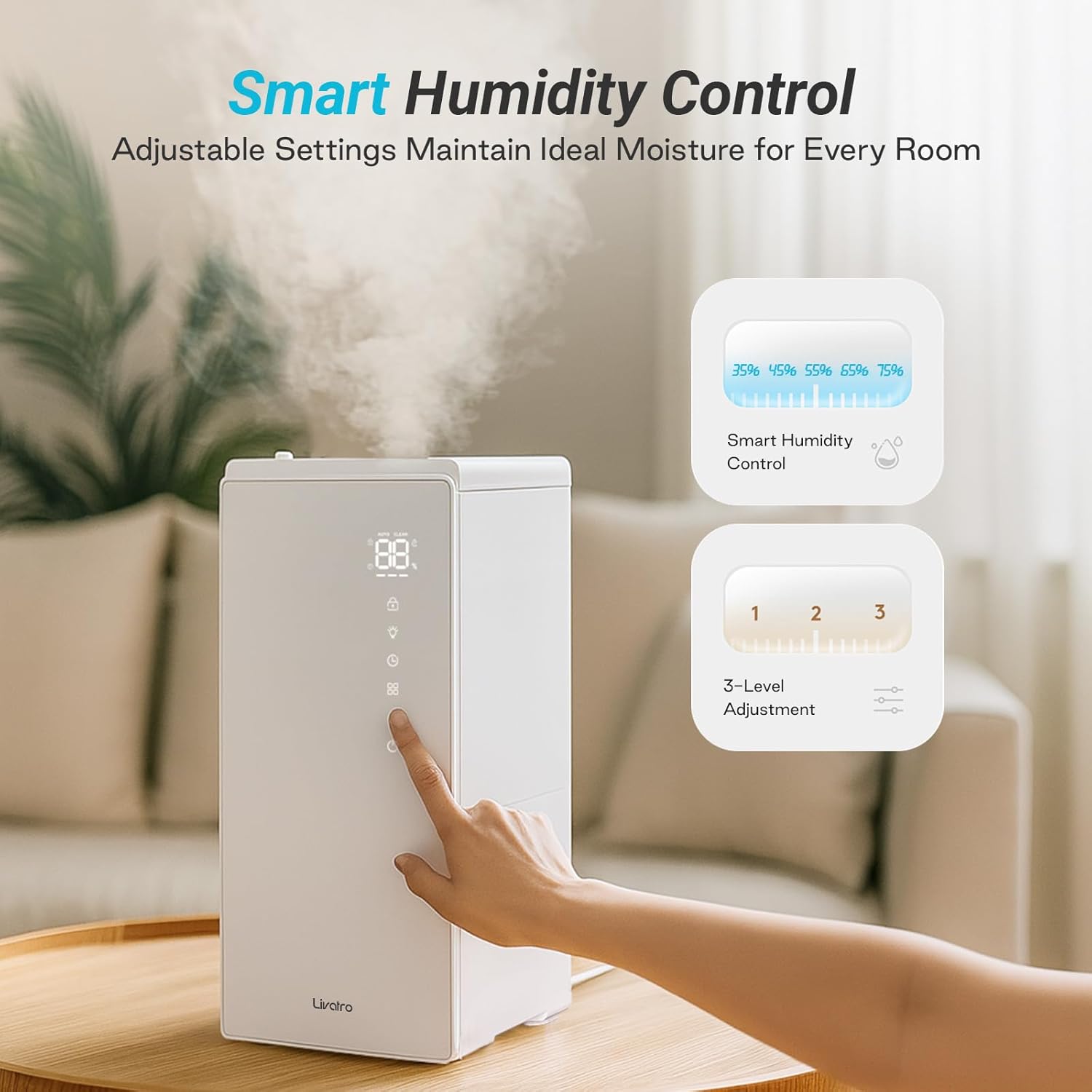
Image: Easy top-fill design for convenient water refilling.
Operation
1. Power On/Off
- Plug the power cord into a suitable electrical outlet.
- Touch the power button on the control panel to turn the humidifier on or off.
2. Mist Settings
The humidifier offers High, Low, and Sleep mist settings:
- Press the mist level button to cycle through High, Low, and Sleep modes.
- In Sleep Mode, the screen display will turn off, and operation noise is minimized for undisturbed rest.
3. Smart Humidity Control
Set your desired humidity level for automatic maintenance:
- Press the humidity control button to select a target humidity level (e.g., 35%, 45%, 55%, 65%, 75%).
- The humidifier will automatically adjust its mist output to maintain the set humidity.
4. Timer Function
Set the humidifier to operate for a specific duration:
- Press the timer button to select an operating time up to 12 hours. The unit will automatically turn off once the set time expires.
5. Child Lock
- Activate the child lock feature to prevent accidental changes to settings by pressing and holding the designated button (refer to control panel icons).
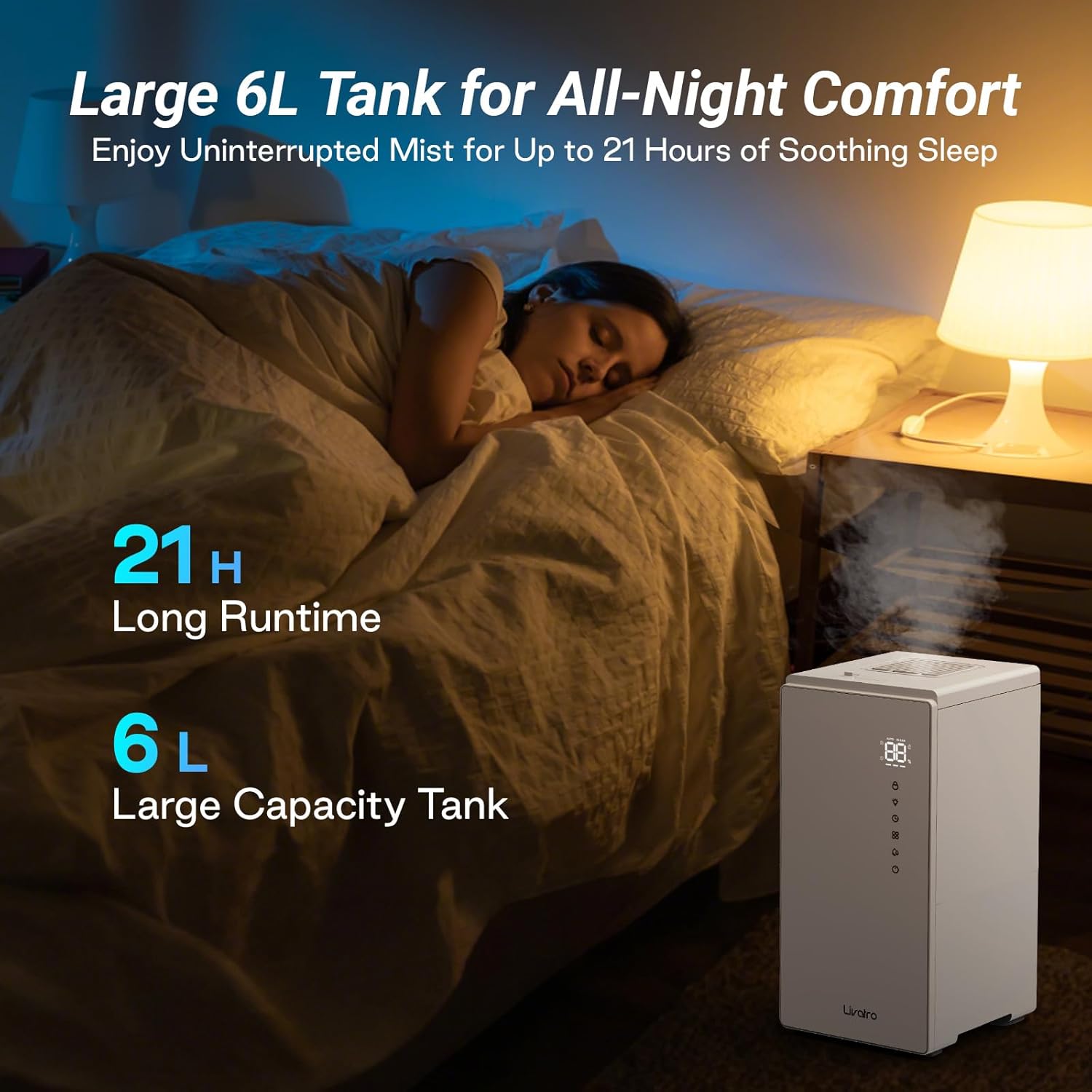
Image: Control panel illustrating Smart Humidity Control and 3-Level Mist Adjustment options.

Image: The humidifier provides up to 24 hours of continuous mist, ideal for overnight use.
Maintenance
Regular cleaning is crucial for optimal performance and hygiene of your humidifier. The stainless steel tank is designed for easy maintenance.
1. Daily Care
- Empty any remaining water from the tank and refill with fresh water daily.
2. Weekly Cleaning (Stainless Steel Tank)
The stainless steel water tank is dishwasher safe for thorough cleaning. For manual cleaning or descaling:
- Unplug the humidifier and remove the stainless steel water tank.
- Use a soft brush or cloth to clean the inside of the tank with mild soap and water. Rinse thoroughly.
- For descaling, add lemons, citric acid, or vinegar to the tank and activate the Auto-Clean Mode. Follow the specific instructions in the display for this function.
- For best descaling results, specialized lemon cleaner is recommended.
- Ensure all parts are dry before reassembling.
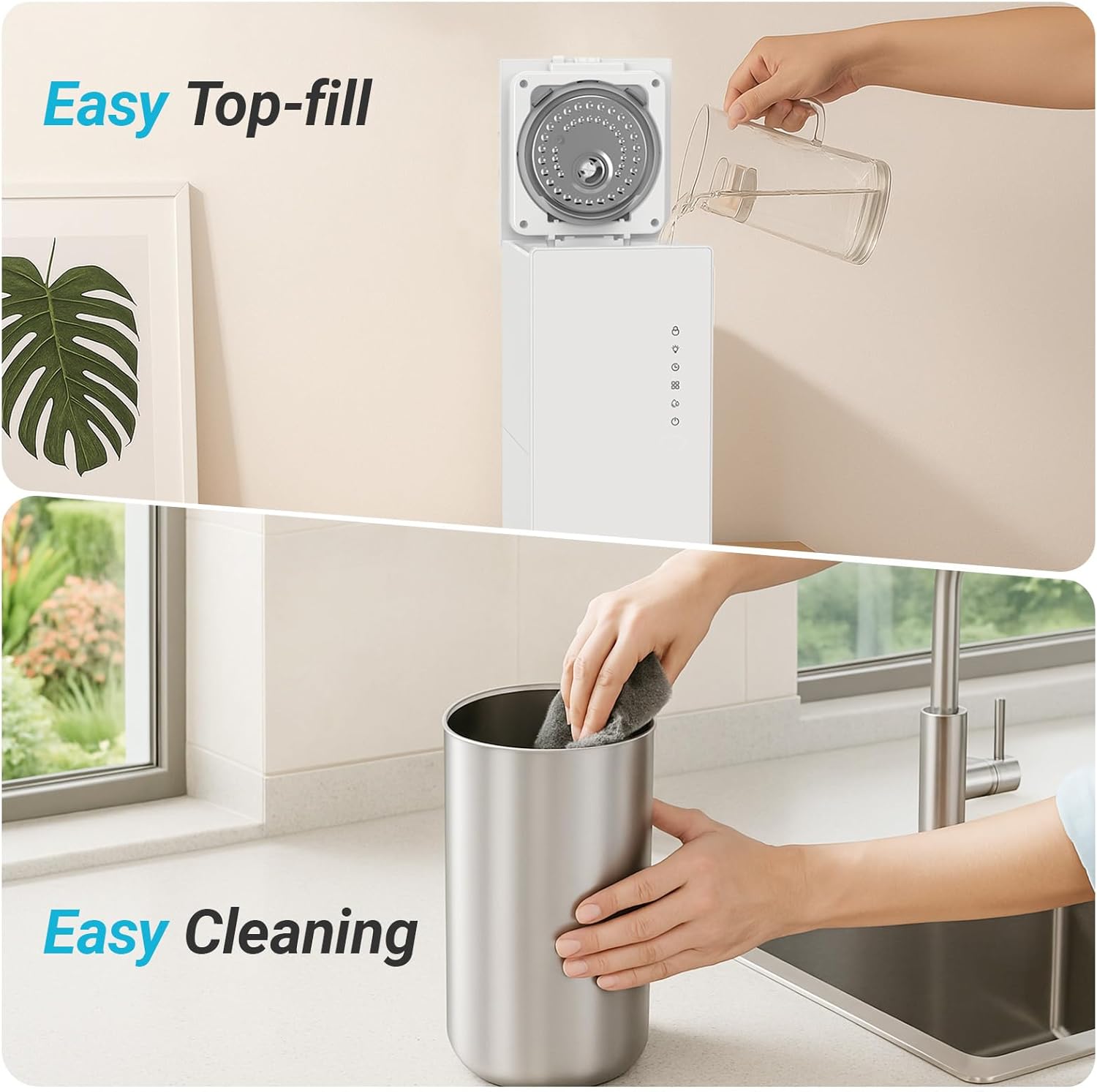
Image: Manual cleaning of the stainless steel water tank for thorough hygiene.

Image: Auto-Clean Mode for preventing scale buildup and manual deep cleaning options.
3. Storage
- Before storing, ensure the humidifier is completely clean and dry.
- Store in a cool, dry place away from direct sunlight.
Troubleshooting
If you encounter issues with your humidifier, refer to the following table for common problems and solutions.
| Problem | Possible Cause | Solution |
|---|---|---|
| No mist or low mist output |
|
|
| Unusual noise |
|
|
| Water leakage |
|
|
| Unit not turning on |
|
|
Specifications
- Brand: Livatro
- Model Name: LVHD6002
- Capacity: 6 Liters (6L)
- Product Dimensions: 12.6"D x 19.29"W x 10.6"H
- Item Weight: 10 Pounds
- Power Source: AC
- Operation Mode: Manual (with smart features)
- Special Features: Stainless Steel Water Tank, Healthy and Clean Steam Mist (212°F boiling), Dishwasher Safe Tank, Auto Clean Function, Auto Shut Off, Child Lock, Screen Lock, Sleep Mode, Smart Humidity Control, 2-meter Power Cord.
- Room Type: Bedroom, Living Room
Warranty and Support
Livatro is committed to providing high-quality products and customer satisfaction.
- Warranty: This product comes with a lifetime warranty upon member registration. Please refer to the Livatro official website for registration details and terms.
- Customer Support: Livatro offers 24-hour fast support for any inquiries or issues you may have.
- For further assistance, please visit the official Livatro store or contact customer service through the provided channels.