
1. Important Safety Information
Please read this manual carefully before using your DOOGEE U11 PRO tablet to ensure safe and proper operation. Keep this manual for future reference.
- Do not expose the device to extreme temperatures, direct sunlight, or high humidity.
- Avoid dropping or subjecting the device to strong impacts.
- Use only approved chargers and accessories to prevent damage and ensure safety.
- Do not attempt to disassemble, repair, or modify the device yourself. Contact authorized service personnel for assistance.
- Keep the device away from children and pets.
2. Package Contents
The DOOGEE U11 PRO tablet package includes the following items:
- DOOGEE U11 PRO Tablet (with pre-applied protective film)
- Bluetooth Keyboard
- Bluetooth Mouse
- 1024 Capacitive Pressure Pen
- Business Leather Case
- Tempered Glass Protective Film
- Type-C USB Cable
- Charger
- Card Removal Needle
- User Manual
Video: Unboxing the DOOGEE U11 PRO Tablet and its accessories.
3. Device Overview
The DOOGEE U11 PRO features a sleek and thin design, making it comfortable to hold and use.
- Dimensions: 24.5 x 16.3 x 0.99 cm
- Weight: 537 grams
- Design: Ultra-thin metallic back cover with rounded corner frame.

Image: Front view of the DOOGEE U11 PRO Tablet.

Image: Illustrates the tablet's thin profile (7.9mm) and the rear camera module.
4. Setup
4.1 Initial Power On
- Press and hold the power button located on the side of the tablet until the DOOGEE logo appears.
- Follow the on-screen prompts to select your language, connect to Wi-Fi, and set up your Google account.
4.2 Connecting Accessories
The DOOGEE U11 PRO comes with a Bluetooth keyboard, mouse, and a pressure-sensitive pen for enhanced productivity.
- Keyboard/Mouse: Turn on the Bluetooth keyboard/mouse. On your tablet, go to Settings > Connected devices > Bluetooth, turn on Bluetooth, and select the keyboard/mouse from the available devices to pair.
- Pressure Pen: The pressure-sensitive pen typically connects automatically or requires minimal setup. Refer to the pen's specific instructions if needed.
- Protective Case: Insert the tablet into the provided business leather case for protection and versatile viewing angles.
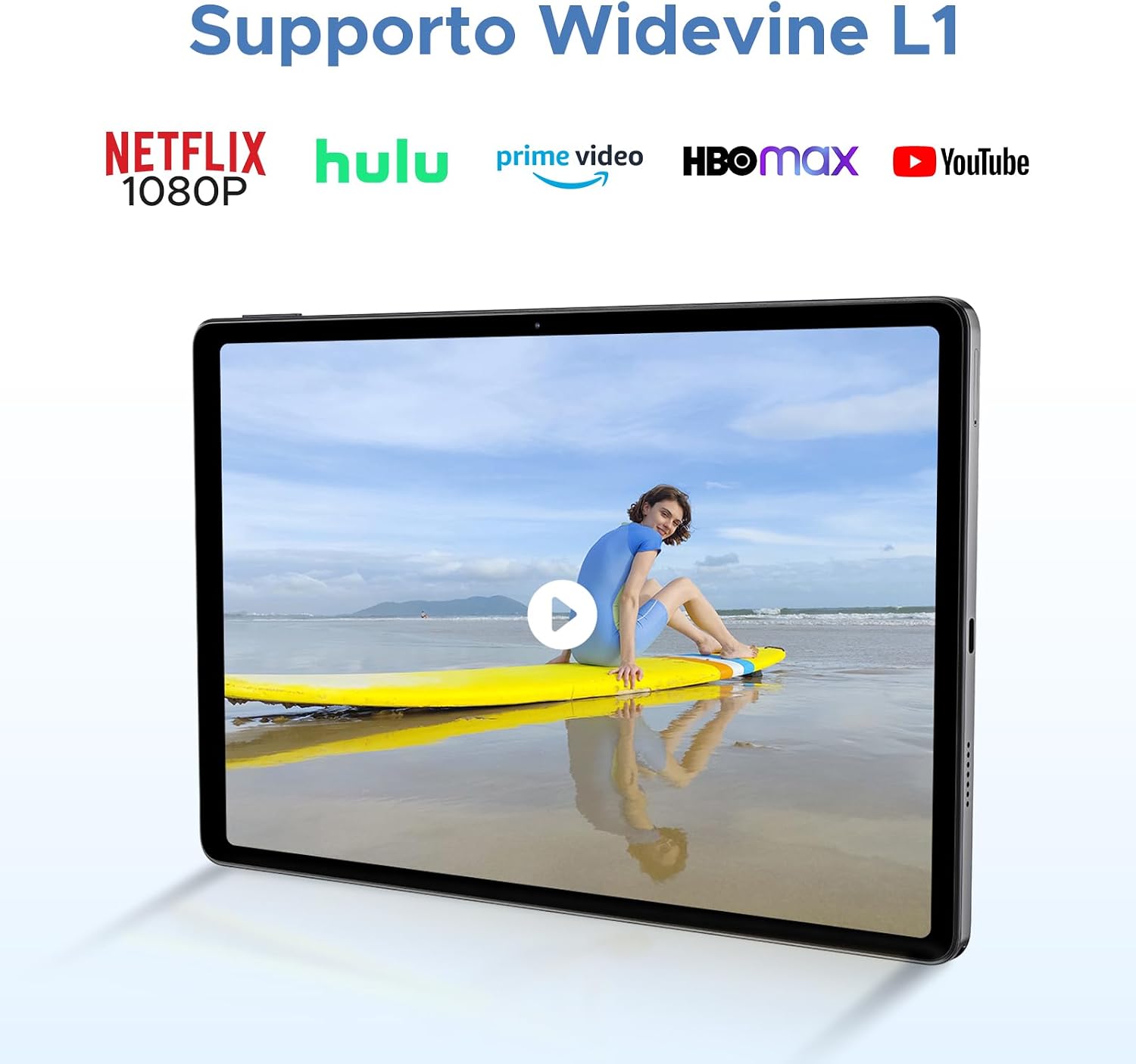
Image: DOOGEE U11 PRO Tablet connected to its keyboard, mouse, and pen.
5. Operating Instructions
5.1 Display and Visuals
Experience clear and fluid visuals on the 11-inch IPS HD display with a 90Hz refresh rate.
- Screen Size: 11 inches
- Resolution: 1280 x 800 pixels
- Refresh Rate: 90Hz for smooth scrolling and gaming.
- Widevine L1 Support: Stream high-definition content from platforms like Netflix, HBO, and Prime Video in true 1080P resolution.

Image: The 11-inch 90Hz IPS HD display of the DOOGEE U11 PRO Tablet.

Image: Demonstrates Widevine L1 support for various streaming platforms.
Video: Showcasing the immersive visual experience of the DOOGEE U11 PRO Tablet.
5.2 Performance and Storage
The tablet is powered by a robust processor and ample memory for smooth multitasking and storage.
- Processor: Unisoc T7200 Octa Core processor for efficient performance.
- RAM: 30GB (6GB physical + 24GB virtual expansion) for seamless app switching and intensive tasks.
- Internal Storage: 256GB UFS 2.1 ROM for fast read/write speeds.
- Expandable Storage: Supports up to 2TB via microSD card (sold separately).
Image: Visual representation of the 30GB RAM and 256GB ROM with 2TB expandable storage.

Image: Highlights the Unisoc T7200 Octa-core processor.
5.3 Battery Management
The large capacity battery ensures extended usage times.
- Battery Capacity: 8580mAh
- Usage: Up to 11 hours of video playback, 26 hours of music playback, and 8 hours of gaming.
- Reverse Charging: The tablet supports 5W reverse charging, allowing it to charge other devices.

Image: Details the 8580mAh battery and its estimated usage times.
Video: Demonstrates the extended power and reverse charging capabilities of the DOOGEE U11 PRO Tablet.
5.4 Camera and Audio
Capture moments and enjoy clear audio with the integrated cameras and speakers.
- Rear Camera: 13MP for capturing photos and videos.
- Front Camera: 5MP for selfies and video calls.
- Audio: Dual professionally tuned speakers for clear and immersive sound.

Image: Highlights the 13MP main camera and 5MP front camera.
5.5 Connectivity and Navigation
Stay connected and navigate with ease using the tablet's various features.
- Wi-Fi: Dual-band 2.4G/5G for stable and fast internet connection.
- Bluetooth: For connecting wireless accessories.
- Navigation: Supports Beidou, Galileo, Glonass, and GPS for accurate positioning.
- FM Radio: Enjoy FM radio broadcasts.
- OTG: On-The-Go support for connecting USB devices.

Image: Illustrates Face Unlock, precise navigation, FM functions, and high-speed WiFi 5.
5.6 Software Features (Android 16 with Gemini AI)
The DOOGEE U11 PRO runs on the latest Android 16 system, enhanced with Gemini AI for a smarter and more secure user experience.
- Android 16: Offers improved performance, enhanced privacy, and intuitive features like split-screen mode, parental controls, and low blue light mode.
- Gemini AI: Integrated artificial intelligence for content creation, information retrieval and synthesis, image analysis, code development, language learning, and smart assistance.
- Face Unlock: Secure and convenient facial recognition for unlocking your device.

Image: Showcases the advanced features and user experience of Android 16.

Image: Comparison highlighting improvements from Android 15 to Android 16.

Image: Details the integrated Gemini AI capabilities.
Video: Overview of the DOOGEE U11 PRO Tablet's smart learning features and Android 16 system.
6. Maintenance and Care
Proper care will extend the life of your tablet.
- Cleaning: Use a soft, lint-free cloth to clean the screen and body. Avoid abrasive cleaners or solvents.
- Storage: Store the tablet in a cool, dry place when not in use.
- Battery Care: Avoid fully discharging the battery frequently. Charge the device regularly to maintain battery health.
- Software Updates: Keep your tablet's software updated to ensure optimal performance and security.
7. Troubleshooting
If you encounter issues with your DOOGEE U11 PRO tablet, refer to the following common solutions:
| Issue | Possible Solution |
|---|---|
| Device does not turn on | Ensure the battery is charged. Connect the charger and try again. If unresponsive, press and hold the power button for 10-15 seconds to force a restart. |
| Slow performance | Close unnecessary background applications. Clear cache regularly. Consider performing a factory reset if the issue persists (back up your data first). |
| Wi-Fi connectivity issues | Restart your Wi-Fi router and the tablet. Forget the network and reconnect. Ensure you are within range of the Wi-Fi signal. |
| Touchscreen unresponsive | Restart the tablet. Ensure the screen is clean and dry. If a screen protector is installed, ensure it is properly applied and not interfering. |
If these solutions do not resolve the issue, please contact DOOGEE customer support.
8. Specifications
Detailed technical specifications for the DOOGEE U11 PRO Tablet:
| Feature | Specification |
|---|---|
| Model Name | DOOGEE U11 PRO |
| Operating System | Android 16 with Gemini AI |
| Processor | Unisoc T7200 Octa Core (1.6 GHz) |
| RAM | 30 GB (6GB + 24GB virtual) |
| Internal Storage | 256 GB |
| Expandable Storage | Up to 2 TB via microSD |
| Display Size | 11 Inches |
| Display Resolution | 1280 x 800 pixels (IPS HD) |
| Refresh Rate | 90Hz |
| Rear Camera | 13 MP |
| Front Camera | 5 MP |
| Battery Capacity | 8580 mAh |
| Battery Life (average) | 11 Hours |
| Connectivity | Wi-Fi (802.11a/b/g/n/ac), Bluetooth |
| Navigation | Beidou, Galileo, Glonass, GPS |
| Dimensions | 24.5 x 16.3 x 0.99 cm |
| Weight | 537 g |
9. Warranty and Support
DOOGEE offers a two-year after-sales service and long-term technical support for the U11 PRO tablet. If you encounter any problems or have questions, please contact our customer service team.
For further assistance, visit the official DOOGEE store or contact support through the details provided with your purchase.
DOOGEE Store: DOOGEE Official Store


