
1. Product Overview
The NGTeco Two-Way Video Calling Camera (Model NG-SC399-WBD4) is an indoor monitoring device designed for various applications, including baby, pet, and elderly care, as well as general home security. It features 4MP HD video resolution, dual-band Wi-Fi connectivity, a 2.8-inch display, and a one-touch call function for easy communication.
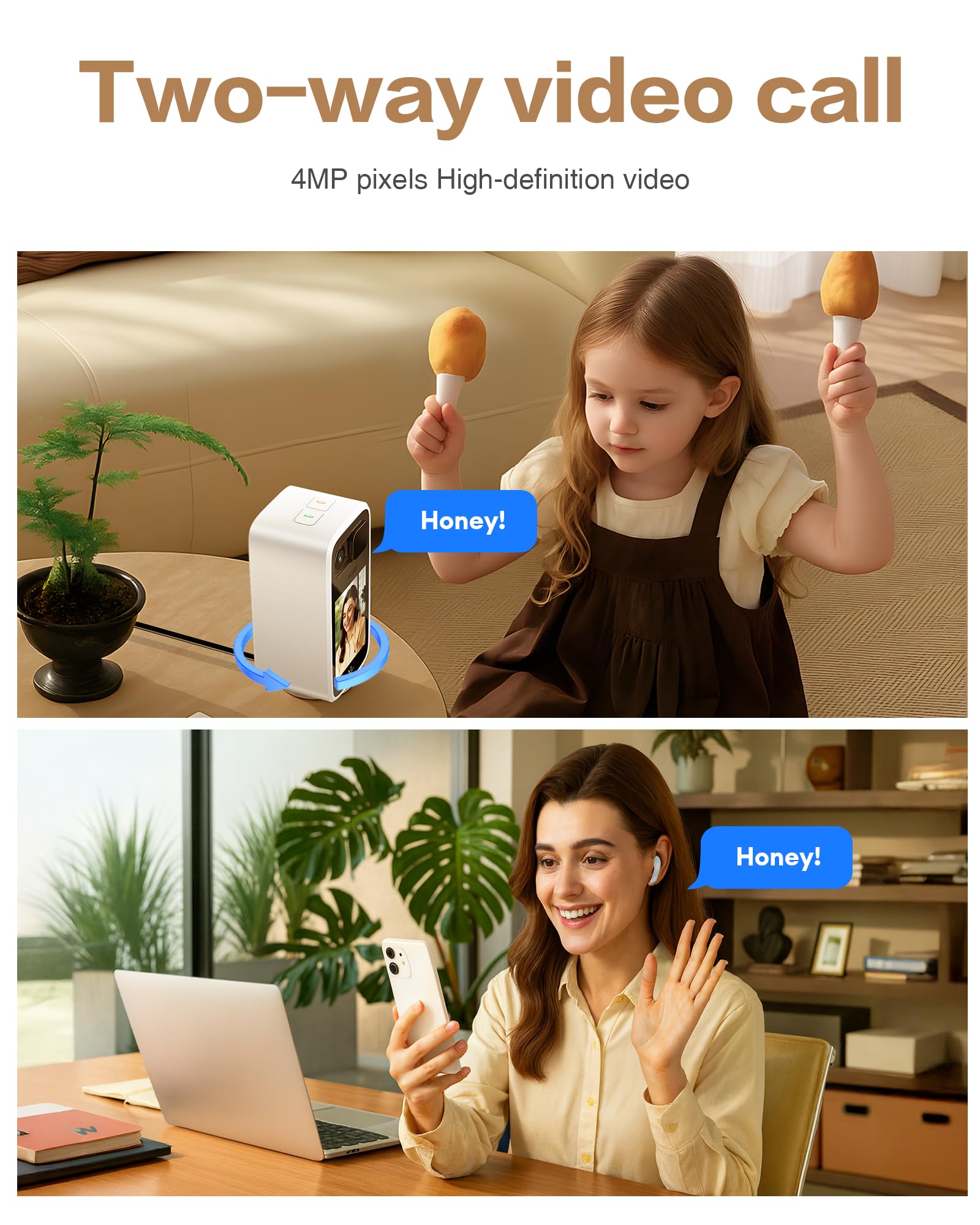
Image: The NGTeco camera enables two-way video calls, connecting users with family members remotely.
2. What's in the Box
Verify that all components are present in the package:
- Video Calling Camera
3. Key Product Features
- 4MP HD Day/Night Clarity: The camera features a 4MP (2560×1440) HD lens, providing clear video quality. It offers a 102° ultra-wide view and 0°~340° horizontal pan control via the application. Color night vision is effective up to 10 meters without additional lighting. H.265 video encoding optimizes bandwidth usage while maintaining video quality.
- One-Touch Call Function: A dedicated button on the camera allows for instant connection to a pre-bound smartphone, simplifying communication for users who may find complex operations challenging.
- Two-Way Video Interaction: Equipped with a 2.8-inch HD display, professional audio, built-in echo cancellation, a high-sensitivity microphone, and a clear speaker, the camera facilitates seamless two-way audio and video calls with smartphones. This setup minimizes background noise and delays.
- Active Alert System & Flexible Storage: The camera recognizes human movement, abnormal sounds, and baby cries, reducing false alarms. Upon detection of anomalies, it sends alerts and initiates automatic recording. Intelligent motion tracking follows detected subjects. Storage options include a local microSD card (up to 128GB, not included) or cloud storage. Local playback allows quick review of recorded events.
- Privacy Protection & Stable Security: A manual physical lens cover allows users to block the camera lens when not in use, preventing unintended recording. All data transmission uses TLS encryption. The camera supports both 2.4GHz and 5GHz dual-band Wi-Fi for stable connectivity.
4. Setup Guide
4.1 Unboxing and Initial Inspection
Carefully remove the camera and all accessories from the packaging. Inspect for any signs of damage. Refer to the unboxing video for a visual guide:
Video: NGTeco Two-Way Video Camera Unboxing. This video demonstrates the contents of the product package and initial handling.
4.2 Powering On
Connect the camera to a power source using the provided power adapter. The camera will power on automatically.
4.3 App Download and Account Creation
- Download the NGTeco Smart app from your device's app store (available for Android and iOS).
- Open the app and create a new account, or log in if you already have one.
4.4 Connecting to Wi-Fi
The camera supports both 2.4GHz and 5GHz Wi-Fi networks. Ensure your smartphone is connected to the same Wi-Fi network you intend to use for the camera during the setup process.
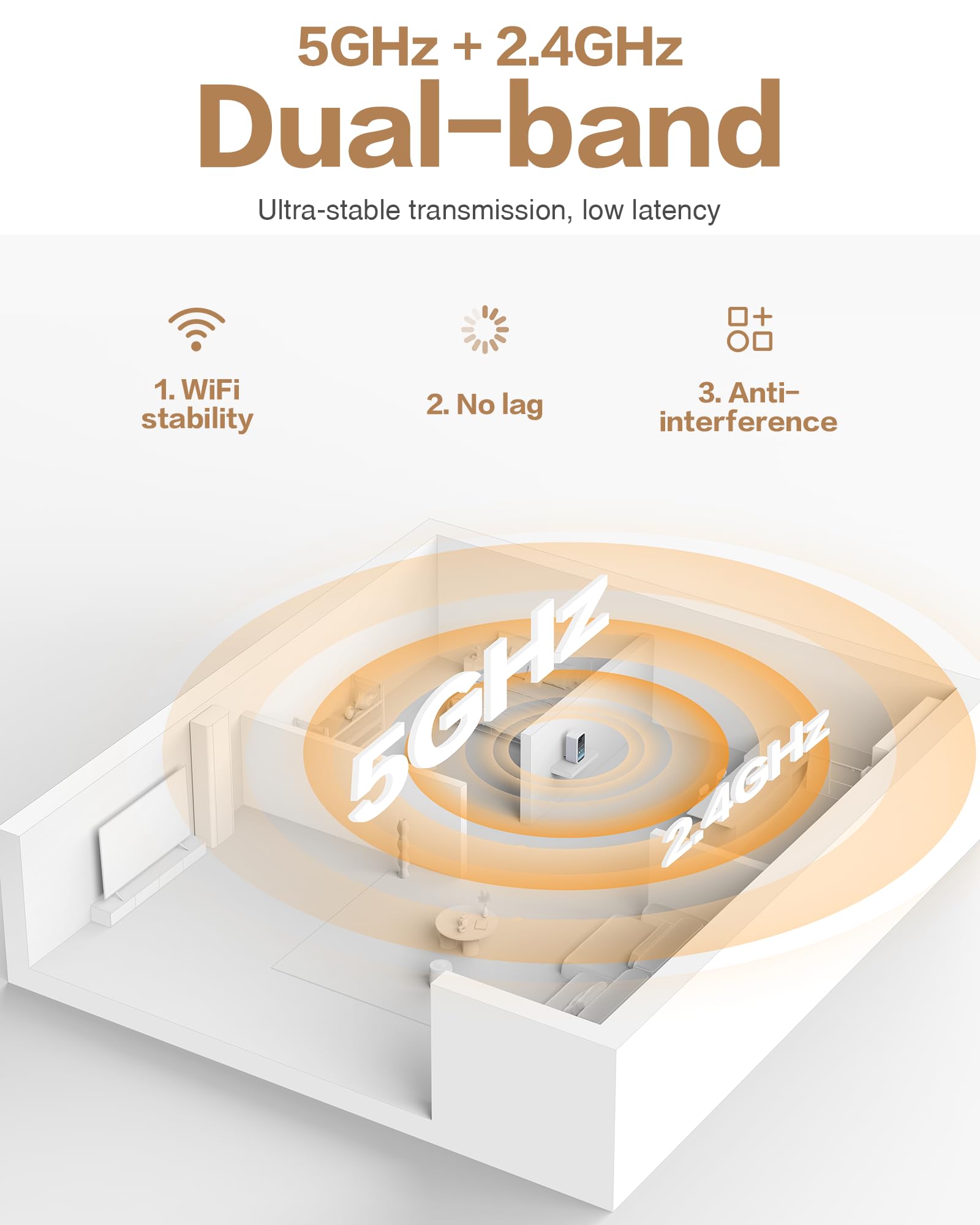
Image: The camera supports dual-band Wi-Fi (2.4GHz and 5GHz) for stable and low-latency transmission.
4.5 Pairing the Camera
- In the NGTeco Smart app, tap the "+" icon to add a new device.
- Follow the on-screen instructions to pair your camera. This typically involves scanning a QR code displayed on the camera's screen or using sound pairing.
4.6 Initial Placement
Place the camera on a flat, stable surface such as a table or shelf. Ensure it has a clear line of sight to the area you wish to monitor.
Video: NGTeco Two-Way Video Camera Setup and Demo. This video provides a comprehensive guide to setting up and demonstrating the camera's features.
5. Operating Instructions
5.1 Two-Way Video Calling
- Initiating a Call from Camera: Press the dedicated one-touch call button on the camera. This will initiate a video call to the bound smartphone.
- Receiving a Call on Camera: When a call is initiated from the smartphone app, the camera's 2.8-inch screen will display the incoming call. Answer the call to begin two-way video communication.
Video: Two-Way Video Camera Product Function. This video demonstrates the two-way video calling and other core functions of the camera.
5.2 Monitoring Features
- Live View: Access the live video feed from the camera through the NGTeco Smart app on your smartphone.
- Pan Control: Use the controls within the app to remotely pan the camera horizontally up to 340° to cover different areas of the room.
- Night Vision: The camera automatically switches to night vision mode in low-light conditions, providing clear visibility up to 10 meters.
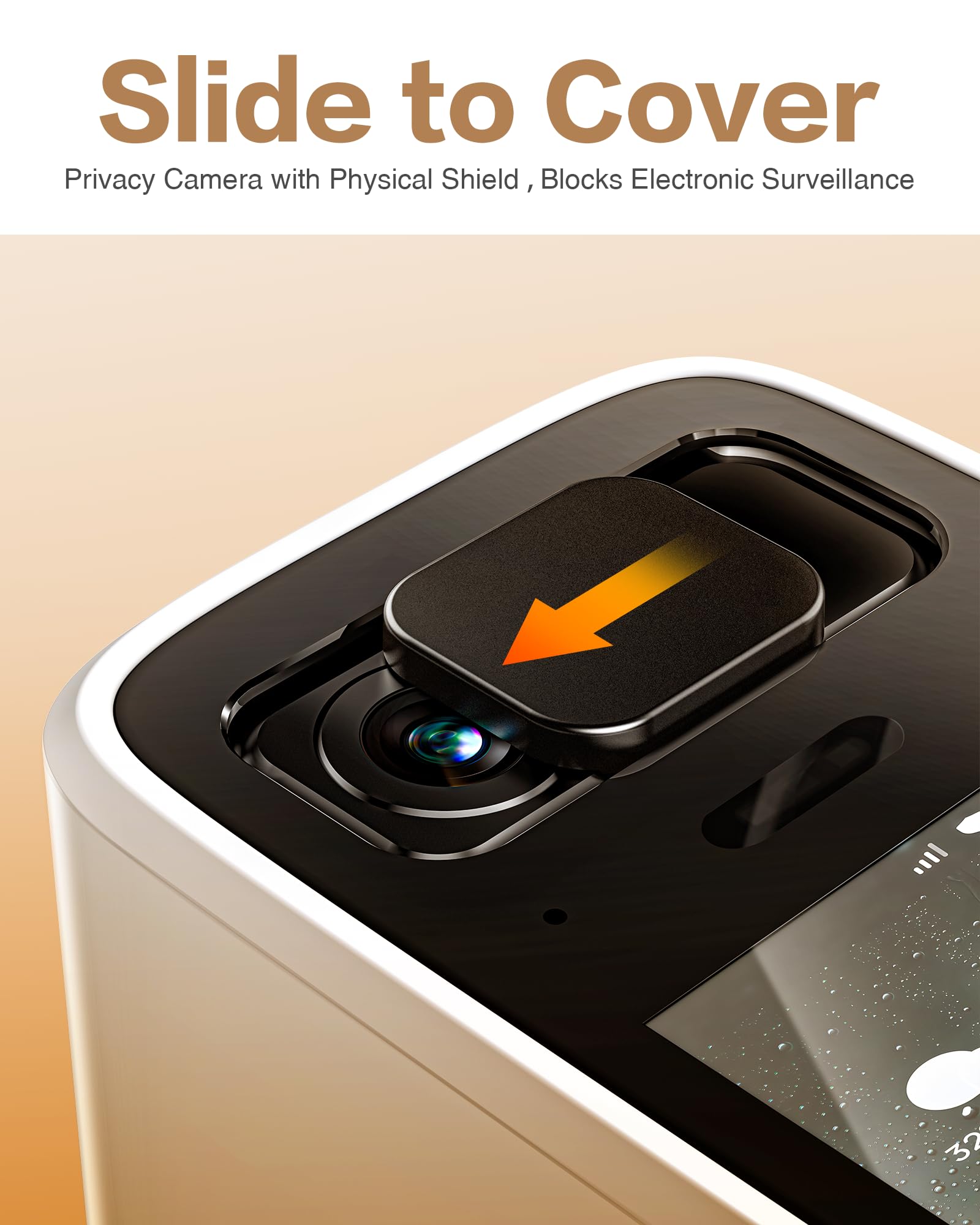
Image: The camera provides clear night vision, allowing for monitoring in low-light conditions.
5.3 Alerts and Detection
- Motion Detection: The camera detects human movement and sends instant alerts to your smartphone.
- Sound Detection: It can detect abnormal sounds, including baby cries, and notify you.
- Intelligent Motion Tracking: When motion is detected, the camera can automatically track the moving subject within its field of view.
- Customizing Alerts: Adjust detection sensitivity and alert times through the NGTeco Smart app to suit your monitoring needs.
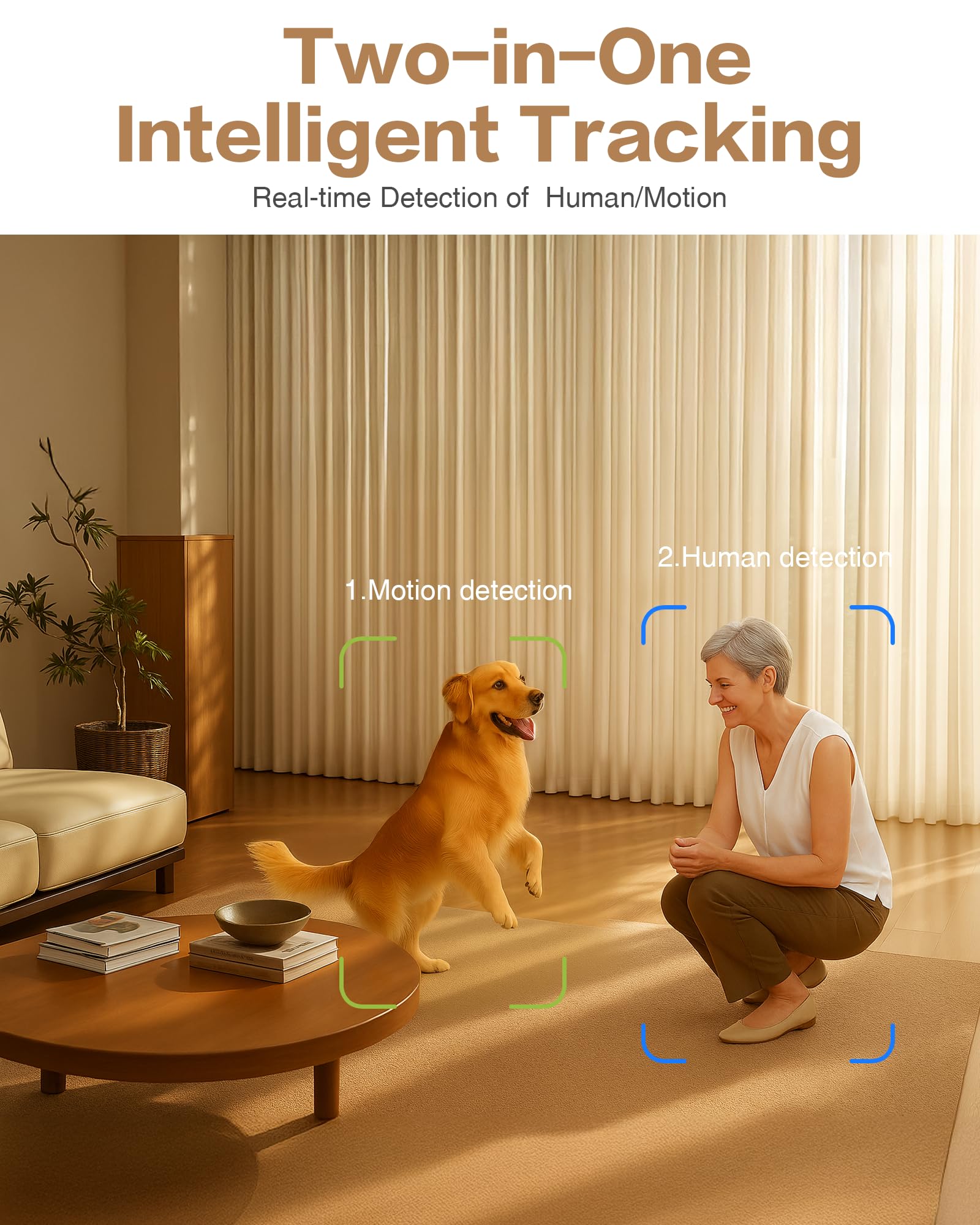
Image: The camera features intelligent tracking for both human and motion detection.
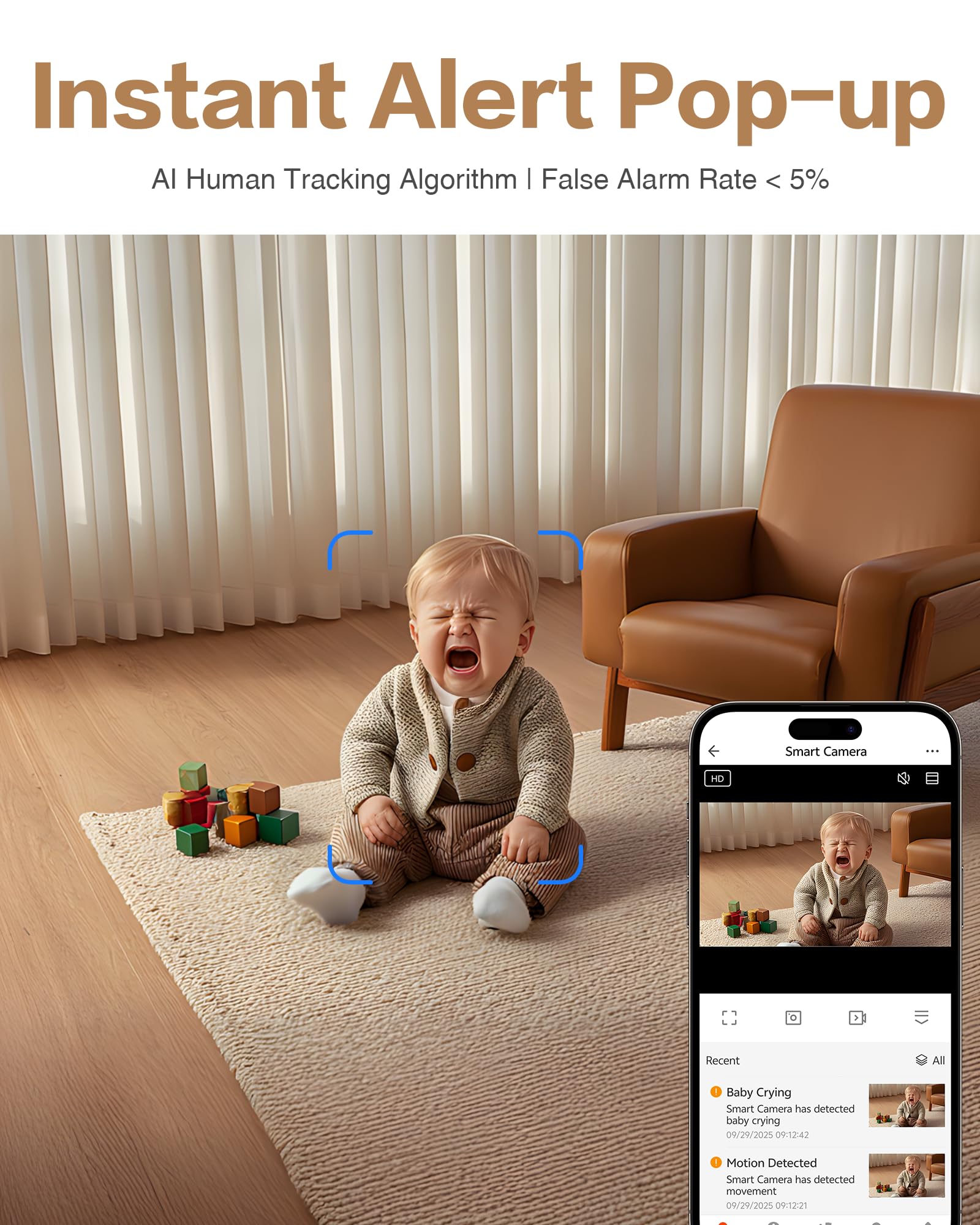
Image: Instant alerts are sent to your smartphone upon detection of events like a crying baby.
5.4 Recording and Storage
- Local Storage: Insert a microSD card (up to 128GB, not included) into the camera's slot for continuous or event-based recording.
- Cloud Storage: Optional cloud storage services are available for storing recorded footage. Subscription details are typically managed through the app.
- Playback: Access recorded videos from either local storage or cloud storage through the NGTeco Smart app.
5.5 Privacy Control
The camera includes a physical lens cover. Slide the cover to physically block the camera lens when you wish to ensure privacy and prevent any recording.
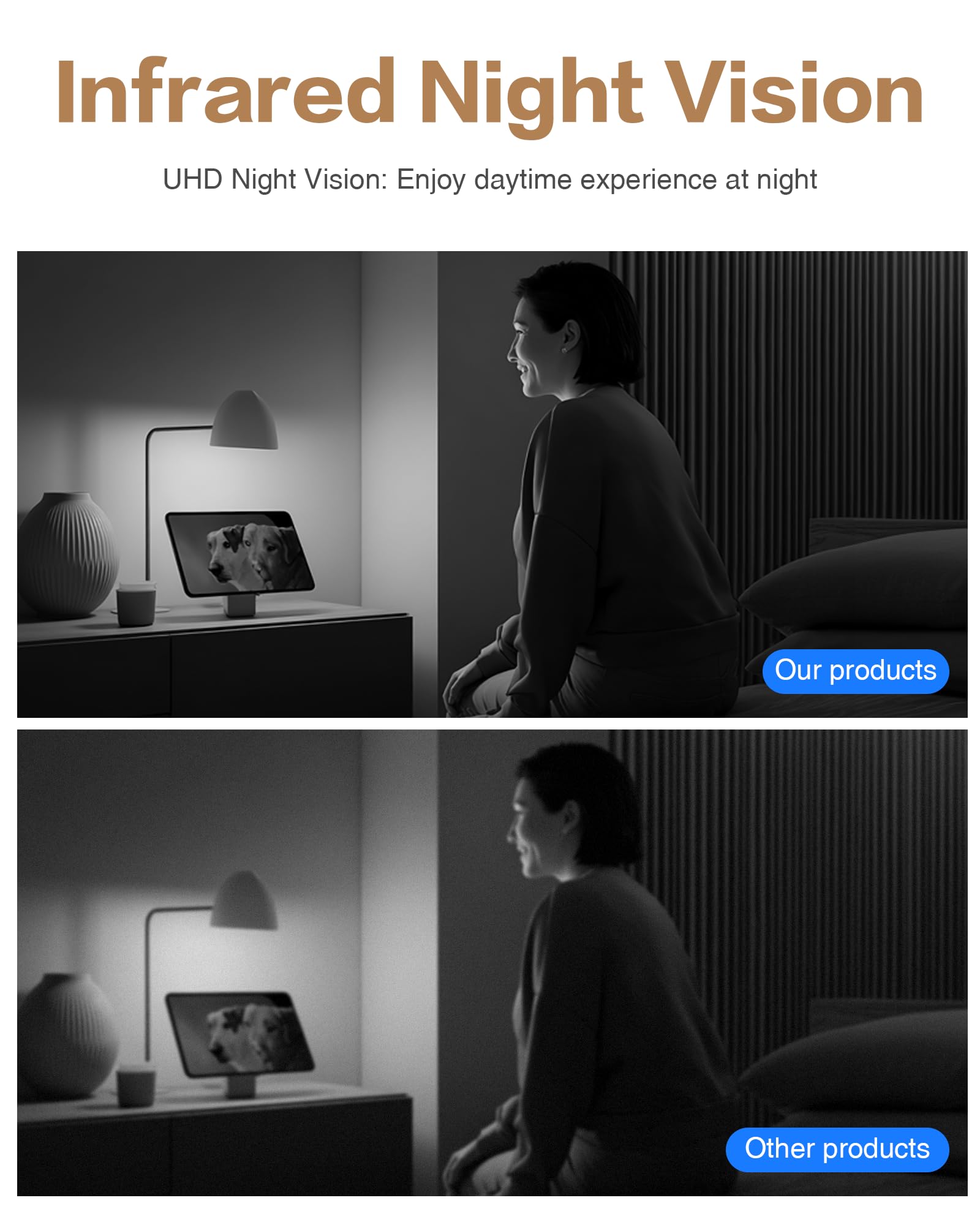
Image: The physical lens cover provides an additional layer of privacy by blocking the camera lens when not in use.
6. Maintenance
6.1 Cleaning the Camera
Use a soft, dry cloth to clean the camera lens and body. Avoid using liquid cleaners or abrasive materials that could damage the device.
6.2 Firmware Updates
Periodically check the NGTeco Smart app for available firmware updates. Keeping your camera's firmware up-to-date ensures optimal performance and security.
6.3 Secure Wi-Fi Connection
Ensure your Wi-Fi network is secured with a strong password to protect your camera and data from unauthorized access.
7. Troubleshooting
7.1 No Power
- Check if the power adapter is securely connected to both the camera and a working power outlet.
- Ensure the power outlet is functional.
7.2 Cannot Connect to Wi-Fi
- Verify that your Wi-Fi network is operational and within range of the camera.
- Ensure you are entering the correct Wi-Fi password.
- Confirm that your router supports 2.4GHz or 5GHz and that your phone is connected to the same band during setup.
- Try restarting your router and the camera.
7.3 Poor Video/Audio Quality
- Check your internet connection speed. A stable and fast connection is required for optimal performance.
- Ensure there are no obstructions blocking the camera lens or microphone.
- Move the camera closer to your Wi-Fi router to improve signal strength.
7.4 False Alerts
- Adjust the motion detection sensitivity settings in the NGTeco Smart app.
- Ensure the camera is not pointed at areas with frequent, non-critical movement (e.g., curtains near a window, tree branches).
7.5 One-Touch Call Not Working
- Verify that the camera is properly paired with your smartphone and connected to Wi-Fi.
- Ensure the NGTeco Smart app is running on your smartphone and has the necessary permissions (e.g., notifications, microphone).
8. Specifications
| Feature | Specification |
|---|---|
| Brand | NGTeco |
| Model Name | NG-SC399-WBD4 |
| Recommended Uses | Indoor Security |
| Connectivity Technology | Wired (Power), Wi-Fi (Data) |
| Special Features | 2-Way Audio, HD Resolution, Human/Motion/Sound Detection, Night Vision |
| Indoor/Outdoor Usage | Indoor |
| Compatible Devices | Smartphone (Amazon Alexa, Android, Google Assistant compatible) |
| Mount Type | Tabletop Mount |
| Upper Temperature Rating | 45 Degrees Celsius |
| Water Resistance Level | Water Resistant |
| Effective Still Resolution | 4 MP |
| Control Method | App |
| Connectivity Protocol | Wi-Fi (2.4GHz/5GHz Dual-band) |
| Video Capture Resolution | 2K |
| Viewing Angle | 102 Degrees |
| Night Vision Range | 10 Meters |
| Built-In Media | Video Calling Camera |
| Power Source | Corded Electric |
| Batteries Required | No |
| Video Encoding | H.265 |
| Video Capture Format | MP4 |
| Item Dimensions | 2.4 x 2.05 x 4.84 inches |
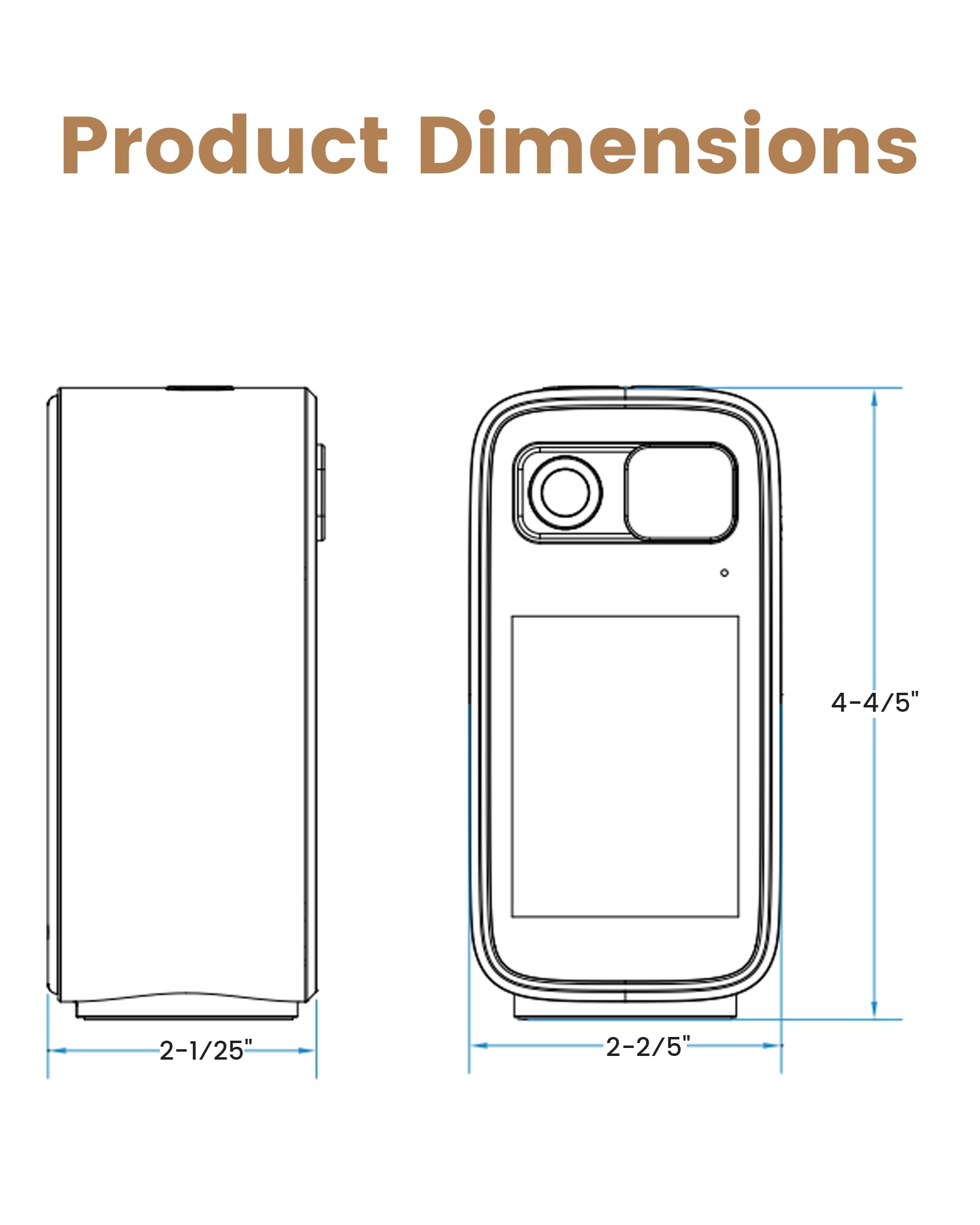
Image: Product dimensions for the NGTeco Two-Way Video Calling Camera.
9. Warranty and Support
For warranty information, technical support, or service inquiries, please contact NGTeco customer support directly. Refer to the NGTeco official website or the NGTeco Smart app for contact details and further assistance.