
1. Introduction
This manual provides essential information for the safe and effective use of your VEVOR TS60H 60-inch Projector Screen with Stand. Please read it thoroughly before assembly and operation, and retain it for future reference.
Product Overview
- Portable Design: This 60-inch tripod-designed projector screen is lightweight and portable, ideal for various indoor and outdoor settings.
- Stable Stand: Features a stable triangular stand made of premium metal, ensuring durability and enhanced stability, especially during outdoor use.
- Adjustable Height: The screen securely locks to the stand, allowing height adjustment from 53.1 to 71.3 inches for optimal viewing angles.
- Wrinkle-Resistant Screen: Made from foldable, washable polyester fabric, the screen remains smooth and clean, delivering high-resolution images with enhanced contrast. It supports 4K Ultra HD and 1080P projectors.
- Quick Setup & Storage: Designed for assembly in approximately 5 minutes. It offers a 160° wide viewing angle and weighs only 10.3 lbs, including a carry bag for easy transport and storage.
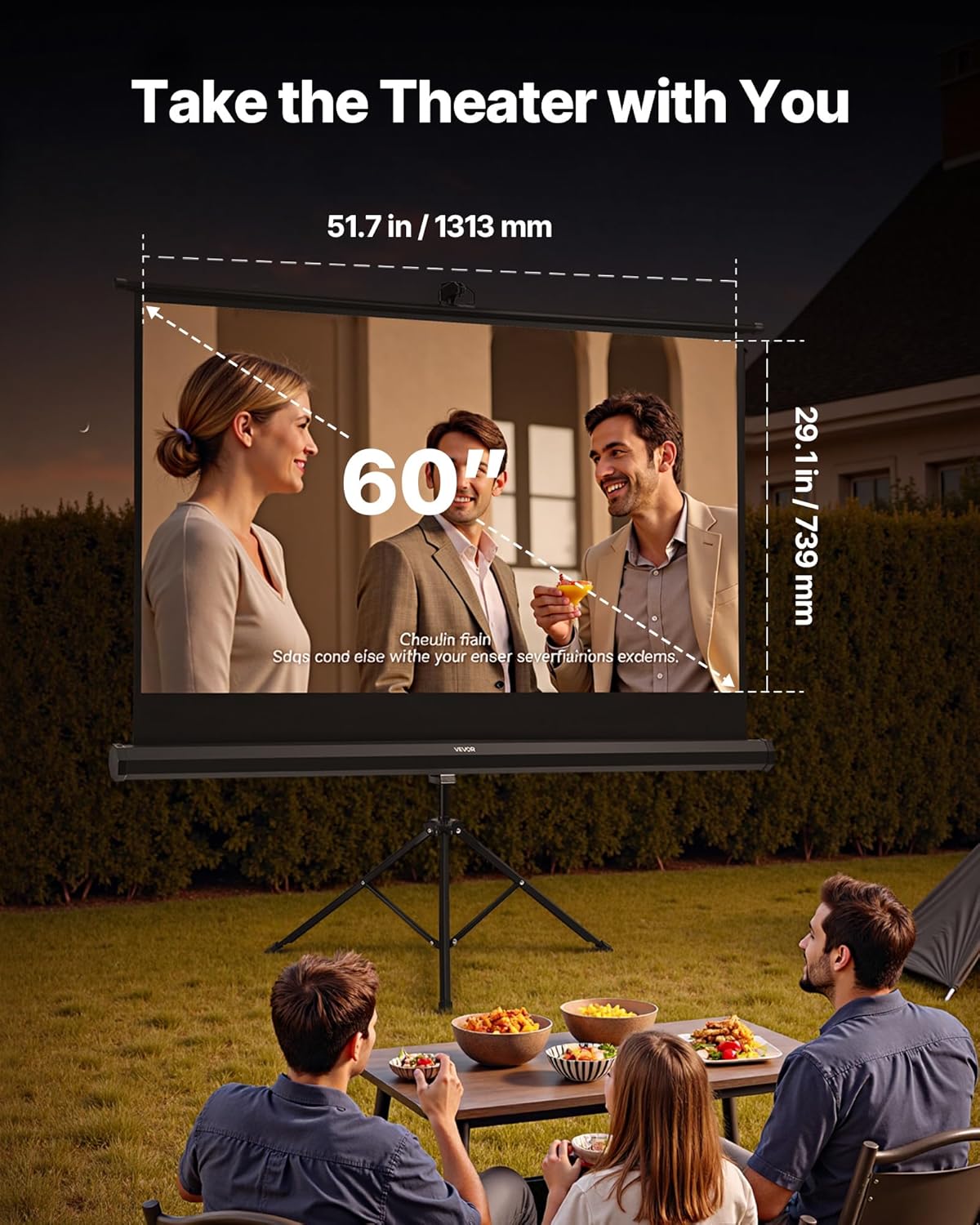
Image: The VEVOR 60-inch projector screen set up outdoors, displaying a movie for a family. The image highlights the screen's dimensions: 51.7 inches (1313 mm) width and 29.1 inches (739 mm) height.
2. Safety Instructions
To ensure safe operation and prevent damage, please observe the following safety guidelines:
- Always assemble the screen on a flat, stable surface to prevent tipping.
- When using outdoors, utilize the provided ground stakes and wind ropes to secure the stand against wind.
- Keep the screen away from open flames, heat sources, and direct sunlight for prolonged periods to prevent material damage.
- Do not expose the screen to heavy rain or extreme weather conditions.
- Handle the screen fabric with clean hands to avoid smudges and dirt.
- Keep all components out of reach of children and pets during assembly and storage.
- Avoid sharp objects near the screen fabric to prevent tears or punctures.
3. Package Contents
Verify that all items are present and in good condition upon unpacking:
- 1 x Projector Screen Fabric
- 1 x Tripod Stand Assembly (legs, center pole, screen attachment mechanism)
- 1 x Carry Bag
- 1 x User Manual
- Ground Stakes and Wind Ropes (for outdoor stability)
4. Setup Instructions
Follow these steps to assemble your VEVOR TS60H projector screen:
-
Step 1: Extend the Tripod Legs. Place the tripod base on a flat, stable surface. Fully extend the tripod legs outwards until they are locked in position, forming a stable triangular structure.

Image: A close-up view of the projector screen's tripod base, illustrating its stable triangular support structure.
-
Step 2: Attach the Screen to the Stand. Carefully attach the projector screen casing to the top of the center pole of the tripod stand. Ensure it is securely fastened using the quick connectors or locking mechanism provided.

Image: The VEVOR projector screen fully assembled on its tripod stand, ready for use, with the carry bag placed nearby.
-
Step 3: Extend and Adjust the Screen. Gently pull the screen fabric upwards from its casing. Use the height adjustment mechanism on the center pole to set the screen to your desired viewing height, typically between 53.1 and 71.3 inches. Ensure the screen is fully extended and taut to prevent wrinkles.

Image: A hand demonstrating the height adjustment feature of the projector screen, indicating an adjustable range of 53.1 to 71.3 inches.
- Step 4: Secure for Outdoor Use (Optional). If using the screen outdoors, attach the wind ropes to the designated points on the stand and secure them to the ground using the provided stakes. This enhances stability against wind.
5. Operating Instructions
Viewing Angle and Placement
The VEVOR TS60H screen offers a wide 160° viewing angle, allowing multiple viewers to enjoy clear images from various positions. Position your projector directly in front of the screen for optimal image alignment. Adjust the screen height to ensure the bottom edge is comfortable for all viewers.

Image: A group of people watching a movie on the VEVOR projector screen, demonstrating the wide 160-degree viewing angle from various seating positions.
Usage Scenarios
- Home Theater: Enjoy movies, TV shows, and sports indoors.
- Outdoor Entertainment: Perfect for backyard movie nights or camping trips.
- Presentations: Suitable for office meetings, conferences, or educational settings.
- Gaming: Experience immersive gaming on a large screen.
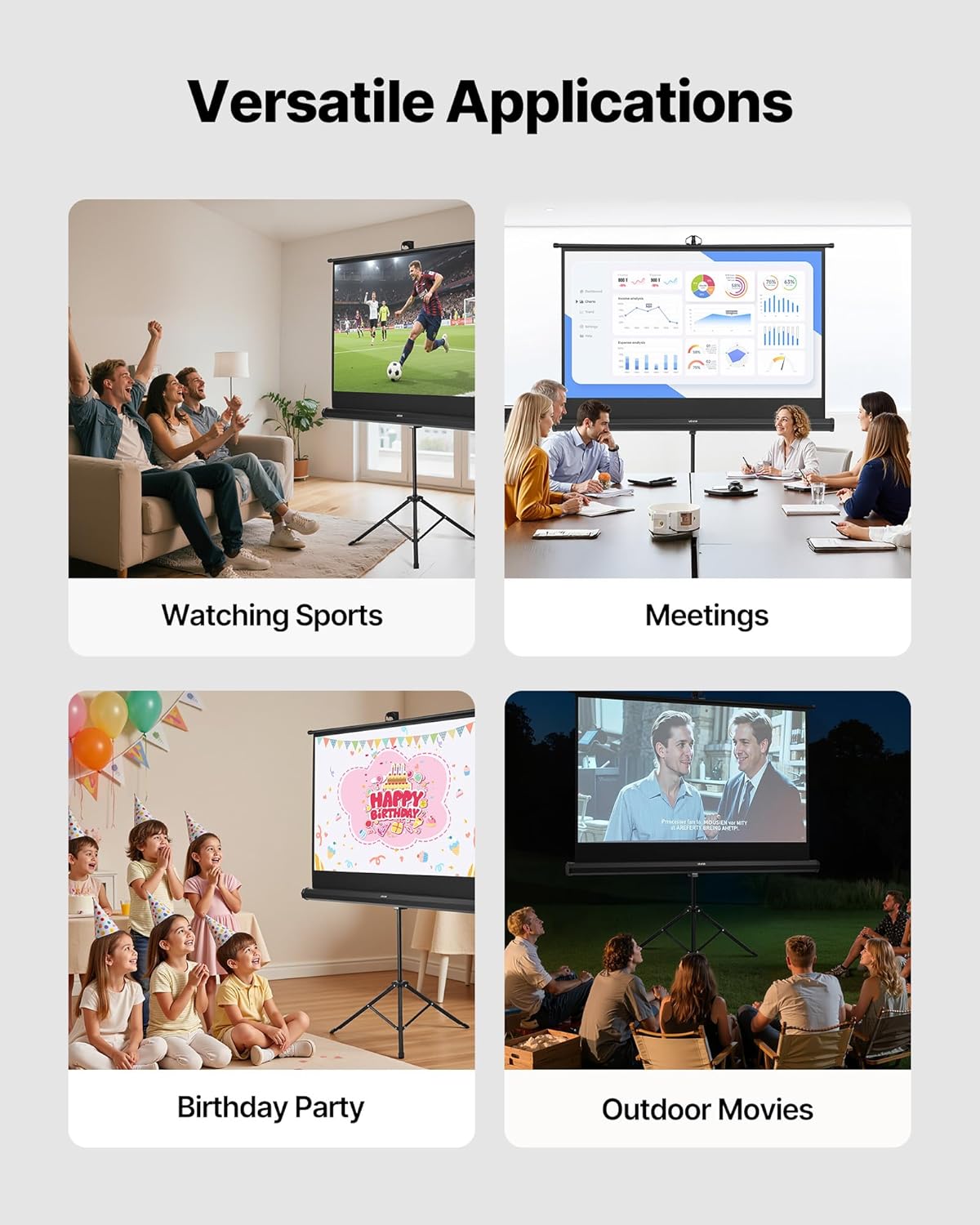
Image: A collage showcasing the versatile applications of the projector screen, including watching sports, business presentations, birthday parties, and outdoor movie screenings.
6. Maintenance
Cleaning the Screen
The screen fabric is made of washable polyester. For cleaning:
- Gently wipe the screen surface with a soft, damp cloth using mild soap and water.
- Avoid abrasive cleaners or harsh chemicals, as these can damage the screen material.
- Allow the screen to air dry completely before rolling it up or storing it.
Storage
When not in use, retract the screen into its casing and disassemble the stand. Store all components in the provided carry bag in a cool, dry place, away from direct sunlight and extreme temperatures.

Image: A person easily carrying the VEVOR projector screen in its compact carry bag, emphasizing its lightweight design (10.3 lbs) and portability for outdoor activities.
7. Troubleshooting
- Screen Appears Wrinkled: Ensure the screen is fully extended and taut. The wrinkle-resistant fabric should flatten out during use. If wrinkles persist, gently wipe with a damp cloth and allow to dry while extended.
- Stand Instability: Verify that all tripod legs are fully extended and locked. For outdoor use, ensure ground stakes and wind ropes are properly installed and secured.
- Poor Image Quality: Check your projector's focus and resolution settings. Ensure the projector is aligned correctly with the screen. The screen's 1.2 gain and matte finish are designed for optimal contrast and color reproduction.
- Difficulty Adjusting Height: Ensure the locking mechanism on the center pole is disengaged before attempting to adjust the height. Do not force the mechanism.

Image: A visual comparison highlighting the VEVOR screen's superior image quality, characterized by a 1.2 gain, high contrast, backlight suppression, and wrinkle-free surface, compared to other screens.
8. Specifications
| Feature | Specification |
|---|---|
| Model Number | TS60H |
| Screen Size | 60 inch |
| Aspect Ratio | 16:9 |
| Projection Area (L x H) | 51.7 x 29.1 inch / 1313 x 739 mm |
| Screen Gain | 1.2 |
| Viewing Angle | 160 Degrees |
| Material | Q235 + ABS + PVC + Rubber |
| Net Weight | 10.3 lbs / 4.65 kg |
| Item Dimensions (L x W x H) | 57.5 x 28.3 x (53.1-71.3) inch / 1460 x 720 x (1350-1810) mm |
| Color | Black |
| Mounting Type | Floor Mount, Tripod Mount |

Image: A detailed diagram illustrating the key dimensions and specifications of the VEVOR TS60H projector screen, including screen size, projection area, and overall item dimensions.
9. Warranty & Support
VEVOR products are designed for durability and performance. For specific warranty details, please refer to the warranty card included with your product or visit the official VEVOR website. If you encounter any issues or require technical assistance, please contact VEVOR customer support through their official channels. Have your model number (TS60H) and purchase information ready when contacting support.
For more information, visit: www.vevor.com