Introduction
This user guide provides detailed instructions for setting up, operating, and maintaining your Lefant robot vacuum cleaner. Follow these steps to ensure optimal performance and a clean home environment. This manual covers various models, including hybrid models with mopping functions, and offers guidance on app controls, scheduling, and troubleshooting common issues.
Product Overview
The Lefant robot vacuum cleaner is designed to automate your floor cleaning tasks. It features various cleaning modes, app connectivity, and smart navigation to efficiently clean different floor types. Understanding its components and functions is key to effective use.
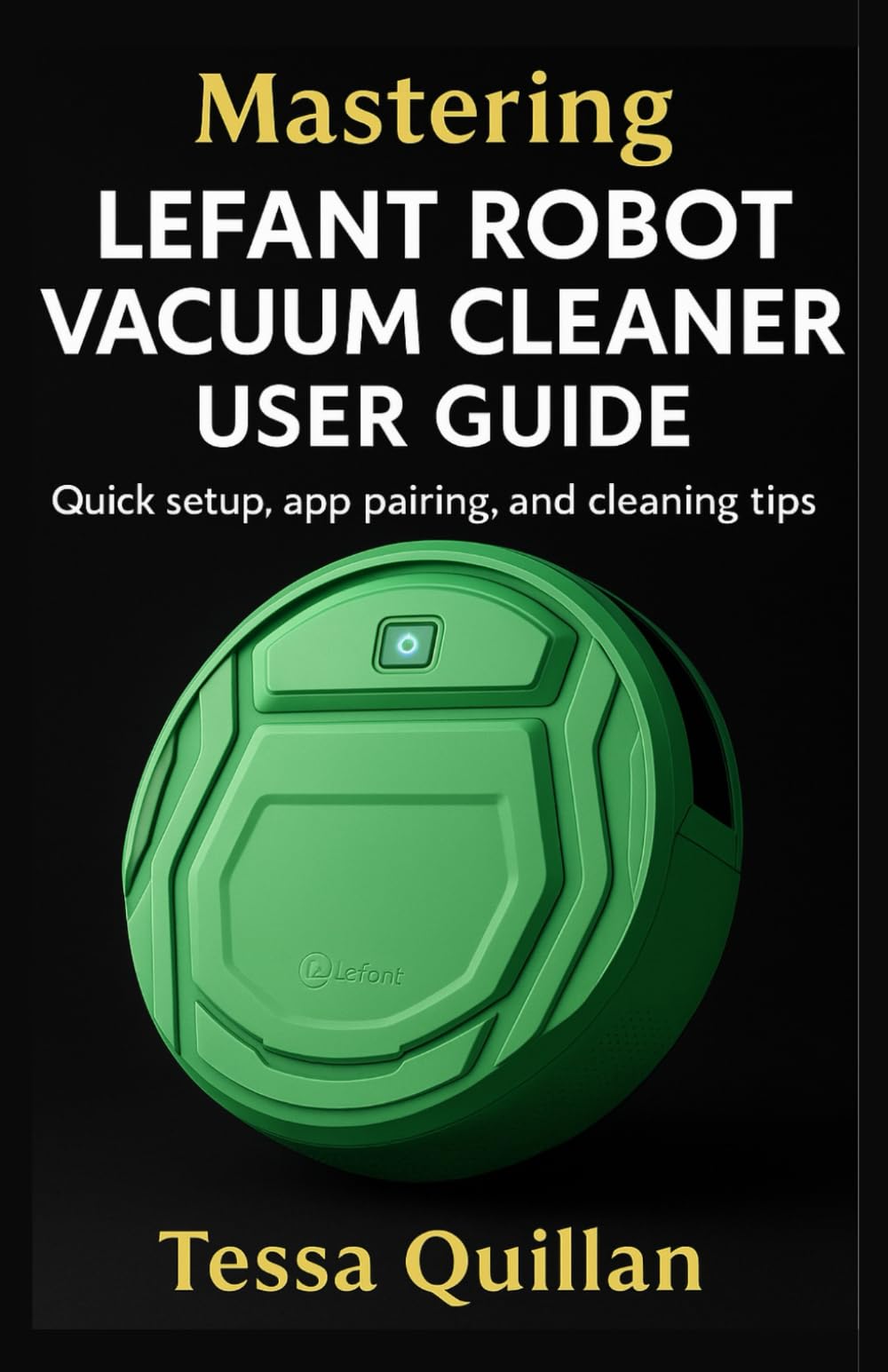
Image: A green Lefant robot vacuum cleaner, showcasing its circular design and a central control button. The Lefant logo is visible on the top surface.
Setup
1. Unpacking and Placement
- Carefully remove all packaging materials from the robot vacuum and its accessories.
- Place the charging dock against a wall in an open area, ensuring there are no obstacles within 1 meter (3 feet) to the front and 0.5 meters (1.5 feet) to the sides.
- Connect the power adapter to the charging dock and plug it into a power outlet.
2. Initial Charging
- Place the robot vacuum onto the charging dock, ensuring the charging contacts align.
- Allow the robot to charge completely before its first use. The indicator light will change to confirm full charge (refer to your specific model's indicator guide).
3. App Pairing and Wi-Fi Connection
- Download the official Lefant app from your smartphone's app store.
- Open the app and create an account or log in.
- Follow the in-app instructions to add your device. This typically involves pressing and holding a button on the robot to enter pairing mode and connecting to your home Wi-Fi network (2.4GHz only).
- Ensure your smartphone is connected to the same 2.4GHz Wi-Fi network during the pairing process.
Operating Instructions
1. Starting and Stopping Cleaning
- Manual Start: Press the power button on the robot or the "Clean" button in the app.
- Manual Stop: Press the power button again or the "Pause" button in the app.
- The robot will automatically return to the charging dock when cleaning is complete or battery is low.
2. Cleaning Modes
Your Lefant robot vacuum offers various cleaning modes accessible via the app:
- Auto Clean: The robot intelligently navigates and cleans your entire floor area.
- Spot Clean: Focuses on a specific dirty area with concentrated cleaning.
- Edge Clean: Cleans along walls and furniture edges.
- Scheduled Clean: Set specific times for the robot to automatically start cleaning.
- Mopping Function (Hybrid Models): For models with mopping capabilities, attach the water tank and mop pad. Fill the tank with water (and approved cleaning solution if applicable) and select the mopping mode in the app.
3. Suction Levels and Customization
- Adjust suction power through the Lefant app to suit different floor types and cleaning needs.
- Customize cleaning plans and routines within the app for personalized cleaning.
4. Voice Control and Smart Home Integration
- Connect your Lefant robot to compatible voice assistants (e.g., Amazon Alexa, Google Assistant) via the Lefant app settings.
- Follow the voice assistant's instructions to link your Lefant account and control the robot with voice commands.
Maintenance
Regular maintenance ensures the longevity and efficiency of your robot vacuum.
1. Dustbin and Filter Cleaning
- Empty the dustbin after each cleaning cycle.
- Clean the primary filter and HEPA filter regularly (weekly recommended, or more often with heavy use). Tap filters to remove dust; do not wash HEPA filters unless specified by your model's instructions.
- Replace filters every 3-6 months, or as needed, to maintain suction power.
2. Brush Maintenance
- Remove and clean the main brush and side brushes weekly. Use the cleaning tool provided to cut and remove tangled hair or debris.
- Replace worn or damaged brushes to ensure effective cleaning.
3. Sensor and Charging Contact Cleaning
- Wipe the cliff sensors, wall sensors, and charging contacts on both the robot and the charging dock with a clean, dry cloth monthly.
- Keep these areas free of dust and debris to prevent navigation and charging issues.
4. Battery Care
- Always charge the robot fully before storing it for extended periods.
- If storing for a long time, charge it every 3 months to prevent battery degradation.
Troubleshooting
Refer to this section for solutions to common issues.
Common Issues and Solutions
- Robot not charging: Ensure the charging contacts on both the robot and dock are clean and aligned. Check if the power adapter is securely plugged in.
- Robot not connecting to Wi-Fi: Verify your Wi-Fi network is 2.4GHz. Restart your router and the robot. Ensure correct Wi-Fi password entry during app pairing.
- Robot getting stuck frequently: Clear obstacles, loose cables, and thick rugs from the cleaning path. Clean the drive wheels and sensors.
- Reduced suction power: Empty the dustbin, clean or replace filters, and clear any blockages in the suction inlet or brushes.
- Error Codes: If your robot displays an error code, consult your specific model's manual or the Lefant app for detailed explanations and solutions.
Specifications
| Feature | Detail |
|---|---|
| Brand | Lefant |
| Model Compatibility | M210 Pro+, M2S Pro, and other entry-level units |
| Connectivity | Wi-Fi (2.4GHz), App Control, Voice Assistant Integration |
| Cleaning Modes | Auto, Spot, Edge, Scheduled, Mopping (hybrid models) |
| Power Source | Rechargeable Battery |
Note: Specific features and specifications may vary by model. Refer to your product packaging or the Lefant app for precise details regarding your specific unit.
Warranty and Support
For warranty information, product registration, or technical support, please refer to the official Lefant website or contact their customer service directly. Details are typically provided in the product packaging or within the Lefant mobile application.
No official product videos are available for embedding at this time.


