
Important Safety Instructions
Please read all instructions before using this vacuum cleaner. Failure to follow these instructions may result in electric shock, fire, or serious injury.
- Do not leave vacuum cleaner unattended when plugged in. Unplug from outlet when not in use and before servicing.
- Do not use outdoors or on wet surfaces.
- Do not allow to be used as a toy. Close attention is necessary when used by or near children.
- Use only as described in this manual. Use only manufacturer's recommended attachments.
- Do not use with damaged cord or plug. If vacuum cleaner is not working as it should, has been dropped, damaged, left outdoors, or dropped into water, return it to a service center.
- Do not pull or carry by cord, use cord as a handle, close a door on cord, or pull cord around sharp edges or corners. Do not run vacuum cleaner over cord. Keep cord away from heated surfaces.
- Do not unplug by pulling on cord. To unplug, grasp the plug, not the cord.
- Do not handle plug or vacuum cleaner with wet hands.
- Do not put any object into openings. Do not use with any opening blocked; keep free of dust, lint, hair, and anything that may reduce airflow.
- Keep hair, loose clothing, fingers, and all parts of body away from openings and moving parts.
- Do not pick up anything that is burning or smoking, such as cigarettes, matches, or hot ashes.
- Do not use without dust cup and/or filters in place.
- Turn off all controls before unplugging.
- Use extra care when cleaning on stairs.
- Do not use to pick up flammable or combustible liquids, such as gasoline, or use in areas where they may be present.
- Store your vacuum cleaner indoors in a cool, dry area.
Product Components
Familiarize yourself with the parts of your Eureka NEN121WH Bagless Canister Vacuum Cleaner.

Figure 1: What's in the Box - This image displays the main vacuum cleaner unit, floor brush, 2-in-1 crevice tool, metal tube, and hose, which are the primary components included with your purchase.
- Vacuum Cleaner Unit: The main body containing the motor, dust cup, and filters.
- Floor Brush: Used for cleaning various floor surfaces.
- 2-in-1 Crevice Tool: A versatile attachment for tight spaces and dusting.
- Metal Tube: Extends the reach of the hose and attachments.
- Hose: Flexible connection between the main unit and the metal tube/attachments.
Setup and Assembly
- Connect the Hose: Insert the hose end into the suction inlet on the main vacuum unit until it clicks securely into place.
- Assemble the Extension Tube: Connect the metal tube to the handle end of the hose. Ensure it is firmly attached.
- Attach the Floor Nozzle: Connect the floor nozzle to the other end of the metal tube.
- Attach Accessories: For specific cleaning tasks, attach the 2-in-1 crevice tool directly to the hose handle or the metal tube.

Figure 2: Multi-Scenario Cleaning - This image illustrates the vacuum cleaner assembled with its hose, metal tube, and floor nozzle, alongside the 2-in-1 crevice tool and the extension tube, demonstrating its versatility for different cleaning scenarios.
Operating Instructions
Powering On/Off
Plug the power cord into a suitable electrical outlet. Press the power button located on the main unit to turn the vacuum cleaner on or off.
Multi-Surface Cleaning
The Eureka NEN121WH is designed for both carpets and hard floors. Adjust the floor nozzle setting based on your surface type:
- For Hard Floors: Step on the foot switch on the floor nozzle to extend the bristles. This helps to gently clean hard surfaces and dislodge stubborn dirt.
- For Carpets: Step on the foot switch again to retract the bristles. This setting is ideal for optimal suction on carpets.

Figure 3: Multi-Surface Cleaning Adjustment - This image demonstrates how to adjust the floor brush bristles for different surfaces. Setting 1 shows bristles extended for hard floors, and Setting 2 shows bristles retracted for carpets.

Figure 4: Effortless Surface Transition - This image further illustrates the multi-surface cleaning capability, highlighting the foot switch on the floor nozzle for easy transition between carpet and hard floor settings.
Using Attachments
The 2-in-1 crevice tool is integrated into the hose handle for convenient access. Simply disconnect the handle from the hose to use it as a crevice tool or dusting brush. The metal extension tube provides extended reach for high or hard-to-access areas.

Figure 5: Versatile Cleaning Tools - This image displays the 2-in-1 crevice tool for tight spaces, the metal extension for high-reach areas, and the floor nozzle for normal floor cleaning, showcasing the vacuum's adaptability.
Automatic Cord Rewind
To retract the power cord, simply press the cord rewind button on the main unit. The cord will automatically retract into the vacuum cleaner.

Figure 6: Automatic Cord Rewind - This image shows a hand pressing the button for automatic cord retraction, illustrating a convenient feature for storage and preventing cord tangles.
Cleaning Radius
The vacuum features a 17-foot power cord and a 4.9-foot hose, providing a total cleaning radius of up to 21.9 feet. This allows for extensive cleaning without frequent unplugging.

Figure 7: Large Cleaning Radius - This image highlights the 4.9ft hose length and 17ft cord length, demonstrating the extensive reach of the vacuum cleaner for thorough cleaning.
Maintenance
Regular maintenance ensures optimal performance and extends the life of your vacuum cleaner.
Emptying the Dust Cup
The 1.2L dust cup should be emptied regularly, especially when the debris reaches the "Max" fill line. To empty, press the one-button release mechanism and dispose of the contents into a waste bin.
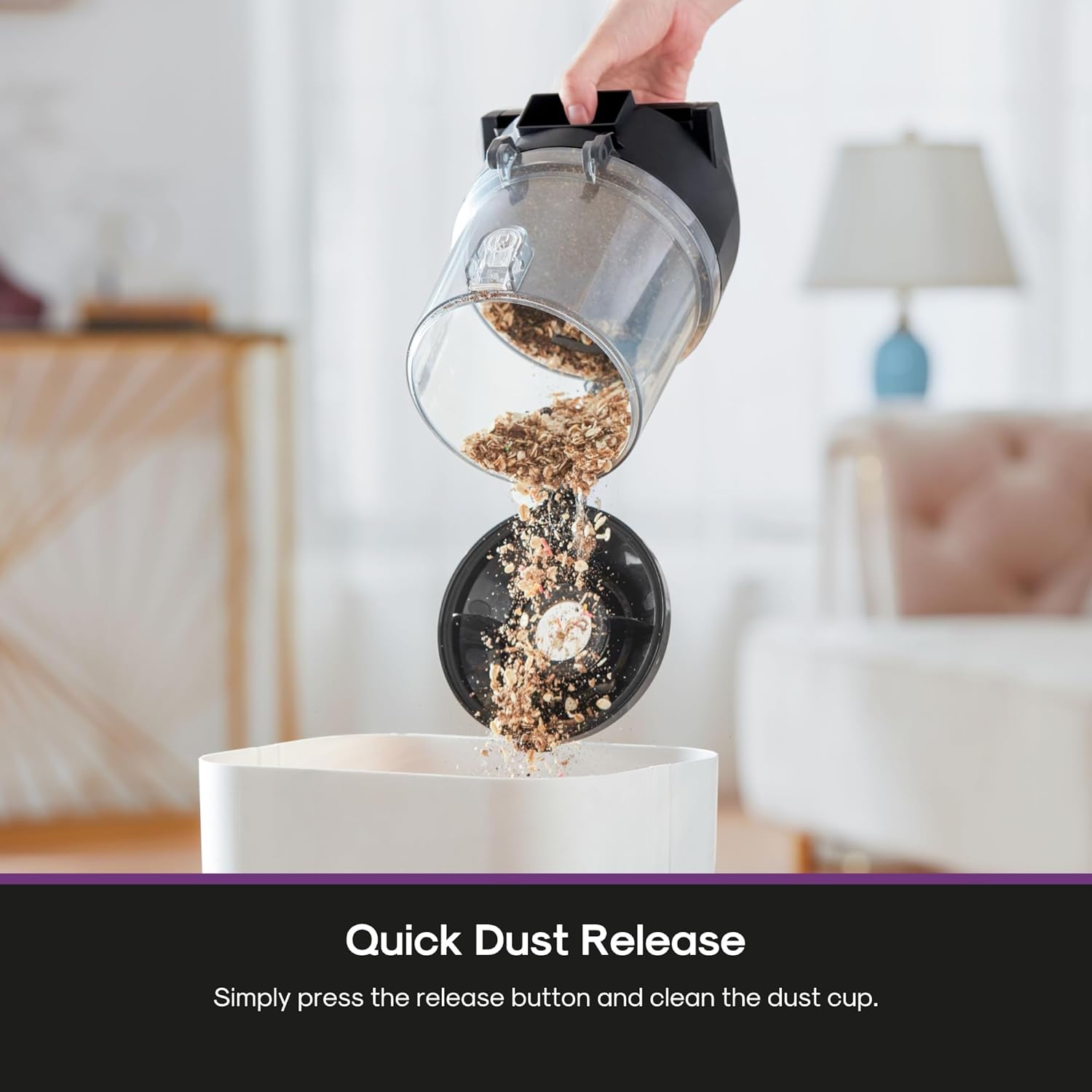
Figure 8: Quick Dust Release - This image shows a hand holding the dust cup upside down over a trash receptacle, with debris falling out, illustrating the simple process of emptying the dust cup.

Figure 9: Quick Empty Dust Cup - This image reinforces the ease of emptying the 1.2L dust cup with a one-button press, simplifying post-cleaning tasks.
Washing Filters and Dust Cup
The HEPA filter and dust cup are washable. Rinse them under running water as needed. Ensure all components are completely dry before reassembling them into the vacuum cleaner.
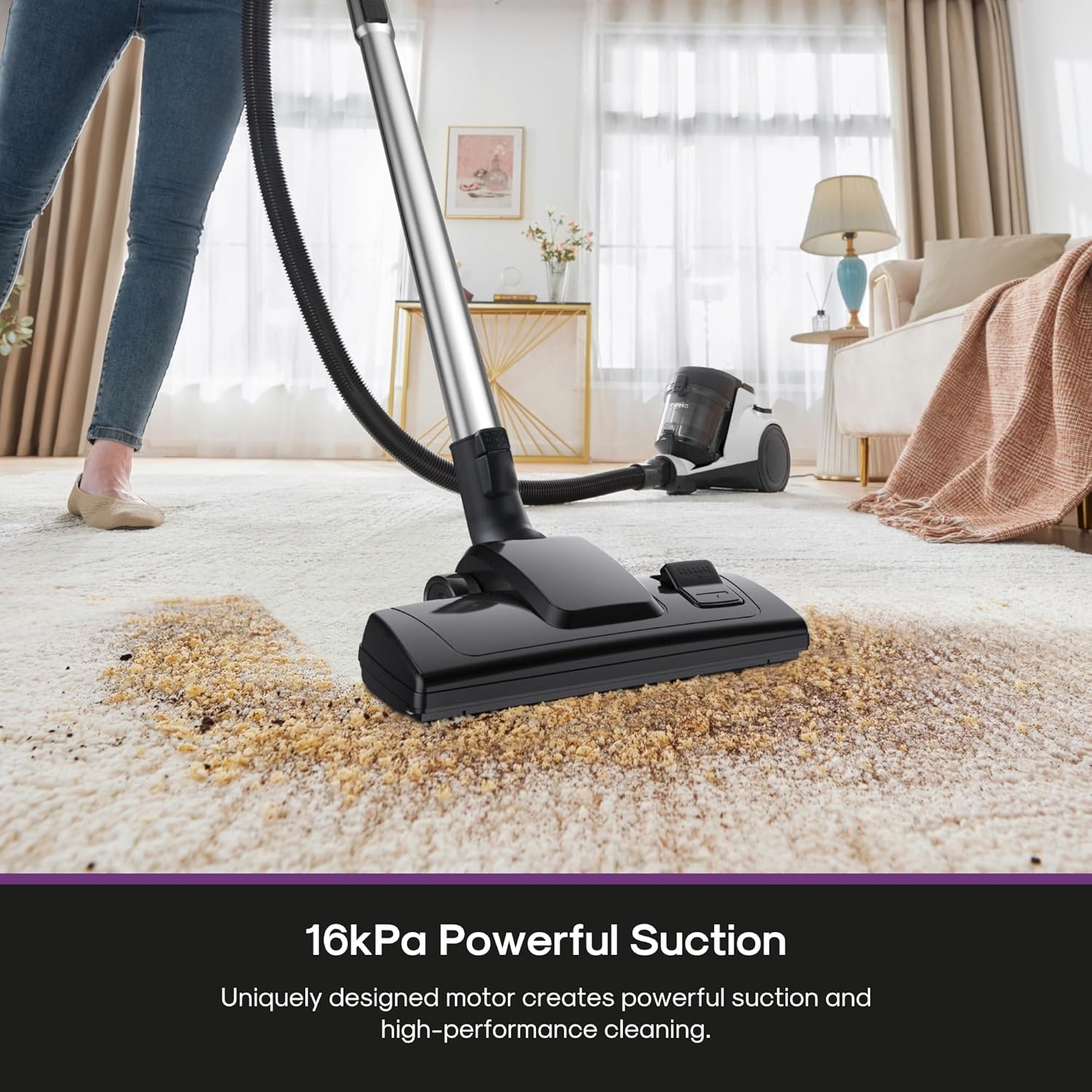
Figure 10: Easy Maintenance - This image shows hands rinsing both the dust cup and the HEPA filter under a faucet, demonstrating that these components are washable for easy maintenance.

Figure 11: Washable Components - This image confirms that the dust cup and filter are reusable and can be rinsed with water, reducing the need for frequent replacements.
Cleaning the Roller Brush and Belt
It is recommended to clean the roller brush and belt every 2 weeks. Hair and dirt can clog the floor brush, potentially causing malfunction or damage to the belt. Refer to the detailed instructions in the full manual for how to access and clean these parts.
Troubleshooting
| Problem | Possible Cause | Solution |
|---|---|---|
| Vacuum cleaner does not turn on. | Not plugged in; power outlet not working; power button not pressed. | Ensure plug is fully inserted; check circuit breaker; press power button firmly. |
| Loss of suction. | Dust cup full; filters clogged; hose or attachments blocked; floor brush clogged. | Empty dust cup; clean/wash filters; check hose/attachments for blockages; clean floor brush and roller. |
| Floor brush clogged with hair/dirt. | Accumulation of debris on roller brush. | Turn off and unplug the vacuum. Carefully remove any hair or debris from the roller brush and belt. Clean every 2 weeks to prevent issues. |
| Unusual noise or smell. | Blockage in hose/attachments; motor overheating; damaged belt. | Check for and remove blockages. If motor overheats, turn off and let cool. Inspect belt for damage; if damaged, seek professional service. |
Specifications
| Feature | Detail |
|---|---|
| Brand | EUREKA |
| Model Number | NEN121WH |
| Power Source | Corded Electric |
| Voltage | 120 Volts |
| Wattage | 1200 watts |
| Capacity | 1.2 Liters (Dust Cup) |
| Filter Type | HEPA Filter |
| Noise Level | 82 Decibels |
| Item Weight | 5.37 kg |
| Item Dimensions (L x W x H) | 36.3L x 24.7W x 29.4H Centimetres |
| Hose Length | 4.9 feet (59 Inches) |
| Cord Length | 17 feet |
| Included Components | Crevice Tool, Floor Nozzle, Hose, Metal Tube, User Manual |
| Surface Recommendation | Hard Floor, Low Pile Carpet |
| Special Features | Automatic Cord Rewind, Bagless, HEPA, Low Noise, Wheels |
Warranty and Support
Warranty information for the Eureka NEN121WH Bagless Canister Vacuum Cleaner was not provided in the product details. Please refer to the official EUREKA website or contact their customer support for detailed warranty terms and conditions.
For further assistance, technical support, or to inquire about replacement parts, please contact EUREKA customer service directly. Contact information can typically be found on the manufacturer's official website or on the product packaging.
EUREKA Official Website: www.eureka.com


