
Introduction
This manual provides essential information for the safe and efficient operation of your REDRIE HK33 GPS Drone. Please read this manual thoroughly before operating the device to ensure proper usage and to maximize your flying experience. This drone features a 4K UHD camera with a 2-axis gimbal, extended flight time, stable flight capabilities, and versatile smart flight modes, all in a portable design.
Package Contents
Your REDRIE HK33 GPS Drone package includes the following items:
- REDRIE HK33 Drone x 1
- Remote Control x 1
- Drone Batteries (1800mAh) x 2
- USB Charging Cable x 1
- Spare Blades x 4
- Screwdriver x 1
- User Manual x 1
- Carrying Case x 1

Image: The REDRIE HK33 GPS Drone, remote control, two batteries, charging cables, spare propellers, screwdriver, and user manual neatly organized within its carrying case.
Product Overview
Drone Features
- 4K UHD Camera with 2-Axis Gimbal: Equipped with an F2.15 large aperture + 110° ultra-wide lens, capturing 4K photos (4096x3072P) and 2K videos (2048x1088P). The 2-axis gimbal ensures stable footage, and a 90° remote-controlled angle adjuster allows for instant framing adjustments.
- Extended Flight Time: Two 1800mAh high-capacity rechargeable batteries provide a total flight time of 40-45 minutes. A built-in real-time battery indicator is available via the remote control or app.
- Stable Flight and Range: Upgraded high-performance brushless motors ensure stable flight even in Level 5 winds. 5G WiFi enables low-latency FPV. Offers 300m/985ft stable video transmission and 500m/1640ft signal range (with signal repeater).
- Lightweight and Portable: Weighs less than 250g, requiring no FAA registration. Features a foldable design for convenient travel.

Image: The REDRIE HK33 drone in flight, highlighting its brushless motors and ability to withstand Level 5 winds for stable operation.
Remote Controller
The remote controller is designed for ease of use, featuring a phone holder for real-time FPV viewing and intuitive controls for various flight functions.
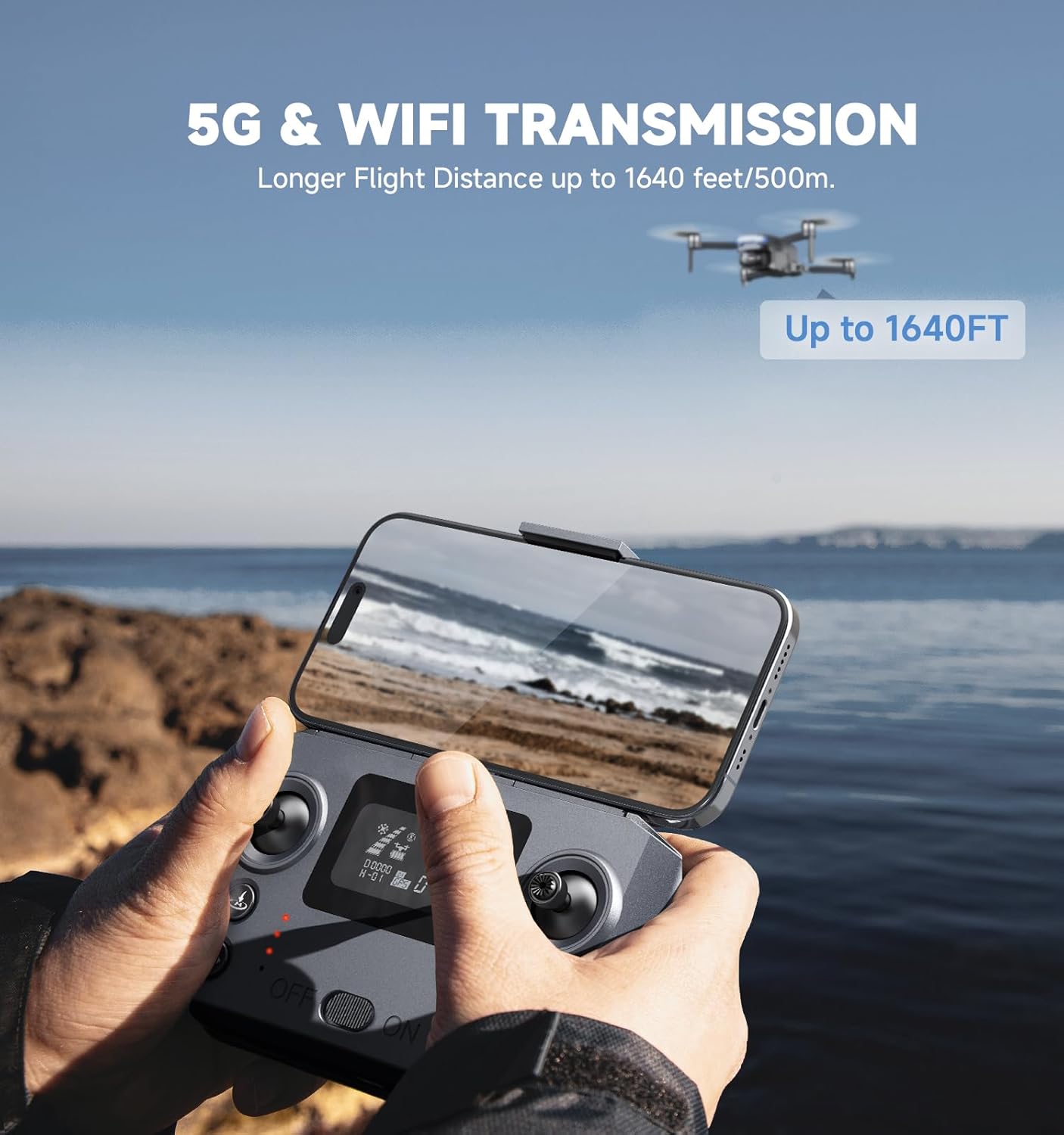
Image: A user holding the remote controller with a smartphone displaying the drone's live 5G WiFi transmission, indicating a range of up to 1640 feet.
Setup
1. Battery Charging
Charge both drone batteries using the provided USB charging cable. The batteries can be charged directly. Ensure batteries are fully charged before flight for optimal performance.
2. Drone Preparation
- Unfold the drone arms carefully.
- Insert a charged battery into the drone's battery compartment.
- Place the drone on a flat, level surface.
3. Remote Controller Setup
- Extend the phone holder on the remote controller.
- Mount your smartphone securely into the phone holder.
4. App Installation & Connection
Download the dedicated drone control app from your smartphone's app store. Connect your phone to the drone's 5G WiFi network (usually starts with
