Introduction
This manual provides comprehensive instructions for the setup, operation, maintenance, and troubleshooting of your Mingtawn 4G SIM Card Android Smartwatch, Model P222. Please read this manual thoroughly to ensure proper use and to maximize the features of your device.
What's in the Box
- Mingtawn 4G SIM Card Android Smartwatch (Model P222)
- Charging Cable
- Nano SIM Card (pre-installed or separate)
- Screen Protector
- Screen Cleaning Wipes
- User Manual
Setup
SIM Card Installation
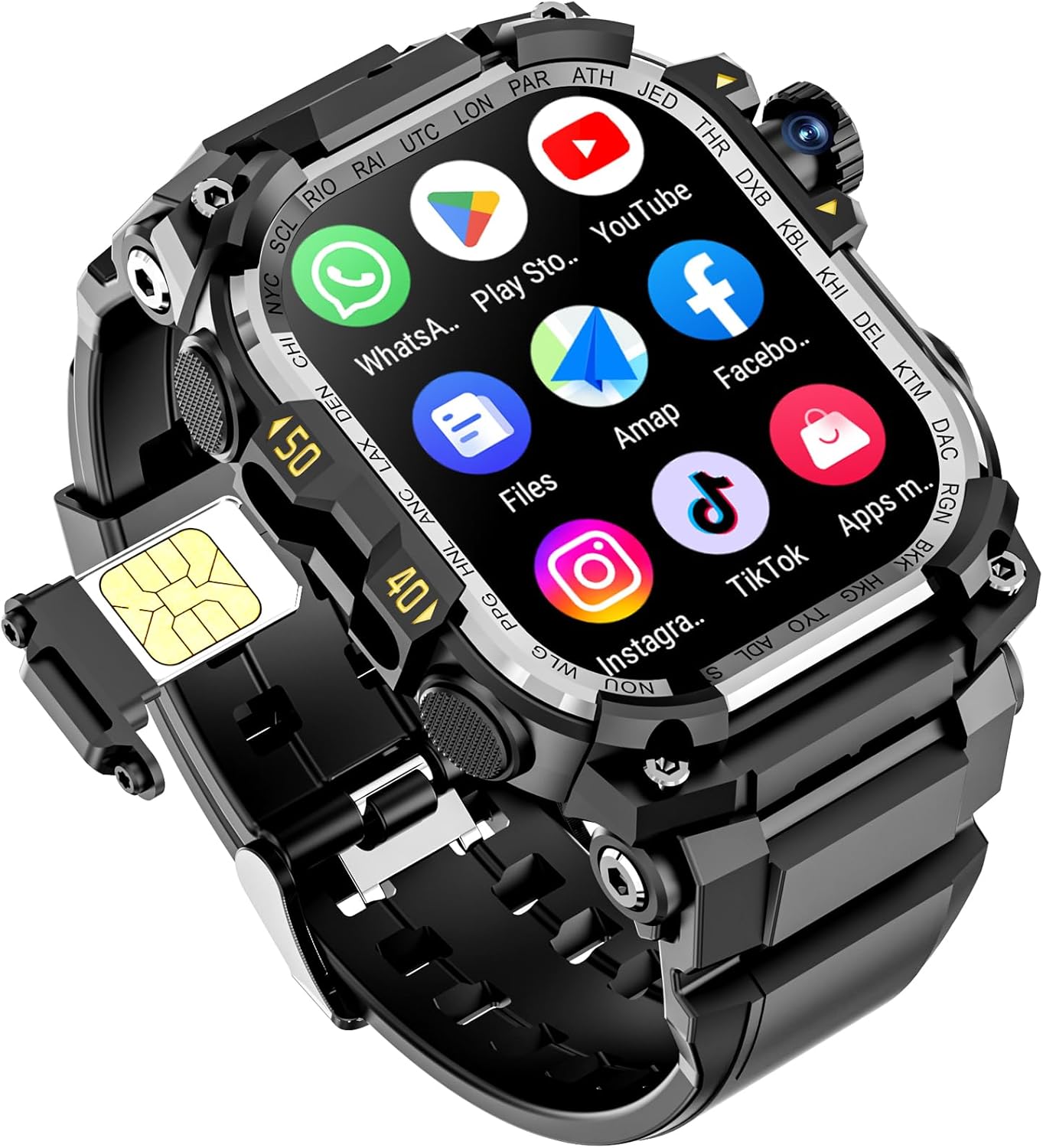
- Locate the SIM card slot on the side of the smartwatch.
- Use the provided SIM ejector tool to open the SIM card tray.
- Carefully place the Nano SIM card into the tray, ensuring correct orientation.
- Gently push the tray back into the smartwatch until it clicks into place.
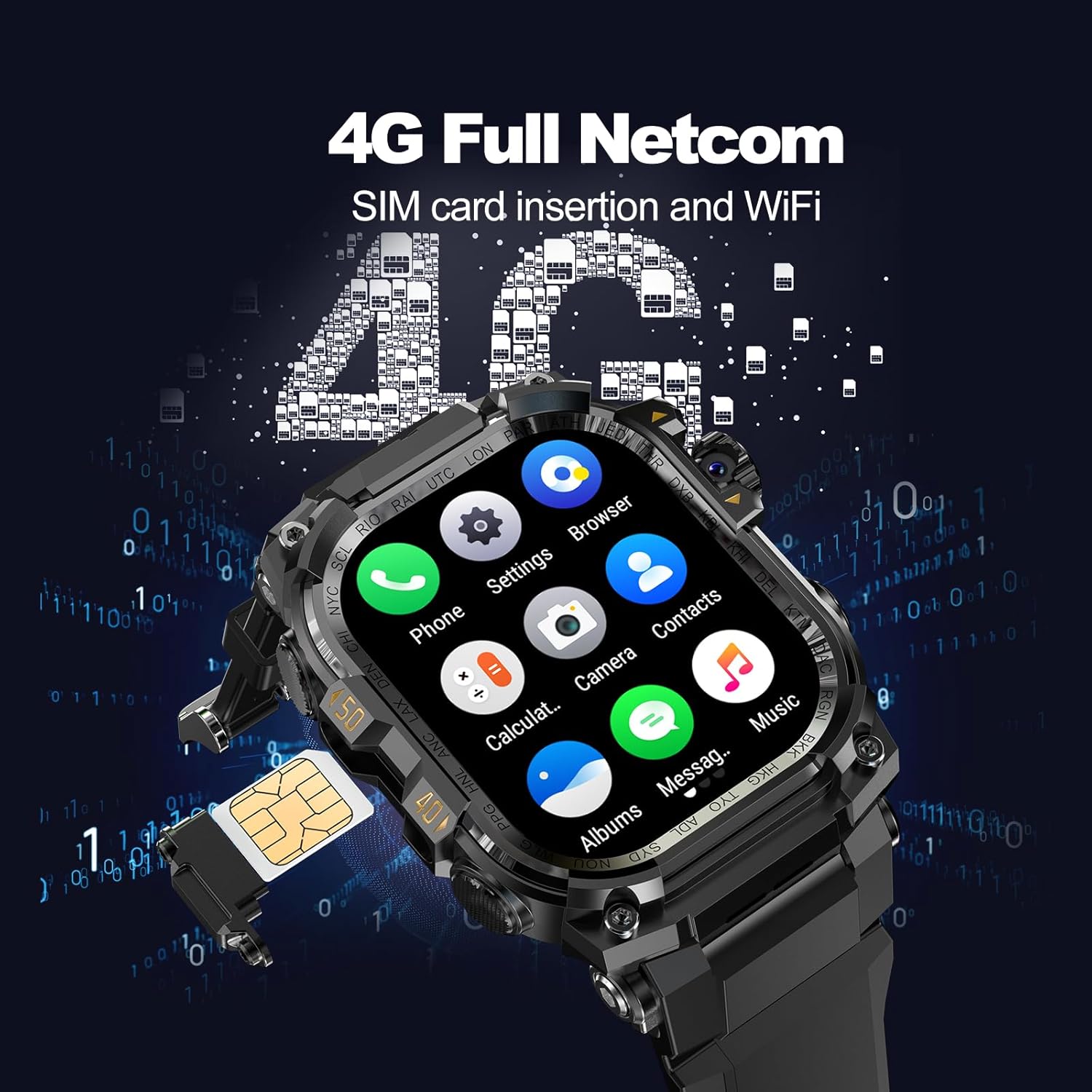
This video demonstrates the process of inserting a SIM card into a 4G smartwatch, including the dual system camera functionality.
Initial Power On and App Pairing
- Press and hold the power button on the side of the smartwatch until the screen lights up.
- On your smartphone, download the companion app (e.g., "Ding Ding Cat" as mentioned in product features).
- Follow the in-app instructions to pair your smartwatch with your smartphone via Bluetooth. This will enable full functionality, including data synchronization and advanced settings.

Operating the Smartwatch
Navigation and Display
The Mingtawn P222 features a 2.06-inch AMOLED large screen with 410*502 resolution, offering a clear and responsive touch interface. Swipe left, right, up, or down to access different menus, notifications, and quick settings.

Communication Features
With 4G SIM card compatibility and WiFi, you can make independent calls, reply to messages, and engage in video chats directly from your wrist. The unique 180° rotatable camera enhances video call and selfie capabilities.


Health and Activity Tracking
Monitor your health with real-time tracking of heart rate, blood oxygen, steps, and calories. The smartwatch also provides advanced sleep tracking (deep sleep/light sleep/REM/awake) and sedentary reminders to help you maintain a healthy lifestyle.


GPS and Navigation
The built-in GPS provides accurate and reliable positioning for tracking outdoor activities like runs, hikes, and bike rides. Five standard sport modes allow you to monitor your workout progress and navigate effectively.

Additional Features
The smartwatch includes a built-in flashlight for nighttime safety. Connect to Wi-Fi to download various apps (social, games, tools) and customize your watch face from a vast selection or create your own. Face ID and password unlocking provide enhanced security.


Maintenance
- Cleaning: Regularly wipe the screen and strap with a soft, damp cloth. Avoid harsh chemicals.
- Charging: Use the provided charging cable. The 930mAh battery offers ultra-long battery life, but regular charging is recommended to maintain optimal performance.
- Water Resistance: The smartwatch is designed for outdoor use. Refer to the specifications for its water resistance rating and avoid exceeding recommended depths or prolonged submersion.
- Software Updates: Keep the companion app updated to ensure your smartwatch has the latest features and performance improvements.

Troubleshooting
- Connectivity Issues: Ensure Bluetooth is enabled on your smartphone and the smartwatch is within range. Check that the companion app is running and updated.
- GPS Inaccuracy: For best GPS performance, ensure you are in an open outdoor area with a clear view of the sky. Allow the device a few minutes to acquire a strong signal.
- Display Not Responding: Try restarting the smartwatch by holding down the power button. If the issue persists, ensure the device is charged.
- Battery Draining Quickly: Reduce screen brightness, disable unnecessary notifications, and limit continuous GPS tracking if not needed.
- SIM Card Not Detected: Re-insert the Nano SIM card carefully, ensuring it is properly seated in the tray. Verify that the SIM card is active with your mobile carrier.
Specifications
| Feature | Detail |
|---|---|
| Model Number | P222 |
| Screen Size | 2.06 Inches |
| Display Type | AMOLED |
| Resolution | 410*502 pixels |
| RAM Memory Installed Size | 3 GB |
| Memory Storage Capacity | 32 GB |
| Operating System | Android Wear 1.0 |
| Battery Capacity | 930 Milliamp Hours |
| Connectivity Technology | Wi-Fi, 4G (Nano SIM) |
| Wireless Communication Standard | 802.11n |
| GPS | Built-in GPS |
| Camera | 180° Rotatable HD Camera |
| Special Features | Activity Tracker, GPS, Music Player, Phone Call, Flashlight, Face ID |
| Item Weight | 3.52 ounces |
Warranty and Support
For warranty information and technical support, please refer to the documentation included with your product or contact Mingtawn customer service directly. Contact details can typically be found on the manufacturer's official website or within the product packaging.


