
1. Introduction
The OUKITEL G3 is a rugged smartphone designed for durability and performance in challenging environments. It features IP68/IP69K water and dust resistance, MIL-STD-810H certification for shock resistance, and a large 6300mAh battery. This manual provides essential information for setting up, operating, maintaining, and troubleshooting your device.

Image: Front and back view of the OUKITEL G3 Rugged Smartphone, highlighting its robust design.
2. What's in the Box
Upon unboxing your OUKITEL G3, please verify that all the following items are included:
- 1x OUKITEL G3 Rugged Smartphone
- 1x Charger
- 1x USB Type-C Cable
- 1x Manual (Quick Start Guide)
- 1x SIM Pin
- 1x Packaging Box
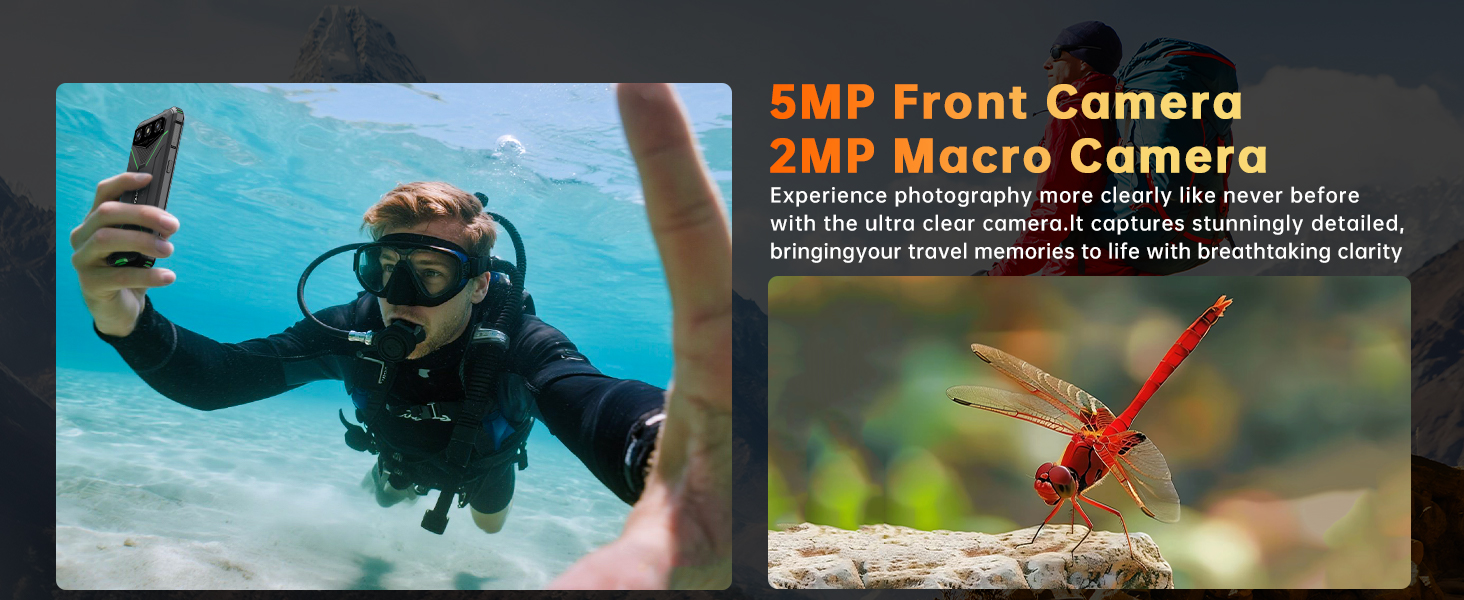
Image: Illustration of the OUKITEL G3 packaging contents, including the phone, charger, USB cable, manual, and SIM pin.
3. Setup
3.1. SIM Card and MicroSD Card Installation
The OUKITEL G3 supports dual SIM cards or one SIM card and one MicroSD card for expanded storage up to 1TB. Use the provided SIM pin to open the card tray.
- Locate the SIM card tray on the side of the device.
- Insert the SIM pin into the small hole next to the tray and press gently until the tray ejects.
- Carefully pull out the tray.
- Place your Nano-SIM card(s) and/or MicroSD card into the designated slots on the tray. Ensure the gold contacts face downwards.
- Gently push the tray back into the device until it clicks into place.
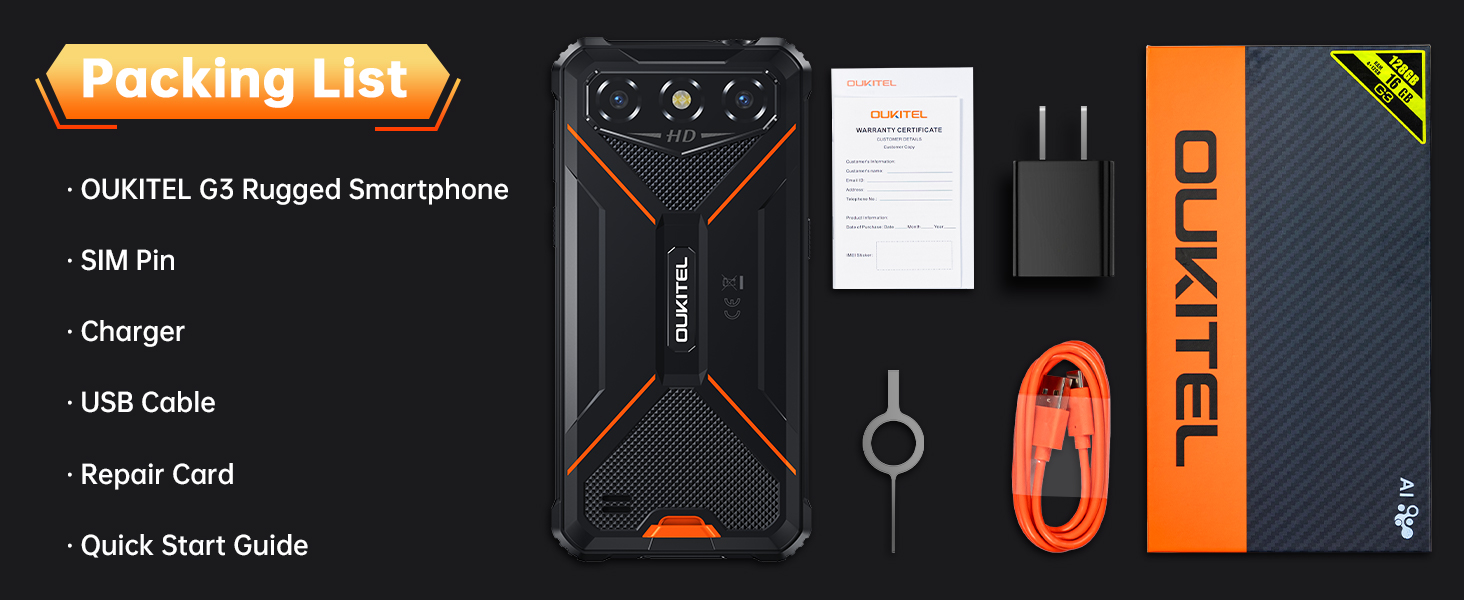
Image: Diagram illustrating the flexible dual card slots, allowing for two Nano-SIM cards or one Nano-SIM and one TF (MicroSD) card.
3.2. Initial Power On
Press and hold the Power button located on the side of the device until the OUKITEL logo appears on the screen. Follow the on-screen prompts to complete the initial setup, including language selection, Wi-Fi connection, and Google account setup.
3.3. Charging the Device
Before first use, it is recommended to fully charge your OUKITEL G3. Use the provided USB Type-C cable and charger.
- Connect the USB Type-C cable to the charging port at the bottom of the phone.
- Connect the other end of the cable to the power adapter.
- Plug the power adapter into a wall outlet.
- The charging indicator will appear on the screen.
The OUKITEL G3 is equipped with a 6300mAh battery, providing extended usage times. A full charge can offer up to 900 hours of standby time, 45 hours of call time, 26 hours of music playback, or 9 hours of video watching.

Image: Visual representation of the 6300mAh battery capacity and estimated usage times for standby, calls, music, and video playback.
4. Operating Your Device
4.1. Basic Navigation (Android 14)
The OUKITEL G3 runs on Android 14, offering an intuitive user interface. Navigate using gestures or the traditional three-button navigation bar (Back, Home, Recent Apps), which can be configured in the device settings.
4.2. Display Features
The device features a 6.0-inch HD+ display protected by Corning Gorilla Glass 5. This screen offers enhanced resistance against scratches and drops, ensuring clear and vivid visuals with a brightness of 415 nits.

Image: Visual highlighting the 6.0-inch IPS display with Corning Gorilla Glass 5, emphasizing scratch resistance, high transparency, and touch sensitivity.
4.3. Camera Usage
The OUKITEL G3 is equipped with a 13MP rear camera and a 5MP front camera. Open the Camera application to capture photos and videos. Various modes and settings are available to enhance your photography experience.
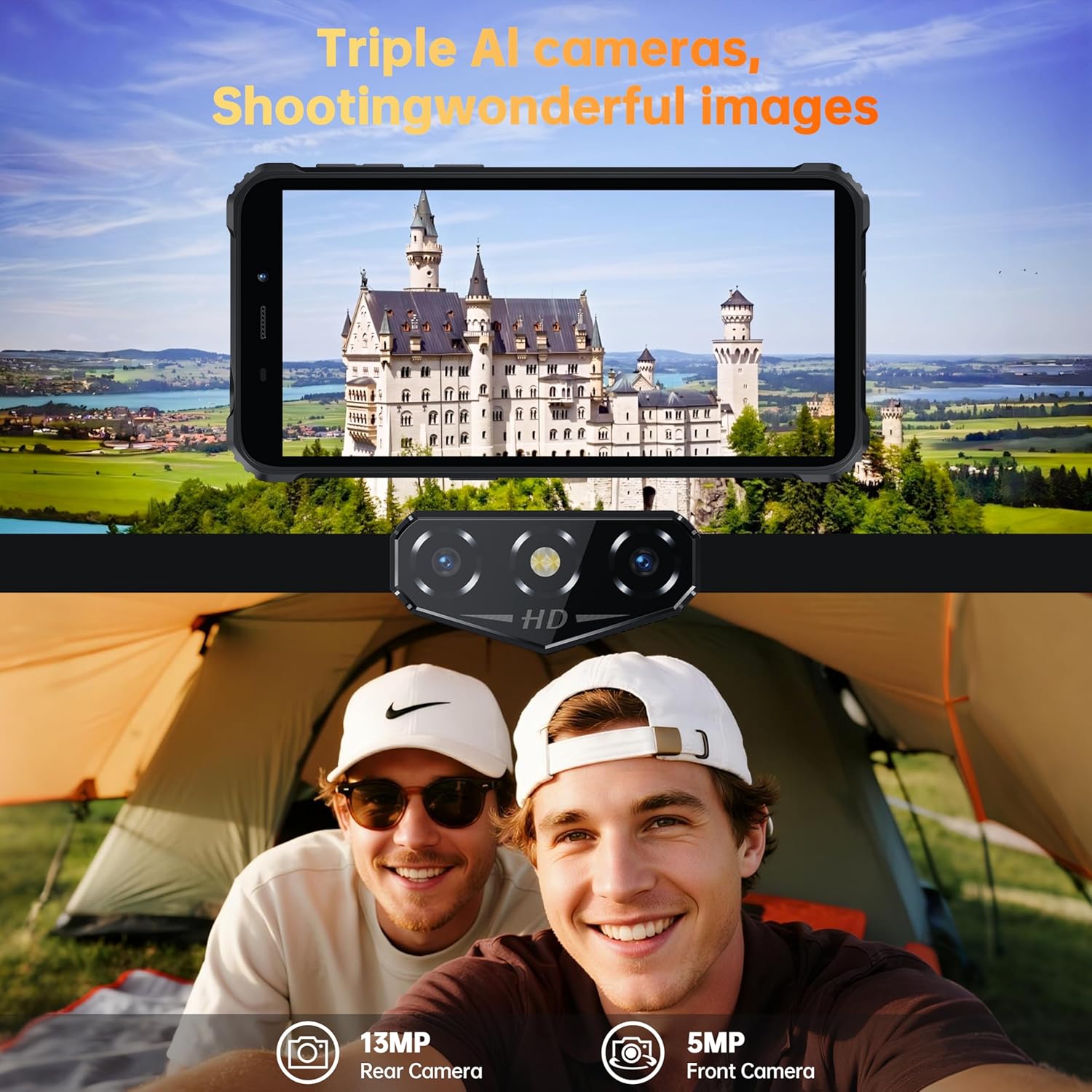
Image: Depiction of the OUKITEL G3's triple AI cameras, including the 13MP rear camera and 5MP front camera, capturing images of landscapes and people.
4.4. Connectivity
The device supports 4G dual SIM functionality, Wi-Fi, and comprehensive positioning systems including GPS, GLONASS, BeiDou, and Galileo for accurate navigation.

Image: A person cycling with the OUKITEL G3, illustrating the phone's GPS, Galileo, Beidou, and GLONASS navigation capabilities.
4.5. Special Features
- OTG (On-The-Go) Reverse Charging: The OUKITEL G3 can act as a power bank to charge other electronic devices using its 6300mAh battery. Connect a compatible OTG cable to enable this feature.

Image: The OUKITEL G3 connected via cable to charge a drone, demonstrating its portable power bank functionality for various devices.
- Face ID: Unlock your device securely using facial recognition. Set up Face ID in the Security settings.
- 3.5mm Audio Jack: The device includes a standard 3.5mm headphone jack for wired audio accessories.
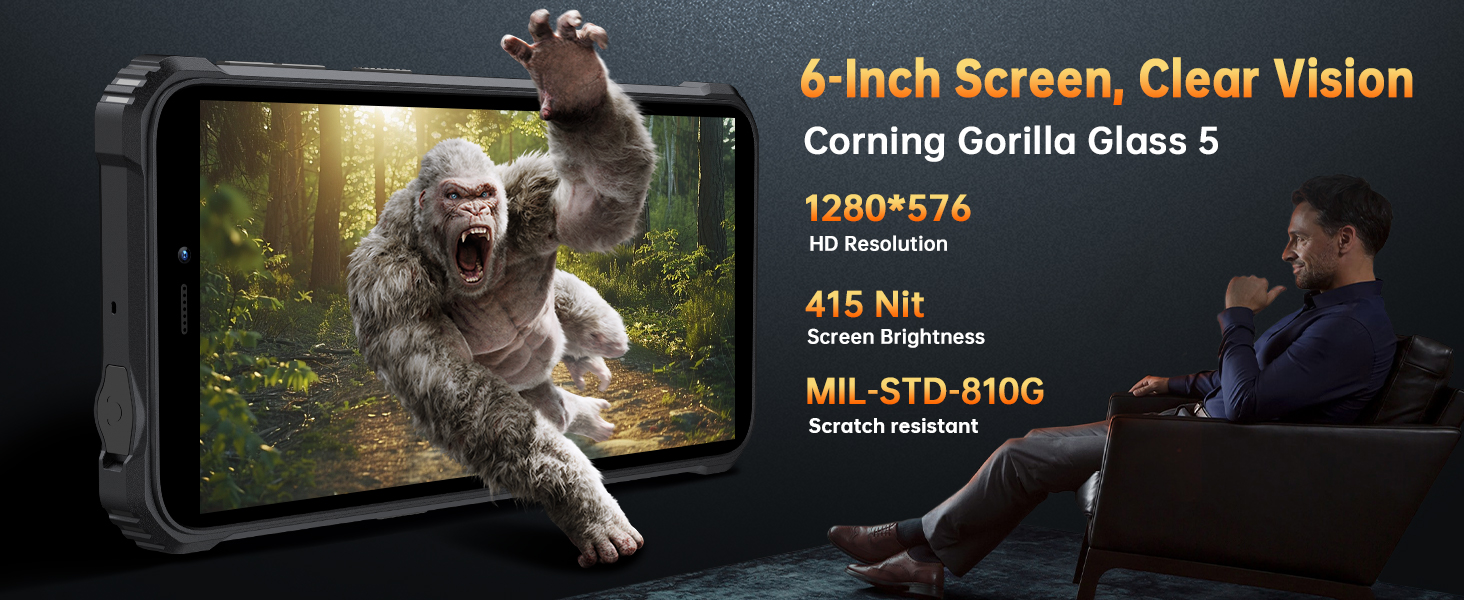
Image: The OUKITEL G3 playing music with wired headphones connected to its 3.5mm audio jack.
- Digital Toolkit: A suite of outdoor tools is pre-installed, including a compass, sound meter, picture hanging guide, gradienter, height measure, heart rate monitor, magnifier, protractor, plumb bob, alarm bell, mirror, and SOS function.
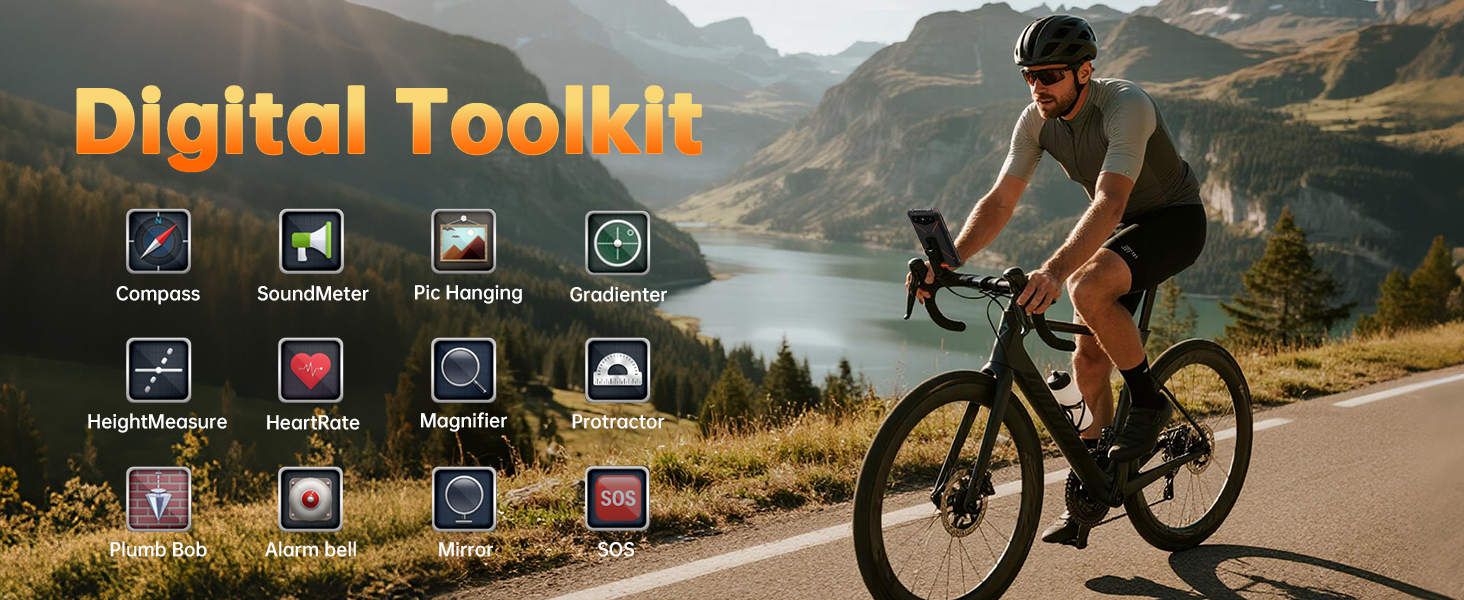
Image: A cyclist using the OUKITEL G3, with icons representing the various tools available in the Digital Toolkit, such as Compass, SoundMeter, Magnifier, and SOS.
5. Maintenance
5.1. Ruggedness Guidelines
The OUKITEL G3 is designed to withstand harsh conditions, certified with IP68/IP69K for water and dust resistance, and MIL-STD-810H for shock resistance. To maintain its integrity:
- Ensure all port covers (USB-C, SIM tray) are securely closed to prevent water and dust ingress.
- Avoid intentional submersion beyond specified depths (1.5 meters) or durations (30 minutes).
- Clean the device with a soft, damp cloth. Avoid harsh chemicals.
- While shock-resistant, extreme impacts can still cause damage. Handle with care.

Image: Composite image showing the OUKITEL G3 submerged in water, being hit by a hammer, and covered in dust, illustrating its IP68, MIL-STD-810G, and IP69K certifications.
5.2. Battery Longevity
To maximize the lifespan of your 6300mAh battery:
- Avoid extreme temperatures, both hot and cold, as they can degrade battery performance.
- Do not leave the phone fully charged or fully discharged for extended periods.
- Use only the provided charger and cable or certified compatible accessories.
6. Troubleshooting
6.1. Network Compatibility
The OUKITEL G3 unlocked rugged phone supports T-Mobile SIM cards but is not compatible with AT&T SIM cards. Ensure your carrier supports the following frequency bands:
- GSM: B2/3/5/8
- WCDMA: B1/2/4/5/8
- TDD: 34/38/39/40/41
- FDD: B1/2/3/4/5/7/8/12/17/19/20/25/26/28A/28B/66
6.2. Common Issues
- Device not powering on: Ensure the battery is charged. Connect the charger and wait a few minutes before attempting to power on again.
- Screen unresponsive: Try restarting the device by holding the Power button for approximately 10-15 seconds.
- Poor signal or no network: Verify SIM card installation. Check network settings and ensure you are within your carrier's coverage area.
- Applications crashing: Clear the cache of the problematic application or reinstall it. Ensure your device's software is up to date.
7. Specifications
| Feature | Detail |
|---|---|
| Model Name | OUKITEL G3 |
| Operating System | Android 14 |
| RAM Memory | 16 GB (4GB physical + 12GB virtual expansion) |
| Storage Capacity | 128 GB (expandable up to 1TB via MicroSD) |
| Screen Size | 6.0 Inches HD+ |
| Screen Protection | Corning Gorilla Glass 5 |
| Battery Capacity | 6300 mAh |
| Rear Camera | 13 MP |
| Front Camera | 5 MP |
| Durability Ratings | IP68/IP69K (Waterproof/Dustproof), MIL-STD-810H (Shockproof) |
| Connectivity | 4G Dual SIM, Wi-Fi, GPS, GLONASS, BeiDou, Galileo |
| Audio Jack | 3.5 mm |
| Special Features | OTG, Face ID, Digital Toolkit |
| Dimensions | 9.49 x 6.57 x 2.72 inches (Package) |
| Item Weight | 1.26 pounds |
8. Warranty and Support
OUKITEL provides a 2-year maintenance period for the G3 Rugged Smartphone. For any inquiries or assistance, please contact OUKITEL Official Service. Our dedicated team is available to help you with product-related questions or issues.
For further information and support, please visit the OUKITEL Store on Amazon.


