
Introduction
This manual provides detailed instructions for the installation, operation, and maintenance of your Haudio 10.1" HD Touchscreen Car Stereo. This advanced car infotainment system features wireless CarPlay and Android Auto, an 8-core processor, 4GB RAM + 64GB ROM, GPS navigation, and support for a backup camera. Please read this manual thoroughly before use to ensure proper functionality and safety.
What's in the Box
Verify that all components are present in the package:
- Main device
- Power Cable
- 4P-USB Wire
- 6P-USB Wire
- Rear View Interface Wire
- GPS Antenna
- 20P-RCA Wire
- Installation Screws
- Rear View Camera
- Brackets
- User Manual

Image: All components included in the package.
Installation Guide
Professional installation is recommended for optimal results. Please review the instructions before starting. Ensure your car's dashboard opening size matches the unit's specifications. Additional dash kits or accessories may be required for certain vehicle models.
Video: Detailed installation guide for the 10.1 Inch Haudio Car Audio System.
1. Fixing the Car Stereo Unit
Secure the car infotainment system onto the outer frame using the provided screws. Ensure a snug fit to prevent vibrations.
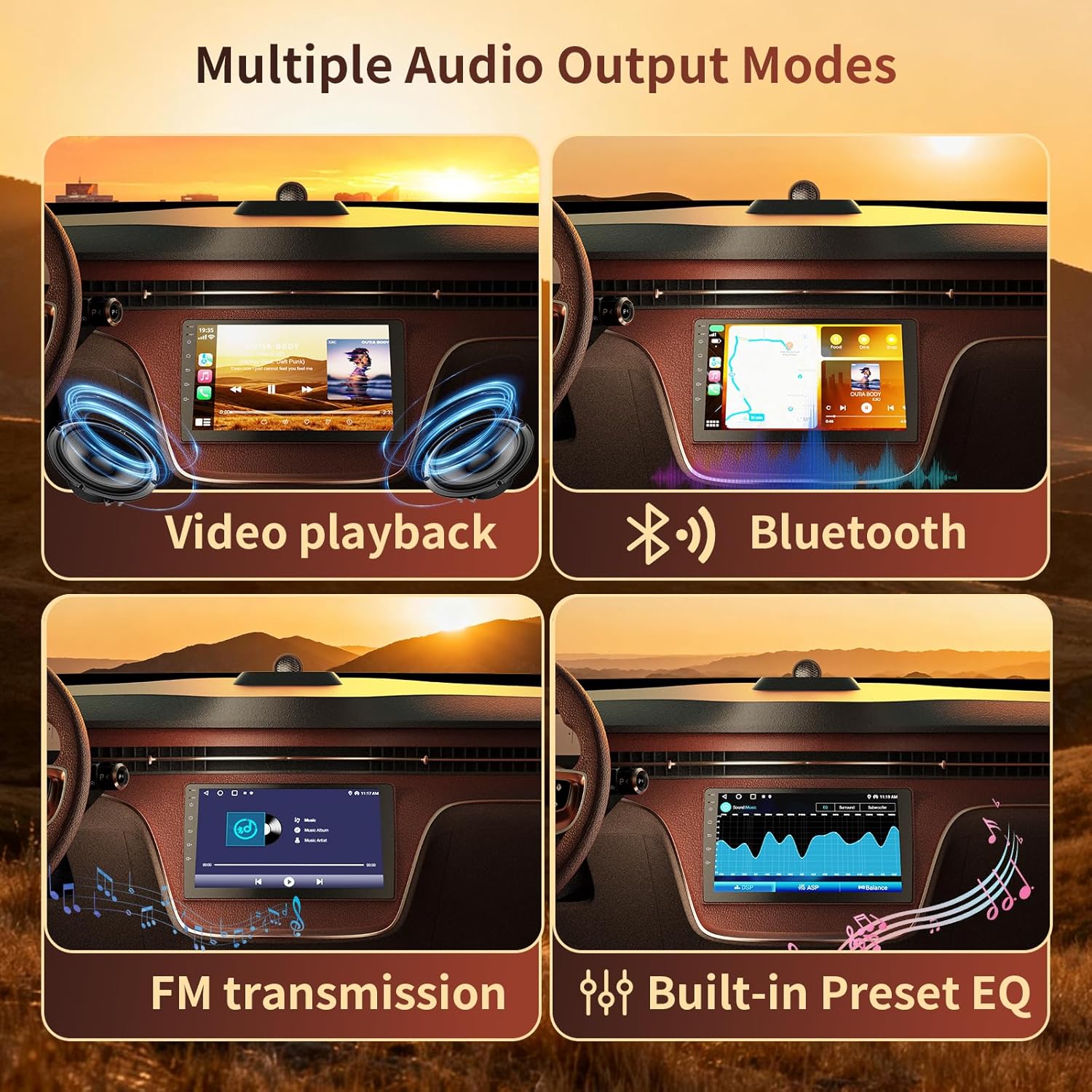
Image: Securing the car stereo unit to the mounting frame.
2. Connecting Vehicle Wiring
Connect the power cable and other necessary wires to your vehicle's existing wiring harness. Refer to the wiring diagram for specific connections. Ensure all connections are fully insulated with electrical tape to prevent short circuits.

Image: Comprehensive wiring diagram for the car stereo connections.
3. Connecting Rear Interface Components
Install the GPS antenna, radio antenna, and connect the 8-pin BREAK1.BACK CVBSIFI/BT/CanBus cable, 2 USB cables, and RCA input/output cables to the corresponding ports on the rear of the unit.
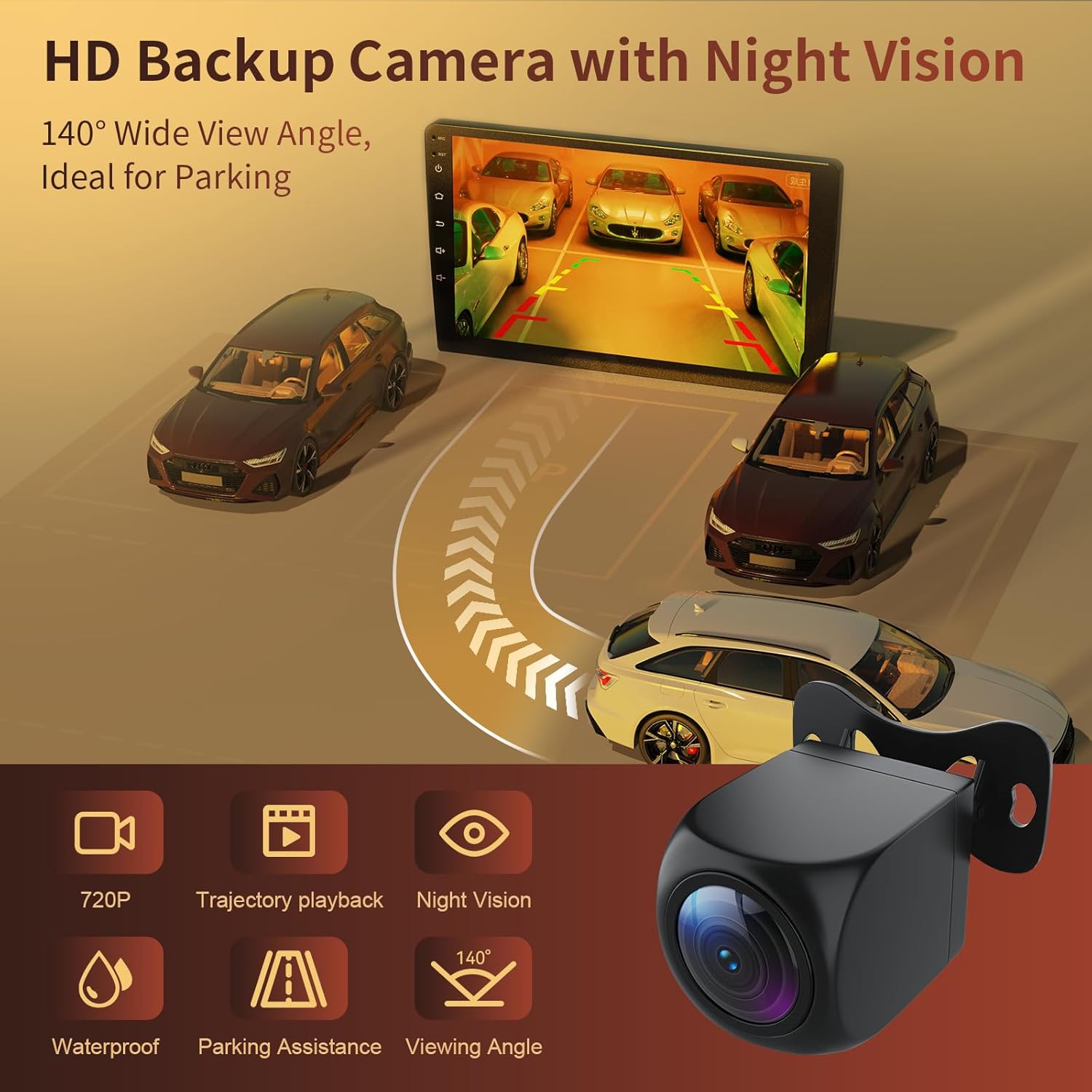
Image: Rear interface connections for the car stereo.
4. Testing the Car Stereo
After all connections are made, start your car and power on the stereo. Test all functions, including audio, touch screen responsiveness, and connectivity features, before fully reassembling your dashboard.
Operating Instructions
Wireless CarPlay and Android Auto
Connect your smartphone wirelessly via Bluetooth or Wi-Fi to access CarPlay or Android Auto. This allows for seamless integration of navigation, music, messages, and hands-free calling directly on the car stereo's touchscreen. Voice commands via Siri or Google Assistant are supported for safer driving.

Image: Wireless CarPlay and Android Auto interface.
Video: Instructions on how to connect Android Auto to the car stereo.
Voice Control and GPS Navigation
Utilize voice commands for navigation, calls, and music playback, enhancing driving safety. The integrated GPS provides real-time, lag-free directions with smart route suggestions.

Image: Voice control and GPS navigation features.
Mirror Link Functionality
The mirror link feature allows wireless screen mirroring from Android and iOS smartphones. Enjoy video apps like YouTube, TikTok, and Netflix on the 10.1" HD touchscreen.
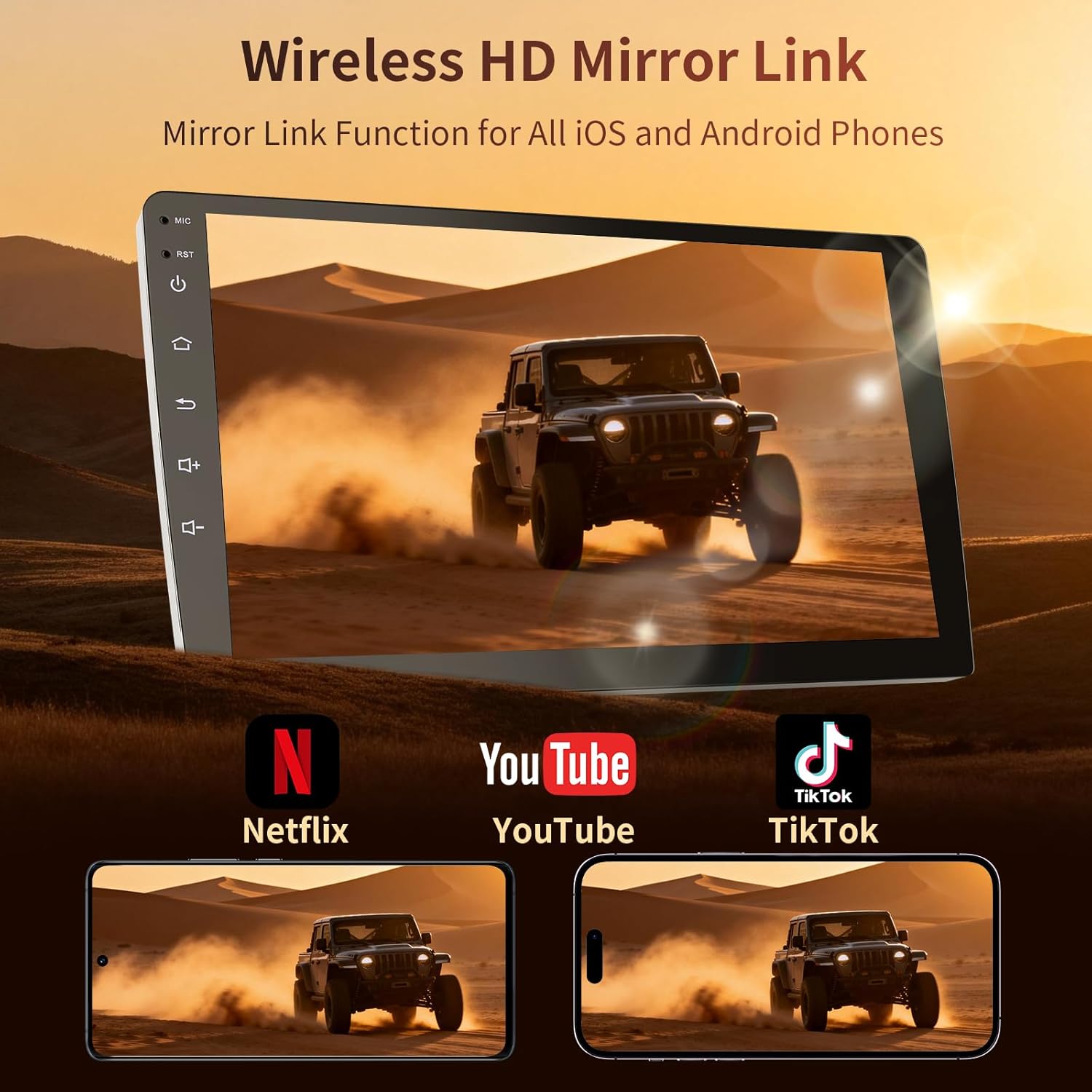
Image: Wireless HD Mirror Link in action.
Backup Camera Operation
The included 1080P rearview camera activates automatically when reversing, providing clear visibility and parking assistance. Connect the camera to the reverse light system for proper function.
Image: HD Backup Camera with Night Vision.
Split-Screen and APK Management
The unit supports split-screen and picture-in-picture functions for multitasking. Manage and install Android Package Kit (APK) applications directly on the device.
Audio Features
Experience enhanced audio quality with the highly sensitive digital signal processor (ASP/EQ), improving FM/AM signal reception stability. Multiple audio output modes are available.
Image: Multiple Audio Output Modes.
Specifications
| Product Dimensions | 1.87 x 9.9 x 5.76 inches |
| Item Weight | 2.95 pounds |
| Model Number | 10.1"-4+64G |
| Brand | Haudio |
| Connectivity Technology | Auxiliary, Bluetooth, USB, Wi-Fi |
| Controller Type | Android |
| Special Features | Wireless CarPlay, Android Auto, Backup Camera, GPS Navigation, Mirror Link, Split-Screen, 8-core Processor, 4GB RAM + 64GB ROM, 1280x720 HD Touchscreen, FM/AM Radio |
| Compatible Devices | Smartphone |
| Connector Type | RCA |
| Audio Output Mode | Stereo |
| Surround Sound Channel Configuration | 4 |
| Video Encoding | H.264, H.265/HEVC |
| Color | Black |
Troubleshooting
If you encounter any issues during installation or operation, please refer to the following general troubleshooting tips:
- No Power: Check all power connections, ensuring they are secure and correctly wired according to the diagram. Verify the vehicle's fuse box for any blown fuses.
- No Audio: Confirm speaker wire connections are correct and secure. Check audio settings on the unit, including volume levels and EQ settings.
- Touchscreen Unresponsive: Try restarting the unit. Ensure the screen is clean and free from debris.
- CarPlay/Android Auto Not Connecting: Ensure Bluetooth and Wi-Fi are enabled on both the unit and your smartphone. Try connecting via USB first to establish initial pairing. Check for any software updates for the unit or your phone.
- Backup Camera Not Displaying: Verify the camera's power and video signal connections. Ensure the reverse trigger wire is correctly connected to the vehicle's reverse light circuit.
- GPS Signal Issues: Ensure the GPS antenna is installed in a location with a clear view of the sky and is securely connected to the unit.
For persistent issues, please contact customer support.
Warranty and Support
Your Haudio car stereo comes with a standard manufacturer's warranty. For specific warranty terms and conditions, please refer to the warranty card included in your package or visit the official Haudio website.
If you require assistance with installation, operation, or troubleshooting, our customer service team is available 24/7 to help. Please reach out to us before considering a return if you encounter any difficulties.
Contact Information: Refer to the contact details provided in your product packaging or on the official Haudio website.


