
1. Safety Information
WARNING: To avoid fire, shock, or death, turn off power at the circuit breaker or fuse box and test that power is off before wiring. Installation should be performed by a qualified electrician or a person with electrical experience.
- Only use with dimmable bulbs (LED, CFL, Incandescent, Halogen). Non-dimmable bulbs will not work and may cause damage or flickering.
- For supply connection, use wires rated for at least 75°C.
- Compatible with #14-#12 AWG copper wire only. Do not use aluminum wire.
- This device is intended for indoor use only.
2. Product Overview
The TOPGREENER Kalide Dimmer Paddle Light Switch offers full-range dimming and a simple ON/OFF control for your lighting. It is designed for both single-pole and 3-way applications and does not require a neutral wire for installation.
2.1 Key Features
- Full-Range Dimming: Smoothly adjust light levels with the integrated slide dimmer.
- Paddle ON/OFF Switch: Easy and intuitive control to turn lights on or off.
- Memory Feature: Lights turn on to the last set brightness level.
- LED Locator Light: Automatically illuminates when the load is off, making the switch easy to find in the dark.
- No Neutral Wire Required: Simplifies installation in older homes or where neutral wires are unavailable.
- Durable Construction: Made from Polycarbonate Thermoplastic material for impact and heat resistance.
2.2 Compatibility
The TOPGREENER Kalide Dimmer Paddle Light Switch is compatible with a wide range of dimmable light sources, including LED, CFL, incandescent, and halogen bulbs. Ensure your bulbs are dimmable for proper function.
2.3 Components

This diagram illustrates the key components of the dimmer switch, including the LED locator light, ON/OFF actuator, ON/OFF indicator, the mode switch for different bulb types (CFL, Setting, LED/Incandescent), and the slide bar for minimum brightness adjustment.
3. Setup and Installation
3.1 Pre-Installation
- Turn Off Power: Before starting any electrical work, ensure the power is turned off at the circuit breaker or fuse box to prevent electrical shock.
- Verify Bulb Type: Confirm that all bulbs connected to this dimmer are dimmable. Using non-dimmable bulbs can cause flickering or damage to the dimmer and bulbs.
3.2 Wiring Instructions
The Kalide dimmer switch is designed for single-pole or 3-way applications and does not require a neutral wire. Use #14-#12 AWG copper wires only.

This wiring diagram shows the connections for the dimmer switch, which does not require a neutral wire. Ensure only #14-#12 AWG copper wires are used for safe and proper installation.
For detailed visual guidance on wiring and mode setting, please refer to the video below:
Video tutorial on wiring the TOPGREENER Dimmer Light Switch and setting the correct mode for LED or CFL bulbs.
3.3 Face Cover Installation

Follow these steps to securely attach the face cover: 1. Use a screwdriver to remove the face cover. 2. Move the face cover out. 3. Insert the top tabs of the face cover into the slots on top of the dimmer. 4. Press the bottom of the face cover until it snaps into place.
3.4 Setting Minimum Brightness and Mode
After installation, you may need to set the minimum brightness level and select the correct mode for your bulb type to prevent flickering or ensure optimal dimming performance.
- Set Mode Switch to 'S' (Setting): If the load is off, turn on the power. Locate the small mode switch on the side of the dimmer (visible after removing the face cover) and set it to 'S'.
- Adjust Slide Bar: Use the small slide bar to adjust to your desired minimum brightness level.
- Set Mode Switch to 'L' or 'C': Once the minimum brightness is set, switch the mode to 'L' for LED/Incandescent bulbs or 'C' for CFL bulbs, according to your load type.
Mismatched modes can cause flickering or damage. Double-check your bulb type and mode setting.
Video demonstrating the features and installation process of the TOPGREENER Kalide Dimmer Light Switch. It highlights the smooth dimming and paddle ON/OFF functionality, including mode setting.
4. Operating Instructions
4.1 Turning Lights ON/OFF

The large paddle button provides a comfortable and easy way to turn the lights ON or OFF. The integrated slider allows for smooth, full-range dimming.
- Press the top of the paddle to turn lights ON.
- Press the bottom of the paddle to turn lights OFF.
4.2 Dimming Control
- Use the vertical slide bar on the right side of the paddle to adjust the brightness level.
- Slide up for brighter light, and slide down for dimmer light.
4.3 Memory Feature

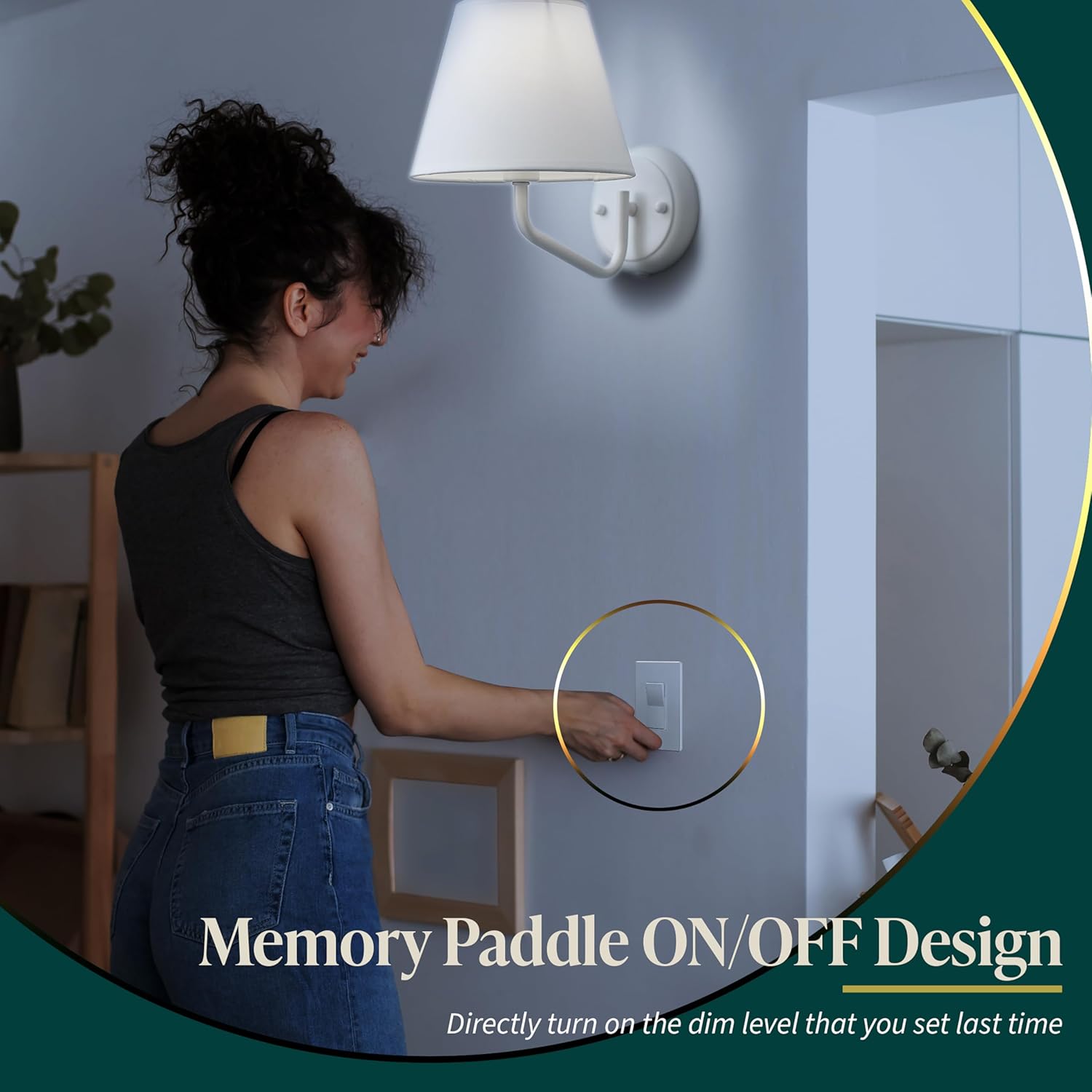
The dimmer switch features a memory function that recalls the last dimming level set, allowing the lights to turn on at your preferred brightness without needing to readjust every time.
The dimmer will remember the last set brightness level. When you turn the lights back on, they will return to that previously set level.
4.4 LED Locator Light

The LED indicator automatically illuminates when the light load is off, making the switch easy to locate in the dark.
A small LED indicator light on the paddle will glow when the lights are off, helping you easily find the switch in a dark room.
5. Maintenance
To clean the dimmer switch, gently wipe it with a soft, damp cloth. Do not use abrasive cleaners, solvents, or harsh chemicals, as these can damage the finish or internal components.
6. Troubleshooting
| Problem | Possible Cause | Solution |
|---|---|---|
| Lights do not turn ON. | No power to the switch; Loose wiring; Non-dimmable bulb; Burned out bulb. | Check circuit breaker; Verify wiring connections; Replace with dimmable bulb; Replace bulb. |
| Lights flicker or hum. | Non-dimmable bulb; Incorrect mode setting (L/C); Minimum brightness set too low; Incompatible bulb. | Replace with dimmable bulb; Adjust mode switch (L for LED/Incandescent, C for CFL); Adjust minimum brightness using the slide bar; Consult bulb manufacturer for dimmer compatibility. |
| Dimmer gets hot. | Overload (too many bulbs/high wattage); Poor ventilation. | Reduce total wattage of connected bulbs (refer to specifications); Ensure proper air circulation around the switch. |
| Dimming range is limited. | Minimum brightness not properly set; Bulb incompatibility. | Adjust minimum brightness using the slide bar in 'S' mode; Try different dimmable bulbs. |
7. Specifications
- Model: 883951465070
- Operation Mode: Manual
- Operating Voltage: 120 Volts AC, 60Hz
- Wattage (LED/CFL): 300W max
- Wattage (Incandescent): 600W max
- Switch Type: Dimmer Switch
- Circuit Type: Single-pole or 3-way
- Material: Polycarbonate
- Contact Material: Copper, Brass
- Wire Compatibility: #14-#12 AWG (copper only)
- Neutral Wire: Not required
- Certification: UL Listed
- Color: White
8. Warranty and Support
This TOPGREENER Kalide Dimmer Paddle Light Switch comes with a 1-year warranty from the date of purchase. For technical support, troubleshooting assistance, or warranty claims, please contact TOPGREENER customer service.
Please visit the official TOPGREENER website or refer to the product packaging for the most up-to-date contact information.


