1. Product Overview
The CASCHO P125 Smart Watch is a versatile fitness tracker designed for daily use, featuring a 1.85-inch HD display, Bluetooth calling, AI voice control, and extensive health monitoring capabilities. It is compatible with both iOS and Android devices.

Image: CASCHO P125 Smart Watch, displaying time, weather, steps, calories, and heart rate.
Key Features:
- 1.85-inch HD Display
- Bluetooth Call and AI Voice Control
- IP68 Waterproof Rating
- 115+ Sports Modes
- 24/7 Heart Rate, Blood Oxygen, and Sleep Monitoring
- Long Battery Life
Video: Overview of the CASCHO P125 Smart Watch features, including customizable watch faces, Bluetooth calls, health tracking, and sports modes.
2. Package Contents
Please verify that all items are present in your product package:
- CASCHO P125 Smart Watch (1 unit)
- Magnetic Charging Cable (1 unit)
- User Manual (1 unit)
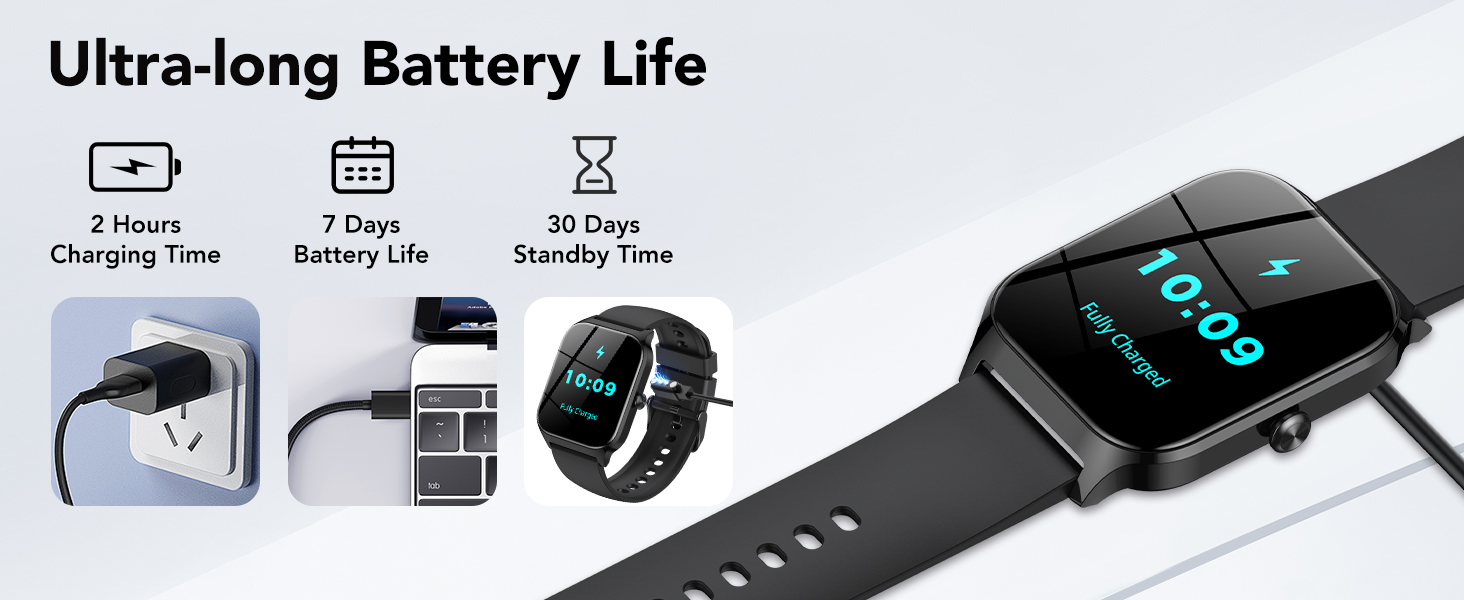
Image: Visual representation of the CASCHO P125 Smart Watch package contents, including the smartwatch, charging cable, and user manual.
Video: Unboxing the CASCHO P125 Smart Watch, showing the smartwatch, magnetic charging cable, and user guide.
3. Setup Guide
3.1 Charging the Smart Watch
Before initial use, fully charge your CASCHO P125 Smart Watch. Connect the magnetic charging cable to the charging points on the back of the watch and plug the USB end into a power adapter (not included) or a computer's USB port. A full charge typically takes approximately 2 hours.
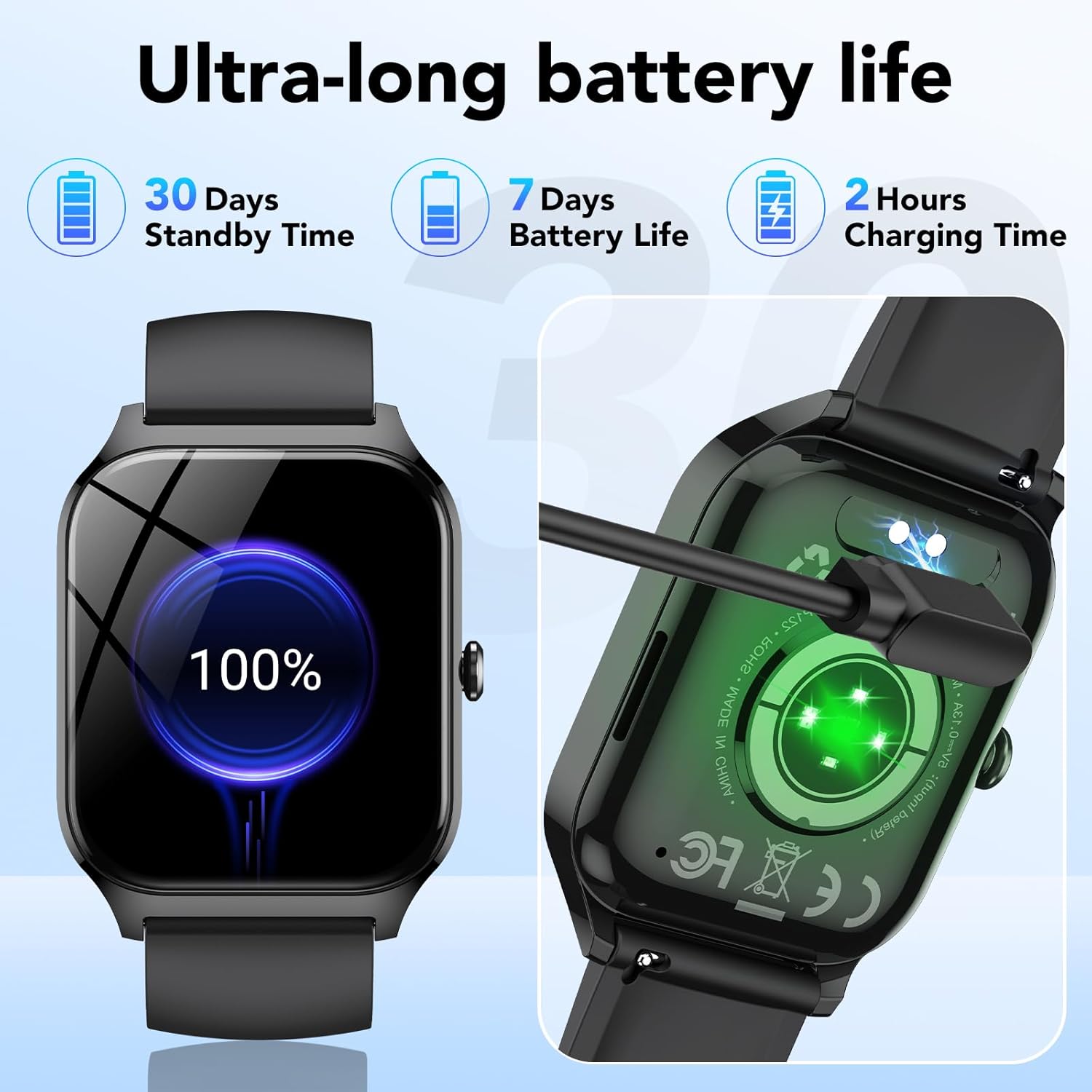
Image: The CASCHO P125 Smart Watch connected to its magnetic charging cable, showing the charging interface.
3.2 App Installation and Pairing
To unlock the full functionality of your smart watch, download and install the Da Fit application on your smartphone.
- Enable Bluetooth: Turn on the Bluetooth function on your smartphone.
- Download Da Fit App: Search for "Da Fit" in the Google Play Store (for Android) or the Apple App Store (for iOS), or scan the QR code provided in the physical user manual.
- Open App and Pair: Open the Da Fit app, navigate to the 'Add Device' section, and select 'P125' from the list of available devices to bind it.
Note: The Da Fit app is free to download and use. No subscription or payment is required for basic functionality.

Image: Step-by-step guide for enabling Bluetooth, downloading the Da Fit app, and pairing the P125 Smart Watch.
4. Operating Instructions
4.1 Basic Navigation
- Swipe Up/Down: Access quick settings or notifications.
- Swipe Left/Right: Navigate through widgets and main functions.
- Press Side Button: Return to the home screen or power on/off.
- Tap: Select an item or confirm an action.
4.2 Customizing Watch Faces
The CASCHO P125 offers over 200 watch face options through the Da Fit app. You can also personalize your watch face using your own photos.

Image: The CASCHO P125 Smart Watch displaying a variety of colorful and customizable watch faces.
4.3 Bluetooth Calls and Notifications
Once paired with your smartphone, the watch supports Bluetooth 5.3 for calls and notifications.
- Making/Receiving Calls: Use the watch to dial numbers, answer incoming calls, and view call history directly from your wrist.
- Smart Notifications: Receive real-time alerts for messages, emails, and social media apps (e.g., Facebook, WhatsApp, Instagram, Twitter) directly on your watch screen.
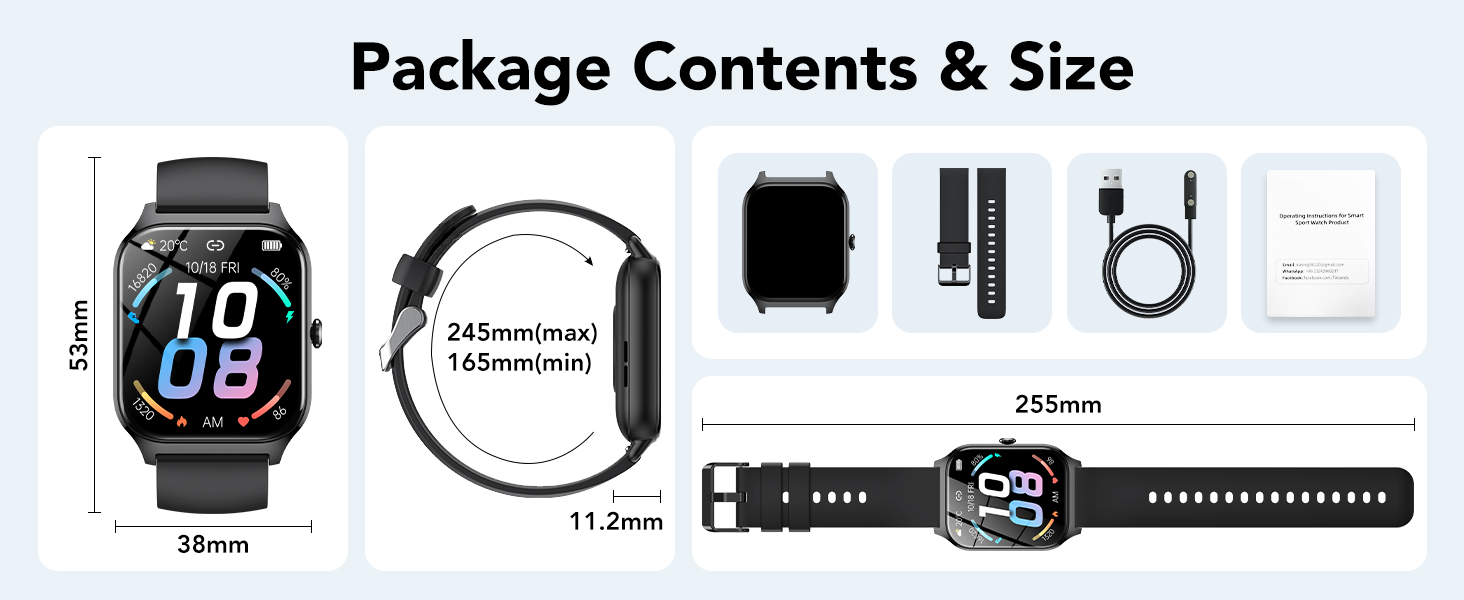
Image: The CASCHO P125 Smart Watch displaying call features like contact list, dialpad, and call history.

Image: The CASCHO P125 Smart Watch showing various social media and messaging app icons for smart notifications.
4.4 Health Tracking
The watch provides continuous health monitoring:
- Heart Rate Monitoring: Tracks your heart rate 24/7.
- Blood Oxygen (SpO2) Monitoring: Measures your blood oxygen levels.
- Sleep Monitor: Analyzes your sleep patterns, including awake, light sleep, and deep sleep stages.
- Women's Health Tracking: Helps track menstrual regularity, period prediction, and ovulation.
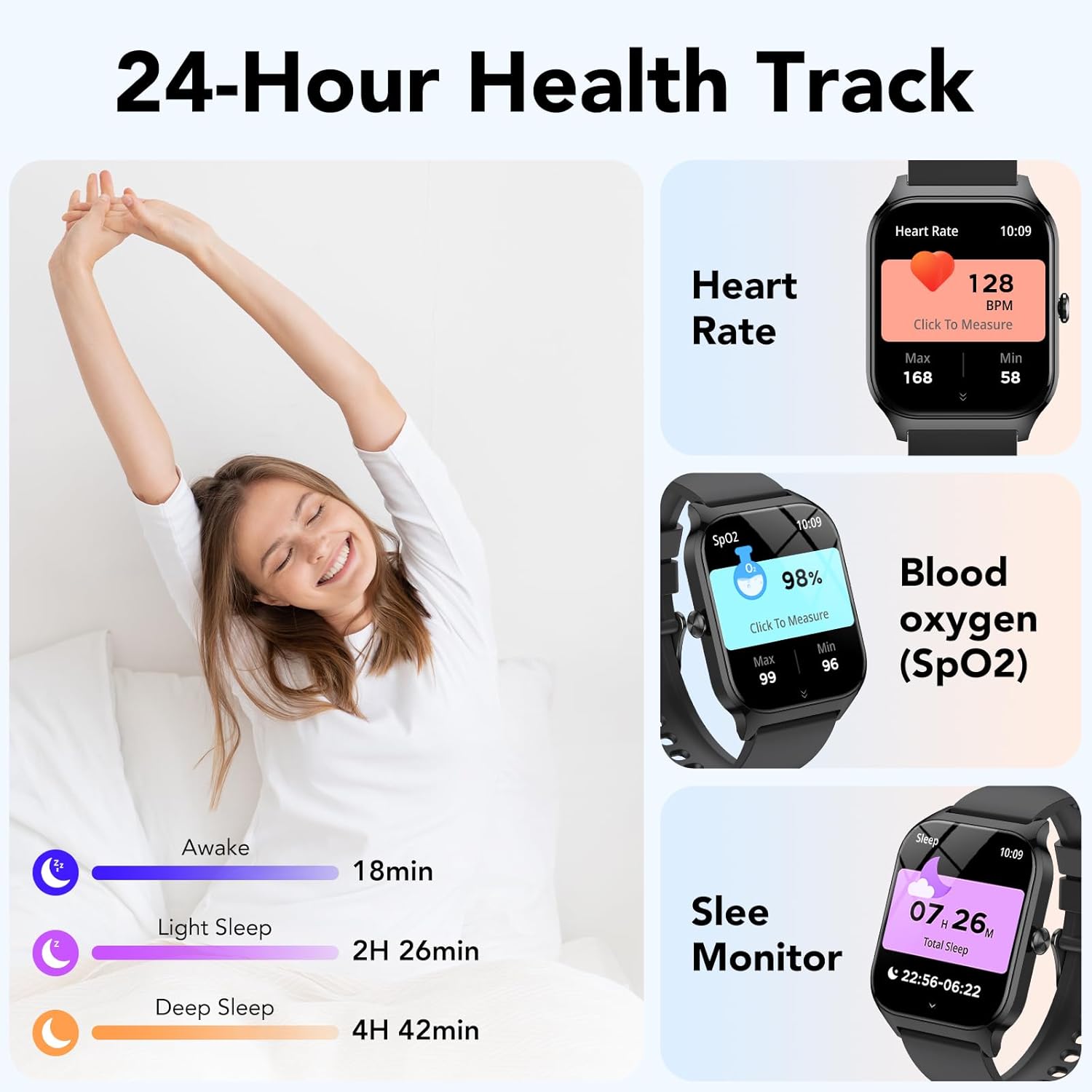
Image: The CASCHO P125 Smart Watch showing screens for heart rate, blood oxygen (SpO2), and sleep monitoring.
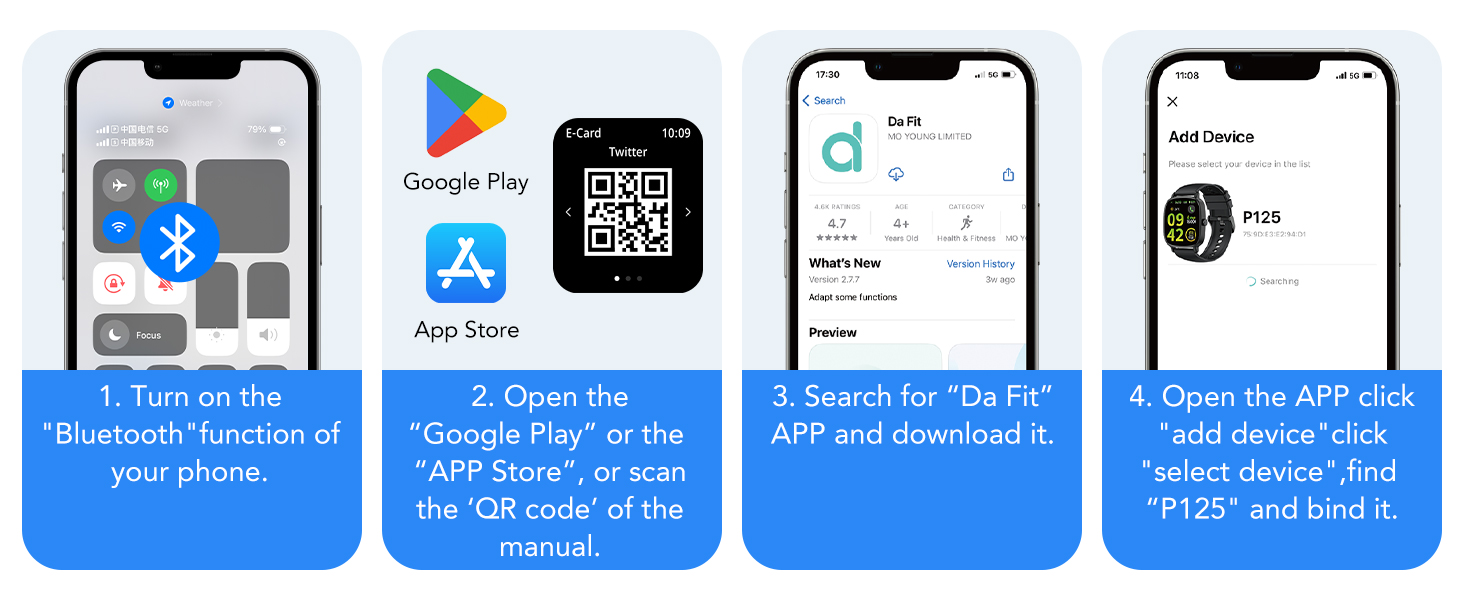
Image: The CASCHO P125 Smart Watch interface showing women's health tracking, including menstruation, prediction, and ovulation.
4.5 Sports Modes and Activity Tracking
The watch supports over 115 sports modes and provides all-day activity recording.
- Activity Recording: Tracks steps, heart rate, calories burned, and distance covered.
- Workout Modes: Select from various activities like outdoor running, cycling, skipping, swimming, walking, basketball, football, and baseball for accurate tracking.
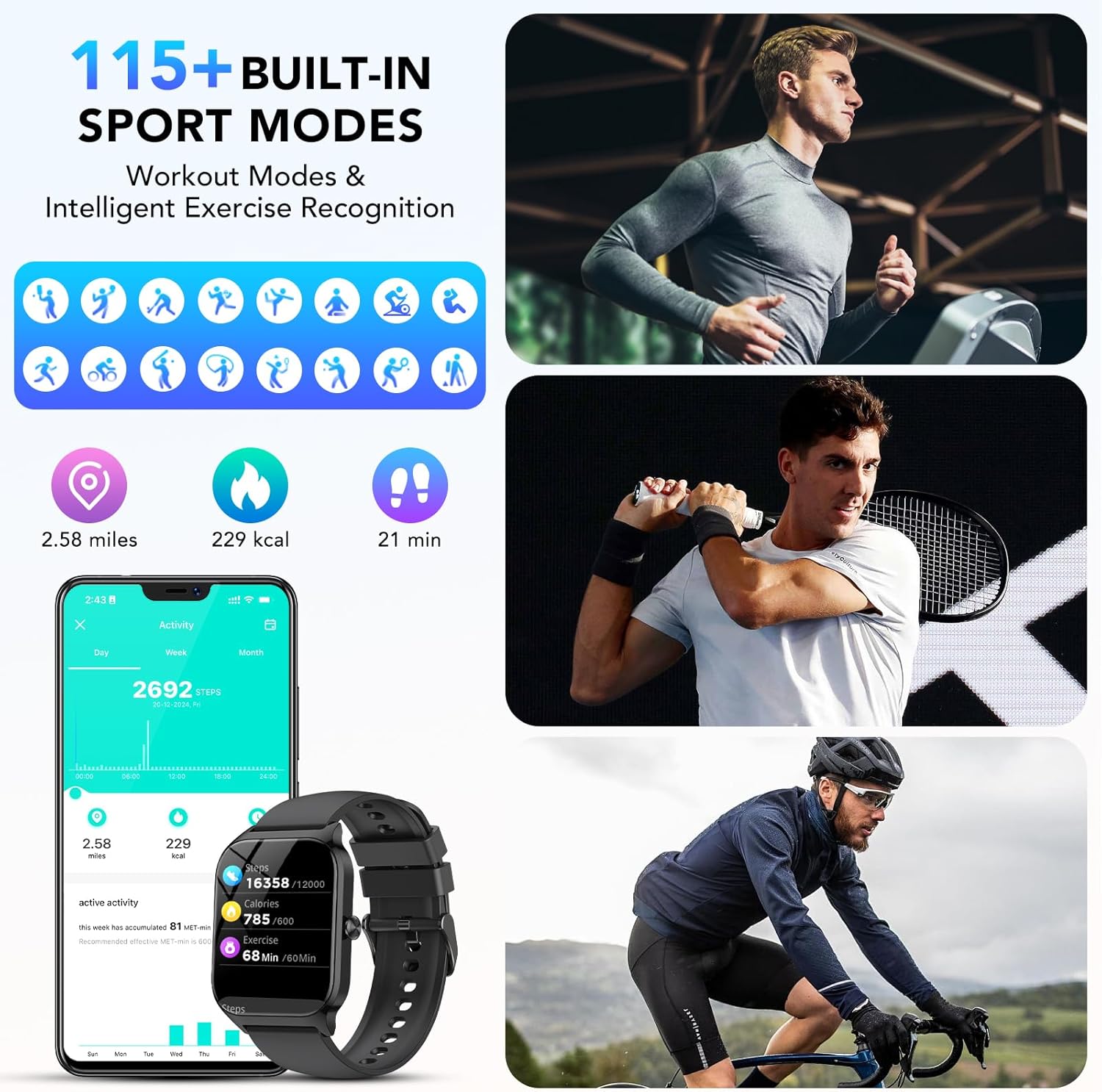
Image: The CASCHO P125 Smart Watch showing a selection of 115+ built-in sport modes, including running, cycling, skipping, and swimming.
4.6 Additional Functions
The CASCHO P125 Smart Watch includes several other useful features:
- AI Voice Control: Interact with your watch using voice commands.
- Music Control: Manage music playback on your connected phone.
- Camera Control: Use your watch as a remote shutter for your phone's camera.
- Weather Report: Get real-time weather updates.
- Sedentary Reminder: Prompts you to move after periods of inactivity.
- Find Phone: Locate your misplaced phone.
- Alarm Clock, Timer, Calculator, Breathing Exercises.
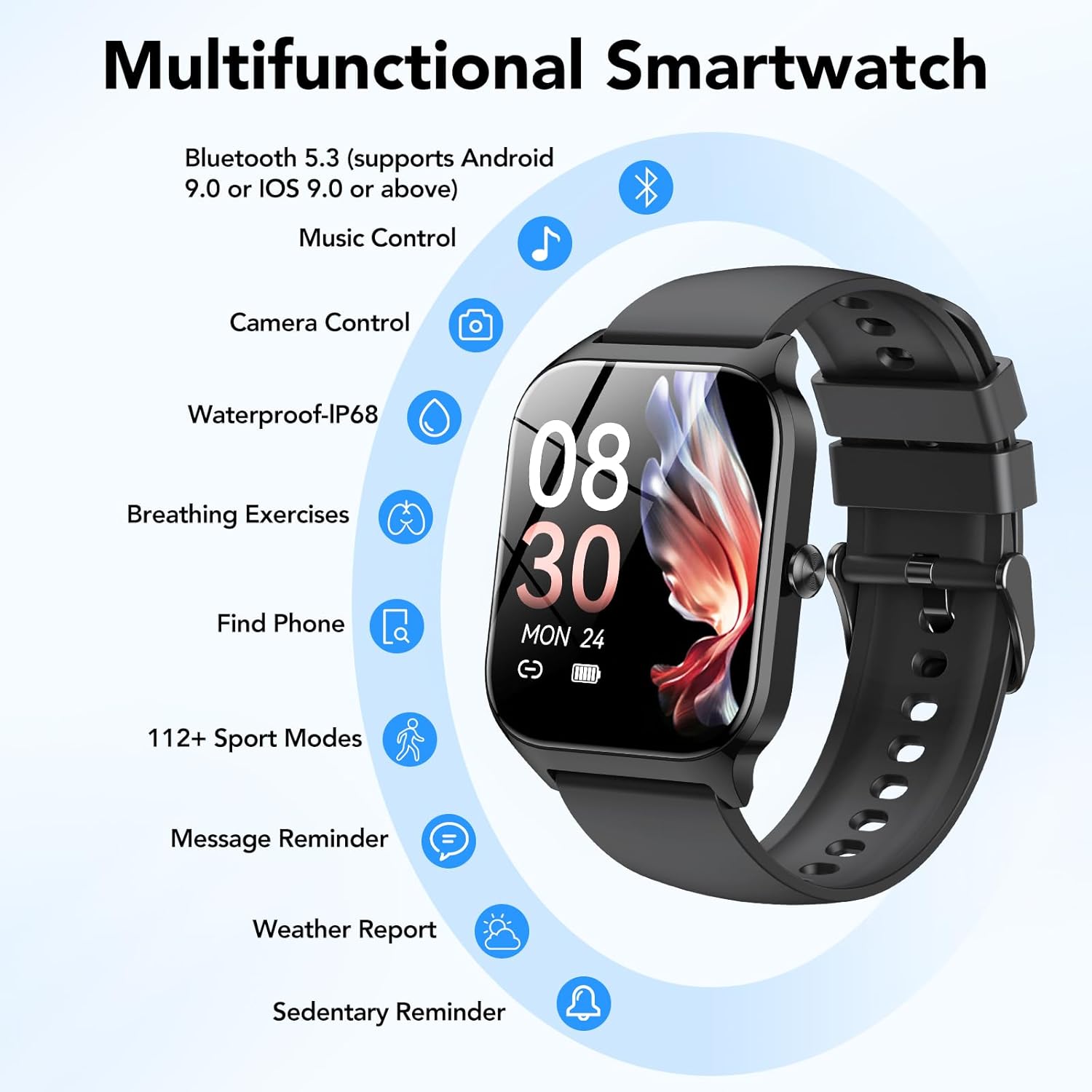
Image: The CASCHO P125 Smart Watch showcasing its multifunctional capabilities, including Bluetooth, music control, camera control, IP68 waterproof, breathing exercises, find phone, sports modes, message reminder, weather report, and sedentary reminder.
5. Maintenance
5.1 Water Resistance
The CASCHO P125 Smart Watch has an IP68 waterproof rating, meaning it is resistant to dust and can withstand immersion in water up to 1.5 meters for up to 30 minutes. It is suitable for daily use, hand washing, and light rain. However, it is not recommended for hot showers, saunas, or diving, as steam and hot water can compromise the seal.
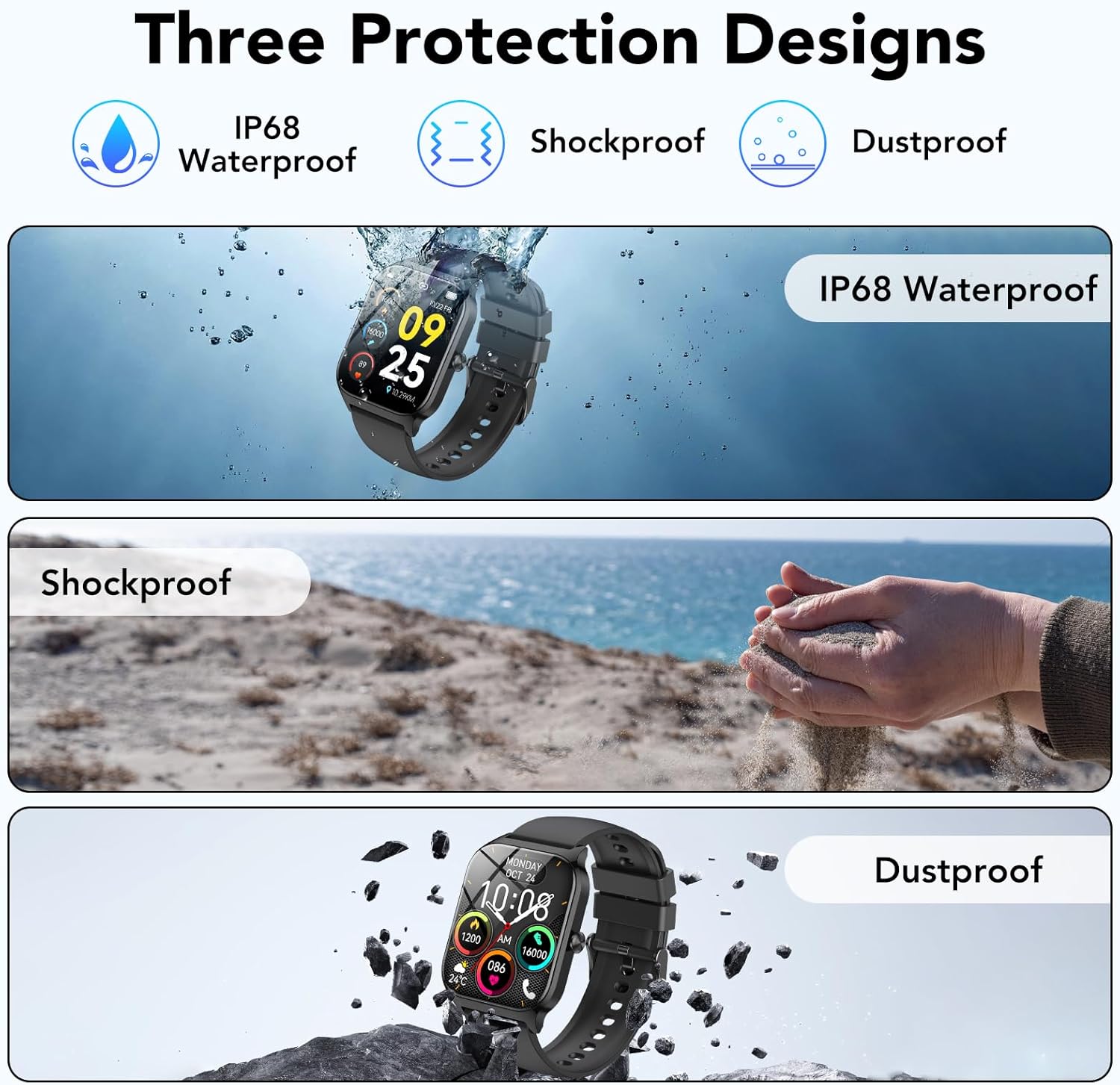
Image: The CASCHO P125 Smart Watch being splashed with water, illustrating its IP68 waterproof capability.
5.2 Cleaning and Care
- Wipe the watch and strap regularly with a soft, dry cloth.
- Avoid using harsh chemicals or abrasive materials.
- Ensure the charging contacts are clean and dry before charging.
5.3 Battery Care
To prolong battery life, avoid extreme temperatures and fully charge the device before long periods of inactivity. The watch offers up to 7 days of typical use and 30 days of standby time on a single charge.
6. Troubleshooting
- Watch not turning on: Ensure the watch is fully charged. Connect it to the magnetic charger for at least 10 minutes.
- Cannot pair with phone:
- Ensure Bluetooth is enabled on your phone.
- Make sure the watch is within range of your phone.
- Restart both your phone and the watch.
- Check if the Da Fit app has necessary permissions enabled on your phone.
- Inaccurate step tracking: Ensure the watch is worn snugly on your wrist. Calibrate step tracking within the Da Fit app if available.
- Cannot change gender setting in app: If you encounter issues changing personal settings like gender, try reinstalling the Da Fit app or checking for app updates. If the issue persists, contact customer support.
- Notifications not appearing:
- Verify that notification permissions are granted to the Da Fit app in your phone's settings.
- Ensure the app is running in the background and not being closed by battery optimization settings.
- Check notification settings within the Da Fit app for specific applications.
- Charging cable not staying connected: Ensure the magnetic pins on the charging cable and the watch are clean and free of debris. The magnetic connection should be firm. If the pins are damaged or the connection is consistently loose, the charging cable may need replacement.
7. Specifications
| Feature | Specification |
|---|---|
| Model Number | P125 |
| Screen Size | 1.85 Inches |
| Connectivity Technology | Bluetooth 5.3 |
| Operating System | Android Wear 1.0 (Compatible with Android 5.0+ / iOS 9.0+) |
| Battery Capacity | 300 mAh (approx. 299.99 Amp Hours) |
| Battery Life | Up to 7 days (typical use) |
| Standby Time | Up to 30 days |
| Charging Time | Approx. 2 hours |
| Water Resistance | IP68 |
| Item Weight | 3.2 ounces |
| GPS | Built-in GPS |
8. Warranty and Support
8.1 Warranty Information
Your CASCHO P125 Smart Watch typically includes a 2-year warranty. To activate your warranty, please follow the instructions provided in the physical user guide, which may involve scanning a QR code or visiting a specific website within 14 days of purchase.
8.2 Customer Support
For further assistance, technical support, or warranty claims, please refer to the contact information provided in your product packaging or visit the official CASCHO support website.


