1. Introduction
The AWANFI GL-528 Walkie Talkies are designed for reliable and clear communication, suitable for various activities such as camping, hiking, and general outdoor use. Featuring a built-in rechargeable battery, multiple channels, and user-friendly controls, these two-way radios ensure you stay connected.
2. Package Contents
- AWANFI GL-528 Walkie Talkies (4 units)
- 1000mAh Li-ion Batteries (4 units, built-in)
- USB-C Charging Cables (2 units)
- Lanyards (4 units)
- Belt Clips (4 units)
- User Manual (1 unit)
3. Product Overview
Familiarize yourself with the components of your AWANFI GL-528 Walkie Talkie:

- Antenna: For transmitting and receiving signals.
- LCD Display: Shows channel, battery status, and other indicators.
- Push to Talk (PTT) Button: Press and hold to transmit your voice.
- Volume/Menu Up/Down Buttons: Adjust volume or navigate menu options.
- Call Tone/Lock Button: Send a call tone or lock/unlock the keypad.
- Microphone: For speaking into the device.
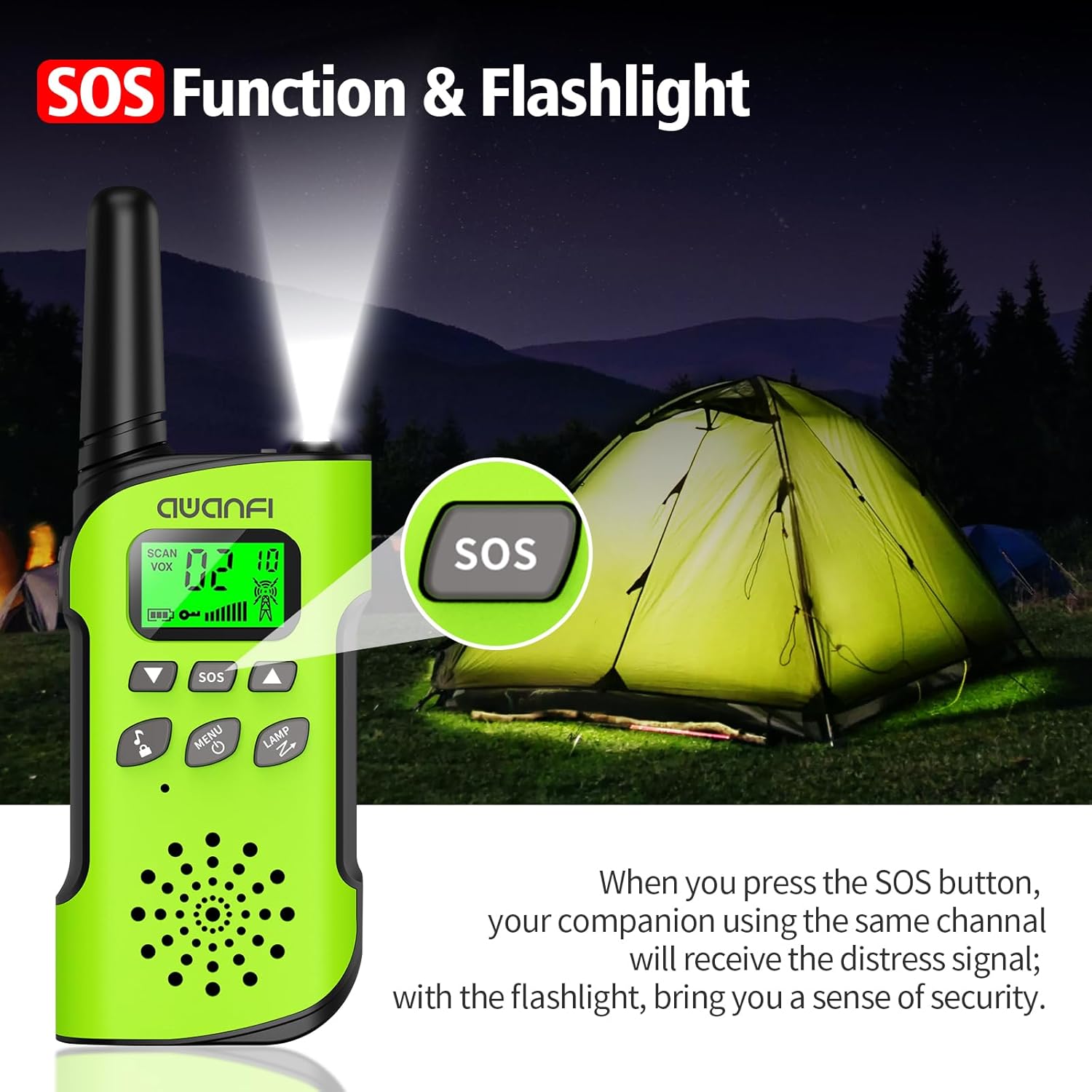
- SOS Button: Activates the SOS alert function.
- Flashlight/Scan Button: Turns on the flashlight or initiates channel scanning.
- Power/Menu Button: Long press to power on/off, short press to access menu.
- Speaker: For hearing incoming transmissions.
- Type-C Charging Port: For recharging the built-in battery.
- Flashlight: Integrated LED light for illumination.
4. Setup
4.1 Battery Installation and Charging
The AWANFI GL-528 Walkie Talkies come with built-in 1000mAh Li-ion rechargeable batteries. Before first use, ensure the batteries are fully charged.


To charge the walkie talkie:
- Connect the provided USB-C charging cable to the Type-C charging port on the walkie talkie.
- Plug the other end of the USB-C cable into a compatible USB power adapter (not included) or a computer USB port.
- The battery indicator on the LCD display will show charging status. A full charge typically provides 24 hours of talk time and 2 days of standby.
4.2 Attaching Belt Clip and Lanyard
The walkie talkies come with belt clips and lanyards for convenient carrying.
- For Lanyard: Insert the thin loop of the lanyard through the small hole at the top of the walkie talkie, near the antenna. Thread the rest of the lanyard through the loop and pull to secure.
- For Belt Clip: Align the belt clip with the grooves on the back of the walkie talkie and push it down firmly until it clicks into place.
5. Operating Instructions
5.1 Power On/Off
- To Power On: Long press the Power/Menu button (usually labeled with a power icon) until the LCD screen illuminates.
- To Power Off: Long press the Power/Menu button again until the LCD screen turns off.
5.2 Channel Selection
The AWANFI GL-528 features 22 main channels and 121 sub-channels (CTCSS/DCS codes) for secure communication. All walkie talkies must be set to the same main channel and sub-code to communicate.
- Select Main Channel: Short press the Menu button. The channel number on the LCD will flash. Use the Up or Down arrow buttons to select your desired main channel (1-22). Short press Menu again to confirm.
- Select Sub-Channel (CTCSS/DCS): After confirming the main channel, the walkie talkie will move to the sub-channel setting. Use the Up or Down arrow buttons to select your desired sub-channel (0-121). Press the PTT button to confirm and exit the menu.
5.3 Push-to-Talk (PTT)
To communicate, press and hold the PTT button on the side of the walkie talkie. Speak clearly into the microphone. Release the PTT button to listen for a response.
5.4 Volume Adjustment
Use the Volume Up (▲) and Volume Down (▼) buttons to adjust the listening volume. These are typically the same buttons used for menu navigation when not in menu mode.
5.5 VOX Function (Voice-Activated Transmission)
The VOX function allows for hands-free communication. When activated, the walkie talkie will automatically transmit when it detects your voice.
To activate/adjust VOX:
- Short press the Menu button repeatedly until the VOX setting appears on the LCD.
- Use the Up or Down arrow buttons to select the desired sensitivity level (1-3, or OFF to disable).
- Press PTT to confirm and exit.
5.6 Flashlight
The walkie talkie includes an integrated LED flashlight.
To turn the flashlight on/off, short press the LAMP button (often combined with the Scan button).
5.7 SOS Function
In case of emergency, the SOS function can be activated to alert other users on the same channel.
To activate the SOS function, press the dedicated SOS button. This will send out a distress signal to other walkie talkies on the same channel.
5.8 Key Lock
The key lock feature prevents accidental changes to settings.
- To Lock: Long press the Call Tone/Lock button (usually labeled with a lock icon). A lock icon will appear on the LCD.
- To Unlock: Long press the Call Tone/Lock button again. The lock icon will disappear.
6. Maintenance
To ensure the longevity and optimal performance of your AWANFI GL-528 Walkie Talkies, follow these maintenance guidelines:
- Keep the device dry. Avoid exposure to rain, moisture, or liquids.
- Clean the device with a soft, damp cloth. Do not use harsh chemicals or abrasive cleaners.
- Avoid extreme temperatures. Do not store in very hot or cold environments.
- Do not attempt to disassemble the walkie talkie. This will void the warranty and may cause damage.
7. Troubleshooting Guide
If you encounter any issues with your walkie talkie, refer to the following troubleshooting guide:
| Phenomena | Analysis | Solution |
|---|---|---|
| You cannot turn on the radio. | The battery may be installed improperly. The battery power may run out. The battery may suffer from poor contact caused by dirty or damaged battery contacts. | Remove and reattach the battery. Recharge or replace the battery. Clean the battery contacts or replace the battery. |
| During receiving, the voice is weak or intermittent. | The battery voltage may be low. The volume level may be low. The antenna maybe loose or maybe installed incorrectly. | Recharge or replace the battery. Increase the volume. Turn off the radio, and then remove and reattach the antenna. |
| You cannot communicate with other group members. | The speaker maybe blocked. The frequency or signaling type maybe inconsistent with that of other members. You may be interrupted by radios using the same frequency. | Clean the surface of the speaker. Verify that your TX/RX frequency and signaling type are correct. Move towards other members. |
| You hear unknown voices or noise. | The radio in analog mode maybe set with no signaling. You may be too far away from other members. | Request your dealer to set signaling for the current channel to avoid interference. Move towards other members. |
| You are unable to hear anyone because of too much noise and hiss. | You may be in an unfavorable position. For example, your communication may be blocked by high buildings or blocked in an underground area. It may be the result of external disturbance (such as electromagnetic interference). | Move to an open and flat area, restart the radio, and try again. Stay away from equipment that may cause interference. |
| The radio keeps transmitting. | VOX may be turned on or the headset is not installed in place. | Turn off the VOX function. Check that the headphones are in place. |
Note: If the above solutions cannot fix your problems, or you may have some other queries, please contact your dealer for more technical support.
8. Specifications
- Brand: AWANFI
- Model: GL-528
- Tuner Technology: UHF
- Number of Items: 4
- Battery Average Life: 24 Hours (talk time)
- Battery Type: 1000mAh Li-ion (built-in)
- Number of Channels: 22
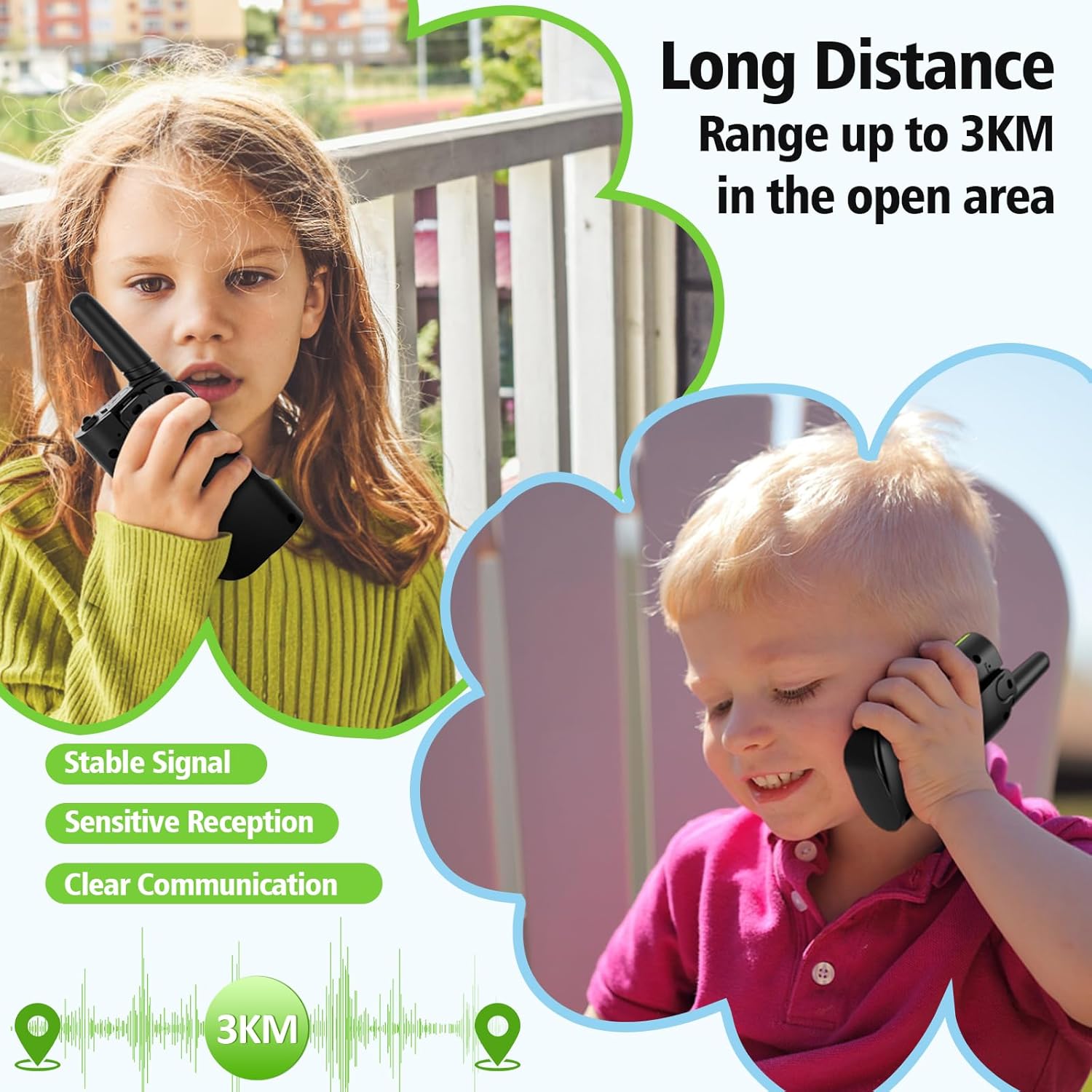
- Talking Range Maximum: Up to 3 Kilometers (in open areas)
- Water Resistance Level: Not Water Resistant
- Special Features: 4 Pack, Integrated Flashlight, Keypad Lock, Long Range, Rechargeable
- Manufacturer: Shenzhen Geling Technology Co., Ltd.
9. Warranty and Support
For warranty information or technical support, please contact the manufacturer, Shenzhen Geling Technology Co., Ltd., or your product retailer. Keep your purchase receipt for any warranty claims.


