
1. Introduction
This manual provides instructions for the assembly, operation, maintenance, and troubleshooting of your DEVAISE AHDG104ZX 3-Drawer File Cabinet with Charging Station. Please read this manual thoroughly before assembly and use to ensure safe and efficient operation.
The DEVAISE AHDG104ZX is a versatile wood lateral filing cabinet designed for home office environments. It features three drawers, an open shelf, a built-in charging station, and lockable rolling casters for mobility and secure storage.
2. Safety Information
WARNING: Failure to follow these safety instructions may result in injury or damage to the product.
- Always use both hands when moving the cabinet to prevent tipping.
- Keep fingers away from drawers and lock mechanism to avoid injury.
- Do not overload the cabinet beyond its weight limit of 140 lbs (63.5 kg).
- Use caution when plugging in and unplugging devices from the charging station to prevent electrical shock.
- Ensure all casters are locked when the cabinet is in a stationary position to prevent unintended movement.
- Do not allow children to climb on or play with the cabinet.
3. Package Contents
Before beginning assembly, ensure all parts and hardware are present. Refer to the included assembly instructions for a detailed list of components. If any parts are missing or damaged, contact customer support.
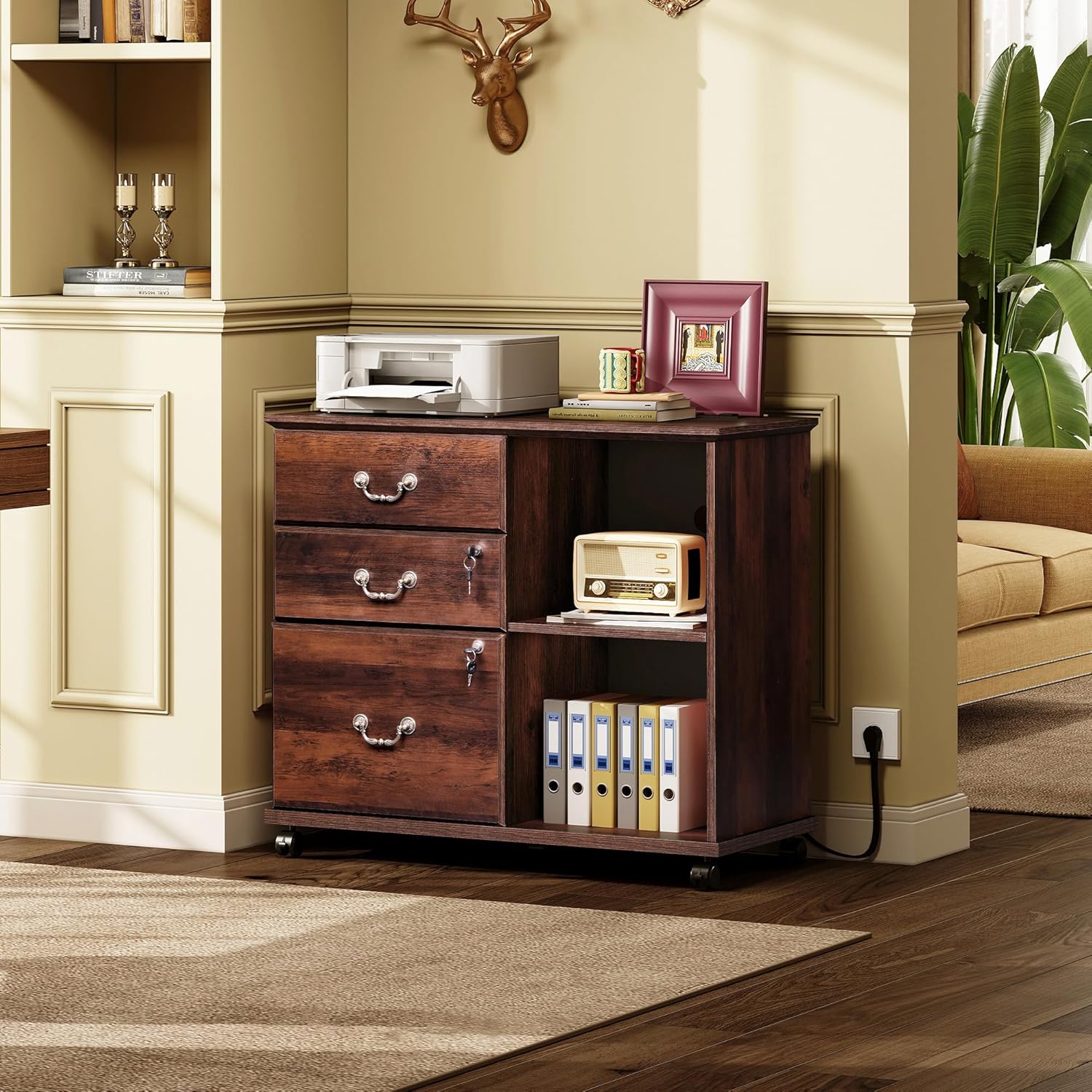
Image: The DEVAISE 3-Drawer File Cabinet with Charging Station in a home office setting, showcasing its design and functionality.
4. Assembly Instructions
Assembly is required for this product. It is recommended to have at least two people for assembly. An electric screwdriver can save time and effort. Follow the step-by-step instructions provided in the separate assembly manual included with your product. Ensure all cam locks and screws are tightened securely but do not overtighten.
Estimated Assembly Time: 2-4 hours (may vary based on experience).
Assembly Tips:
- Organize all hardware by type and label them to avoid confusion.
- Place all parts on a soft, clean surface to prevent scratches during assembly.
- Ensure drawer slides are correctly oriented before attaching them.
- For smoother drawer operation, apply a small amount of lubricant to the ball bearings of the drawer slides before installation.

Image: Detailed product dimensions and individual drawer weight capacities for the DEVAISE file cabinet.
5. Operating Instructions
5.1 Using the Drawers
The cabinet features three drawers. The bottom drawer is designed for filing documents and includes adjustable rails for Letter, Legal, and A4 size documents. The top two drawers are suitable for general office supplies.
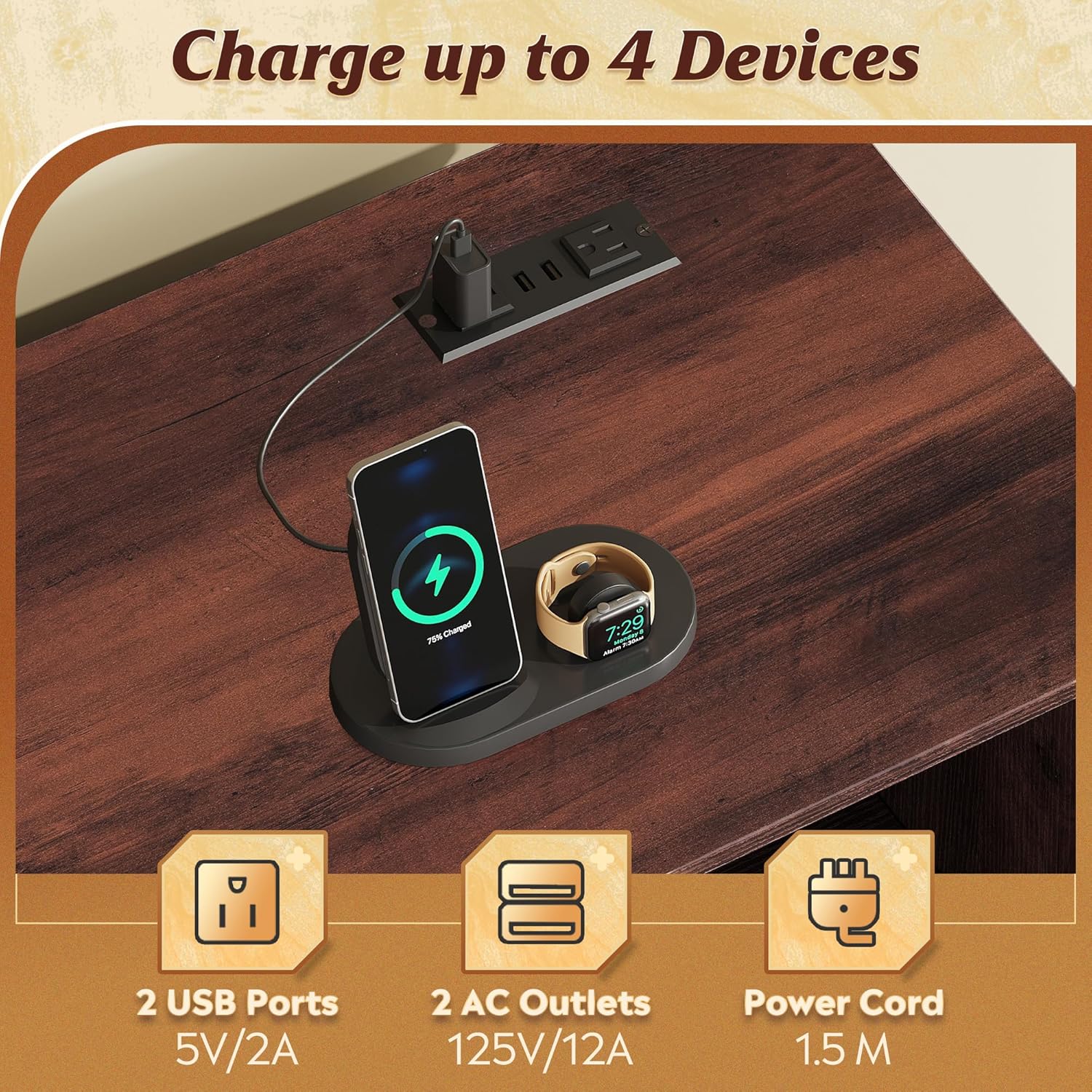
Image: The file cabinet demonstrating its versatile storage capabilities, including drawers for files and open shelves for other items.

Image: A close-up view of the bottom drawer, illustrating its full extension capability and adjustable rails for hanging files.
5.2 Locking Mechanism
The cabinet is equipped with a safety lock to secure your personal items. The lock mechanism is designed to secure the drawers. Insert the key and turn to lock or unlock the drawers.

Image: A detailed view of the lockable drawers and the 360-degree swivel casters, highlighting the locking feature on the wheels.
5.3 Charging Station
The built-in charging station includes 2 AC outlets (125V/12A) and 2 USB ports (5V/2A). This allows for convenient charging of printers, phones, tablets, and other office devices directly from the cabinet's top surface.

Image: A close-up of the integrated charging station on the cabinet's top, showing two USB ports and two AC outlets in use.
5.4 Mobility and Stability
The cabinet is equipped with 5 casters for easy movement, two of which are lockable. To move the cabinet, unlock the casters. To keep the cabinet stationary, engage the locks on the two lockable casters.


