
Panasonic MX-HG4401KXE
Panasonic MX-HG4401KXE Blender and Soup Maker Instruction Manual
Model: MX-HG4401KXE
Brand: Panasonic
1. Important Safety Instructions
Please read all instructions carefully before using your Panasonic MX-HG4401KXE Blender and Soup Maker. Keep this manual for future reference.
- Always ensure the appliance is unplugged before assembly, disassembly, or cleaning.
- Do not immerse the motor base in water or any other liquid. Clean with a damp cloth only.
- Keep hands and utensils out of the container while blending to reduce the risk of severe injury to persons or damage to the blender. A scraper may be used but only when the blender is not running.
- Blades are sharp. Handle with care when cleaning or assembling.
- Do not operate any appliance with a damaged cord or plug, or after the appliance malfunctions or has been dropped or damaged in any manner.
- Do not use outdoors.
- Do not let the cord hang over the edge of a table or counter, or touch hot surfaces.
- Always operate the blender with the lid securely in place.
- Exercise extreme caution when pouring hot liquids into the blender as sudden steam can cause burns.
2. Product Overview
The Panasonic MX-HG4401KXE is a versatile appliance designed for both blending and cooking, allowing you to prepare a wide range of hot and cold recipes.

Figure 2.1: Main view of the Panasonic MX-HG4401KXE Blender and Soup Maker in black and rose gold.
Key Components:
- Motor Base: Houses the powerful 800W motor and control panel.
- Glass Jug (1.2L capacity): Durable glass container for blending and cooking.
- 6-Blade Assembly: Precision blades designed for efficient blending of various ingredients.
- Lid with Measuring Cap: Secure lid to prevent spills, with a removable cap for adding ingredients during operation.
- Noise Reduction Cover: External cover to minimize operational noise.
Main Features:
- Hot and Cold Preparation: Capable of making hot soups, purees, and jams, as well as cold smoothies and iced drinks.
- 9 Automatic Programs: Pre-set modes for various recipes, including smooth soup, chunky soup, smoothies, fruit puree, baby warm puree, sauce, nut drink, jam, and iced drinks.
- 10 Speed Settings: Manual control for precise blending consistency.
- Adjustable Temperature (40-100°C): For customized cooking.
- 12-Hour Timer: Schedule your cooking in advance.
- 4-Hour Keep Warm Function: Maintains the temperature of hot preparations.
- One-Touch Automatic Cleaning: Simplifies post-use cleanup.
- Quiet Operation: Designed with a noise reduction cover for a quieter experience.

Figure 2.2: Overview of key features: hot and cold preparation, 10 power levels, 1.2L capacity, 6 times quieter with cover, automatic cleaning, 9 automatic programs, and access to the Panasonic Kitchen+ app.
3. Setup
Follow these steps to set up your blender and soup maker for first use:
- Unpack: Carefully remove all components from the packaging. Retain packaging for storage or transport.
- Clean: Wash the glass jug, lid, and blade assembly with warm, soapy water. Rinse thoroughly and dry. Wipe the motor base with a damp cloth.
- Assemble: Place the motor base on a stable, flat, and dry surface. Insert the blade assembly into the glass jug. Place the glass jug onto the motor base, ensuring it is securely seated. Place the lid firmly on the jug.
- Connect: Plug the power cord into a grounded electrical outlet.
4. Operating Instructions
Your Panasonic MX-HG4401KXE offers both automatic programs and manual control for diverse culinary needs.
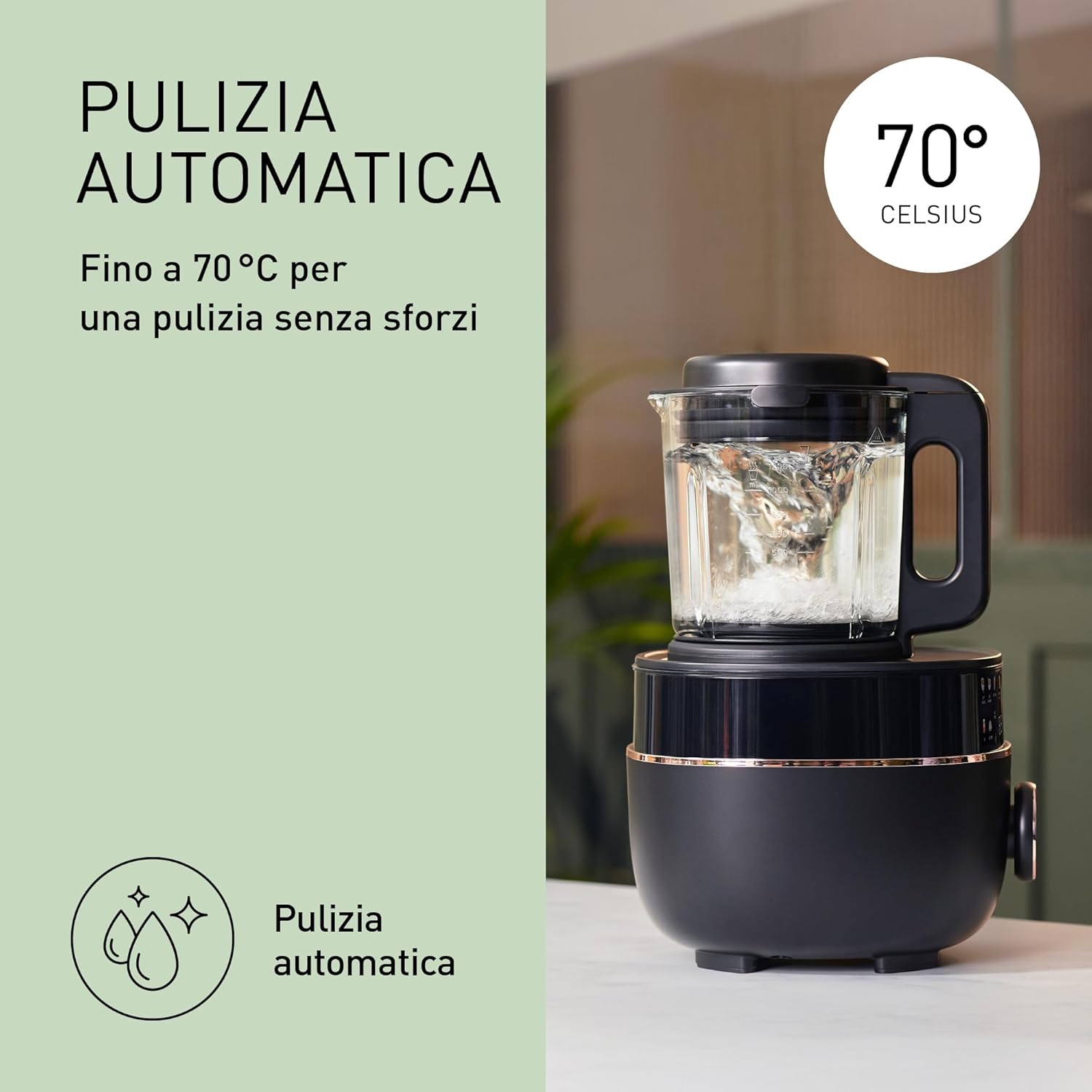
Figure 4.1: Control panel displaying icons for various hot and cold programs, including smooth soup, chunky soup, smoothie, frozen drink, fruit puree, baby warm puree, sauce, nut drink, and jam.
Using Automatic Programs:
- Add your ingredients to the glass jug. Ensure ingredients do not exceed the maximum fill line for hot or cold preparations.
- Secure the lid and noise reduction cover.
- Select the desired automatic program from the control panel. The appliance will automatically adjust blending speed and temperature (for hot programs).
- Press the Start button. The program will run its course and automatically stop when complete.

Figure 4.2: The blender preparing soup, illustrating the 40-100°C cooking temperature range, up to 12-hour programmed start, and up to 4-hour Keep Warm function.
Manual Mode:
For custom blending and cooking, use the manual mode:
- Add ingredients to the jug and secure the lid.
- Select 'Manual' on the control panel.
- Adjust the blending speed (1-10) using the controls.
- For hot preparations, set the desired temperature between 40°C and 100°C.
- Press Start to begin. Monitor the process and press Stop when desired consistency or temperature is reached.
Timer and Keep Warm Functions:
- Timer: Use the timer function to delay the start of a program by up to 12 hours. This is ideal for preparing meals in advance.
- Keep Warm: After a hot program finishes, the appliance can automatically switch to a 4-hour Keep Warm mode, maintaining your food at an optimal serving temperature.

Figure 4.3: Preparation of fresh, homemade nut milk using the blender, highlighting its versatility.
5. Maintenance and Cleaning
Regular cleaning ensures optimal performance and longevity of your appliance.
Automatic Cleaning Program:
The Panasonic MX-HG4401KXE features a convenient one-touch automatic cleaning program:
- After use, rinse the jug to remove large food particles.
- Fill the jug with warm water up to the 'Clean' mark and add a small amount of dish soap.
- Secure the lid and noise reduction cover.
- Select the 'Clean' program on the control panel and press Start. The program combines pulse blending with hot water (up to 70°C) for effective cleaning.
- Once the program finishes, empty the jug, rinse thoroughly, and dry.

Figure 5.1: The automatic cleaning function in action, showing water swirling at 70°C for effortless cleaning.
Manual Cleaning:
- For stubborn residues, carefully remove the blade assembly from the jug.
- Wash the jug, lid, and blade assembly by hand with warm, soapy water and a non-abrasive brush.
- Wipe the motor base with a damp cloth. Never immerse the motor base in water.
- Ensure all parts are completely dry before reassembling or storing.
6. Troubleshooting
If you encounter any issues with your appliance, refer to the following common problems and solutions:
| Problem | Possible Cause | Solution |
|---|---|---|
| Appliance does not turn on. | Not plugged in; power outage; jug or lid not correctly assembled. | Check power connection; ensure jug and lid are securely locked in place. |
| Ingredients are not blending smoothly. | Too little liquid; too many ingredients; ingredients are too large. | Add more liquid; reduce ingredient quantity; cut ingredients into smaller pieces. Use a higher speed setting or pulse function. |
| Burning smell during operation. | Overloading the motor; prolonged continuous operation. | Unplug the appliance and let it cool down. Reduce ingredient quantity. Do not operate for extended periods. |
| Loud noise during operation. | Hard ingredients; improper assembly of jug or lid. | Ensure jug and lid are correctly assembled. The noise reduction cover helps. |
If the problem persists after trying these solutions, please contact Panasonic customer support.
7. Specifications
- Brand: Panasonic
- Model: MX-HG4401KXE
- Color: Black and Rose Gold
- Product Dimensions: 20.6D x 39.9W x 24.7H cm (approx. 31 x 31 x 3151 cm as per some listings, refer to actual product for precise measurements)
- Capacity: 1.2 Liters
- Number of Speeds: 10
- Power: 800W
- Special Features: Advanced automatic modes, Timer, Keep warm, Automatic cleaning
- Item Weight: 5 Kilograms
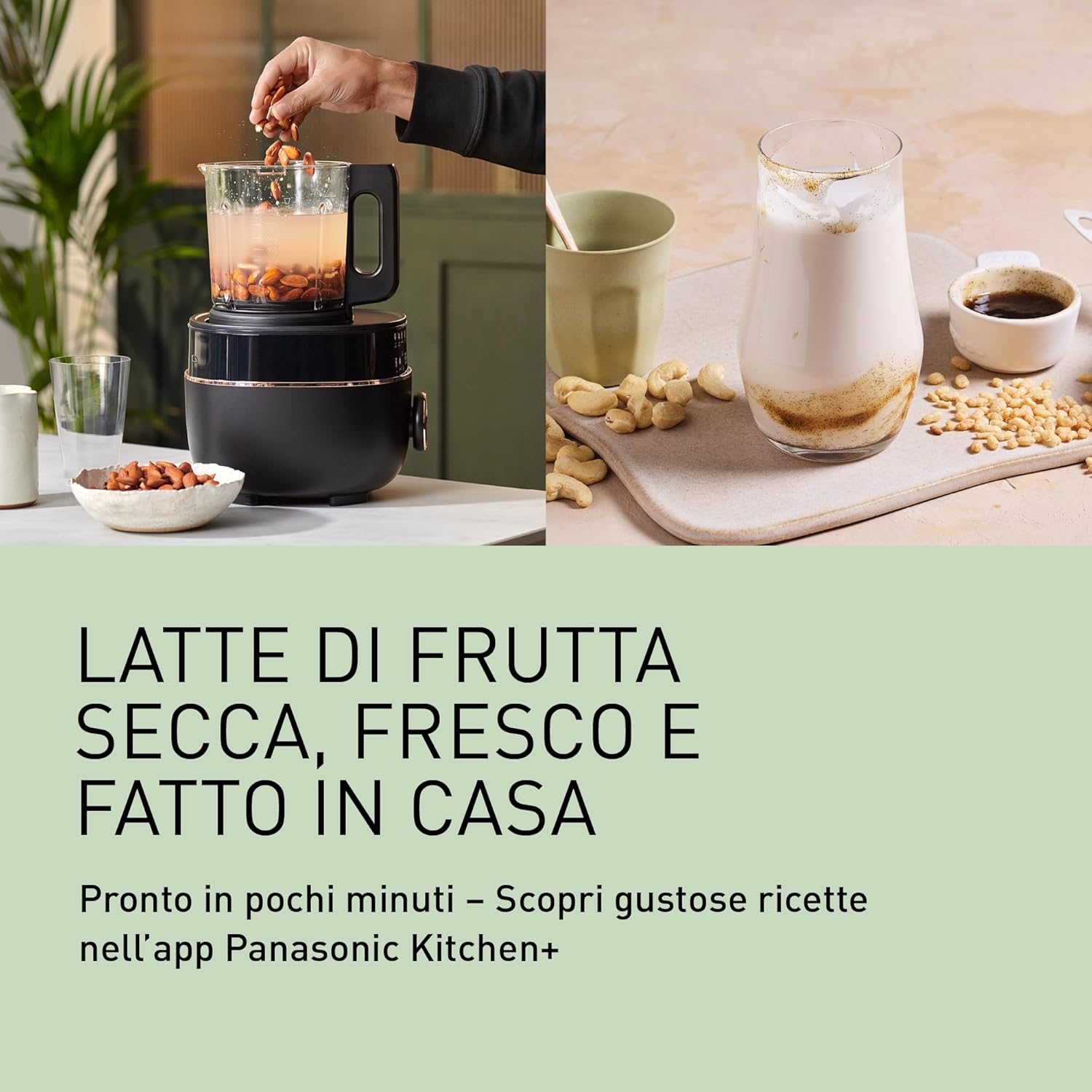
Figure 7.1: Product dimensions: 399mm height, 206mm depth, 247mm width. Maximum capacity for cold beverages is 1.2L.
8. Warranty and Support
For warranty information, please refer to the warranty card included with your product or visit the official Panasonic website. For additional recipes and step-by-step guides, download the Panasonic Kitchen+ app or access it online.
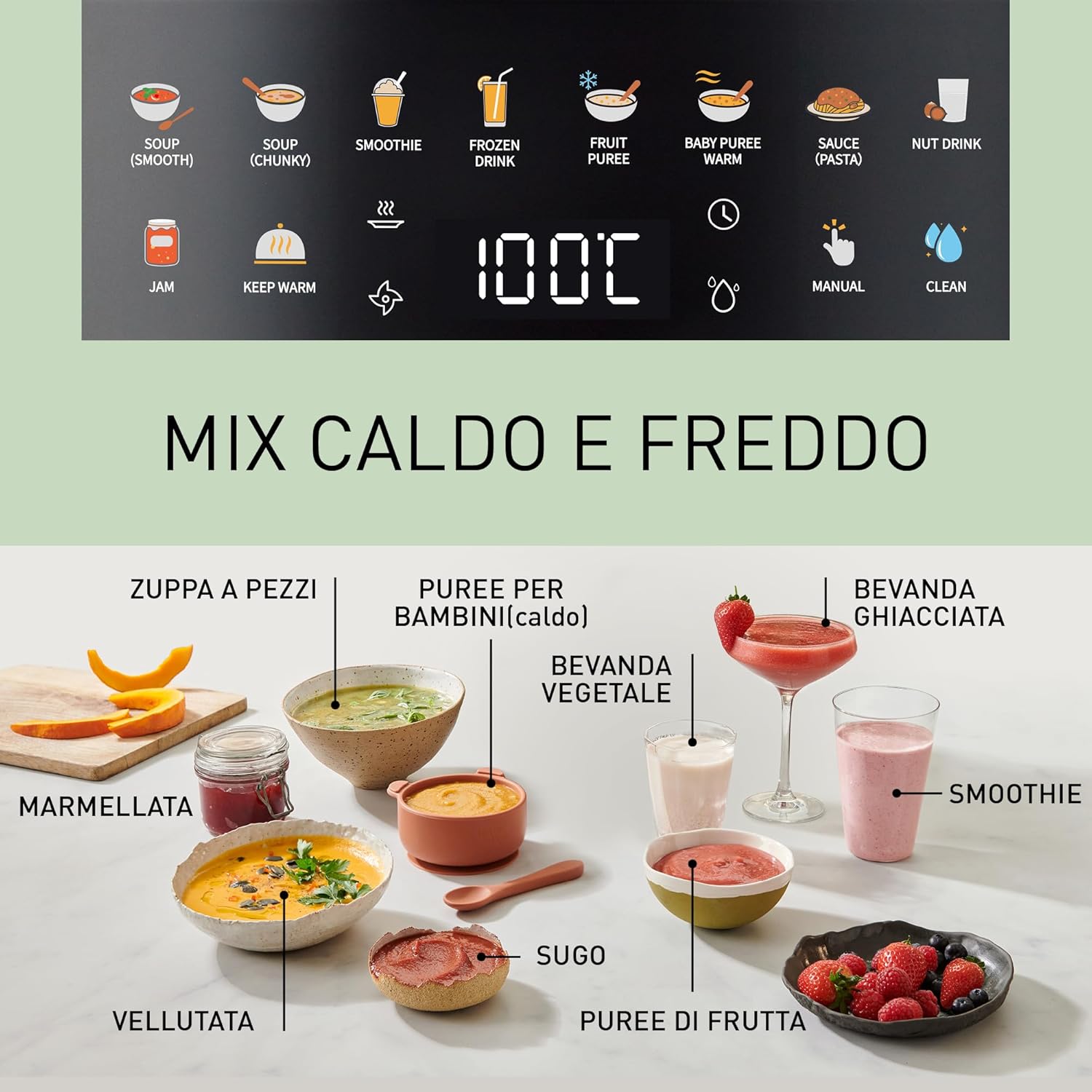
Figure 8.1: The Panasonic Kitchen+ app, offering over 50 recipes and guides for both hot and cold preparations.
You can find more information and support on the official Panasonic website: www.panasonic.com
Ask a question about this manual
Ask about setup, troubleshooting, compatibility, parts, safety, or missing instructions. Manuals+ will review the question and use this page’s manual context to help answer it.