
Introduction
Thank you for choosing the VolkanoX VXH100 Bluetooth Headphones. These headphones are designed to provide a superior audio experience with advanced Active Noise Cancellation (ANC) technology. This manual will guide you through the setup, operation, and maintenance of your new headphones.
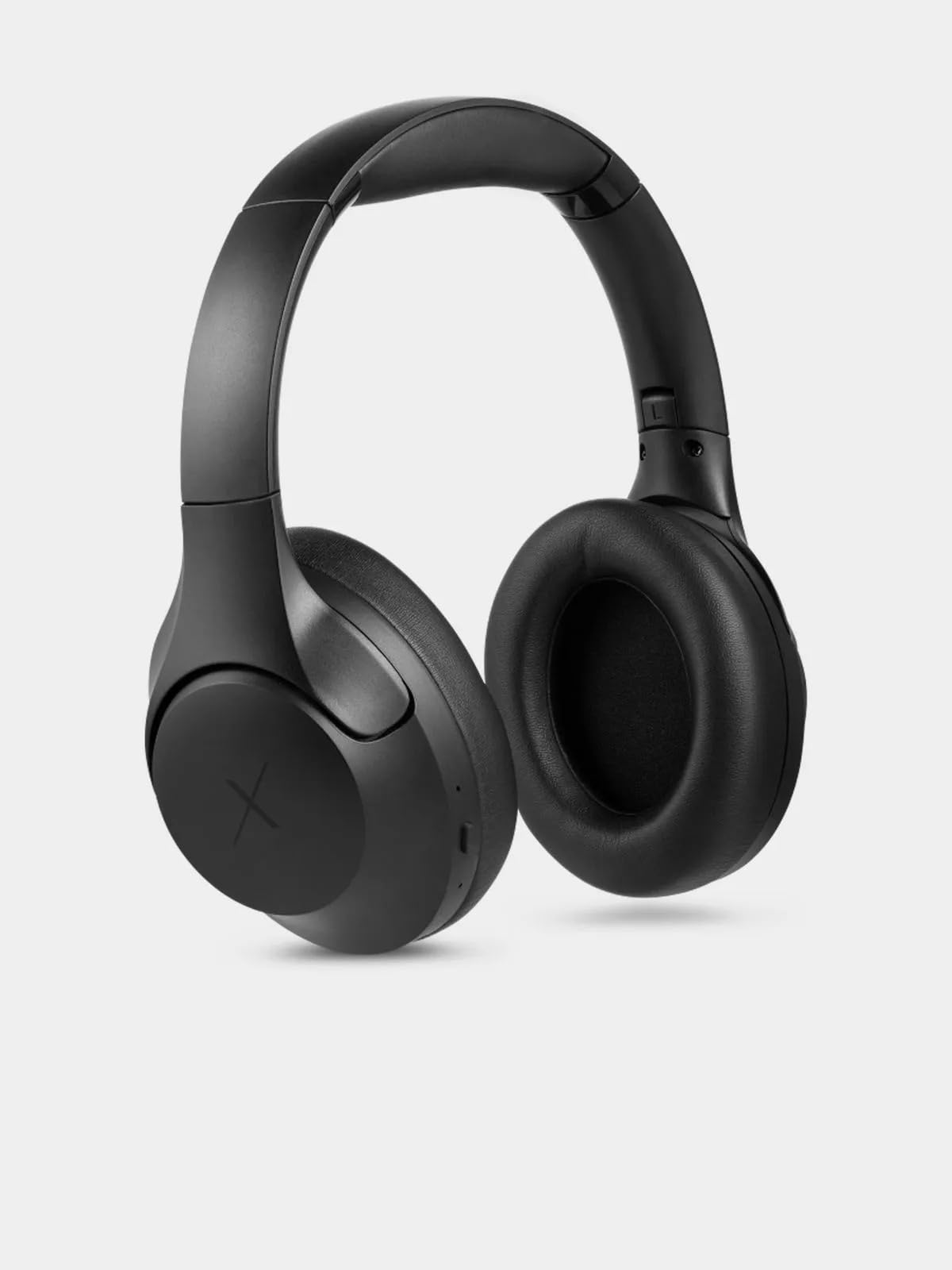
Image: VolkanoX VXH100 Bluetooth Headphones packaging.
What's in the Box
- 1 x VolkanoX VXH100 Bluetooth Headphones
- 1 x USB-C Charging Cable
- 1 x User Manual
Setup
1. Charging the Headphones
Before first use, fully charge your headphones. Connect the supplied USB-C charging cable to the charging port on the headphones and to a compatible USB power source (e.g., computer USB port or wall adapter).
- Charging Time: Approximately 3-4 hours for a full charge.
- Quick Charge: A 5-minute charge can provide up to 2 hours of playback.
- Indicator: A charging indicator light will typically show red while charging and turn off or change color when fully charged. Refer to the specific LED indicator behavior in the operating section.
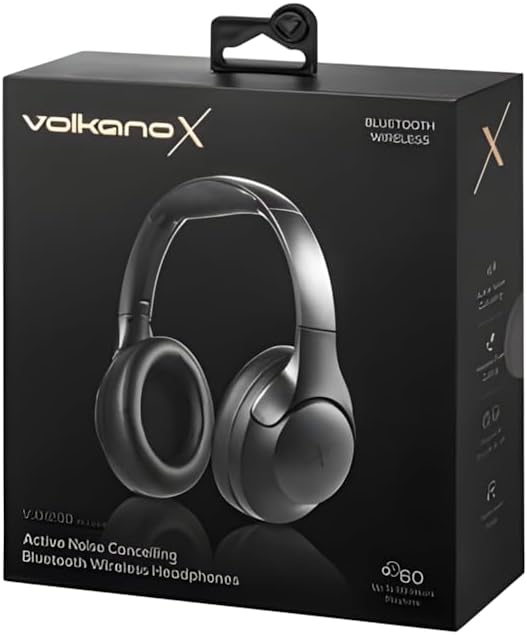
Image: Side view of the VolkanoX VXH100 headphones, highlighting the charging port.
2. Bluetooth Pairing
- Ensure the headphones are turned off.
- Press and hold the Power button for approximately 5-7 seconds until the LED indicator flashes blue and red, indicating pairing mode.
- On your device (smartphone, tablet, computer), enable Bluetooth and search for available devices.
- Select "VXH100" from the list of found devices.
- Once paired, the LED indicator will typically flash blue slowly or remain solid blue.
- The headphones will automatically connect to the last paired device when turned on, if Bluetooth is enabled on the device and it is within range (up to 10 meters).
Operating Instructions
Power On/Off
- To Power On: Press and hold the Power button for approximately 3 seconds. The LED indicator will light up.
- To Power Off: Press and hold the Power button for approximately 3 seconds. The LED indicator will turn off.
Note: Some units may experience a slight delay (up to 10 seconds) when powering on or off. This is within expected operational parameters.
Active Noise Cancellation (ANC)
- To Activate ANC: Locate the ANC button (often separate from the power button) and press it once. An indicator light (e.g., green LED) will illuminate to confirm ANC is active.
- To Deactivate ANC: Press the ANC button again. The ANC indicator light will turn off.
Activating ANC will reduce ambient noise, enhancing your listening experience. Battery life will be reduced when ANC is active.

Image: Front view of the VolkanoX VXH100 headphones, showing earcups and headband.
Music Playback and Call Control
- Play/Pause: Press the Multi-function button (often the Power button or a dedicated play/pause button) once.
- Next Track: Press and hold the Volume Up button or a dedicated 'Next' button.
- Previous Track: Press and hold the Volume Down button or a dedicated 'Previous' button.
- Volume Up: Short press the Volume Up button.
- Volume Down: Short press the Volume Down button.
- Answer/End Call: Press the Multi-function button once.
- Reject Call: Press and hold the Multi-function button for 2 seconds.
Voice Assistant
The VXH100 headphones are compatible with Google Assistant and Siri. To activate your device's voice assistant, press the Multi-function button twice quickly. This allows for hands-free control and notifications.
Maintenance
- Cleaning: Wipe the headphones with a soft, dry cloth. Do not use abrasive cleaners or solvents.
- Storage: Store the headphones in a cool, dry place away from direct sunlight and extreme temperatures.
- Water Exposure: Avoid exposing the headphones to water or excessive moisture. They are not waterproof.
- Battery Care: To prolong battery life, avoid fully discharging the headphones frequently. Charge them regularly, even if not in use for extended periods.

Image: Top view of the VolkanoX VXH100 headphones, showing the headband.
Troubleshooting
| Problem | Possible Solution |
|---|---|
| Headphones do not turn on. | Ensure the headphones are fully charged. Connect to a power source and allow to charge for at least 30 minutes before attempting to power on again. |
| Cannot pair with device. |
|
| No sound or low volume. |
|
| ANC not working effectively. |
|
| Power button delay. | A slight delay (up to 10 seconds) when pressing the power button to turn on or off is a known characteristic for some units. Continue to hold the button until the LED indicator responds. |
Specifications
| Feature | Detail |
|---|---|
| Model Name | VXH100 |
| Bluetooth Version | 5.3 |
| Bluetooth Distance | 10m |
| Impedance | 32 Ohm |
| Frequency Range | 2.4-2.480 GHz |
| Noise Control | Active Noise Cancellation |
| Sensitivity | 108 dB |
| Driver Size | 40mm |
| Battery Capacity | 400mAh |
| Charging Port Type | USB-C |
| Charging Time | 3-4 hours |
| Playing Time (ANC Off, 50% Volume) | Up to 20 hours |
| Playing Time (ANC On, 50% Volume) | Up to 16 hours |
| Playing Time (ANC Off, 100% Volume) | Up to 16 hours |
| Playing Time (ANC On, 100% Volume) | Up to 10 hours |
| Headphone Jack | 3.5 mm Jack (cable not included) |
| Compatible Devices | Cellphones, Desktops, Laptops, Tablets |
| Item Weight | 250 Grams |
Warranty
The VolkanoX VXH100 Bluetooth Headphones come with a 1-Year Manufacturer's Warranty. This warranty covers manufacturing defects and ensures reliable performance. For warranty claims or further details, please refer to the official Volkano support channels.
Volkano products are backed by a 1-year limited cover. You may register your product to get an additional 12-Month extension, for a total of 24 Months coverage by Volkano. Visit the official Volkano website for registration details.
Support
For any questions, technical assistance, or support regarding your VolkanoX VXH100 headphones, please contact Volkano customer service. Your satisfaction is important, and assistance is available via the official Volkano Page.
You can find more information and contact details on the official Volkano website: Visit the Volkano Store on Amazon


