
Product Overview
The HAPYTHDA Wireless Garbage Disposal Switch Kit provides a convenient and safe way to control your garbage disposal and other home appliances without the need for complex wiring or drilling. This kit includes a wireless button and a remote control outlet, designed for ease of installation and use.

Image: Comparison of the HAPYTHDA wireless switch with traditional switches, emphasizing benefits like no wiring, no drilling, plug-and-play functionality, and ease of use for individuals with long nails.
Key Features:
- Easy Installation: No drilling or wiring required; simply plug in and use.
- Waterproof Design: The switch button is sealed for safe operation with wet hands.
- Versatile Use: Controls garbage disposals, lamps, fans, humidifiers, and other appliances up to 15A/1500W.
- Extended Range: 500ft RF signal penetration through walls and cabinets.
- Compact Design: The plug occupies minimal space, leaving other outlets free.
- Safety Features: Built-in overload, short-circuit, and surge protection.
Setup and Installation
The HAPYTHDA Wireless Garbage Disposal Switch Kit is designed for quick and easy setup. No specialized tools or electrical knowledge are required.
- Plug in the Remote Outlet: Locate an available electrical outlet, typically under the sink for a garbage disposal. Plug the remote control outlet into this socket. Ensure the outlet is securely seated.
- Connect Appliance: Plug your garbage disposal's power cord (or any other appliance you wish to control) into the remote control outlet.
- Activate and Use: The kit is pre-paired from the factory. Simply press the wireless button to turn the connected appliance on or off.
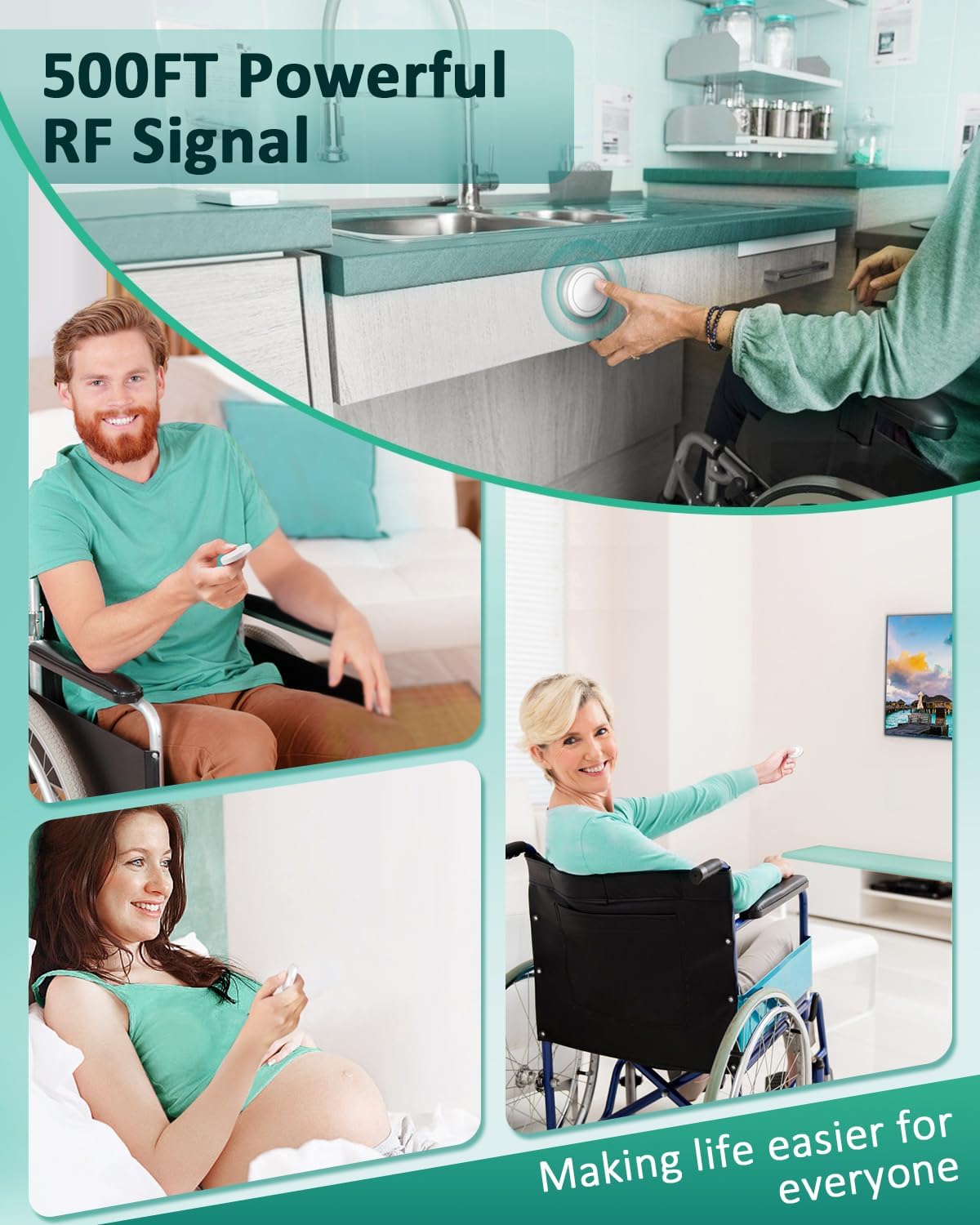
Image: Step-by-step visual guide for installing the wireless garbage disposal switch kit, illustrating how to plug in the remote outlet, connect the disposal, and use the button.
The wireless button can be mounted using the included 3M adhesive tape or placed anywhere convenient, such as beside the sink or under a cabinet.
Operating Instructions
Using the HAPYTHDA Wireless Switch Kit is straightforward:
- Power On/Off: Press the wireless button once to turn on the connected appliance. Press it again to turn the appliance off.
- Range: The RF signal provides up to 500 feet of range, allowing control from various locations within your home, even through walls and cabinet doors.
- Versatility: This kit is suitable for controlling any appliance that fits within its 15A/1500W rating, including garbage disposals, lamps, fans, and seasonal lighting.

Image: Illustration of the 500ft RF signal range, showing users controlling appliances from different rooms, including a person in a wheelchair, a man on a couch, and a pregnant woman.

Image: Visual representation of the product's versatility, demonstrating its ability to control various household appliances beyond just a garbage disposal, such as lamps, humidifiers, and Christmas lights.
Maintenance
The HAPYTHDA Wireless Garbage Disposal Switch Kit requires minimal maintenance.
- Battery Replacement: The wireless button is powered by a long-life battery, typically lasting 3-5 years. When the button's response becomes inconsistent or stops working, replace the internal battery. Refer to the product packaging or manufacturer's website for specific battery type and replacement instructions.
- Cleaning: Wipe the surfaces of the remote control outlet and wireless button with a soft, dry cloth. Avoid using abrasive cleaners or submerging the devices in water.
- Environmental Conditions: Ensure the remote control outlet is used in a dry environment. While the button is waterproof, prolonged exposure to excessive moisture should be avoided.
Troubleshooting
| Problem | Possible Cause | Solution |
|---|---|---|
| Appliance does not turn on/off. |
|
|
| Intermittent operation or difficulty turning off high-power appliances (e.g., garbage disposal). |
|
|
| Remote outlet indicator light is off. |
|
|
Specifications
| Feature | Detail |
|---|---|
| Brand | HAPYTHDA |
| Model | SW-CK1A&SW-R05 |
| Amperage | 15 Amps |
| Wattage | 1500 Watts (Max) |
| Material | Polycarbonate (PC) |
| Connector Type | Plug-in |
| Plug Type | Type A |
| RF Range | Up to 500 feet (line of sight) |
| Included Components | Remote Control, Outlet |
| Safety Certifications | IEC, UL |

Image: Detailed dimensions of the compact remote control outlet and the wireless button, highlighting their space-saving design.
Warranty and Support
Warranty Information: The HAPYTHDA Wireless Garbage Disposal Switch Kit comes with a 5-year warranty, ensuring peace of mind regarding product quality and performance. Please retain your proof of purchase for warranty claims.
Customer Support: For any questions, technical assistance, or warranty inquiries, please contact HAPYTHDA customer support through the retailer's platform or the official HAPYTHDA website. Provide your model number (SW-CK1A&SW-R05) and a detailed description of the issue for efficient service.