
1. Product Overview
The LEXXSON Mini Wireless CarPlay and Android Auto Adapter converts your car's existing wired CarPlay or Android Auto system into a wireless connection. This device allows for seamless integration of your smartphone's features, such as navigation, music, and calls, directly onto your car's infotainment display without the need for a physical cable connection.
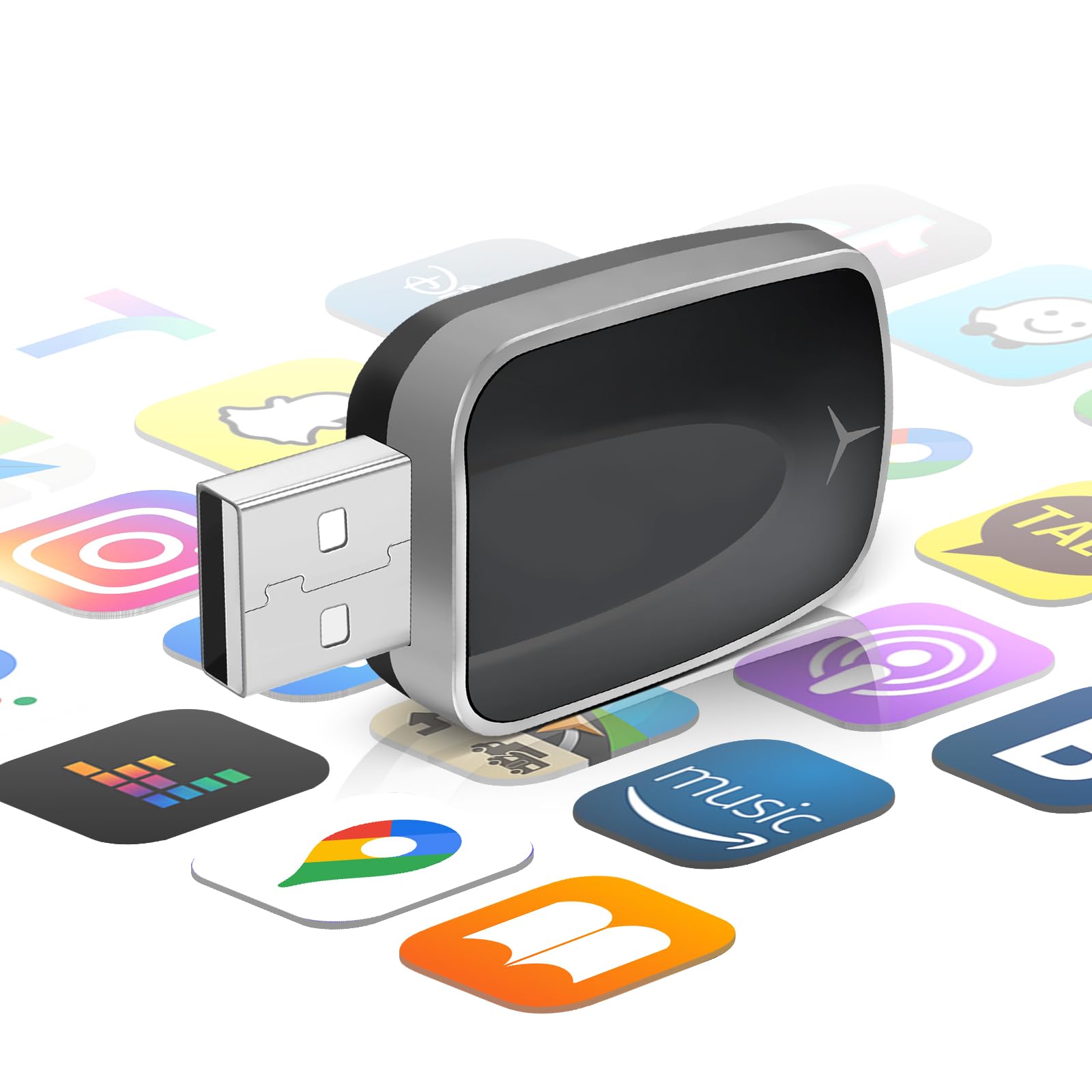
Image: The LEXXSON Mini Wireless CarPlay and Android Auto Adapter, a compact device designed to enable wireless connectivity.

Image: Diagram illustrating the conversion from wired CarPlay/Android Auto to wireless using the adapter, showing a smartphone and car display.
2. Important Considerations Before Purchase and Use
- This adapter functions exclusively with vehicles that are equipped with factory-wired CarPlay or Android Auto. Vehicles lacking original wired CarPlay functionality are not supported. Please verify your vehicle's compatibility prior to use.
- The adapter is compatible with iPhones running iOS 10 or higher, and Android phones running Android 11 or higher.
- For optimal performance, ensure both Wi-Fi and Bluetooth are enabled on your smartphone and are not connected to other devices during use.
- If your vehicle only supports wired CarPlay and does not have wired Android Auto, the wireless Android Auto feature will not be available.
3. Key Features
3.1. Wired to Wireless Conversion
This adapter seamlessly converts your car's wired CarPlay or Android Auto system to a wireless connection, eliminating cable clutter. All original CarPlay/Android Auto functionalities, including navigation, music playback, and voice assistants, remain accessible.
3.2. Fast and Stable Wireless Connection
Utilizing Bluetooth V5.0 and 5.8GHz WiFi technology, the adapter ensures a rapid and stable connection. This technology enhances response speed and stability, providing smooth navigation, phone calls, music streaming, and text messaging with minimal delay.
3.3. Plug-and-Play Installation
Setup is straightforward: simply plug the adapter into your car's USB port, pair it with your phone, and begin use. No complex installation procedures are required. The adapter also supports automatic reconnection within seconds upon starting your car after the initial pairing.
3.4. Wider Compatibility
The adapter is compatible with a broad range of cell phone models (iOS 10+ and Android 11+) and over 800 car models that feature wired CarPlay or Android Auto, ensuring a stable, high-speed connection.

Image: A visual guide detailing phone compatibility (iPhone 6/iOS 10+ and Android 11+) and car model compatibility (98% of cars with wired CarPlay/Android Auto).
3.5. Mini Design
Its compact and minimalist design allows the adapter to fit discreetly in your car's interior without occupying excessive space, complementing your dashboard's aesthetic.

Image: The adapter shown next to a smartphone, highlighting its small and compact dimensions.
4. Setup and Installation
Follow these simple steps to set up your LEXXSON Mini Wireless CarPlay and Android Auto Adapter:
- Plug In: Connect the adapter to your car's USB port that supports wired CarPlay or Android Auto.
- Connect Wireless: On your smartphone, enable both Wi-Fi and Bluetooth. Search for the adapter's Bluetooth name (e.g., "Smart Box-5114") and pair with it. Confirm the pairing code if prompted.
- Start Using: Once paired, your car's infotainment system should automatically launch CarPlay or Android Auto wirelessly.

Image: Visual representation of the 3-step setup process: Plug, Connect WiFi/Bluetooth, and Use CarPlay.

Image: Detailed steps for the plug-and-play setup, showing the adapter plugged in, phone Bluetooth settings, and CarPlay connection confirmation.
5. Operation
5.1. Automatic Reconnection
After the initial pairing, the adapter will automatically reconnect to your smartphone within seconds each time you start your car, providing a hassle-free wireless driving experience.
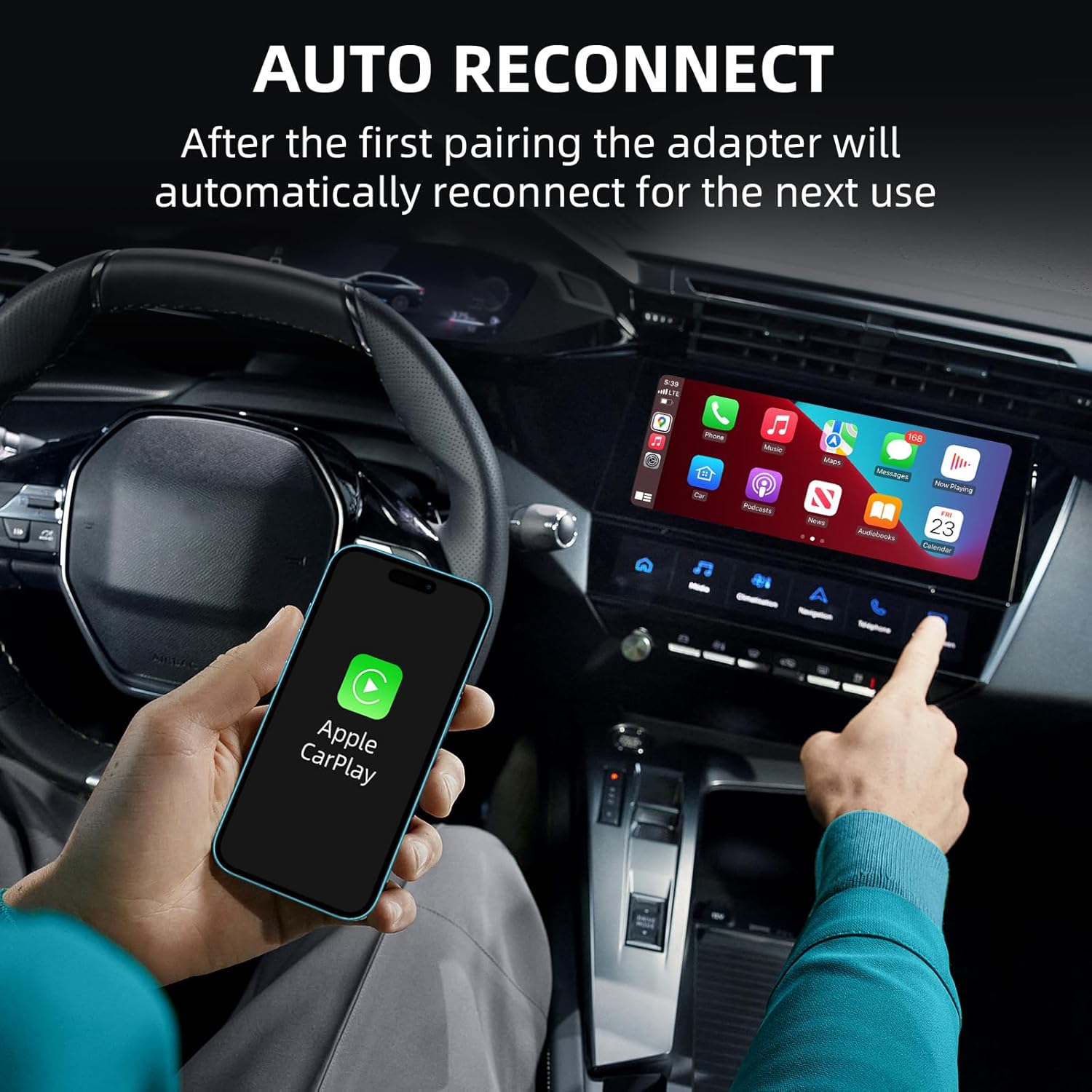
Image: A user interacting with Apple CarPlay on a car's display, demonstrating the automatic reconnection feature.
5.2. Voice Control Support
The adapter supports voice assistants like Siri and Google Assistant, allowing you to control navigation, music, and calls safely while driving using voice commands.
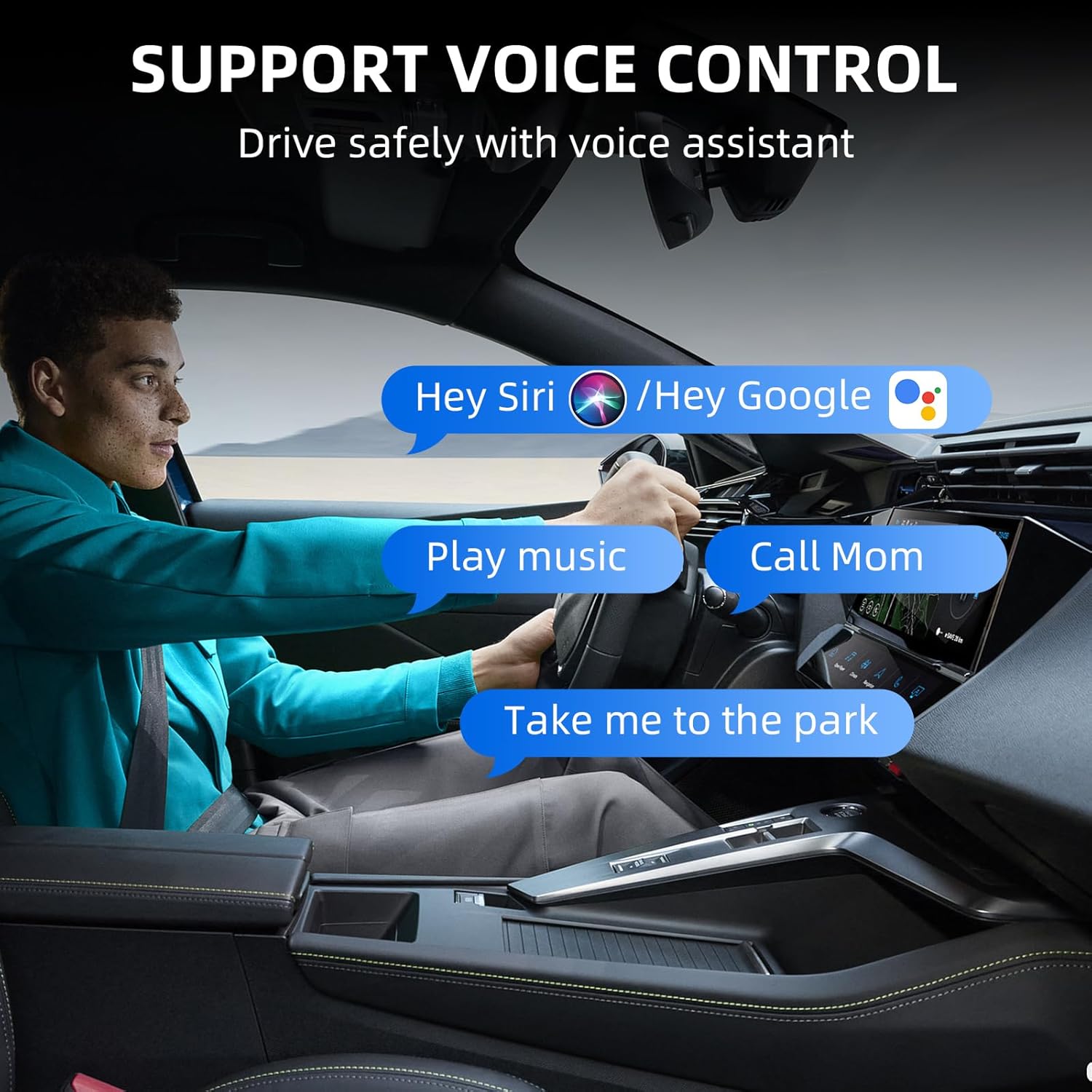
Image: A driver using voice commands (e.g., "Hey Siri", "Hey Google") to control car functions, emphasizing safe driving.
5.3. Retention of Original Car Controls
Maintain full control over your car's infotainment system using existing methods, including touch screen, OEM knob control, and steering wheel controls, even with the wireless connection.

Image: Demonstrates compatibility with various car controls: touch screen, OEM knob, and steering wheel controls, alongside the wireless adapter.
5.4. Online Software Upgrade
The adapter supports online software upgrades. If you encounter any issues or wish to update the firmware, you can submit feedback, and new software releases will be provided.

Image: A smartphone screen showing an 'Update Now' button for the adapter's software, indicating online upgrade capability.
6. Troubleshooting
If you experience issues with your LEXXSON Mini Wireless CarPlay and Android Auto Adapter, consider the following:
- No Connection: Ensure your car has factory-wired CarPlay/Android Auto. Verify that both Wi-Fi and Bluetooth are enabled on your phone and not connected to other devices. Try restarting both your phone and the car's infotainment system.
- Intermittent Connection: Check for potential interference from other wireless devices in the car. Ensure the adapter is securely plugged into the USB port.
- Slow Response: A stable 5.8GHz Wi-Fi connection is crucial for performance. Ensure your phone's Wi-Fi is active and connected to the adapter.
- Android Auto Not Working: Confirm your car supports wired Android Auto. If it only has wired CarPlay, wireless Android Auto will not function. Ensure your Android phone is running Android 11+ (or Android 10/9 for some Samsung/Google models).
- Software Updates: Regularly check for and install available online software updates for the adapter, as these often resolve known issues and improve performance.
For persistent issues, please refer to the warranty and support section for contact information.
7. Specifications
| Feature | Detail |
|---|---|
| Model Number | NEW-RM-KPL075 |
| Package Dimensions | 3.66 x 3.66 x 0.66 inches |
| Item Weight | 1.76 ounces |
| Connector Type | Mini USB |
| Number of Ports | 1 |
| Color | Silver |
| Manufacturer | LEXXSON |
| First Available Date | July 9, 2025 |
8. Maintenance
To ensure the longevity and optimal performance of your LEXXSON Mini Wireless CarPlay and Android Auto Adapter, follow these general maintenance guidelines:
- Keep the adapter clean and free from dust and debris. Use a soft, dry cloth for cleaning.
- Avoid exposing the adapter to extreme temperatures, direct sunlight, or moisture.
- Ensure the adapter is securely plugged into the USB port to prevent accidental disconnections or damage.
- Do not attempt to disassemble or repair the adapter yourself, as this may void the warranty.
9. Warranty and Support
The LEXXSON Mini Wireless CarPlay and Android Auto Adapter includes a 1-year return and exchange warranty service. This warranty covers manufacturing defects and ensures support for returns if the product is incompatible with your vehicle, provided all compatibility requirements were met.
For technical assistance, warranty claims, or any product-related inquiries, please contact LEXXSON customer support through the platform where you purchased the product or visit the official LEXXSON website for contact details.
10. Product Video
Video: An official product video demonstrating the features and functionality of the LEXXSON Mini Wireless CarPlay and Android Auto Adapter, including wired to wireless conversion, voice control, and seamless integration.