1. Introduction
This manual provides detailed instructions for the RUIZU D18 MP3 Player. Please read it carefully to ensure proper use and to fully utilize all features of your device. Keep this manual for future reference.
The RUIZU D18 is a versatile MP3 player featuring Bluetooth 5.3 connectivity, a 2.4-inch display, metal housing, HiFi sound quality, touch buttons, an integrated speaker, FM radio, and voice recording capabilities. It supports MicroSD cards up to 128GB for expanded storage.
2. Package Contents
Please check the package for the following items:
- RUIZU D18 MP3 Player
- USB-C Charging Cable
- User Manual (this document)
- (Headphones may be included depending on package variant)
3. Product Overview
Familiarize yourself with the device's physical features and controls.

Image 3.1: Front and back view of the RUIZU D18 MP3 Player, showcasing its sleek design and metal housing.

Image 3.2: Close-up view of the RUIZU D18 MP3 Player highlighting its curved brilliance and metallic edge, with a visible integrated speaker grille.

Image 3.3: Diagram illustrating the physical features of the RUIZU D18 MP3 Player, including the 2.4-inch curved TFT color display, touch buttons, volume controls, lock/power button, USB-C port, 3.5mm headphone jack, and integrated speaker. Dimensions are approximately 11cm length, 5cm width, and 1cm thickness.
3.1. Buttons and Ports
- 2.4-inch Curved TFT Color Display: Main screen for navigation and content viewing.
- Touch Buttons: Located below the screen for navigation and playback control.
- Volume Buttons: Dedicated buttons for adjusting audio volume.
- Lock/On/Off Button: Used to power the device on/off and lock the screen.
- USB-C Port: For charging and data transfer.
- 3.5mm Plug Jack: For connecting wired headphones.
- Integrated Speaker: For audio playback without headphones.
- Micro SD Card Slot: For expanding storage up to 128GB.
4. Setup
4.1. Charging the Device
Before first use, fully charge the MP3 player. Connect the provided USB-C cable to the device's USB-C port and the other end to a USB power adapter (not included) or a computer's USB port. A full charge takes approximately 2.5 hours.
The battery provides up to 48 hours of playback with headphones (screen off) or 6.5 hours in Bluetooth mode.
4.2. Powering On/Off
- To Power On: Press and hold the Lock/On/Off button until the screen lights up.
- To Power Off: Press and hold the Lock/On/Off button until the power-off option appears on the screen, then confirm.
- To Lock/Unlock Screen: Briefly press the Lock/On/Off button during operation.
4.3. Installing a MicroSD Card
The device has 32GB of internal memory. To expand storage, you can insert a MicroSD card (up to 128GB, sold separately) into the designated slot. Ensure the card is inserted correctly until it clicks into place.

Image 4.1: Visual representation of the 32GB internal memory and support for up to 128GB MicroSD card, alongside the device's long battery life (up to 50 hours playing time indicated).
5. Operating Instructions
5.1. Basic Navigation
Use the touch buttons below the screen to navigate through menus. The central button typically acts as "Enter" or "Select," while the surrounding buttons are for directional movement (up, down, left, right) and "Back" or "Menu."
5.2. Music Playback
The RUIZU D18 supports various audio formats including MP3, WMA, APE, FLAC, and WAV. It features a professional noise cancellation chip for clear, detailed sound.
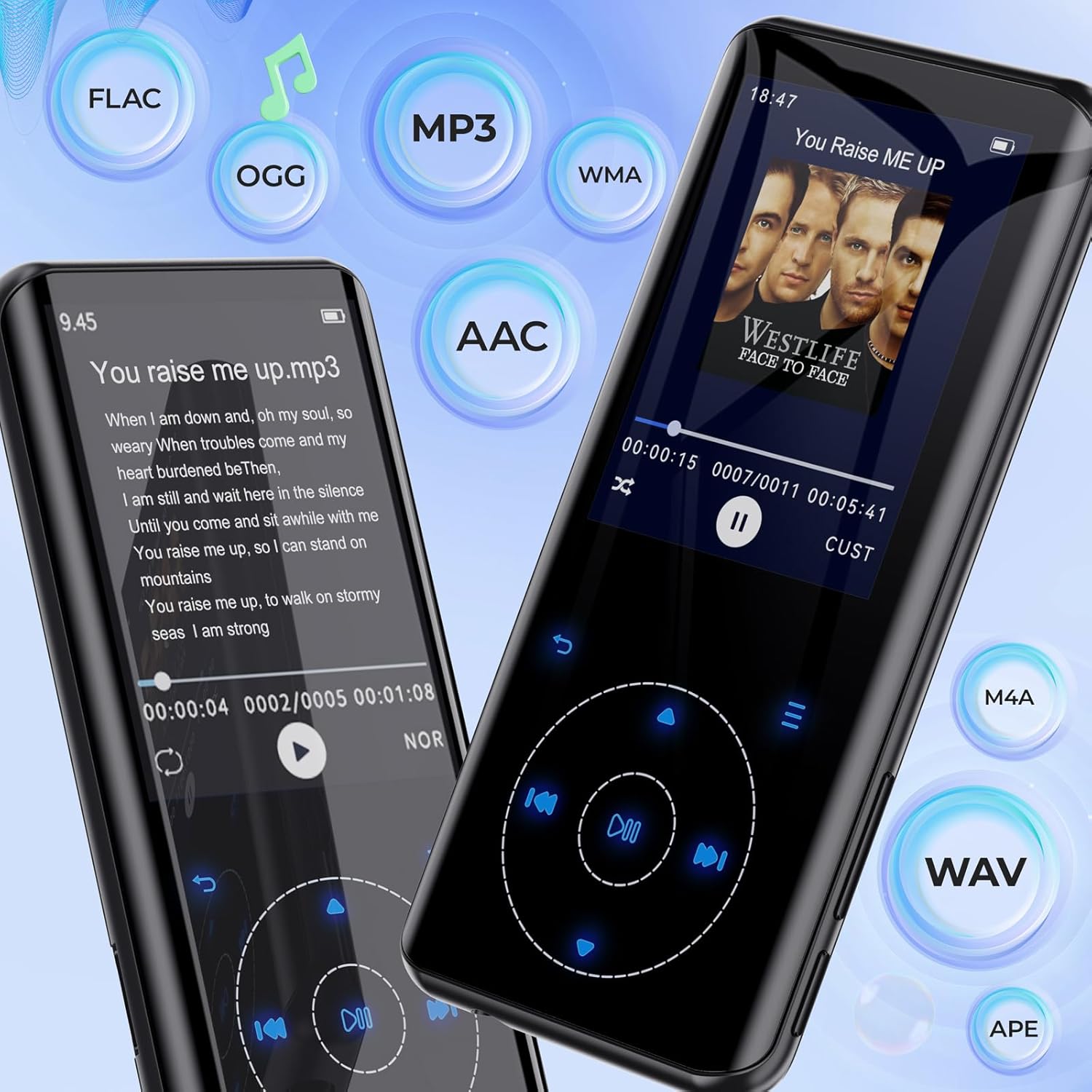
Image 5.1: The RUIZU D18 MP3 Player showcasing its compatibility with various audio formats such as FLAC, MP3, WMA, AAC, M4A, WAV, and APE, along with lyric display functionality.
- From the main menu, select "Music."
- Browse your music by "All Songs," "Artists," "Albums," "Genres," or "Playlists."
- Select a song to begin playback.
- During playback, use the touch buttons to play/pause, skip tracks, or adjust volume.
5.2.1. Equalizer and Playback Options
Access the equalizer settings to customize sound profiles. The player also supports A-B repeat, shuffle, and lyric display.

Image 5.2: Multiple views of the RUIZU D18 MP3 Player's music interface, highlighting features like adding bookmarks, repeat modes (all songs, resume, A-B repeat), shuffle, album/genre/playlist browsing, and a graphic equalizer display.
5.3. Bluetooth Pairing
The device features Bluetooth 5.3 for stable and fast wireless connections to headphones or speakers. It includes a memory function to automatically reconnect to previously paired devices.

Image 5.3: The RUIZU D18 MP3 Player demonstrating its Bluetooth 5.3 capability, indicating a stable and faster connection with an auto-reconnect function for paired devices like wireless earbuds.
- From the main menu, select "Bluetooth."
- Turn on Bluetooth.
- The player will scan for available devices.
- Select your desired Bluetooth device from the list to pair.
- Once paired, audio will stream wirelessly.
5.4. FM Radio
Listen to your favorite radio stations. Headphones must be connected to act as an antenna for optimal reception.
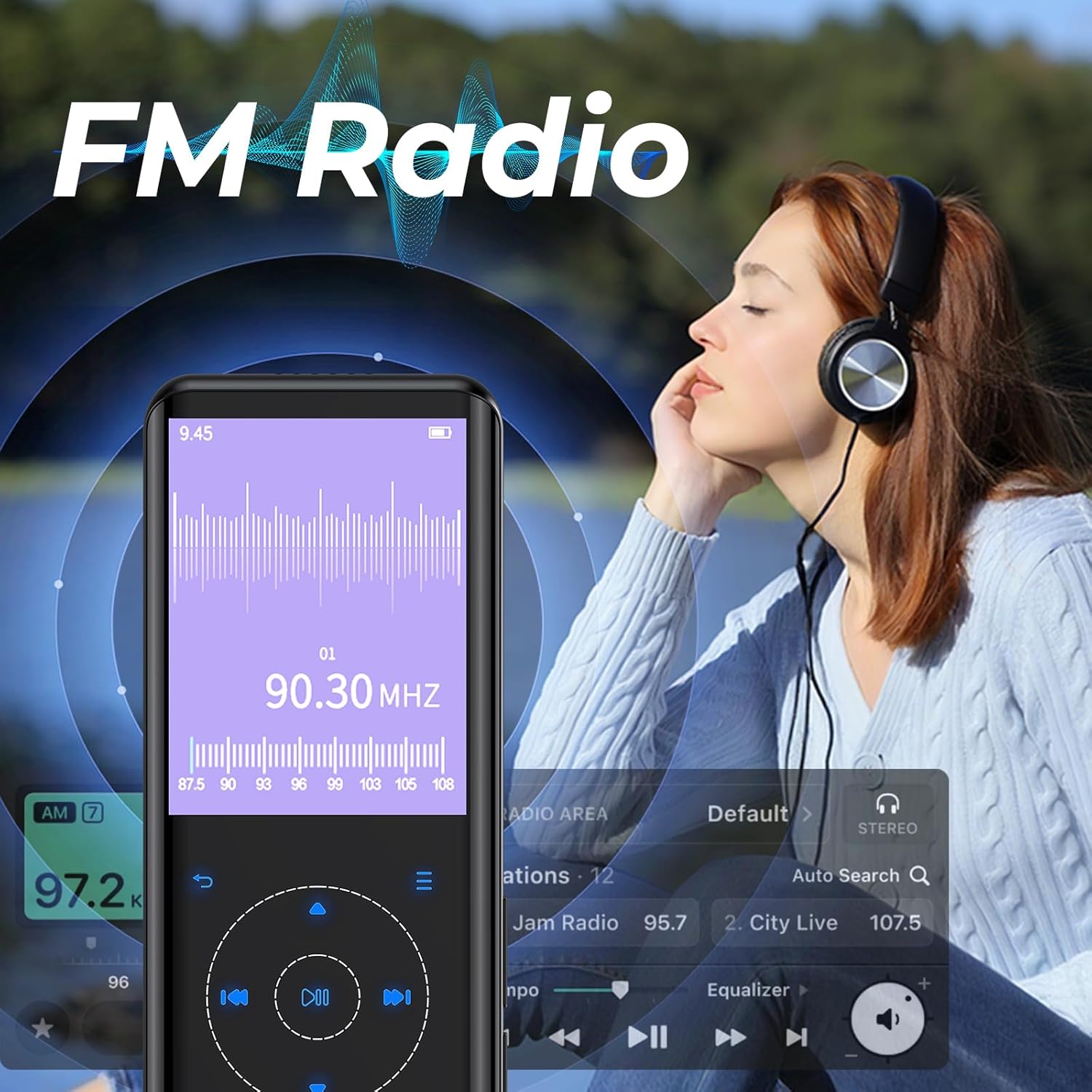
Image 5.4: The RUIZU D18 MP3 Player displaying its FM Radio interface, showing frequency tuning and station presets. A user is shown enjoying the radio with headphones.
- Connect wired headphones (required for antenna).
- From the main menu, select "FM Radio."
- Use the auto-search function to find and save available stations.
- Navigate through saved stations or manually tune to a frequency.
5.5. Voice Recording
The integrated voice recorder allows you to capture audio notes or lectures.
- From the main menu, select "Recorder."
- Choose "Start Voice Recording" to begin.
- Press the appropriate button to stop and save the recording.
5.6. Other Functions
The RUIZU D18 offers several additional features:
- E-book Reader (TXT): Read text files directly on the device.
- Video Playing (AVI/AMV): Watch supported video formats.
- Photo Viewer (JPG/BMP): View image files.
- Alarm Clock: Set alarms.
- Pedometer: Track your steps.
- Calendar: View the current date.
- Stopwatch: Use as a timer.
- Sleep Timer: Automatically turn off the device after a set period.
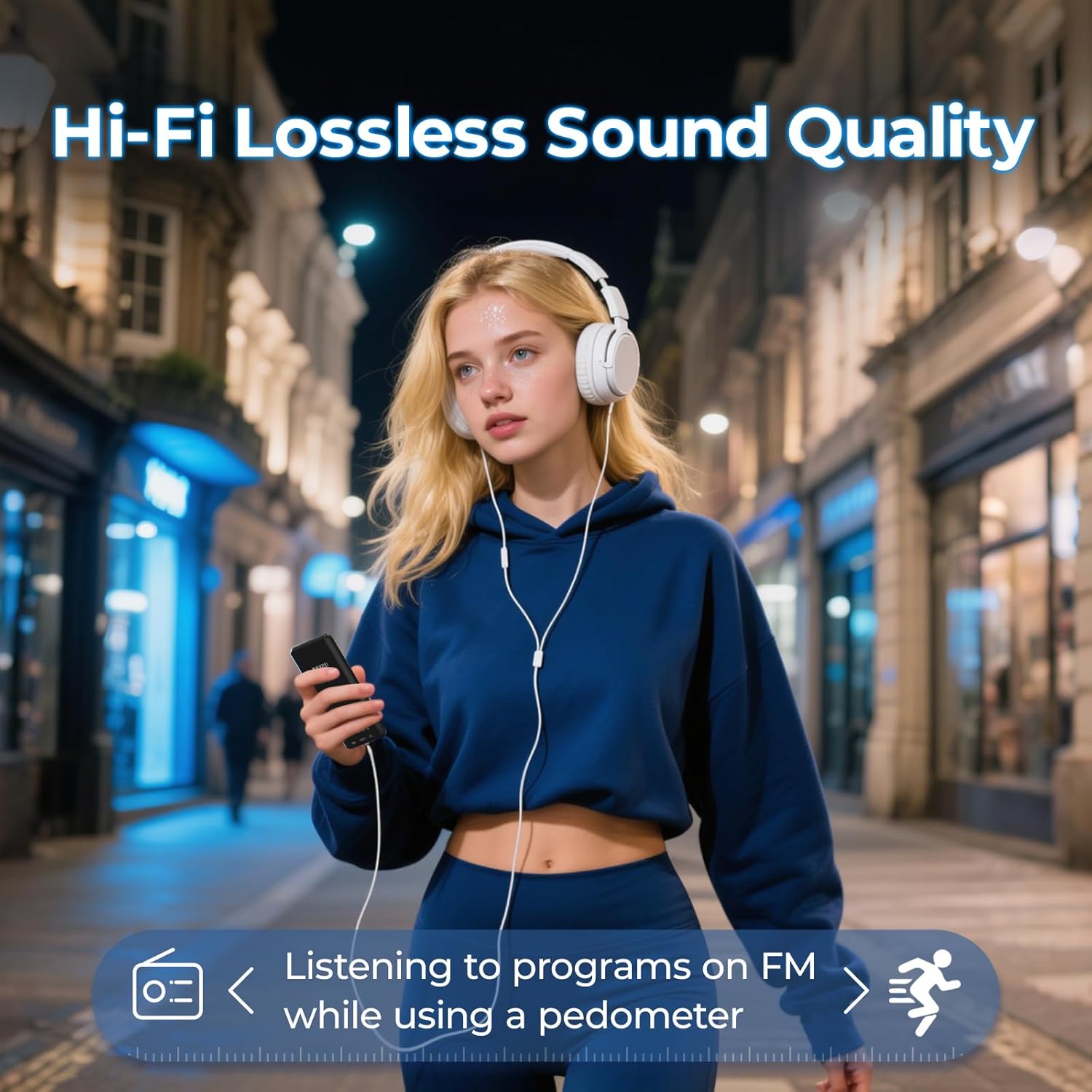
Image 5.5: A user enjoying music with the RUIZU D18 MP3 Player, highlighting its Hi-Fi lossless sound quality and the integrated pedometer function for tracking activity while listening to FM radio.
6. Maintenance
- Keep the device dry. Moisture can damage electronic components.
- Avoid extreme temperatures.
- Clean the screen and body with a soft, dry cloth. Do not use harsh chemicals.
- Protect the device from drops and impacts.
- Do not attempt to disassemble or repair the device yourself. This will void the warranty.
7. Troubleshooting
7.1. Device Will Not Turn On
- Ensure the battery is charged. Connect the device to a power source for at least 30 minutes.
- Try pressing and holding the Lock/On/Off button for 10-15 seconds to perform a hard reset.
7.2. Cannot Connect via Bluetooth
- Ensure Bluetooth is enabled on both the MP3 player and the target device.
- Make sure the target device is in pairing mode.
- Move the devices closer to each other.
- Delete previous pairings on both devices and try pairing again.
- Some Bluetooth devices may have compatibility issues.
7.3. No Sound
- Check the volume level.
- If using headphones, ensure they are properly plugged in or paired via Bluetooth.
- Test with different headphones or speakers.
- Ensure the audio file format is supported.
7.4. MicroSD Card Not Detected
- Ensure the MicroSD card is inserted correctly and fully.
- Try reinserting the card.
- Test with a different MicroSD card to rule out card issues.
- Ensure the card is formatted to a compatible file system (e.g., FAT32).
8. Specifications
| Model Number | D18 |
| Brand | RUIZU |
| Internal Memory | 32 GB |
| Expandable Memory | Up to 128 GB (MicroSD card, not included) |
| Bluetooth Version | 5.3 |
| Display | 2.4-inch TFT Color Display |
| Supported Audio Formats | MP3, WMA, APE, FLAC, WAV, AAC, M4A, OGG |
| Supported Video Formats | AVI, AMV |
| Supported Image Formats | JPG, BMP |
| Battery Type | Lithium Polymer |
| Charging Time | Approx. 2.5 hours |
| Playback Time (Headphones, Screen Off) | Up to 48 hours |
| Playback Time (Bluetooth Mode) | Up to 6.5 hours |
| Product Dimensions | 0.39 x 1.97 x 4.33 inches (approx. 1 x 5 x 11 cm) |
| Item Weight | 7 ounces |
9. Warranty and Support
Specific warranty information is not provided in this manual. Please refer to the product packaging or the retailer's website for details regarding warranty coverage and terms.
For technical support or further assistance, please contact RUIZU customer service through the official RUIZU website or the platform where the product was purchased.


