
1. Introduction
This manual provides detailed instructions for the installation, operation, and maintenance of your Uckazy 12.3 Inch Android 14 Car Radio. Please read this manual thoroughly before using the product to ensure proper functionality and to prevent damage. Keep this manual for future reference.
2. Safety Information
- Ensure professional installation to avoid damage to the vehicle's electrical system or the unit itself.
- Do not operate the device in a manner that distracts you from driving. Always prioritize road safety.
- Avoid exposing the unit to extreme temperatures, direct sunlight for prolonged periods, or excessive moisture.
- Do not attempt to disassemble or modify the unit. This may void the warranty and cause damage.
- Use only approved accessories and wiring harnesses provided with the unit.
3. Product Overview
The Uckazy 12.3 Inch Android 14 Car Radio is an advanced infotainment system designed to integrate seamlessly with specific Audi B8 models. It features a high-resolution display and supports various connectivity options.
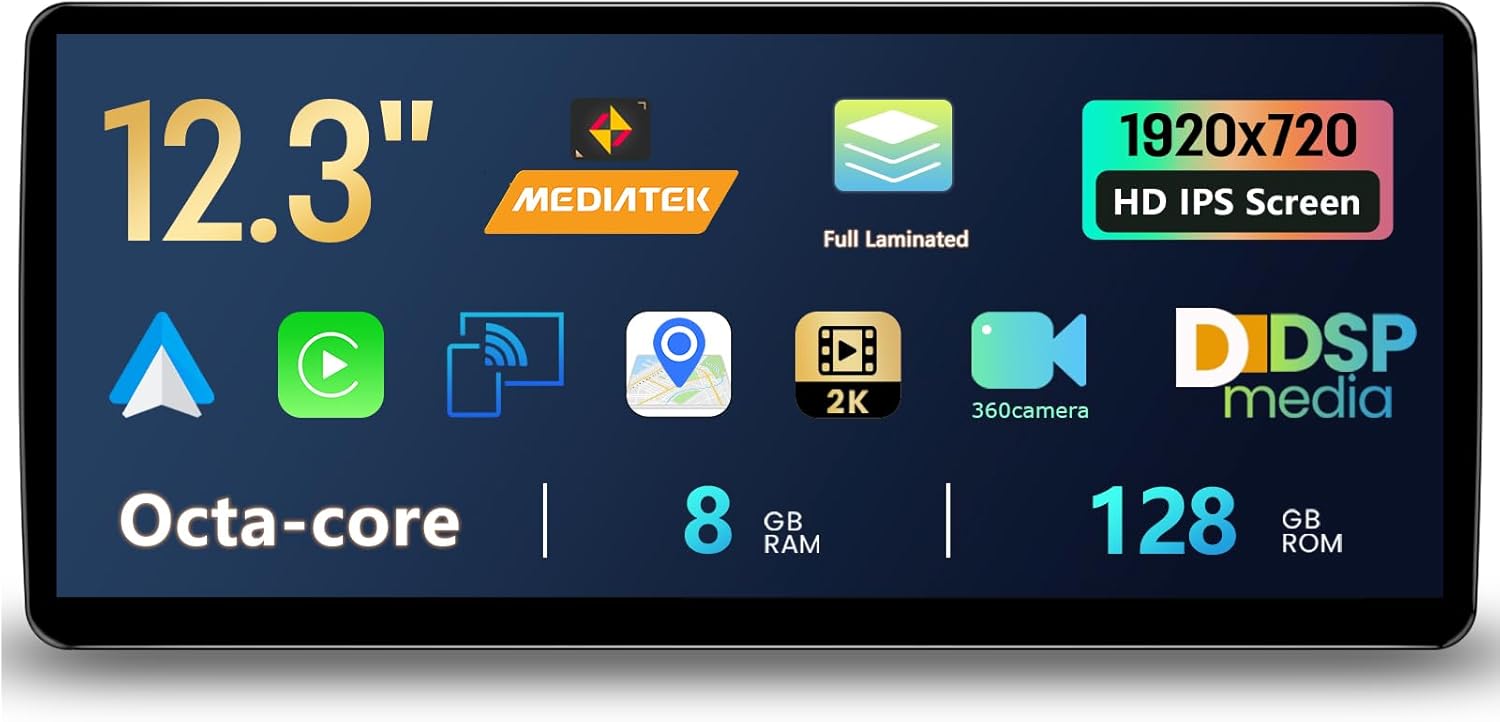
This image illustrates the main features of the Uckazy 12.3-inch Android 14 Car Radio. It highlights the 12.3-inch screen size, MediaTek Octa-core processor, full laminated 1920x720 HD IPS display, 8GB RAM, and 128GB ROM. Additional icons indicate support for 2K video, 360-degree camera, and DSP media.
Key Features:
- Display: 12.3-inch HD (1920x720) IN-CELL IPS Touch Screen with full lamination technology for enhanced clarity and reduced reflection.
- Processor: Octa-core MediaTek processor.
- Memory & Storage: 8GB RAM and 128GB ROM.
- Connectivity: Supports wireless (wired) Apple CarPlay, wireless (wired) Android Auto, wireless Mirrorlink for iOS and Android phones, Bluetooth, and Wi-Fi.
- Audio: Built-in Digital Signal Processor (DSP) with 16 EQ segments for advanced sound customization.
- Integration: Retains original iDrive system control, allowing full functionality in both original and Android systems.
- User Interface: Features 1 Day/Night switch mode UI and 6 sets of classic UI themes.
- Compatibility: Designed for Audi A4 A5 S4 S5 RS4 RS5 B8 (2009-2016) systems.
4. Setup & Installation
This unit is designed for a plug-and-play installation for compatible Audi models. Professional installation is recommended.
Compatibility:
The Uckazy 12.3 Inch Android 14 Car Radio is suitable for Audi A4 A5 S4 S5 RS4 RS5 B8 models from 2009-2016. If you are uncertain about your vehicle's compatibility, please contact the seller or a qualified installer for verification before proceeding with installation.
Installation Steps (General Guidance):
- Preparation: Ensure the vehicle's ignition is off and the battery is disconnected to prevent electrical damage.
- Removal: Carefully remove the original car radio or display unit according to your vehicle's specific service manual.
- Connection: Connect the provided wiring harness from the Uckazy unit to the vehicle's existing connectors. Ensure all connections are secure.
- Mounting: Install the new Uckazy unit into the dashboard opening. Secure it using the appropriate mounting brackets and screws.
- Testing: Reconnect the battery, turn on the ignition, and test all functions of the new car radio, including audio, display, touch response, and connectivity.
- Final Assembly: Reassemble the dashboard components.
5. Operating Instructions
5.1. Wireless Apple CarPlay / Android Auto
This unit supports both wireless and wired Apple CarPlay and Android Auto. This feature allows you to integrate your smartphone's functions directly onto the car radio display.
- Connection: Enable Bluetooth and Wi-Fi on your smartphone. Follow the on-screen prompts on the car radio to pair your device. For wired connection, use a USB cable.
- Functionality: Access map navigation, phone contacts, email, notifications, and music. Use voice commands via Siri (for CarPlay) or Google Voice Assistant (for Android Auto) to control these features, enhancing driving safety.
5.2. Mirrorlink
The unit supports wireless Mirrorlink for both iOS and Android phones, allowing you to mirror your phone's screen directly onto the car radio display.
5.3. Digital Signal Processor (DSP)
The built-in DSP features 16 EQ segments, enabling detailed audio customization.
- EQ Presets: Select from various preset equalization modes to suit different music genres or personal preferences.
- Custom Adjustment: Manually adjust individual EQ segments to fine-tune the sound quality.
- Speaker Positioning: Adjust the balance and fader settings to optimize sound delivery to specific speakers (front, rear, left, right) for an enhanced listening experience.
5.4. iDrive System Retention
The unit is designed to retain the full functionality of your vehicle's original iDrive control system. You can switch between the original system and the Android system while maintaining access to all iDrive features.
5.5. User Interface (UI)
Customize your display with different UI options:
- Day/Night Mode: Switch between a brighter day mode and a darker night mode for optimal visibility in varying light conditions.
- Classic UI Sets: Choose from 6 classic UI themes to personalize the appearance of your car radio interface.
6. Maintenance
- Screen Cleaning: Use a soft, lint-free cloth slightly dampened with water or a screen cleaner specifically designed for electronic displays. Avoid harsh chemicals or abrasive materials.
- Software Updates: Periodically check for software updates provided by Uckazy to ensure optimal performance and access to new features. Follow the instructions provided with the update package.
- General Care: Keep the unit free from dust and debris. Avoid placing heavy objects on the unit or exposing it to excessive force.
7. Troubleshooting
If you encounter issues with your Uckazy car radio, refer to the following common troubleshooting steps:
| Problem | Possible Cause | Solution |
|---|---|---|
| No Power | Loose power connection, blown fuse. | Check power cables and connections. Inspect vehicle's fuse box and replace any blown fuses. |
| No Sound | Volume too low, incorrect audio source, loose speaker wires. | Increase volume. Select correct audio input. Check speaker wire connections. |
| Touchscreen Unresponsive | Software glitch, screen calibration issue. | Restart the unit. If issue persists, consult the seller for potential software reset or calibration. |
| Bluetooth/Wi-Fi Connectivity Issues | Interference, incorrect pairing, disabled settings. | Ensure Bluetooth/Wi-Fi is enabled on both devices. Re-pair devices. Move away from sources of interference. |
| CarPlay/Android Auto Not Connecting | Phone settings, cable issue (for wired), software conflict. | Ensure phone is compatible and settings are correct. Try a different USB cable. Restart both phone and car radio. |
If the problem persists after attempting these solutions, please contact Uckazy customer support or your authorized dealer for further assistance.
8. Specifications
- Brand: Uckazy
- Model: Concert/Symphony 8+128G
- ASIN: B0FH4PK5L2
- Package Dimensions: 22 x 20 x 16 inches
- Item Weight: 3.4 pounds
- Connectivity Technology: Bluetooth
- Controller Type: iPhone App (for certain functions)
- Special Feature: Touchscreen
- Compatible Devices: Smartphone
- Connector Type: Stereo Audio
- Wireless Communication Technology: Bluetooth
9. Warranty and Support
Uckazy is the manufacturer of this product. For specific warranty information, please refer to the documentation included with your purchase or contact Uckazy customer support directly. Amazon offers optional protection plans for this product, which can be purchased separately.
Contact Information:
For technical support, warranty claims, or general inquiries, please visit the Uckazy Store on Amazon or contact the seller directly through your Amazon order history.