
1. Introduction
Welcome to your new UMIDIGI G9T smartphone. This manual provides essential information for setting up, operating, and maintaining your device. Please read it carefully to ensure optimal performance and longevity of your phone. For additional support, please refer to the official UMIDIGI website.
2. What's in the Box
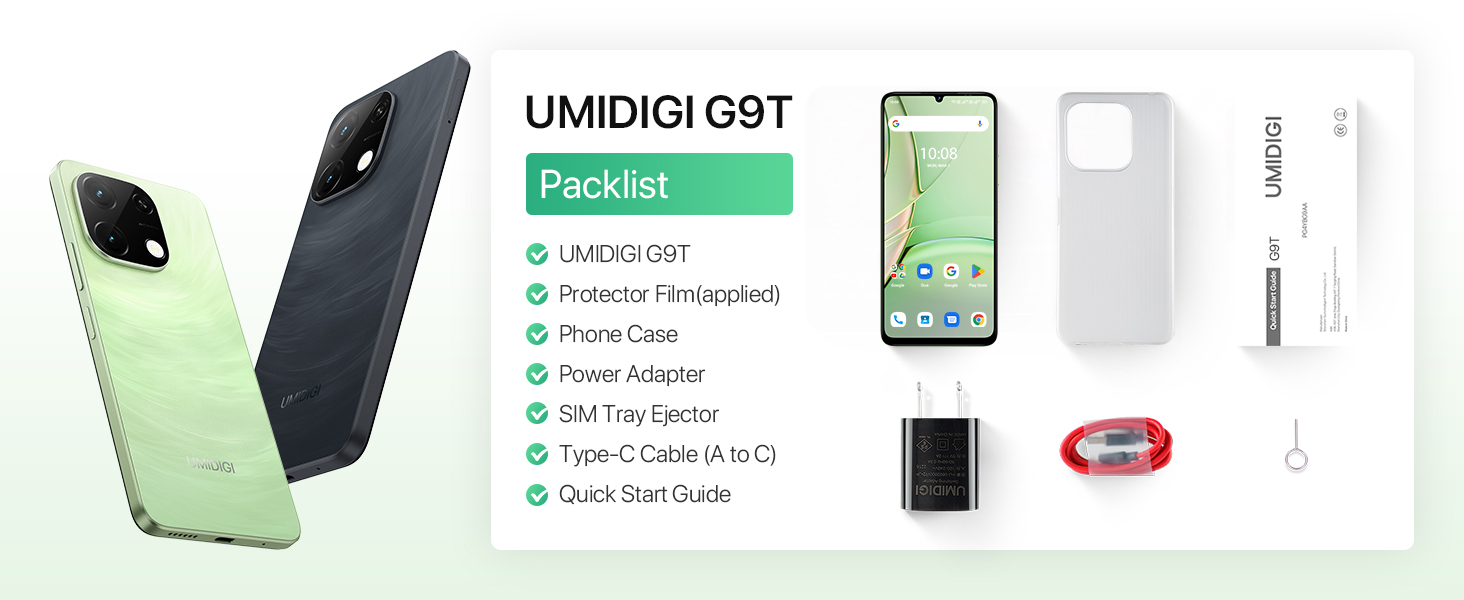
Upon opening your UMIDIGI G9T package, you should find the following items:
- UMIDIGI G9T Smartphone
- Protector Film (pre-applied)
- Phone Case
- Power Adapter
- SIM Tray Ejector
- Type-C Cable (A to C)
- Quick Start Guide
This image displays the contents of the UMIDIGI G9T retail package, including the smartphone, protective film, phone case, power adapter, SIM tray ejector, Type-C cable, and a quick start guide.
3. Device Overview
Familiarize yourself with the physical components of your UMIDIGI G9T smartphone.
3.1 Front View

Front view of the UMIDIGI G9T smartphone, showcasing its 6.75-inch display and front camera.
3.2 Rear View

Rear view of the UMIDIGI G9T smartphone, highlighting the main camera module.
3.3 Dimensions
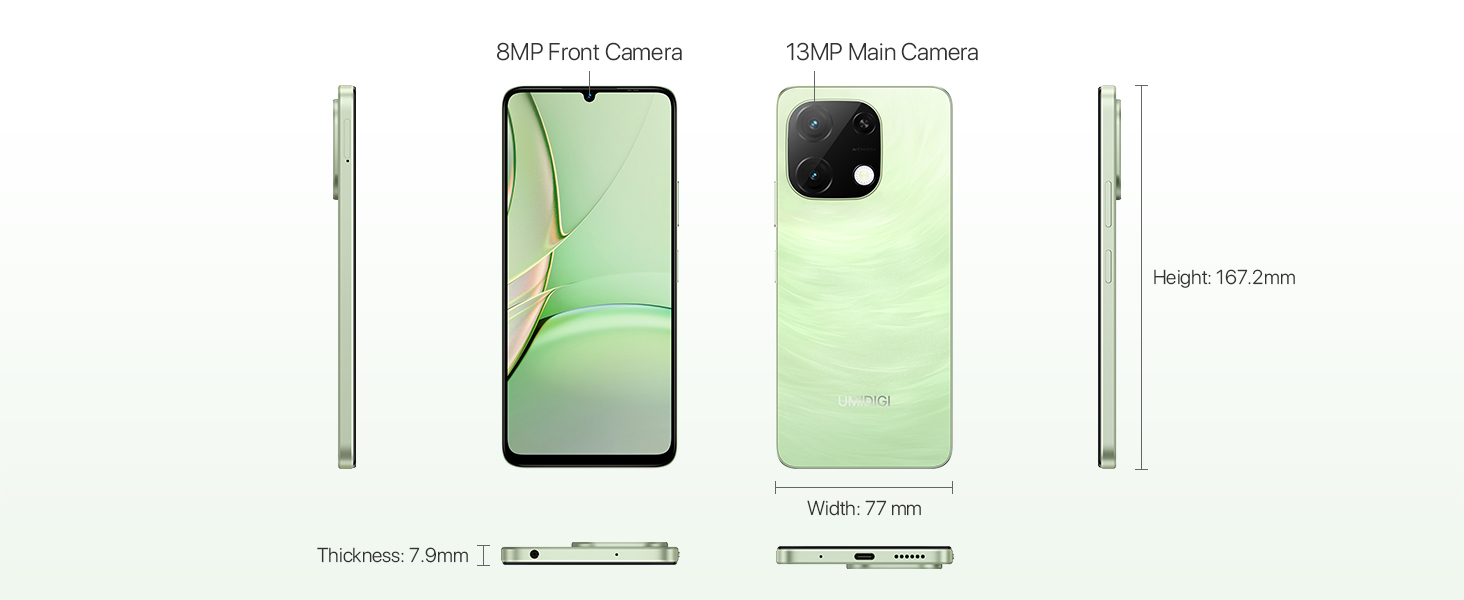
Diagram illustrating the dimensions of the UMIDIGI G9T smartphone, including its thickness (7.9mm), height (167.2mm), and width (77mm).
4. Setup
4.1 Inserting SIM and TF Cards
Your UMIDIGI G9T supports dual Nano SIM cards or one Nano SIM card and one TF (microSD) card for expandable storage up to 1TB.
- Locate the SIM card tray on the side of your phone.
- Insert the provided SIM tray ejector tool into the small hole next to the tray and press gently until the tray pops out.
- Carefully place your Nano SIM card(s) and/or TF card into the designated slots on the tray. Ensure the gold contacts are facing down and the cards are correctly oriented.
- Gently push the tray back into the phone until it is flush with the device's side.

Close-up view of the SIM card tray, showing slots for dual Nano SIM cards or one Nano SIM and one TF card.
4.2 Initial Power On
To power on your device, press and hold the power button located on the side of the phone until the UMIDIGI logo appears on the screen.
4.3 Basic Setup
Follow the on-screen prompts to complete the initial setup process. This typically includes selecting your language, connecting to a Wi-Fi network, and signing in with your Google account.
5. Operating Your Device
5.1 Display
The UMIDIGI G9T features a 6.75-inch HD+ display with a 90Hz refresh rate, providing a smooth and clear visual experience for all your content.
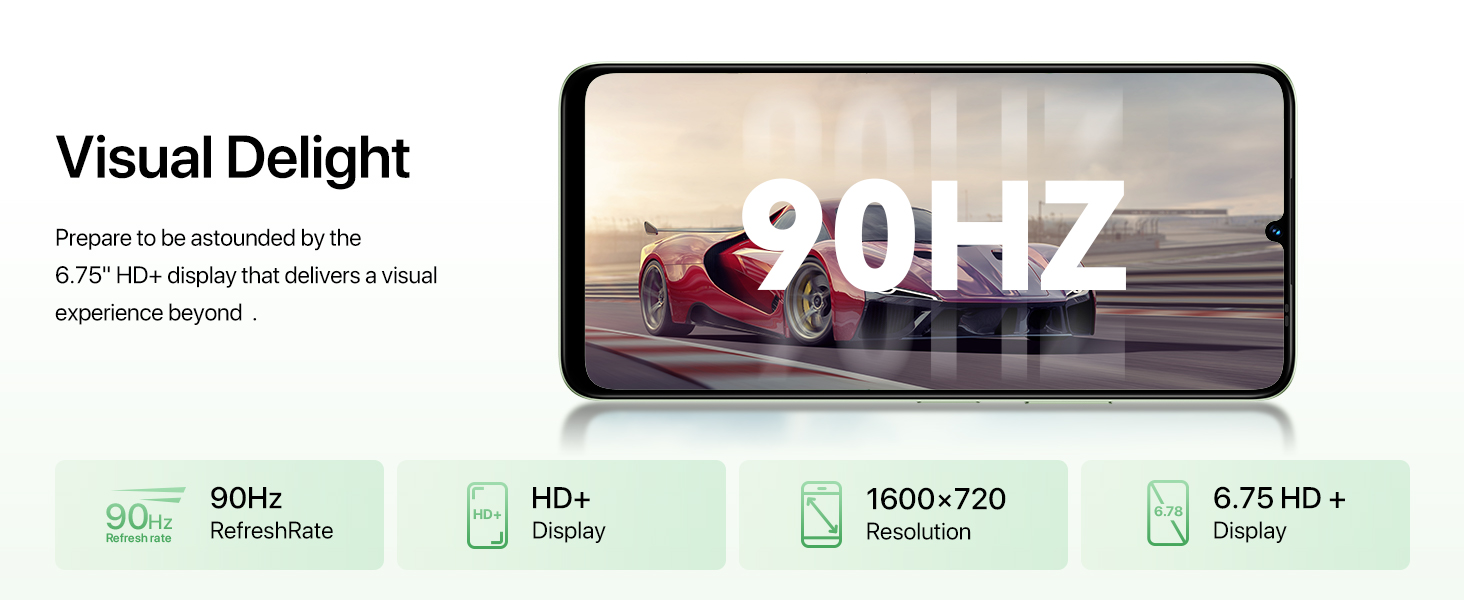
Image detailing the 6.75-inch HD+ display with a 90Hz refresh rate, highlighting its clarity and smooth visual experience.
5.2 Battery and Charging
Equipped with a large 5000mAh battery, the UMIDIGI G9T offers extended usage time. It supports 18W fast charging to quickly replenish power.
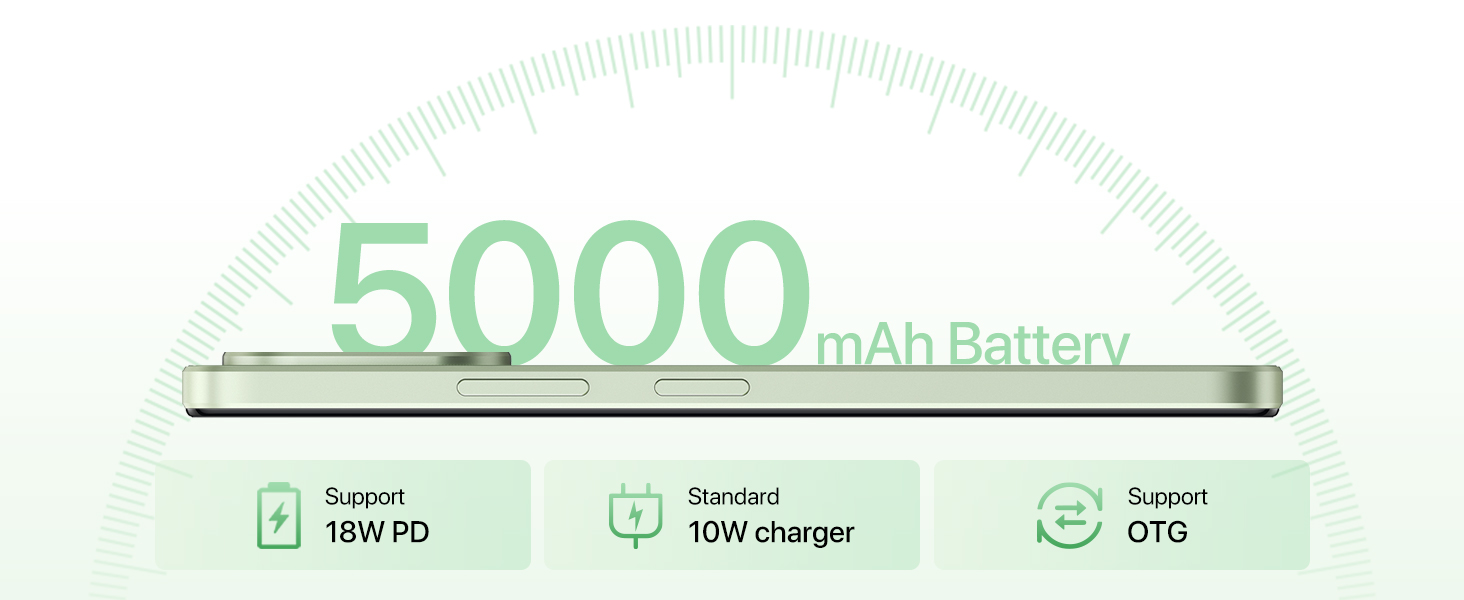
Illustration of the 5000mAh battery capacity and support for 18W fast charging.
5.3 Performance
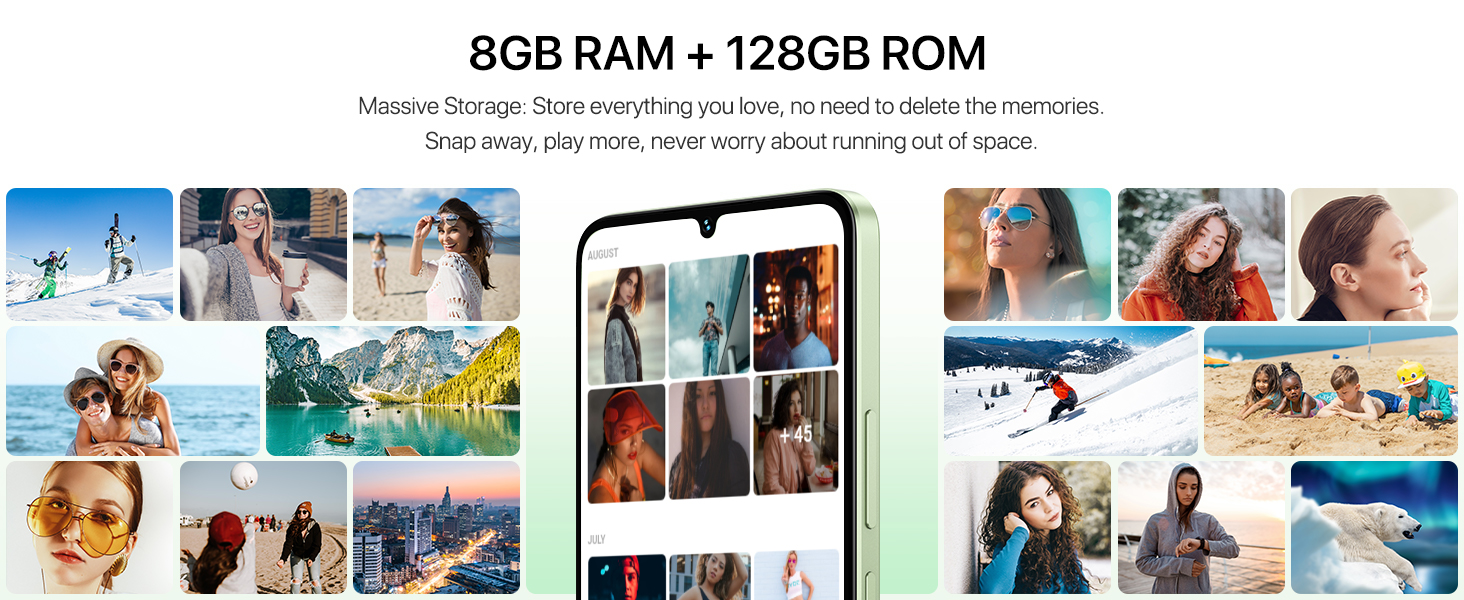
The UMIDIGI G9T is powered by the UNISOC T606 Octa-Core Processor, ensuring efficient performance for daily tasks and entertainment. It comes with 4GB of RAM (expandable to 8GB virtual RAM) and 128GB of internal storage, which can be expanded up to 1TB with a TF card.
Visual representation of the UNISOC T606 Octa-Core Processor, emphasizing its role in device performance.
5.4 Camera Features
Capture moments with the UMIDIGI G9T's camera system:
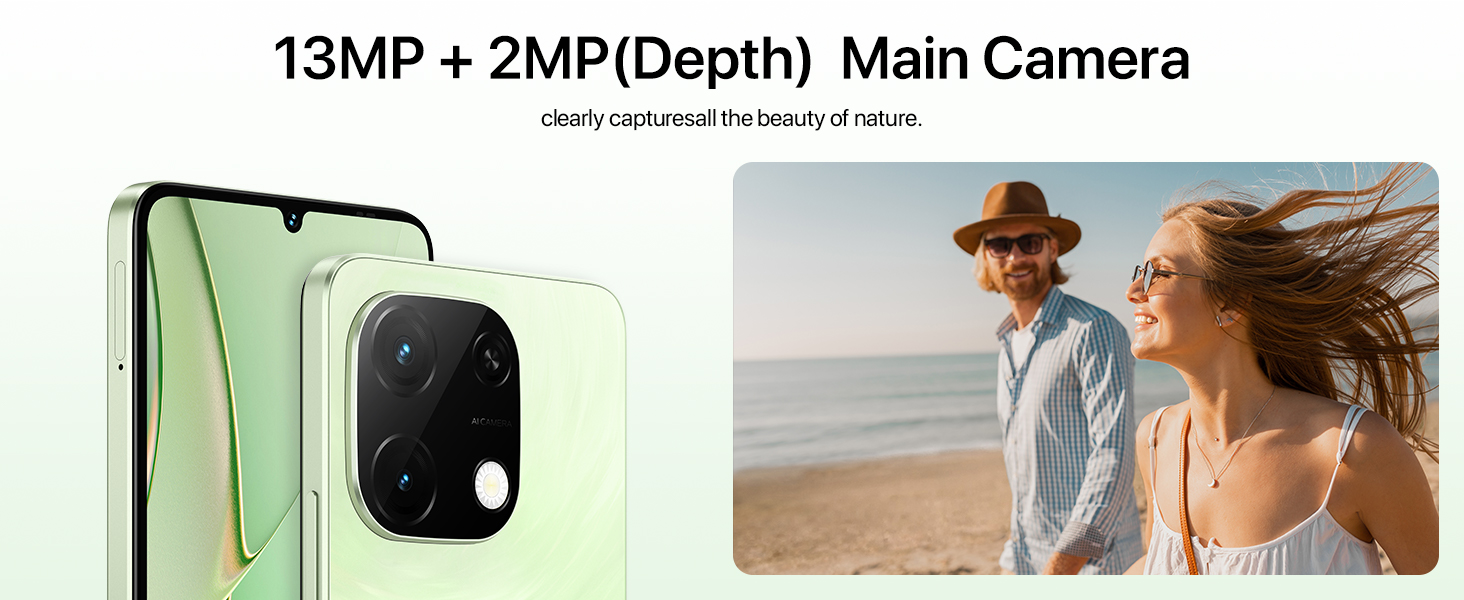
- Rear Camera: 13MP Ultra-Clear Main Camera + 2MP Depth Camera
- Front Camera: 8MP Selfie Camera
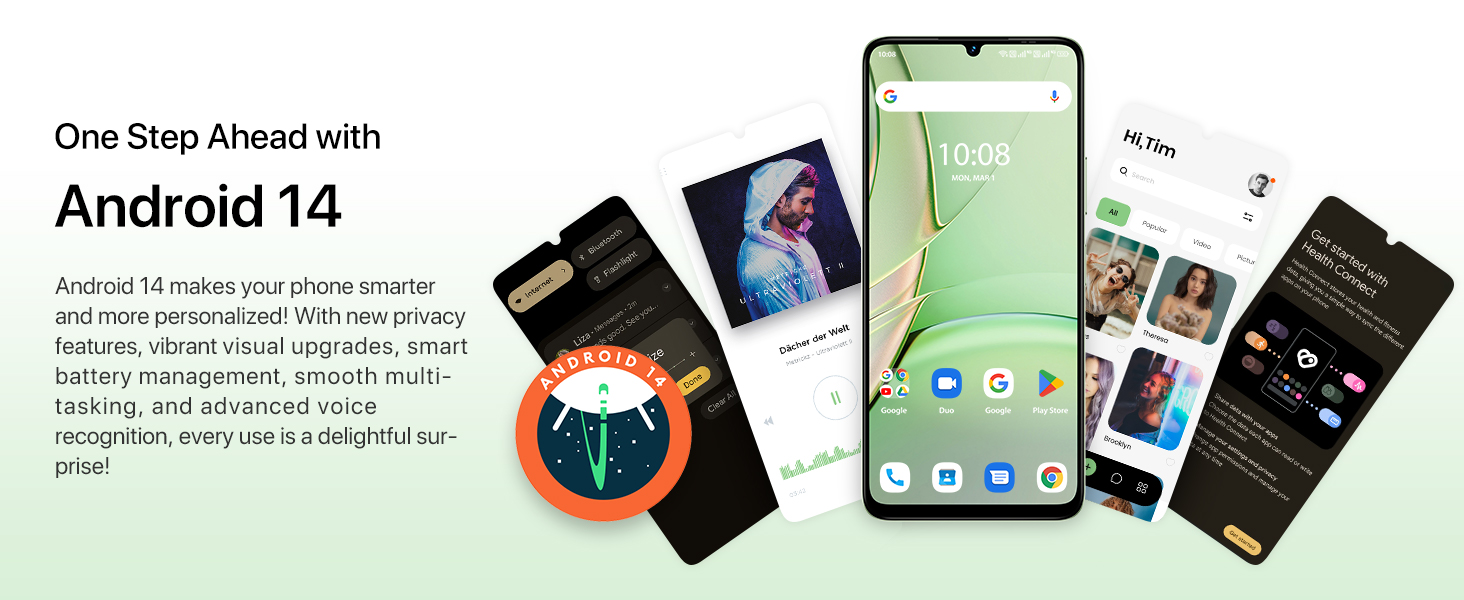
Image showcasing the 13MP main camera features, including various shooting modes like Panorama, Night Mode, and Portrait.
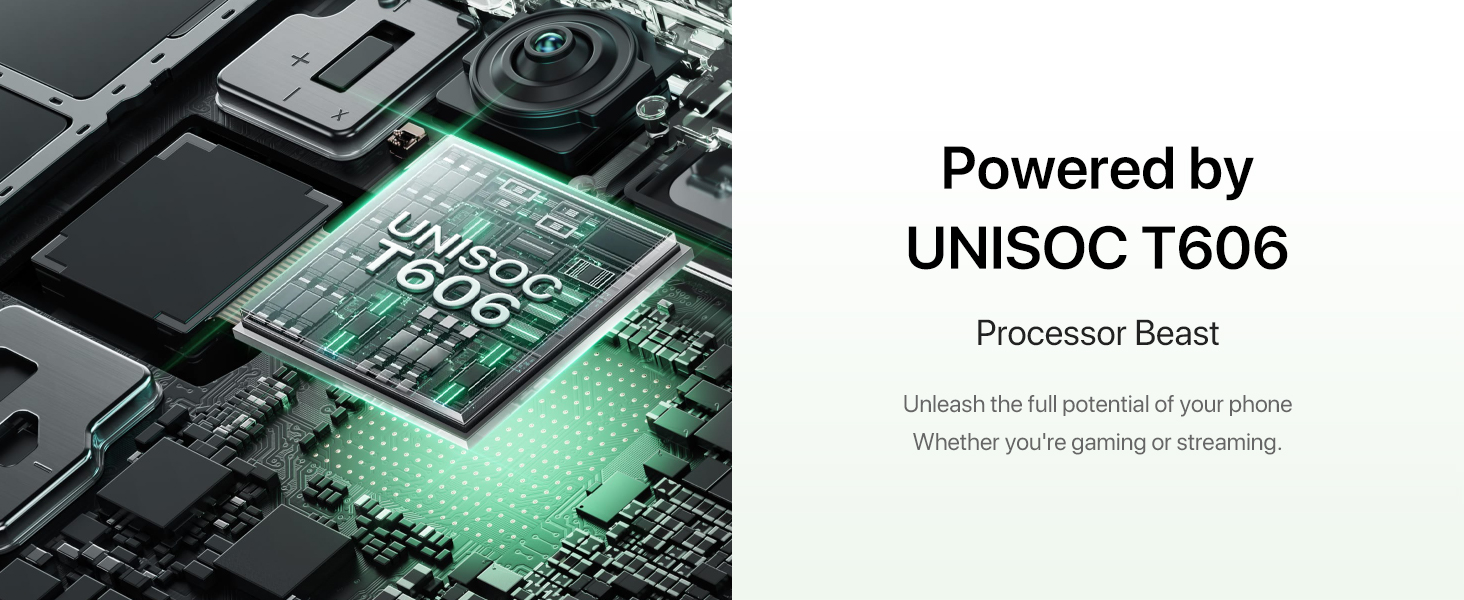
Image demonstrating the 8MP front-facing camera for selfies.
5.5 Security Features
The UMIDIGI G9T offers multiple secure unlocking methods:
- AI Face Unlock: Quickly unlock your phone using facial recognition.
- Fingerprint Unlock: Use the side-mounted fingerprint sensor for instant access.

Illustration of the AI Face Unlock and Fingerprint Unlock features, showing how the phone recognizes the user's face and fingerprint for secure access.
5.6 Android 14 System
Your UMIDIGI G9T runs on the Android 14 operating system, offering enhanced privacy features, personalized settings, and a smooth user experience.
Screenshots of the Android 14 interface, highlighting its features and the phone's memory configuration.
5.7 Product Video Overview
Watch this video for a visual overview of the UMIDIGI G9T smartphone's key features.
This video provides a 30-second overview of the UMIDIGI G9T Android 14 Unlocked Cellphone, showcasing its design, camera, processor, display, and battery features.
6. Connectivity
6.1 Network Bands
The UMIDIGI G9T supports a wide range of 4G, 3G, and 2G network bands for global compatibility. Please verify your carrier's supported bands before use.
- 4G: B1/2/3/4/5/7/8/17/18/19/20/26/28AB/66/38/40/41
- 3G: B1/2/4/5/8
- 2G: B2/3/5/8
Graphic illustrating the supported 4G, 3G, and 2G network bands for global compatibility.
6.2 Dual SIM Functionality
Utilize two SIM cards simultaneously for separate personal and work lines, or for enhanced network coverage.
6.3 Bluetooth
Connect to wireless accessories such as headphones, speakers, and smartwatches using Bluetooth 5.0.
6.4 GPS Navigation
The device supports multiple global navigation satellite systems including GPS, Glonass, Beidou, and Galileo for accurate positioning and navigation.
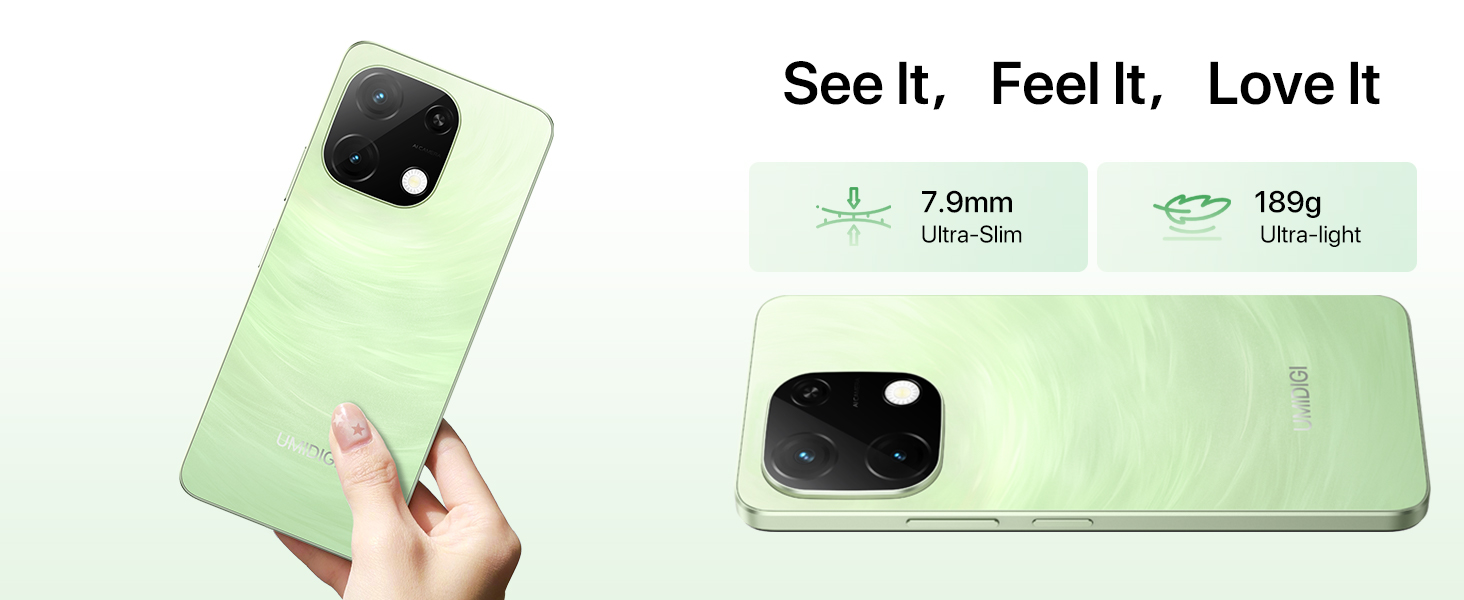
Image depicting the multi-system GPS functionality, showing a map on the phone screen for navigation.
7. Maintenance
7.1 Cleaning Your Device
To clean your UMIDIGI G9T, use a soft, lint-free cloth. Avoid using harsh chemicals or abrasive materials that could damage the screen or casing. For stubborn smudges, slightly dampen the cloth with water or a screen cleaner designed for electronics.
7.2 Software Updates
Regularly check for and install software updates to ensure your device has the latest features, security patches, and performance improvements. You can typically find this option in Settings > System > System update.
7.3 Battery Care
To prolong battery life, avoid exposing your phone to extreme temperatures. It is recommended to keep the battery charge between 20% and 80% for optimal long-term health. Use only the provided charger and cable or certified compatible accessories.
8. Troubleshooting
This section addresses common issues you might encounter with your UMIDIGI G9T.
| Issue | Possible Solution |
|---|---|
| Phone does not power on | Ensure the battery is charged. Connect the phone to the charger for at least 10 minutes, then try powering on again. If it still doesn't work, perform a forced restart by holding the power button for 10-15 seconds. |
| Network connection problems | Check if your SIM card is properly inserted. Restart the phone. Go to Settings > Network & internet > Mobile network and ensure mobile data is enabled. Verify your APN settings with your carrier. |
| Apps are crashing or freezing | Clear the cache and data of the problematic app (Settings > Apps > [App Name] > Storage & cache). Update the app from the Google Play Store. If the issue persists, uninstall and reinstall the app. |
| Fingerprint/Face Unlock not working | Ensure your finger/face is clean and dry. Re-register your fingerprint/face in Settings > Security > Fingerprint Unlock / Face Unlock. Ensure there are no obstructions on the sensor or front camera. |
| Battery drains quickly | Check battery usage in Settings > Battery to identify power-hungry apps. Reduce screen brightness, disable unnecessary features like Bluetooth/GPS when not in use, and close background apps. |
If you encounter issues not listed here or if the suggested solutions do not resolve your problem, please contact UMIDIGI customer support.
9. Specifications
Key technical specifications for the UMIDIGI G9T smartphone:
| Feature | Detail |
|---|---|
| Brand | UMIDIGI |
| Model Name | G9T |
| Operating System | Android 14 |
| CPU Model | UNISOC T606 Octa-Core |
| RAM Memory Installed | 4 GB (expandable to 8GB virtual RAM) |
| Memory Storage Capacity | 128 GB |
| Flash Memory Supported Size Maximum | 1024 GB (1TB TF card) |
| Screen Size | 6.75 Inches |
| Display Type | LCD |
| Resolution | 1520 x 720 |
| Refresh Rate | 90 Hz |
| Rear Facing Camera Photo Sensor Resolution | 13 MP (Main) + 2 MP (Depth) |
| Front Photo Sensor Resolution | 8 MP |
| Battery Capacity | 5000 Milliamp Hours |
| Charging | 18W Fast Charging |
| SIM Card Slot Count | Dual SIM |
| Wireless Carrier | Unlocked for All Carriers |
| Cellular Technology | 4G, 3G, 2G |
| Wireless Network Technology | GSM, LTE, UMTS |
| Biometric Security Feature | Fingerprint Recognition, Face Recognition |
| Connector Type | USB Type C |
| Headphones Jack | 3.5 mm |
| GPS Geotagging Functionality | True (GPS, Glonass, Beidou, Galileo) |
| Water Resistance Level | Not Water Resistant |
10. Warranty and Support
10.1 Warranty Information
The UMIDIGI G9T comes with a 1-year manufacturer's warranty from the date of purchase. This warranty covers defects in materials and workmanship under normal use. It does not cover damage caused by misuse, accidents, unauthorized repairs, or normal wear and tear. Please retain your proof of purchase for warranty claims.
10.2 Customer Support
For technical assistance, warranty claims, or any other inquiries regarding your UMIDIGI G9T smartphone, please visit the official UMIDIGI support website or contact their customer service team. Refer to the packaging or the official website for the most up-to-date contact information.

