
Product Overview
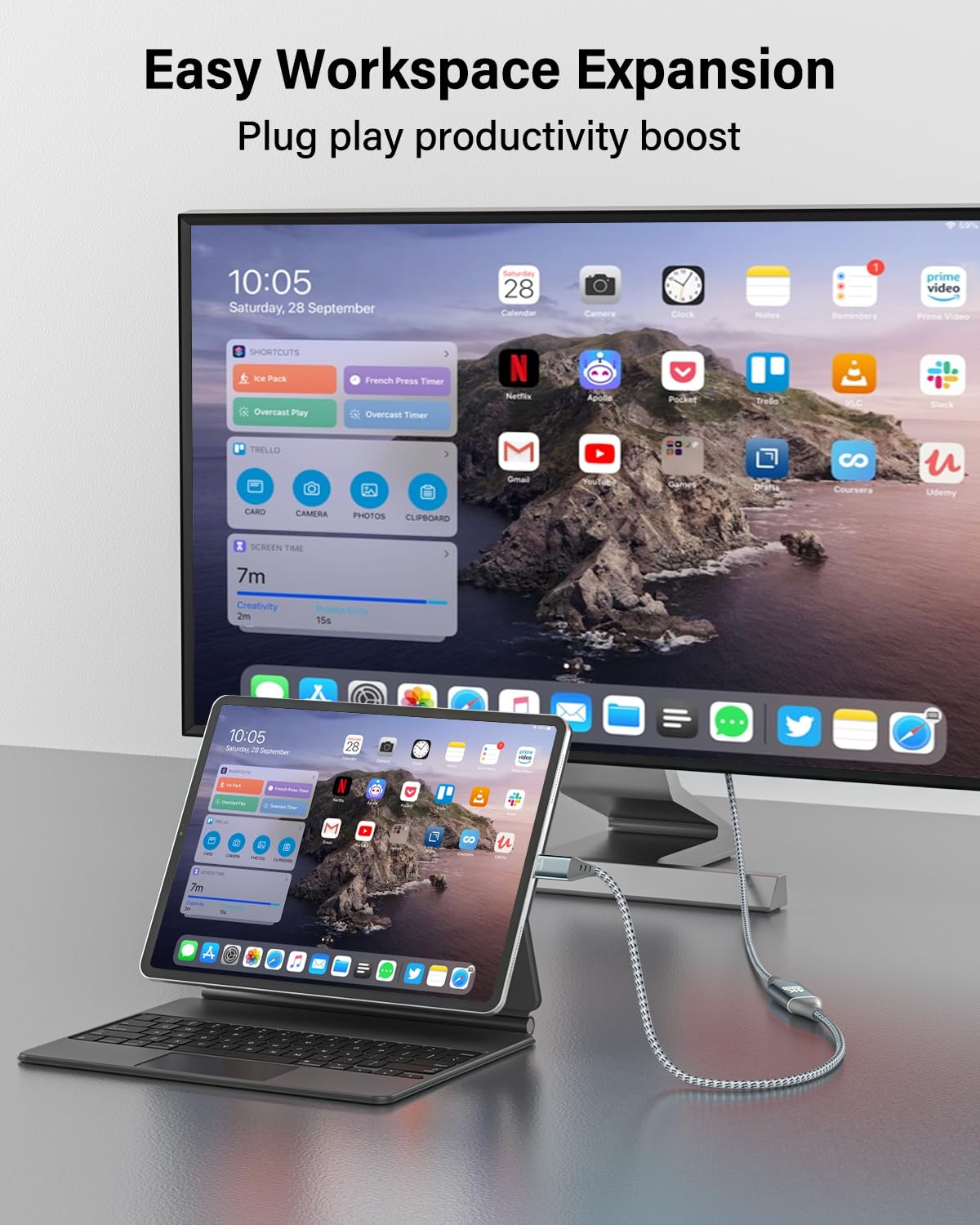
The RUIZHI 4K Micro HDMI to USB-C Cable is designed for one-way signal transfer from a Micro HDMI source device to a USB-C display. This cable supports Ultra HD 4K video at 60Hz with an 18Gbps bandwidth, providing a clear and stable visual experience. Its plug-and-play functionality allows for easy setup, enhancing productivity with dual-screen capabilities or providing immersive entertainment on larger displays.
This 3-foot cable features a durable nylon braided exterior, gold-plated contacts, and reinforced aluminum connectors, ensuring reliable long-term performance and resistance to bending and tangling.
Important Compatibility Notice
This cable ONLY supports signal transfer from a Micro HDMI source device to a USB-C display. It DOES NOT support signal transfer from USB-C to Micro HDMI, nor does it support charging functions.
Ensure your source device has a Micro HDMI output and your display device has a USB-C input that supports video display.
Setup Instructions
- Identify Ports: Locate the Micro HDMI output port on your source device (e.g., camera, tablet) and the USB-C input port on your display device (e.g., monitor, TV, iPad Pro).
- Connect Source: Insert the Micro HDMI connector of the RUIZHI cable into the Micro HDMI output port of your source device.
- Connect Display: Insert the USB-C connector of the RUIZHI cable into the USB-C input port of your display device.
- Power On: Ensure both your source device and display device are powered on.
- Select Input: On your display device, select the correct USB-C input source if it does not automatically detect the connection.

Operating Instructions
Once connected, the RUIZHI 4K Micro HDMI to USB-C Cable will automatically transmit audio and video signals from your Micro HDMI source to your USB-C display. No additional drivers or software are typically required for operation.
- High-Resolution Display: Enjoy content in 4K Ultra HD resolution at 60Hz, provided both your source device and display support these specifications.
- Extended Workspace: Utilize your USB-C monitor as an extended display for your Micro HDMI-enabled device, enhancing productivity.
- Entertainment: Mirror content from your Micro HDMI device to a larger USB-C screen for an immersive viewing experience, including 3D visuals if supported by your devices.


Maintenance and Care
To ensure the longevity and optimal performance of your RUIZHI Micro HDMI to USB-C Cable, follow these care guidelines:
- Handle with Care: Avoid excessive bending or pulling on the cable, especially near the connectors. While designed for durability, extreme force can cause damage.
- Clean Connectors: If connectors appear dusty or dirty, gently wipe them with a dry, lint-free cloth. Do not use liquid cleaners directly on the connectors.
- Storage: When not in use, store the cable in a clean, dry place, preferably coiled loosely to prevent kinks and tangles.
- Environmental Conditions: This cable is designed for indoor use. Avoid exposing it to extreme temperatures, direct sunlight, or high humidity.

Troubleshooting
- No Signal/Display:
- Directionality: Confirm that the connection is from Micro HDMI (source) to USB-C (display). This cable is unidirectional.
- Secure Connection: Ensure both the Micro HDMI and USB-C connectors are fully and securely inserted into their respective ports.
- Display Input: Verify that your display device is set to the correct USB-C input source.
- Device Compatibility: Check if your USB-C display supports video input via its USB-C port. Not all USB-C ports support video.
- Power Cycle: Try restarting both the source device and the display device.
- Flickering or Intermittent Display:
- Cable Integrity: Inspect the cable for any visible damage or kinks.
- Resolution/Refresh Rate: Ensure the resolution and refresh rate settings on your source device are compatible with your display. While the cable supports 4K@60Hz, your devices must also support it.
- No Audio:
- Audio Output Settings: Check the audio output settings on your source device to ensure audio is directed to the HDMI/USB-C output.
- Display Audio: Verify that your display's audio is not muted or set to a very low volume.
Specifications
| Brand | RUIZHI |
| Model Number | MH-C-3FT |
| Connector Type | Micro HDMI (Male), USB Type-C (Male) |
| Cable Type | Micro HDMI to USB-C |
| Compatible Devices | Monitors, TVs, Projectors with USB-C video input; Cameras, Tablets, Laptops with Micro HDMI output |
| Special Feature | High Speed, Unidirectional (Micro HDMI Source to USB-C Display) |
| Data Transfer Rate | 18 Gigabits Per Second (Gbps) |
| Resolution Support | Up to 4K @ 60Hz |
| Cable Length | 3 Feet (approx. 0.91 meters) |
| Color | Grey |
| Outer Material | Nylon Braided |
| Connector Housing | Aluminum Alloy |
| Item Weight | 1.97 Ounces (approx. 55.8 grams) |
| Recommended Uses | Office, Home Entertainment, Mobile Device Connectivity |