
1. Introduction
This manual provides detailed instructions for the installation, operation, and maintenance of your Uckazy 12.3 Inch Android 14 Car Radio. Please read this manual thoroughly before using the product to ensure proper function and longevity.
2. Vehicle Compatibility
This car radio is designed for specific Mercedes Benz models and systems. It is suitable for:
- Mercedes Benz CLA
- Mercedes Benz GLA
- Mercedes Benz W176
- Mercedes Benz X156
- Mercedes Benz C117
- Systems: NTG 4.5/4.7
If you are unsure about your vehicle's compatibility, please consult a professional or contact Uckazy support before installation.
3. Key Features
The Uckazy 12.3 Inch Android 14 Car Radio offers a range of advanced features for an enhanced in-car experience:
- Display: 12.3-inch HD (1920x720) IPS IN-CELL screen with full lamination technology for reduced reflection.
- Operating System: Android 14.
- Processor: Octa-core MediaTek processor.
- Memory & Storage: 8GB RAM and 128GB ROM.
- Connectivity: Wireless (wired) Apple CarPlay, Wireless (wired) Android Auto, Wireless MirrorLink (iOS/Android), Bluetooth, Wi-Fi.
- Audio: Built-in DSP with 16 EQ segments for customizable sound quality.
- Camera Support: 2K video playback and 360-degree camera compatibility.
- Integration: Retains original iDrive system control and functions (supported in both original and Android systems).
- User Interface: Multiple UI options, including Day/Night mode and 6 classic UIs.
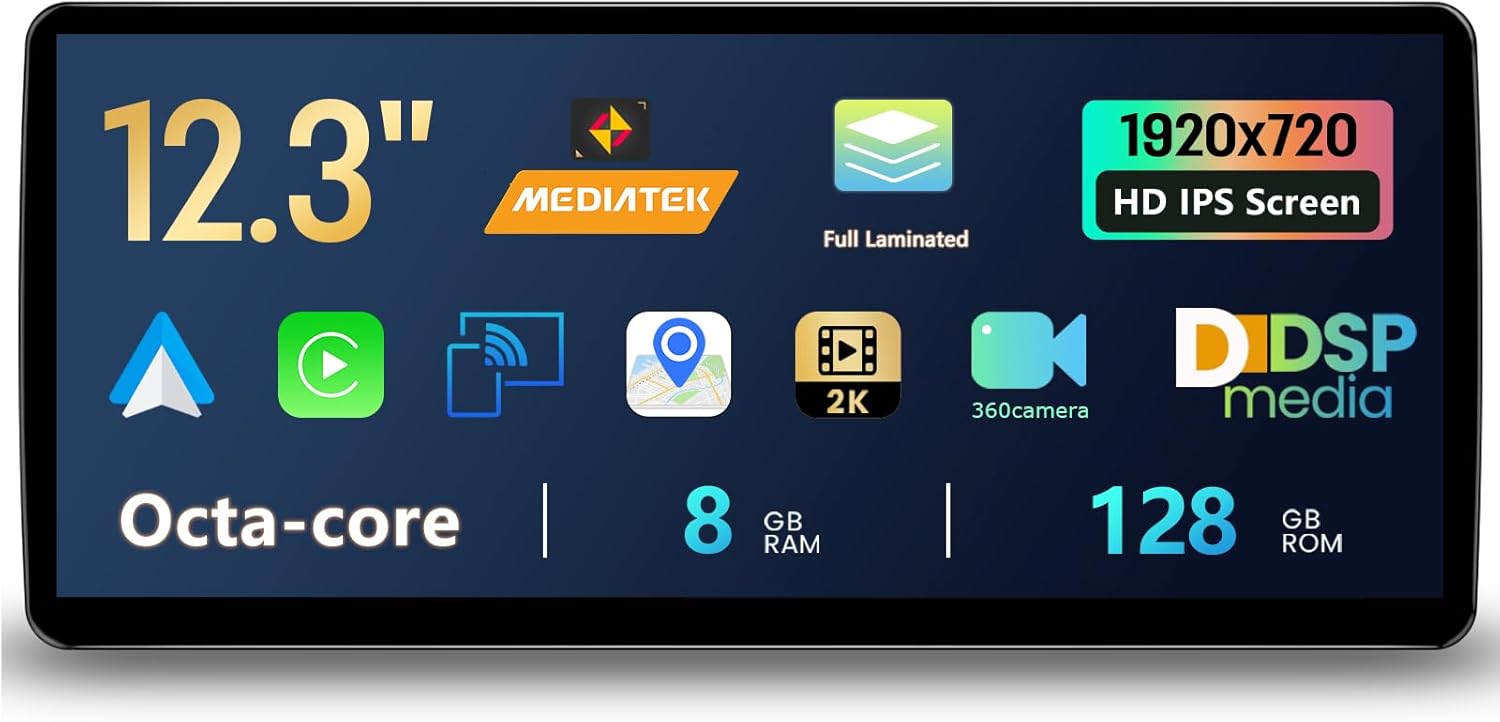
Image 1: Overview of the Uckazy 12.3 Inch Android 14 Car Radio's key specifications and features displayed on its screen. This includes the screen size (12.3"), processor type (MediaTek Octa-core), display technology (Full Laminated, 1920x720 HD IPS), multimedia capabilities (2K, 360 camera, DSP media), and memory/storage (8GB RAM, 128GB ROM).
4. Setup and Installation
The Uckazy car radio is designed for plug-and-play installation. However, professional installation is recommended to ensure correct wiring and functionality, especially for integrating with existing vehicle systems.
4.1 Pre-Installation Checklist
- Verify vehicle compatibility (Mercedes Benz CLA/GLA W176 X156 C117 with NTG 4.5/4.7 System).
- Ensure all necessary tools are available.
- Disconnect the vehicle's battery before starting installation.
- Review the wiring diagram provided with the product (if applicable).
4.2 Installation Steps (General)
- Carefully remove the existing car radio or display unit from your vehicle's dashboard.
- Connect the provided wiring harness from the Uckazy unit to the vehicle's existing connectors. Ensure all connections are secure.
- Connect any additional accessories such as GPS antenna, USB cables, or camera inputs.
- Mount the new Uckazy 12.3 Inch Android 14 Car Radio into the dashboard opening.
- Reconnect the vehicle's battery.
- Power on the unit and perform initial setup and testing.
Refer to the specific installation guide included in your product packaging for detailed, model-specific instructions.
5. Operating Instructions
The Uckazy Android 14 Car Radio operates similarly to a tablet, with a touch-sensitive screen and intuitive interface. It also retains compatibility with your vehicle's original iDrive system.
5.1 Basic Navigation
- Touch Screen: Navigate menus, select applications, and input data using the 12.3-inch touchscreen.
- Home Button: Typically represented by a house icon, returns you to the main Android home screen.
- Back Button: Returns to the previous screen or menu.
- Recent Apps: Displays recently opened applications for quick switching.
5.2 Switching Between Systems
The unit allows seamless switching between the Android 14 system and your vehicle's original NTG system. A dedicated icon or button on the Android interface will typically facilitate this switch. Consult the on-screen prompts or the quick start guide for the exact method.
5.3 Connectivity Features
- Bluetooth: Pair your smartphone for hands-free calling and audio streaming. Access Bluetooth settings from the main menu.
- Wi-Fi: Connect to a Wi-Fi hotspot (e.g., from your smartphone or a dedicated car hotspot) to access online features, download apps, and stream content.
- Apple CarPlay / Android Auto: Connect your compatible smartphone wirelessly or via USB to use CarPlay or Android Auto. Follow the on-screen instructions for initial setup. This allows access to navigation, music, messages, and voice assistants (Siri/Google Assistant).
- MirrorLink: Mirror your smartphone screen to the car radio display.
5.4 Audio Settings (DSP)
Utilize the built-in Digital Sound Processor (DSP) with 16 EQ segments to customize your audio experience. Access the EQ settings through the audio or sound menu to adjust frequencies, balance, fader, and other sound parameters to your preference.
6. Maintenance
Regular maintenance ensures optimal performance and extends the lifespan of your car radio.
- Screen Cleaning: Use a soft, lint-free cloth specifically designed for electronic screens. Do not use abrasive cleaners or solvents.
- Software Updates: Periodically check for and install software updates to ensure the system has the latest features and security patches. This can usually be found in the system settings under "About device" or "System updates."
- Environmental Conditions: Avoid exposing the unit to extreme temperatures, direct sunlight for prolonged periods, or excessive moisture.
- Cable Connections: Periodically check that all cables are securely connected and free from damage.
7. Troubleshooting
If you encounter issues with your Uckazy car radio, refer to the following common problems and solutions:
- No Power:
- Check all power connections and fuses.
- Ensure the vehicle's battery is properly connected and charged.
- No Sound:
- Verify volume settings are not muted or too low.
- Check speaker connections.
- Ensure the correct audio source is selected.
- Touchscreen Unresponsive:
- Restart the unit (turn off and on the vehicle ignition).
- Perform a factory reset if the issue persists (note: this will erase all user data).
- CarPlay/Android Auto Not Connecting:
- Ensure your phone's Bluetooth and Wi-Fi are enabled.
- Check that CarPlay/Android Auto is enabled in the unit's settings.
- Try connecting with a different USB cable if using a wired connection.
- Restart both the car radio and your smartphone.
- System Slow/Lagging:
- Close unnecessary background applications.
- Clear cache from apps.
- Consider a factory reset if performance issues are severe and persistent.
For issues not covered here, please contact Uckazy customer support.
8. Specifications
| Feature | Detail |
|---|---|
| Brand | Uckazy |
| Model | NTG 4.5/4.7 System 8+128G |
| Display Size | 12.3 inches |
| Resolution | 1920x720 HD IPS |
| Operating System | Android 14 |
| Processor | Octa-core MediaTek |
| RAM | 8GB |
| ROM (Internal Storage) | 128GB |
| Connectivity Technology | Bluetooth, Wi-Fi |
| Wireless Communication | Bluetooth |
| Special Feature | Touchscreen, Apple CarPlay, Android Auto, DSP |
| Compatible Devices | Smartphone |
| Item Weight | 3.4 pounds |
| Package Dimensions | 22 x 20 x 16 inches |
| Controller Type | iPhone App |
| Connector Type | Stereo Audio |
| Date First Available | July 9, 2025 |
9. Warranty and Support
Uckazy products are designed for quality and reliability. For specific warranty terms and conditions, please refer to the warranty card included with your product or visit the official Uckazy website.
For technical assistance, troubleshooting, or any product-related inquiries, please contact Uckazy customer support through their official channels. Provide your product model and purchase details for efficient service.
Contact information can typically be found on the Uckazy website or in your product packaging.


