1. Introduction
Thank you for choosing the Eureka Forbes Aspire Nova Pro RO+UV+Stainless Steel IOT Water Purifier. This manual provides essential information for the safe and efficient operation, installation, and maintenance of your water purification system. Please read it thoroughly before use and retain it for future reference.
This advanced water purifier is designed to provide clean and safe drinking water using a multi-stage purification process, including Reverse Osmosis (RO), Ultraviolet (UV), and Ultra Filtration (UF) technologies. It also features smart IoT capabilities for enhanced monitoring and control.
2. Product Overview
The Aspire Nova Pro is equipped with cutting-edge features to ensure superior water quality and user convenience.
Key Features:
- NanoPore Filter Technology: Provides comprehensive protection against pesticides, microplastics, industrial waste (lead, mercury), bacteria, viruses, and cysts.
- 2-Year Filter Life: Filters are designed to last for 2 years or 12,000 liters, whichever comes first, under standard operating conditions (TDS ≤ 1000 ppm with NaCl).
- Stainless Steel Storage: Features a surgical-grade 304 Stainless Steel storage tank, which is corrosion-free, tough, durable, and comes with a lifetime warranty.
- Additional Mega Sediment Filter: Removes fine dust, dirt, and mud particles, preventing choking and extending the life of internal filters.
- 9-Stage Purification: Offers 99.9999% bacteria reduction, 99.99% virus reduction, and 10x more chemical protection through Sedi Shield, Particulate Filter, and Chemi Block stages.
- Water Saving RO Technology: Achieves over 40% water recovery and faster filtration rates compared to regular RO systems.
- 5th Gen UV LED: Provides instant purified water with zero wait time, contains no harmful mercury, and has a lifespan of up to 10 years.
- Works With All Water Sources: Capable of purifying water from municipal, borewell, or tanker sources (TDS Max: 2000 mg/L).
Smart IoT Features:
- Device Health Check: Monitor the purifier’s health with a 21-point scan via the app.
- Water Quality Indicator: Provides real-time updates on input and output TDS levels.
- Hydration Monitor: Tracks daily, weekly, and monthly water consumption.
- Filter Life Monitoring: Alerts you when filters are nearing expiry or require replacement, and can automatically send service booking requests.

Image: The Eureka Forbes Aspire Nova Pro water purifier showcasing its smart features like Device Health Check, Water Quality Indication, Water Consumption Tracker, and Filter Life Monitoring, as displayed on a smartphone app interface.

Image: A visual representation of the 10-stage purification process, detailing components such as Mega Sediment Filter, Particulate Filter, RO Maxx 2X, 4-in-1 Active Copper, Sedi Shield 2X, Chemi Block 2X, and 5th Gen UV LED.
3. Setup and Installation
The Aspire Nova Pro water purifier supports both wall-mounted and countertop installation. Professional installation is recommended to ensure proper setup and optimal performance.
What's in the Box:
- Eureka Forbes Aspire Nova Pro Water Purifier Unit
- Mega Sediment Filter
- Accessory Input Pipe
- Reject Water Pipe
- Diverter Valve
- User Manual (this document)
Installation Steps (Summary):
- Site Selection: Choose a suitable location for installation, either on a wall or countertop, ensuring proximity to a water source and power outlet.
- Water Connection: Connect the input pipe to the water supply using the provided diverter valve. Ensure all connections are secure to prevent leaks.
- Drain Connection: Connect the reject water pipe to a suitable drain.
- Power Connection: Plug the power cord into a grounded electrical outlet.
- Initial Flush: Before first use, allow the purifier to run for a few minutes to flush out any manufacturing residues. Refer to the detailed installation guide provided by the technician for specific instructions.
- App Setup: Download the Eureka Forbes smart app and follow the on-screen instructions to connect your purifier to your smart device for IoT features.
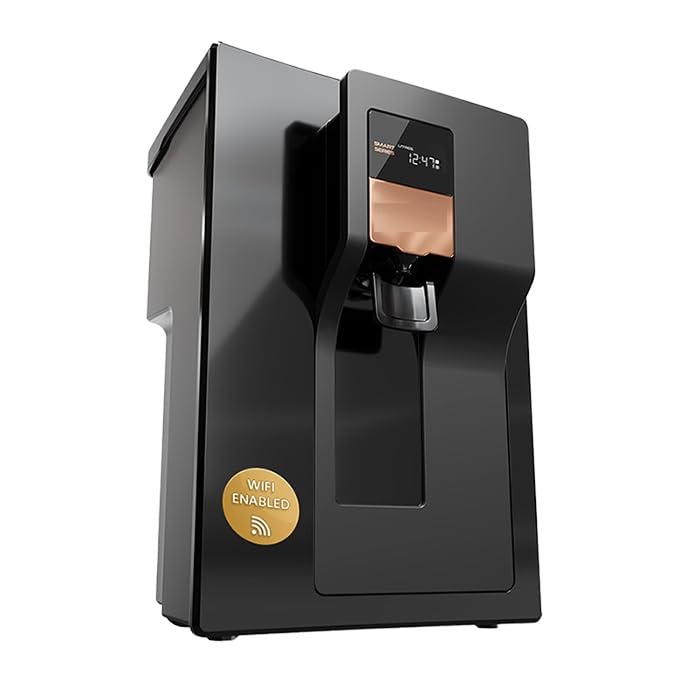
Image: Front view of the Eureka Forbes Aspire Nova Pro RO+UV+Stainless Steel IOT Water Purifier, illustrating its sleek design and dispenser.
4. Operating Instructions
Operating your Aspire Nova Pro water purifier is straightforward. Utilize its smart features for an enhanced experience.
Dispensing Water:
To dispense purified water, place a container under the dispenser tap and activate the dispensing mechanism. The 5th Gen UV LED ensures instant purification as water is dispensed.
Using Smart App Features:
Connect your purifier to the Eureka Forbes smart app to access the following functionalities:
- Device Health Check: Open the app and navigate to the 'Device Health' section. Initiate a 21-point scan to check the operational status of various components. The app will display a 'Good' status or highlight any issues.
- Water Quality Indicator: View real-time input and output TDS levels directly on the app to monitor water quality.
- Hydration Monitor: Track your daily, weekly, and monthly water consumption. This feature helps you maintain adequate hydration.
- Filter Life Monitoring: The app provides alerts when filters are nearing their expiry or require replacement. It can also automatically generate service requests.

Image: A smartphone screen displaying the 'Health Check' feature of the purifier's app, showing a completed 21-point scan with various components checked as functional.

Image: A smartphone screen illustrating the 'Hydration Monitor' feature, which tracks weekly water consumption and provides insights into usage patterns.
5. Maintenance
Regular maintenance ensures the longevity and optimal performance of your water purifier.
Filter Replacement:
- The internal filters have a life of 2 years or 12,000 liters, whichever is earlier.
- The smart app's Filter Life Monitoring system will alert you when filters are nearing expiry.
- Upon receiving an alert, it is recommended to schedule a service appointment through the app or by contacting customer support for professional filter replacement.
Mega Sediment Filter Maintenance:
The external Mega Sediment Filter helps protect internal filters by removing larger particles. Periodically inspect this filter for visible dirt and mud accumulation. If heavily soiled, it may need cleaning or replacement to maintain water flow and protect the main unit.

Image: A diagram illustrating the function of the Mega Sediment Filter, showing its effectiveness in removing fine dust, dirt, and mud particles from water, thereby extending the life of internal filters.
Stainless Steel Tank Cleaning:
The surgical-grade 304 Stainless Steel tank is designed for durability. While it keeps water fresher for longer, periodic cleaning by a service technician is recommended during routine maintenance to ensure hygiene.
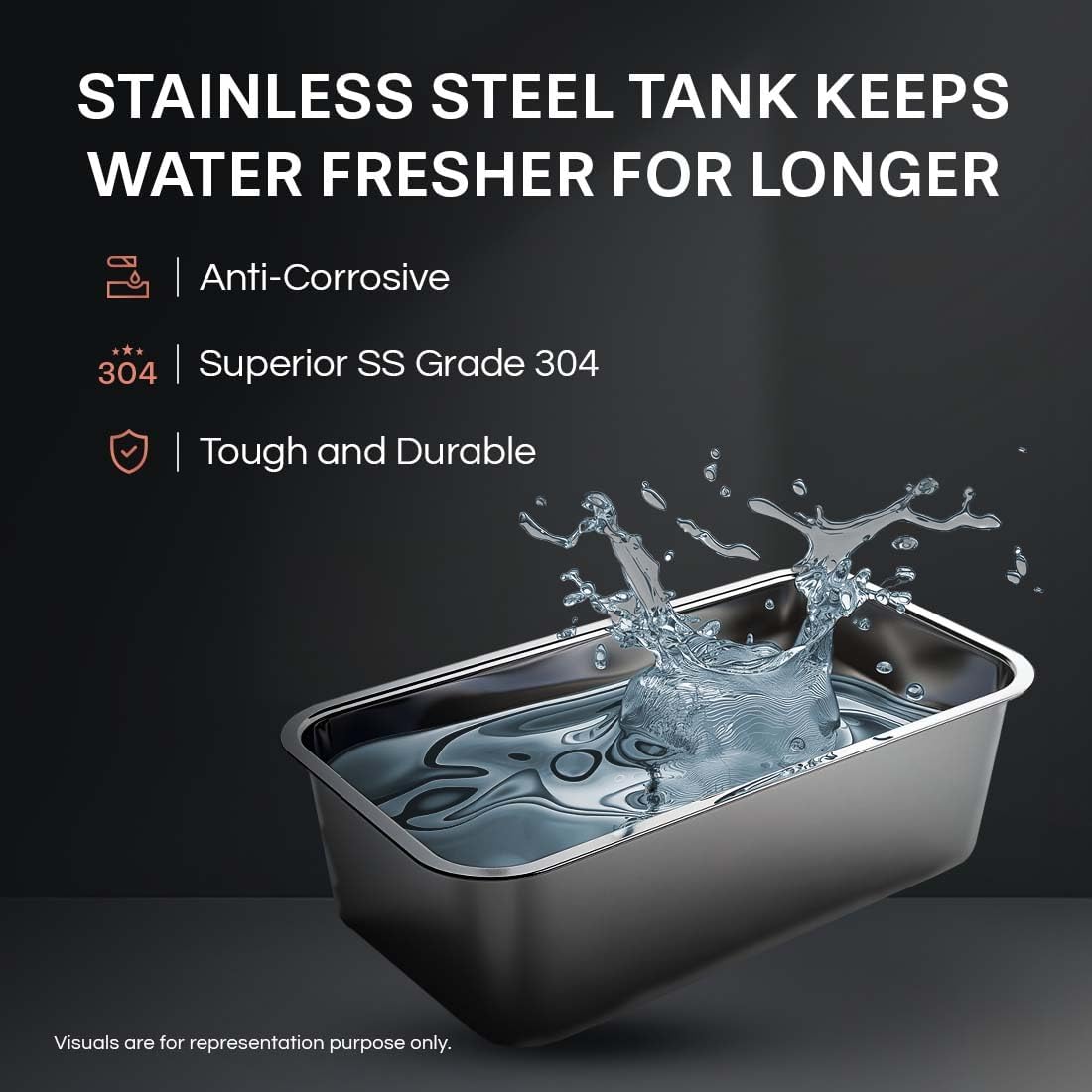
Image: A visual representation of the stainless steel storage tank, highlighting its anti-corrosive, superior SS Grade 304, and tough and durable properties, designed to keep water fresher.
6. Troubleshooting
If you encounter any issues with your water purifier, refer to the following common troubleshooting tips. For complex problems, contact customer support.
Common Issues:
- No Water Dispensed:
- Check if the power supply is connected and switched on.
- Ensure the main water supply valve to the purifier is open.
- Verify if the storage tank is empty. Allow time for purification if it is.
- Check the Mega Sediment Filter for excessive clogging.
- Unusual Taste or Odor:
- This may indicate that filters need replacement. Check the Filter Life Monitoring on the app.
- Ensure the initial flush procedure was performed correctly.
- Water Leakage:
- Immediately turn off the water supply and power to the unit.
- Check all pipe connections for looseness. Tighten if necessary.
- If the leak persists, contact customer support.
- App Connectivity Issues:
- Ensure your Wi-Fi network is active and the purifier is within range.
- Restart your Wi-Fi router and the purifier.
- Re-pair the device with the app if necessary.
For more detailed diagnostics, use the Device Health Check feature in the smart app, which performs a 21-point scan to identify specific issues.
7. Specifications
| Brand | Eureka Forbes |
| Model Name | Aspire Nova Pro |
| Model Number | GWPDN2XSI00B00 |
| Special Feature | RO + UV + Stainless Steel 2X IOT, Sedi Shield, Particulate Filter, Chemi-Block, Taste Adjuster, Reverse Osmosis Cartridge, UV E boiling, Ultra Filtration, 2-in-1 Alkaline Boost |
| Product Dimensions | 20L x 20W x 30H Centimeters |
| Material | Stainless Steel |
| Capacity | 6.2 litres |
| Installation Type | Wall-mounted, Countertop |
| Power Source | Corded Electric |
| Item Weight | 3 Kilograms |
| Operating Pressure Range | Up to 3.0 Centiliters (Note: This value seems unusual for pressure, typically measured in PSI or Bar. Please refer to official product documentation for accurate pressure specifications.) |
| Supported Water TDS Level Maximum | 1000 PPM |
| Filter Life Cycle | 2 Years |
| Manufacture Year | 2025 |
8. Warranty and Support
Warranty Information:
- The surgical-grade 304 Stainless Steel storage tank comes with a Lifetime Warranty.
- For specific warranty details on other components, please refer to the warranty card provided with your product or contact customer support.
Customer Support:
For any queries, service requests, or technical assistance, please contact Eureka Forbes Ltd. customer care:
- Phone: 18602661177 / 9212222051
- Email: customercare@eurekaforbes.com


