
1. Introduction
Thank you for purchasing the advwin Bladeless Tower Fan. This user manual provides important information for the safe and efficient operation of your new appliance. Please read this manual thoroughly before use and retain it for future reference.
2. Safety Instructions
Always follow basic safety precautions when using electrical appliances to reduce the risk of fire, electric shock, and injury to persons.
- Read all instructions before using the fan.
- Ensure the power supply matches the voltage specified on the fan's rating label.
- Do not operate the fan with a damaged cord or plug.
- Keep children and pets away from the fan during operation due to its bladeless design, which is safer but still requires supervision.
- Unplug the fan before cleaning or performing any maintenance.
- Do not immerse the fan in water or other liquids.
- Use only as described in this manual.
3. Package Contents
Verify that all items are included in your package:
- 1 x Bladeless Tower Fan
- 1 x Remote Control
- 1 x User Manual
Note: The remote control may require a CR2025 battery (not included).
4. Product Diagram

Figure 4.1: Bladeless Tower Fan and Remote Control. The fan features a sleek, tall design with a gold and white finish, an LED display, and a separate remote control for convenient operation.
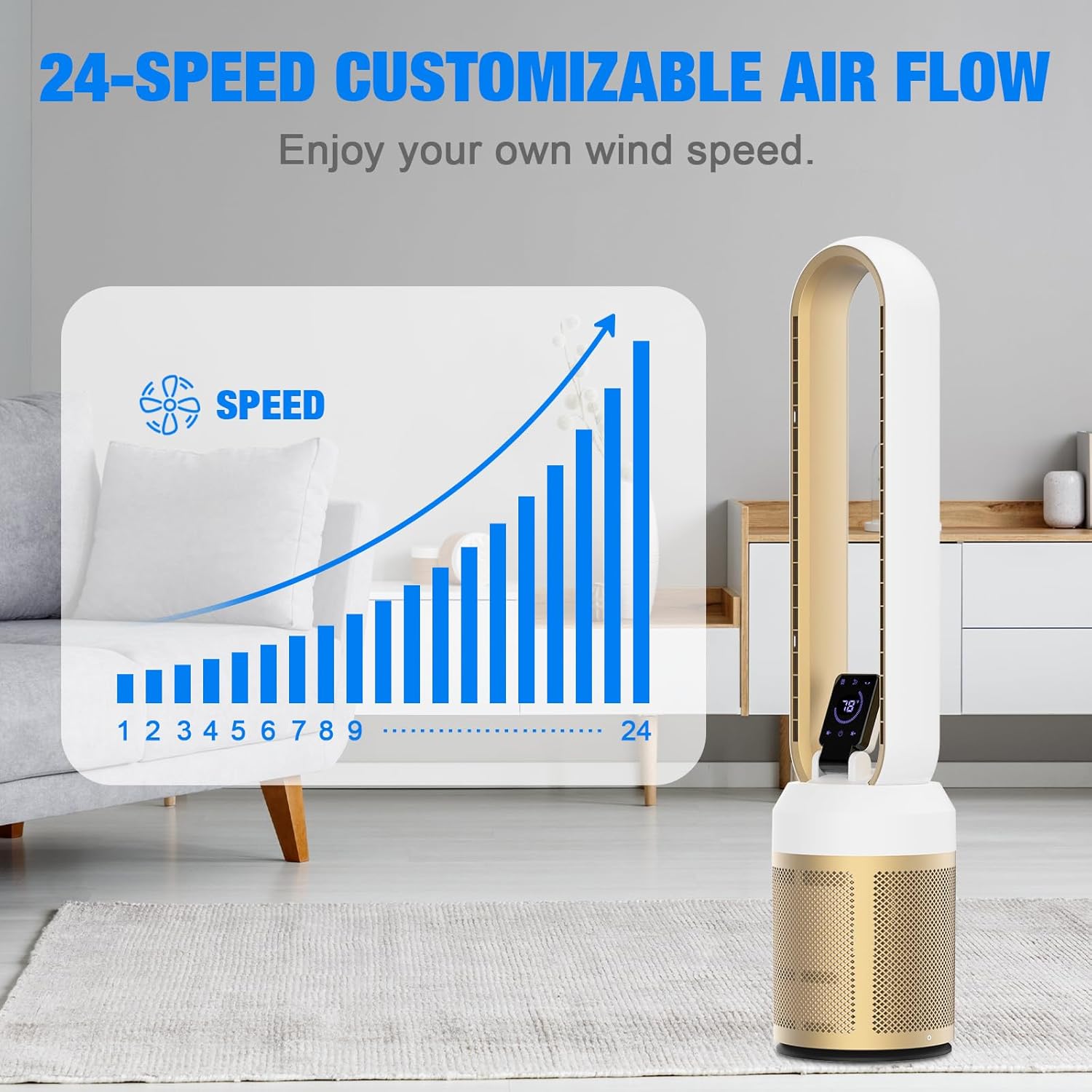
Figure 4.2: Dimensions of the Bladeless Tower Fan. The fan measures approximately 38.58 inches in height, with a base depth of 8.27 inches and a width of 6.81 inches at the top. It weighs 6.5 pounds.
5. Setup
The advwin Bladeless Tower Fan requires no assembly, making setup quick and easy.
- Unpack: Carefully remove the fan and all accessories from the packaging.
- Placement: Place the fan on a stable, flat surface in your desired location, ensuring adequate space around it for optimal airflow and oscillation.
- Power Connection: Plug the power cord into a standard 110V AC electrical outlet.
- Remote Control Battery: If using the remote control, insert a CR2025 battery (not included) into the remote's battery compartment, observing polarity.
6. Operating Instructions
Your bladeless fan can be operated using the LED touch screen on the unit or the included remote control.
6.1. Control Panel / LED Display

Figure 6.1: LED Touch Screen and Remote Control. The LED display shows current settings like fan speed and room temperature, while the remote offers convenient control from a distance.
The LED touch screen provides direct access to the fan's functions. Tap the icons to adjust settings.
6.2. Remote Control Functions
The remote control allows you to operate the fan from up to 19.69 feet away.
Figure 6.2: Remote Control for the Bladeless Tower Fan. The remote features buttons for power, speed adjustment, oscillation, and timer settings.
- Power Button: Turns the fan On or Off.
- Speed Adjustment (+/-): Increases or decreases the fan speed (24 speeds available).
- Oscillation Button: Activates or deactivates the 60° wide-angle oscillation.
- Timer Button: Sets the auto-off timer from 1 to 12 hours.
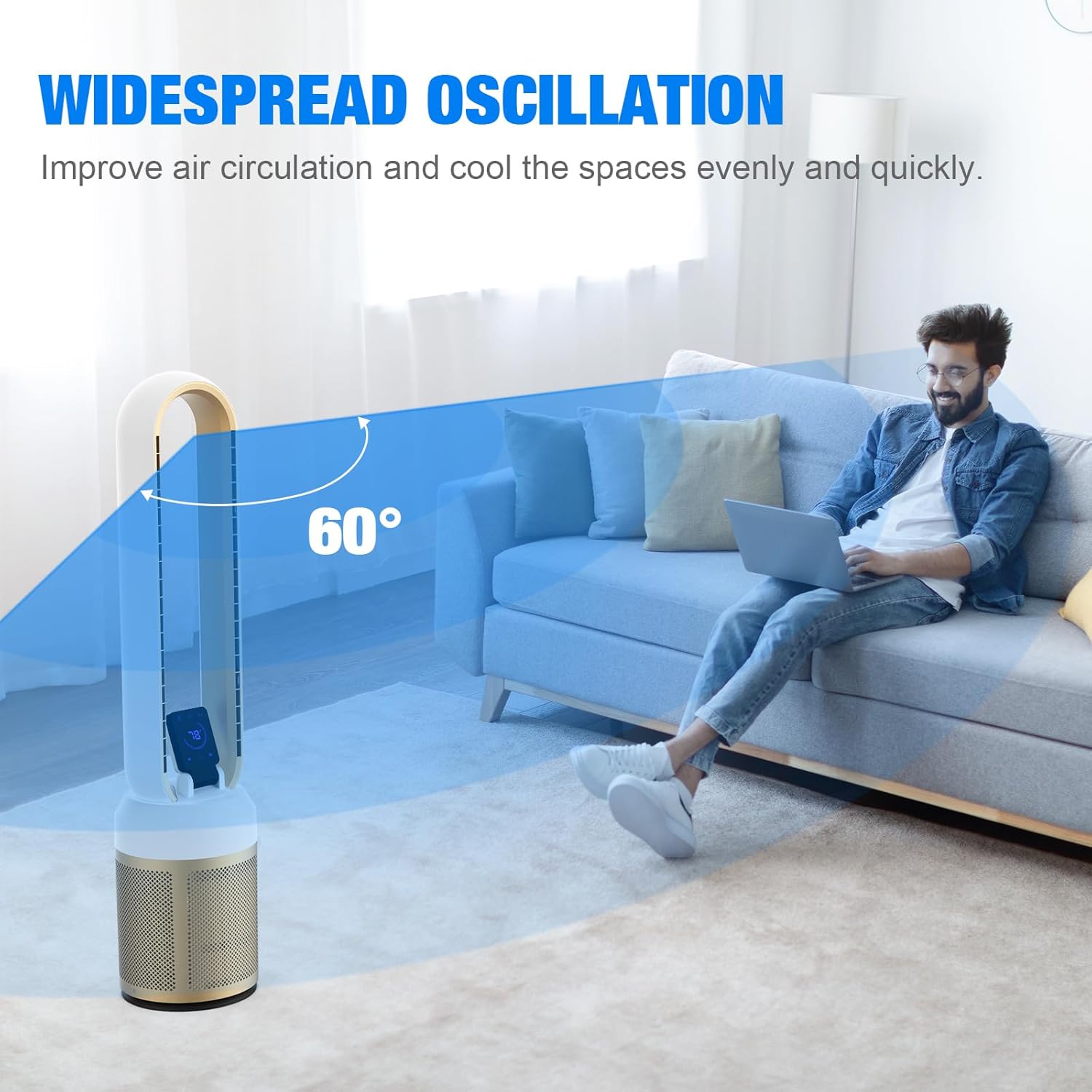
Figure 6.3: Customizable Airflow with 24 Speeds. This diagram illustrates the wide range of fan speeds, from gentle breeze to powerful circulation, allowing users to select their preferred intensity.

Figure 6.4: Widespread Oscillation for Even Cooling. The fan's 60-degree oscillation feature ensures air is distributed across a wide area, improving air circulation and cooling spaces efficiently.

Figure 6.5: Low Noise Operation and 12-Hour Timer. The fan operates quietly, producing less than 30 decibels of noise, ideal for undisturbed sleep. It also includes a convenient 12-hour timer function.
7. Maintenance
Regular cleaning and maintenance will ensure the longevity and optimal performance of your fan.
- Cleaning:
- Always unplug the fan before cleaning.
- Wipe the exterior surfaces with a soft, damp cloth. Do not use abrasive cleaners or solvents.
- The bladeless design makes cleaning easy; simply wipe the air outlet and inlet areas.
- Storage: When not in use for extended periods, store the fan in a cool, dry place, preferably in its original packaging, to protect it from dust and damage.

Figure 7.1: Safe Bladeless Design. The fan's bladeless construction eliminates exposed moving parts, making it safer for households with children and pets and easier to clean.
8. Troubleshooting
If you experience issues with your fan, please refer to the following common problems and solutions:
| Problem | Possible Cause | Solution |
|---|---|---|
| Fan does not turn on. | Not plugged in; Power outlet not working; Remote control battery dead/incorrectly inserted. | Ensure fan is securely plugged into a working outlet. Check remote control battery and polarity. |
| Weak airflow. | Fan speed set too low; Air inlet/outlet blocked. | Increase fan speed. Check for and remove any obstructions from air inlets or outlets. |
| Fan is noisy. | Fan not on a stable surface; Internal obstruction. | Place fan on a flat, stable surface. If noise persists, contact customer support. |
| Remote control not working. | Battery dead/incorrectly inserted; Obstruction between remote and fan; Remote too far. | Replace battery. Ensure clear line of sight. Operate within 19.69 feet. |
9. Specifications
| Feature | Detail |
|---|---|
| Brand | advwin |
| Model Name | Bladeless Tower Fan |
| Model Number | BW-308Y-DC |
| Color | Gold & White |
| Product Dimensions | 8.27"D x 6.81"W x 38.58"H |
| Item Weight | 6.5 Pounds |
| Power Source | Electric |
| Voltage | 110 Volts |
| Wattage | 35 watts |
| Noise Level | 30 dB |
| Number of Power Levels | 24 |
| Oscillation Angle | 60° |
| Timer | 1-12 Hours |
| Control Method | Remote, Touch Control |
| Indoor/Outdoor Usage | Indoor |
10. Warranty and Support
For warranty information or technical support, please contact advwin customer service. Refer to your purchase documentation for specific warranty terms and contact details.
You can also visit the official advwin store for more information: advwin Store on Amazon
Protection plans are available for extended coverage:
- 3-Year Protection Plan
- 4-Year Protection Plan
- Complete Protect (monthly plan)
Please check Amazon product page for current pricing and details on protection plans.