
1. Introduction
This manual provides detailed instructions for the Hawkray Light Bulb Security Camera, Model PW2. This wireless security camera offers advanced surveillance features, including 2K 3MP video resolution, dual-band 5G and 2.4GHz Wi-Fi connectivity, motion detection with AI capabilities, 911 alarm monitoring, two-way audio, color night vision, and US local cloud storage. Designed for easy installation, it fits into a standard light socket, providing a discreet and effective security solution.
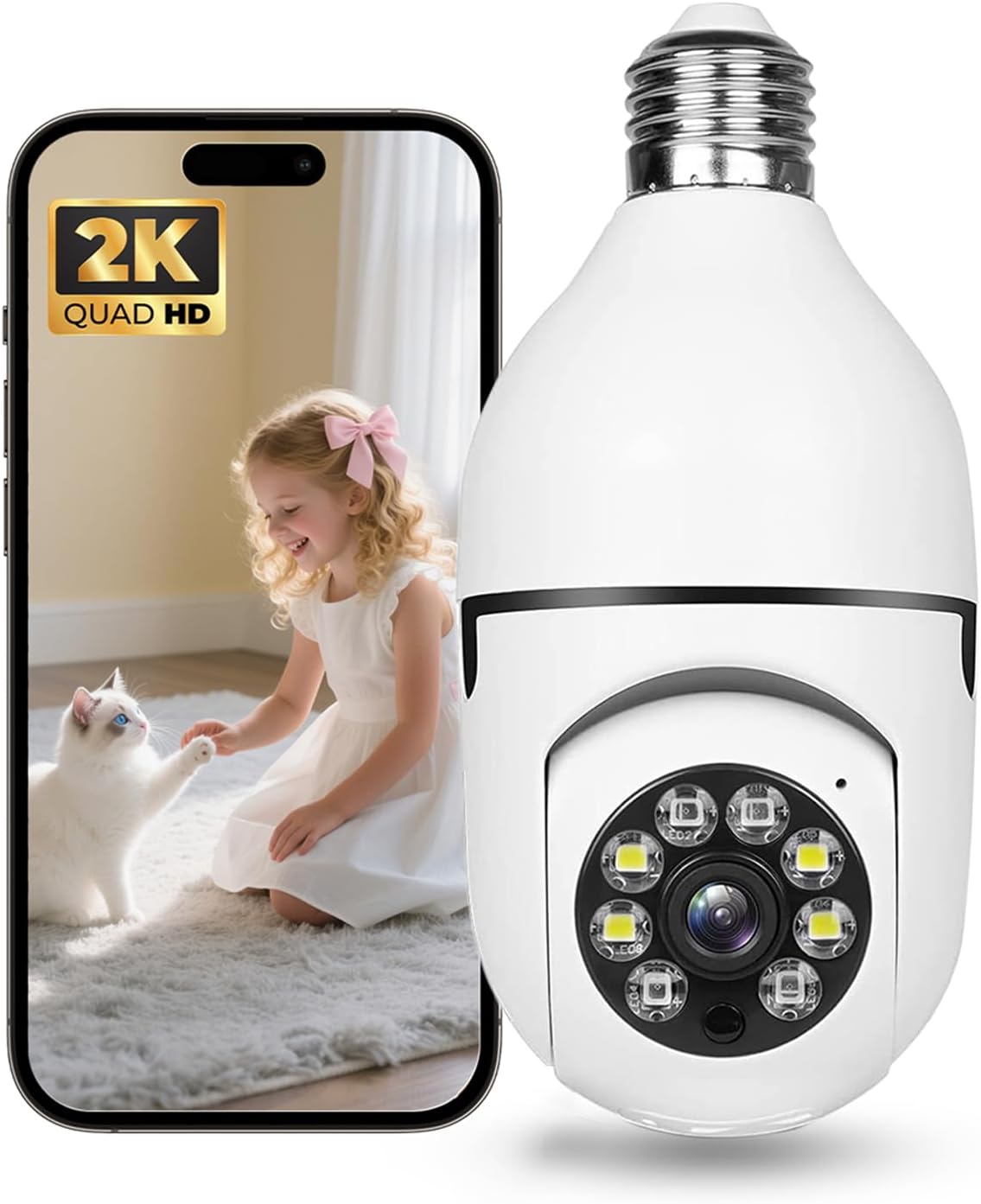
Image 1.1: Hawkray Light Bulb Security Camera with a live feed displayed on a smartphone.
2. What's in the Box
Verify that all components are present in the package:
- Hawkray Light Bulb Security Camera (Model PW2)
- Instruction Manual (this document)
Additional accessories, such as a light socket adapter or extension cable, may be included depending on the specific product variant.
3. Setup and Installation
The Hawkray Light Bulb Security Camera is designed for simple, plug-and-play installation. No complex wiring or drilling is required.
3.1 Physical Installation
- Choose a Location: Select an indoor location with a standard E27/E26 light bulb socket. Ensure the location provides a clear view of the area you wish to monitor and is within range of your Wi-Fi network.
- Power Off: Before installation, ensure the power to the light socket is turned off at the circuit breaker to prevent electrical hazards.
- Install Camera: Carefully screw the Hawkray Light Bulb Security Camera into the light socket until it is snug. Do not overtighten.
- Power On: Restore power to the light socket. The camera will power on and initiate its startup sequence. You may hear an audible prompt or see indicator lights.

Image 3.1: The camera supports dual-band 2.4G and 5G Wi-Fi for stable connectivity.
3.2 App Download and Connection
To operate the camera, you need to download the companion application, typically named "CloudEdge" as indicated in the product specifications.
- Download App: Search for "CloudEdge" in your smartphone's app store (Google Play Store for Android or Apple App Store for iOS) and download the application.
- Create Account: Open the app and follow the on-screen instructions to create a new user account or log in if you already have one.
- Add Device: In the app, select the option to add a new device. Choose the appropriate camera type (e.g., "Light Bulb Camera" or "Smart Camera").
- Connect to Wi-Fi: Follow the app's prompts to connect the camera to your Wi-Fi network. The camera supports both 2.4GHz and 5GHz Wi-Fi bands for enhanced stability and range. You may need to scan a QR code displayed on your phone with the camera lens or enter your Wi-Fi credentials.
- Complete Setup: Once connected, the camera will appear in your app's device list. You can then customize settings and begin monitoring.
4. Operating Instructions
The Hawkray Light Bulb Security Camera offers a range of features accessible through the companion mobile application.
4.1 Live View and Pan/Tilt Control
Access the live video feed from your camera through the app. You can remotely control the camera's pan (horizontal) and tilt (vertical) movements to adjust the viewing angle.
- Pan: 355 degrees horizontal rotation.
- Tilt: 95 degrees vertical rotation.

Image 4.1: The camera offers extensive pan and tilt capabilities to cover a wide area.
4.2 Video Quality and Night Vision
The camera provides clear 2K 3MP video resolution, capturing detailed images. It features color night vision, utilizing infrared fill lights and smart algorithms to produce full-color footage even in low-light conditions.

Image 4.2: High-definition 2K 3MP video ensures clear and detailed surveillance.
4.3 Motion Detection and AI Features
The camera is equipped with smart motion detection and Open AI technology. It can accurately recognize people and vehicles, reducing false alarms from irrelevant movements. When motion is detected, the camera sends real-time alerts to your smartphone.

Image 4.3: Advanced AI features enable precise detection of people and vehicles.
4.4 911 Alarm Monitoring and Two-Way Audio
The camera supports 911 alarm monitoring, allowing for quick connection to emergency services in case of detected emergencies. The built-in two-way audio feature enables real-time communication, allowing you to speak through the camera and hear responses from the monitored area.
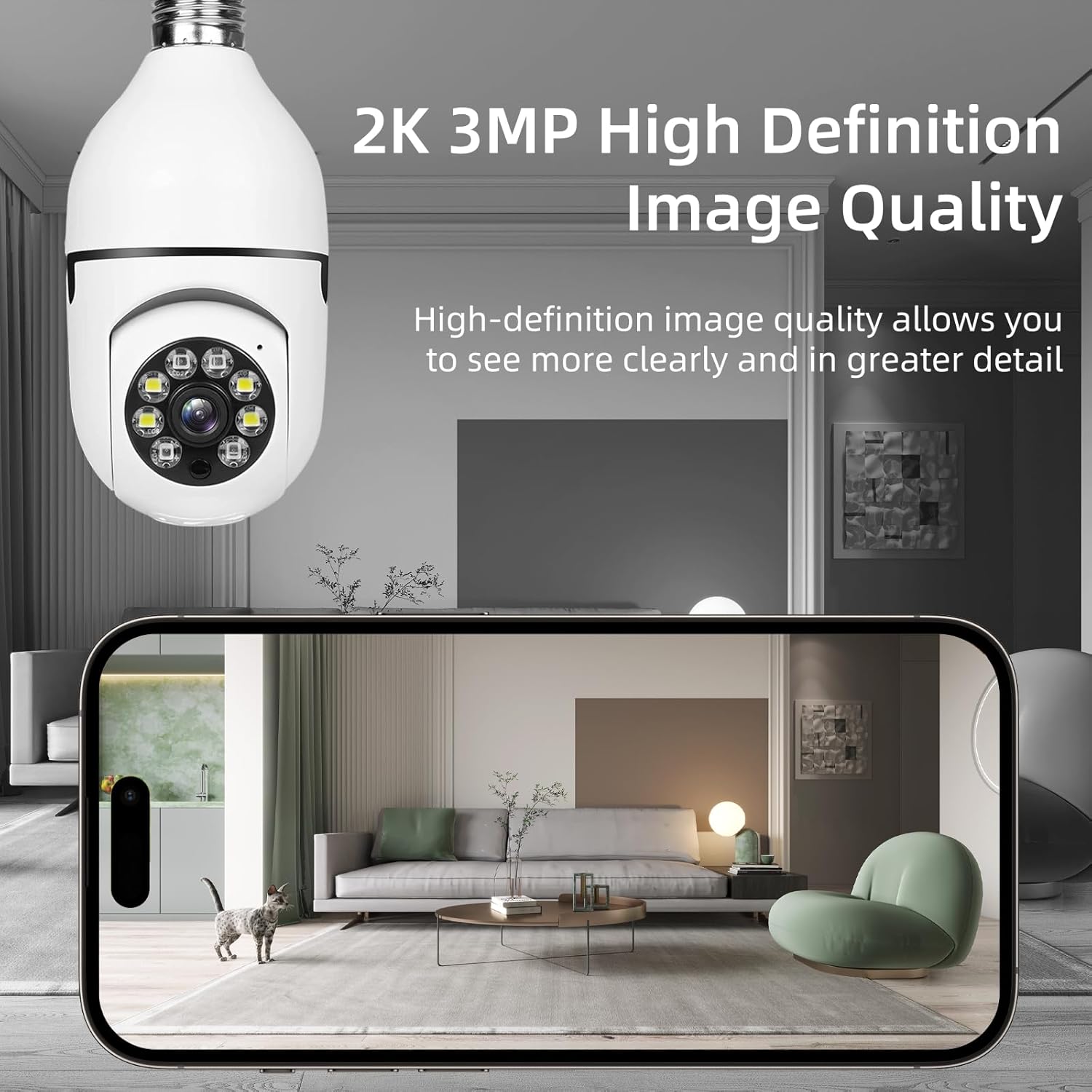
Image 4.4: The 911 Alarm Monitoring feature provides a direct link to emergency services.
4.5 Storage Options
The camera supports both local storage via an SD card (not included) and US local cloud storage. Cloud storage ensures data privacy and security, providing on-demand access to recorded footage.
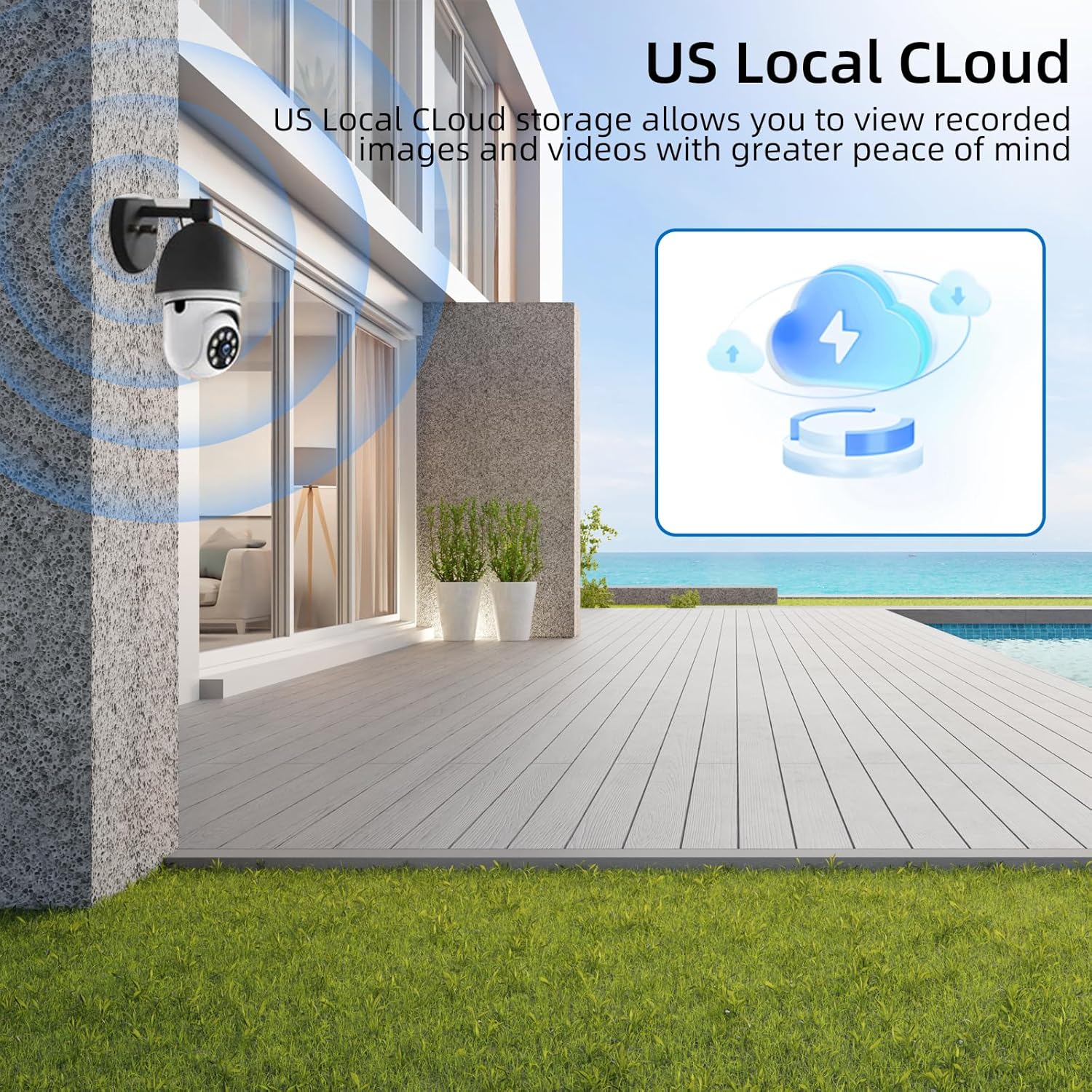
Image 4.5: US Local Cloud storage offers secure and accessible video archiving.
5. Maintenance
To ensure optimal performance and longevity of your Hawkray Light Bulb Security Camera, follow these maintenance guidelines:
- Cleaning: Gently wipe the camera lens and exterior with a soft, dry cloth. Avoid using harsh chemicals or abrasive materials that could damage the lens or casing.
- Firmware Updates: Regularly check the CloudEdge app for available firmware updates. Updates often include performance improvements, new features, and security enhancements.
- Power Cycle: If the camera experiences connectivity issues or unusual behavior, try power cycling it by turning off the light socket power for a few seconds and then turning it back on.
- Wi-Fi Stability: Ensure your Wi-Fi network is stable and provides adequate signal strength to the camera's location for uninterrupted operation.
6. Troubleshooting
If you encounter issues with your Hawkray Light Bulb Security Camera, refer to the following common solutions:
| Problem | Possible Solution |
|---|---|
| Camera not connecting to Wi-Fi |
|
| Poor video quality |
|
| Motion detection not working or too many false alarms |
|
| Two-way audio issues |
|
7. Specifications
| Feature | Detail |
|---|---|
| Model Name | PW2 |
| Brand | Hawkray Tech |
| Indoor/Outdoor Usage | Indoor |
| Connectivity Technology | Wireless (Wi-Fi) |
| Wireless Communication Technology | Wi-Fi (5G & 2.4GHz Dual-Band) |
| Power Source | Light Socket (Primary power; 'Battery Powered' in specifications likely refers to internal backup or settings retention) |
| Mounting Type | Light Socket |
| Video Capture Resolution | 2K 3MP (1440p) |
| Effective Video Resolution | 300 (likely 3MP) |
| Video Capture Format | MP4 |
| Special Feature | 2-Way Audio, Motion Detection, Color Night Vision, AI Enabled, 911 Alarm Monitoring, US Local Cloud |
| Compatible Devices | Smartphone |
| Controller Type | CloudEdge App |
| Color | White |
| Product Dimensions | 3 x 6 x 3 inches |
| Item Weight | 10.8 ounces |
| UPC | 708707852525 |
8. Warranty and Support
For warranty information, technical support, or service inquiries, please refer to the contact details provided with your product packaging or visit the official Hawkray Tech website. Keep your purchase receipt for warranty claims.