1. Introduction
This manual provides detailed instructions for the safe and efficient operation of your LifePlus Infrared Heater, Model GD9315BCW-3J. Please read all instructions carefully before use and retain this manual for future reference.
The LifePlus Infrared Heater is designed to provide supplemental warmth for indoor spaces up to 300 sq ft. It features multiple heating modes, precise temperature control, a programmable timer, and convenient control options including a control panel, remote, and Wi-Fi app.
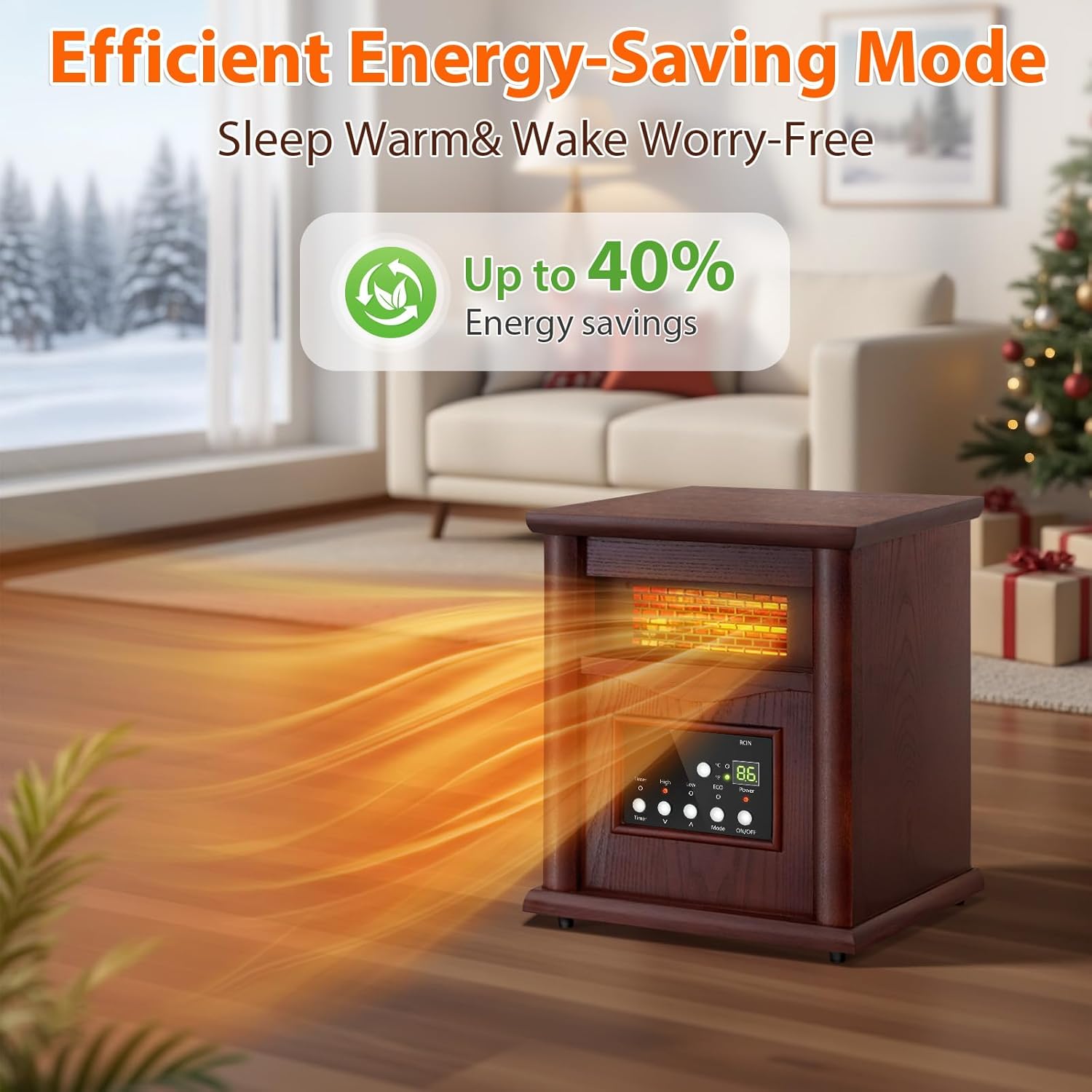
Image: The LifePlus Infrared Heater positioned in a living room, illustrating its ability to heat spaces up to 300 square feet with warm air currents.
2. Important Safety Instructions
When using electrical appliances, basic precautions should always be followed to reduce the risk of fire, electric shock, and injury to persons, including the following:
- Read all instructions before using this heater.
- This heater is hot when in use. To avoid burns, do not let bare skin touch hot surfaces. Use handles when moving this heater. Keep combustible materials, such as furniture, pillows, bedding, papers, clothes, and curtains at least 3 feet (0.9 m) from the front of the heater and keep them away from the sides and rear.
- Extreme caution is necessary when any heater is used by or near children or invalids and whenever the heater is left operating and unattended.
- Always unplug heater when not in use.
- Do not operate any heater with a damaged cord or plug or after the heater malfunctions, has been dropped or damaged in any manner. Return heater to authorized service facility for examination, electrical or mechanical adjustment, or repair.
- Do not use outdoors.
- This heater is not intended for use in bathrooms, laundry areas and similar indoor locations. Never locate heater where it may fall into a bathtub or other water container.
- Do not run cord under carpeting. Do not cover cord with throw rugs, runners, or similar coverings. Do not route cord under furniture or appliances. Arrange cord away from traffic area and where it will not be tripped over.
- To disconnect heater, turn controls to off, then remove plug from outlet.
- Do not insert or allow foreign objects to enter any ventilation or exhaust opening as this may cause an electric shock or fire, or damage the heater.
- To prevent a possible fire, do not block air intakes or exhaust in any manner. Do not use on soft surfaces, like a bed, where openings may become blocked.
- A heater has hot and arcing or sparking parts inside. Do not use it in areas where gasoline, paint, or flammable liquids are used or stored.
- Use this heater only as described in this manual. Any other use not recommended by the manufacturer may cause fire, electric shock, or injury to persons.
- Always plug heaters directly into a wall outlet/receptacle. Never use with an extension cord or relocatable power tap (outlet/power strip).
- This heater includes overheat protection and an auto shut-off if knocked over.
- A child safety lock feature is included.
- To ensure proper heat dissipation, always place the heater at least 3 feet away from walls or other objects. Do not block the air vents or place the heater in confined spaces.

Image: The LifePlus Infrared Heater with icons indicating Overheat Protection and Tip-Over Protection. A woman and child are playing near the heater, and a dog is nearby, illustrating safe use in a family environment.
3. Product Features
- Multi-Mode Heating: Offers 3 adjustable modes: Low (750W), High (1500W), and an energy-saving ECO mode.
- Versatile Control Options: Control via the onboard panel, included remote control, or smartphone app.
- Precise Temperature Control: Set temperatures from 59°F to 86°F (15°C to 30°C) with a built-in thermostat.
- Safety Features: Includes overheat protection, auto shut-off if knocked over, and a child safety lock.
- 12-Hour Programmable Timer: Customize heating schedules for convenience.
- Compact and Stylish Design: Elegant walnut-colored wood finish, suitable for rooms up to 300 sq ft.

Image: The LifePlus Infrared Heater in a living room setting, with an overlay highlighting "3 Intelligent Modes": Low, High, and ECO, and "1500W" power output.
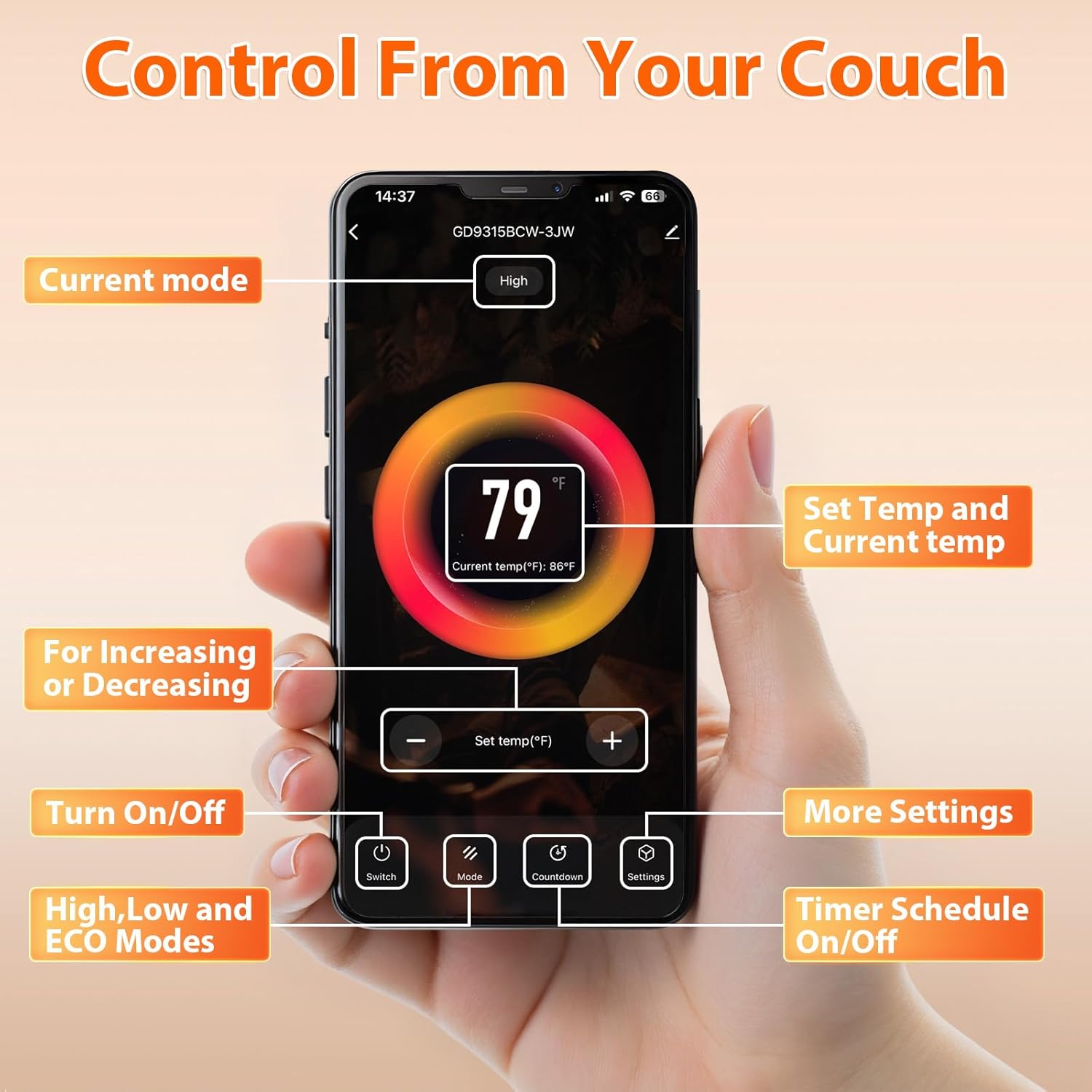
Image: The LifePlus Infrared Heater with three panels illustrating the control methods: App Control on a smartphone, Touch Panel on the heater, and a Remote Control.

Image: The LifePlus Infrared Heater operating in a room, with an overlay indicating "Efficient Energy-Saving Mode" and "Up to 40% Energy savings".
4. Setup
4.1 Unpacking and Placement
- Carefully remove the heater from its packaging. No assembly is required.
- Place the heater on a firm, level surface.
- Ensure the heater is placed at least 3 feet (0.9 meters) away from walls, furniture, curtains, and other combustible materials.
- Do not block air intake or exhaust vents.
- Ensure the power cord is not pinched or placed under the heater.
4.2 Power Connection
- Plug the heater directly into a 120V AC, 60Hz grounded wall outlet. Do not use extension cords or power strips.
- Ensure the outlet is not overloaded with other appliances.

Image: The LifePlus Infrared Heater positioned in a living room, demonstrating its compact size and readiness for immediate use after unpacking.
5. Operating Instructions
5.1 Control Panel Operation
The control panel on the front of the heater allows direct control of all functions.
- Power (ON/OFF): Press to turn the heater on or off.
- Mode: Cycle through heating modes: High (1500W), Low (750W), and ECO.
- Temperature Adjustment (Up/Down Arrows): Adjust the desired temperature between 59°F (15°C) and 86°F (30°C).
- Timer: Set the auto-off timer for up to 12 hours.
- °C/°F: Switch between Celsius and Fahrenheit temperature display.
5.2 Remote Control Operation
The included remote control provides convenient access to all heater functions from a distance. Ensure the remote has working batteries and is pointed towards the heater's control panel.
5.3 Wi-Fi App Control
Control your heater remotely using the Tuya Smart APP on your smartphone.
- Download the App: Ensure your phone is connected to your Wi-Fi network and you have the "Tuya Smart" APP downloaded from your app store.
- Pairing the Heater:
- Press and hold the TIMER button on your heater's control panel for 3 seconds until you hear a beep. This puts the heater into pairing mode.
- Open the Tuya Smart APP. It should automatically detect your heater.
- Confirm your Wi-Fi network and enter the password if prompted.
- Follow the on-screen instructions to complete the pairing process.
Note: Your heater connects to one phone at a time. If another phone connects, the first will automatically disconnect.
- App Functions: Once connected, you can:
- Power the heater on/off.
- Adjust the temperature (59°F-86°F).
- Change heating modes (Low/High/ECO).
- Set the 12-hour timer/schedule.
- Activate the child lock.
Video: This video demonstrates how to connect your LifePlus Infrared Heater to the Tuya Smart app and control its functions, including power, temperature, modes, and timer settings.
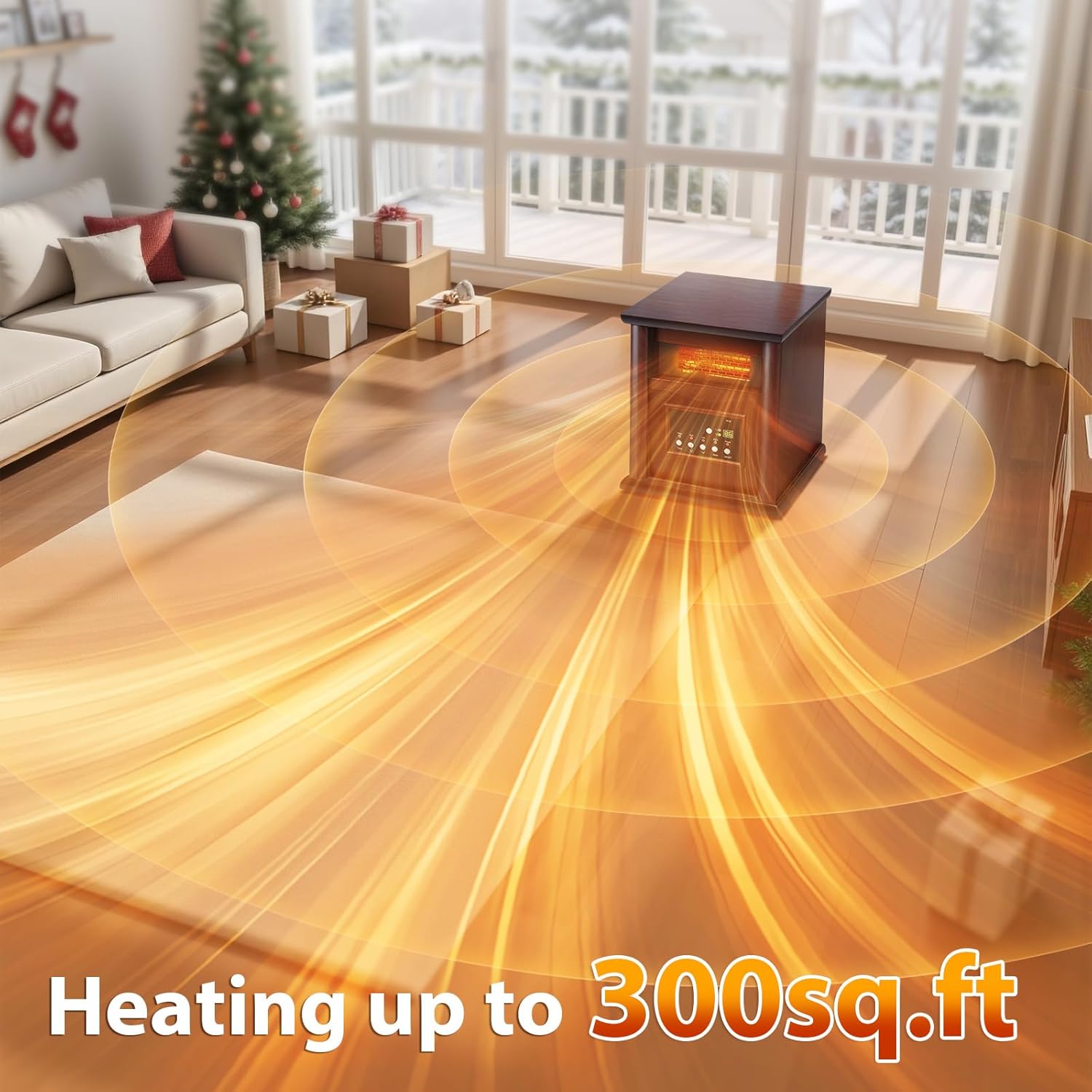
Image: A smartphone displaying the Tuya Smart app interface, showing controls for current mode, set temperature, power on/off, mode selection, countdown timer, and other settings for the LifePlus Infrared Heater.

Image: The LifePlus Infrared Heater operating in a bedroom, with an overlay highlighting the "12-Hour Programmable Timer" feature, suggesting sleep warm and wake worry-free.
6. Maintenance
6.1 Cleaning
- Always unplug the heater and allow it to cool completely before cleaning.
- Wipe the exterior surfaces with a soft, damp cloth. Do not use abrasive cleaners or solvents.
- Periodically clean the air intake and exhaust vents with a vacuum cleaner attachment to remove dust and debris.
- Do not immerse the heater in water or allow water to drip into the interior.
6.2 Storage
- Store the heater in a cool, dry location when not in use.
- It is recommended to store the heater in its original packaging to protect it from dust and damage.
7. Troubleshooting
| Problem | Possible Cause | Solution |
|---|---|---|
| Heater does not turn on. | No power to the unit. Overheat protection activated. Tip-over switch activated. | Ensure the heater is plugged into a working outlet. Unplug the heater, allow it to cool for 10-15 minutes, then plug it back in. Ensure the heater is on a flat, stable surface. |
| Heater stops working unexpectedly. | Poor heat dissipation due to blocked vents or confined space. Overheat protection activated. | Unplug the power cord, allow the unit to cool, and then plug it back in. Ensure the heater is at least 3 feet from objects and vents are clear. Refer to the solution for "Overheat protection activated" above. |
| Heater is not heating effectively. | Incorrect mode selected. Temperature setting too low. Room size exceeds heater capacity. | Ensure High mode is selected for maximum heat. Increase the desired temperature setting. This heater is designed for rooms up to 300 sq ft. For larger rooms, heating may be less effective. |
| App control not working. | Heater not paired with app. Wi-Fi connectivity issues. Another device is connected. | Follow the pairing instructions in Section 5.3. Ensure your phone and heater are connected to a stable 2.4GHz Wi-Fi network. Disconnect other devices from the heater's Wi-Fi connection. |
8. Specifications
- Model Number: GD9315BCW-3J
- Brand: LifePlus
- Power Output: 750W (Low), 1500W (High)
- Voltage: 120V AC
- Frequency: 60Hz
- Temperature Range: 59°F - 86°F (15°C - 30°C)
- Coverage Area: Up to 300 sq ft
- Product Dimensions: 11.93"D x 12.8"W x 15.79"H
- Item Weight: 8.33 pounds
- Special Features: Adjustable Temperature, Child Lock, Fast Heating, Remote Control, Wi-Fi Enabled, Overheat Protection, Tip-Over Protection, 12-Hour Timer.
- Color: Walnut Brown
- Indoor/Outdoor Usage: Indoor Only
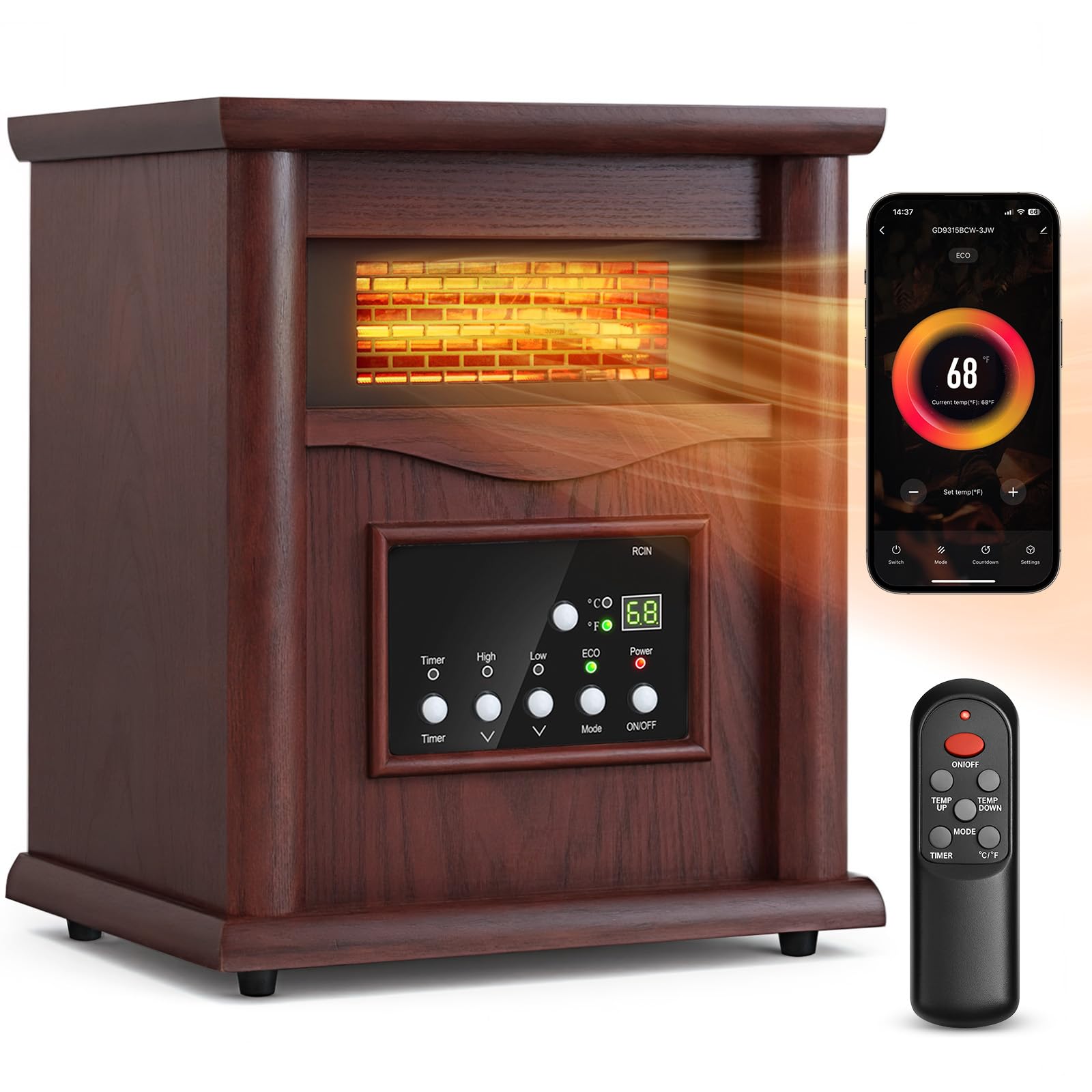
Image: The LifePlus Infrared Heater shown with its dimensions (14.76 in height, 10.83 in depth, 12.80 in width) and a person easily carrying it, highlighting its lightweight and space-saving design.
9. Warranty and Support
For warranty information or technical support, please refer to the documentation included with your purchase or contact LifePlus customer service. Keep your purchase receipt as proof of purchase.


